Best Cloud Storage for Security Cameras 2026 Guide
Disclosure: We may earn a commission when you buy through links on this page, at no extra cost to you. As an Amazon Associate I earn from qualifying purchases. Learn more
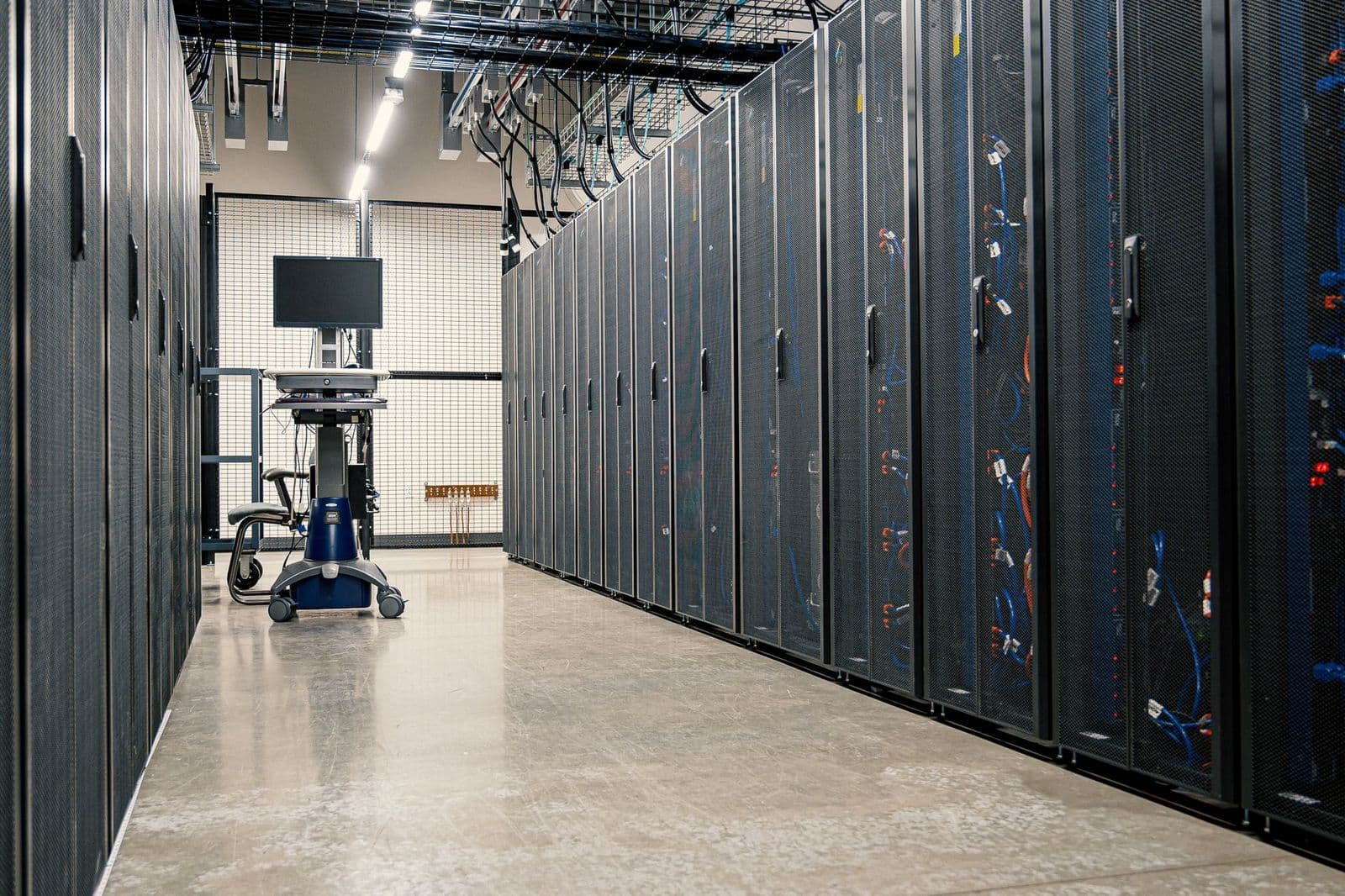
The best cloud storage for security cameras depends on retention, camera limits and privacy controls. Learn what to check before you pay for a plan.
Choosing best cloud storage for security cameras starts with a simple question: how long do you need to keep video, and how quickly do you need to find it again. A cloud plan stores clips from your cameras on remote servers, so you can review footage from a phone even if a camera is damaged or stolen. That protection is useful, but plans differ widely in clip length, camera limits, download options, and monthly cost.
The sections that follow explain each choice in plain language. You will learn how retention works, what affects video quality, how privacy controls work, and which questions to ask before you pay for a subscription. Take notes on your camera count, your internet speed, and how you use footage day to day.
Who Should Use Cloud Storage for Cameras
The best cloud storage for security cameras suits households that want video available away from home and a backup if local hardware fails. It is a good fit if you travel, manage a rental, or want family members to check a door camera without handling a memory card. It also helps when a camera sits in a hard to reach spot, because you do not need to climb up to retrieve clips.
Local storage can still be the right choice if your internet connection is slow or unreliable, or if you prefer to keep every clip inside your home. Some households use both options, with local recording for continuous video and cloud storage for motion clips that matter most. That hybrid approach gives you a backup without paying for cloud storage on every camera.
Before you subscribe, count your cameras and check whether each one supports cloud recording. Some cameras need a specific plan from the same brand, while others work with a wider service. If you mix brands, expect separate apps and separate bills, and weigh that extra effort against the convenience of one dashboard.
How Retention, Clips, and Timelines Work
Retention is the number of days a service keeps a clip before it deletes it automatically. A seven day plan may be enough if you check alerts daily, while a thirty day plan gives more time to notice a problem and save the evidence. Longer retention usually costs more, so match the window to how often you actually review footage.
Most plans store event clips rather than every minute of video. An event clip starts when motion, a person, or a sound triggers the camera, and it usually includes a short buffer before and after the trigger. Continuous cloud recording exists, but it uses more bandwidth and storage, so it is often offered only on higher priced plans.
Finding a clip should be easy, not a chore. Look for a timeline that lets you filter by camera, date, and event type, and check whether you can download or share a clip without a complicated export step. If you may need footage for an insurance claim or a police report, try the download process during a free trial before you commit.
Video Quality, Bandwidth, and Camera Limits
Video quality depends on the camera, the plan, and your upload speed. A high resolution camera can still produce a soft cloud clip if the plan compresses video heavily or if your upload speed cannot keep up. Check the plan details for resolution limits and ask whether clips are stored at full quality or reduced quality.
Upload speed matters more than download speed for cloud cameras. Each camera that records at the same time adds to the load, so a home with four active cameras needs a stronger connection than a home with one door camera. If your connection struggles, lower the resolution, shorten clip length, or limit cloud recording to key cameras.
Camera limits are easy to miss. Some plans cover one camera, others cover up to ten, and some charge per camera after a small allowance. Add up the total monthly cost for your full camera count, not just the advertised price for a single camera. A plan that looks cheap for one camera can become expensive for a whole house.
Privacy, Sharing, and Everyday Costs
Privacy controls deserve as much attention as price. Check whether the service uses encryption for stored video, offers two step sign in, and lets you set who can view each camera. Review sharing settings after you add family members, and remove access promptly when someone no longer needs it. Strong passwords and regular app updates also reduce risk.
Think about how you will use clips in daily life. If you want instant alerts on your phone, check whether alerts arrive quickly and whether you can adjust sensitivity to reduce false alarms from pets, passing cars, or moving trees. A service that floods you with alerts will soon be ignored, which defeats the purpose of having cameras at all.
For a related camera choice, read our guide to best cloud security cameras before you finalize a plan, because camera features shape what the cloud service can actually store. You may also compare best cloud based security cameras if you want cameras built around cloud recording from the start. Homes with outbuildings should also consider best security cameras for storage units, while a whole house setup benefits from best security cameras for house and best security cameras outside for outdoor coverage.
Getting More From Your Choice
Think about how you will review footage on a busy day, because a plan that looks good on paper can feel slow when you need a clip quickly. Open the app, search by camera and date, and try downloading a short clip before you pay for a full year. If the search feels confusing or downloads take too long, that friction will matter more than a small price difference. A service that lets you find and save evidence in a few taps will serve you better during a stressful moment than a cheaper plan with a clumsy interface.
Consider how many people need access and what each person should see. A household may want full access for adults and limited access for a house sitter or a neighbor who checks the house during holidays. Set permissions camera by camera where possible, and review them after any change in household arrangements. Remove old devices from the account as well, because a forgotten phone or tablet can retain access long after it stops being used every day.
Check what happens when you change cameras or move house, because cloud plans are often tied to specific models or accounts. Some plans transfer easily to a new camera from the same brand, while others require a new subscription or lose old clips on cancellation. Ask about export options before you build up months of footage, and download important clips regularly so you are not locked into one service by your own history.
Budget for the whole system, not just the monthly plan fee. Cameras, mounts, extra power supplies, and a stronger internet connection can add to the first year cost, especially if you add cameras to a garage or a garden building. Compare the total cost of a cloud plan plus any local storage you keep, and weigh that against the value of remote access and backup. A modest plan that covers entry points well often beats an expensive plan that covers every room poorly.
Tune alert settings over a full week, including windy days, rainy nights, and times when pets or delivery drivers pass the camera. Adjust motion zones and sensitivity until alerts feel useful rather than noisy, and check whether night alerts wake you unnecessarily. A well tuned system sends fewer, more meaningful alerts, which makes you more likely to check them promptly. If tuning takes too long, consider whether a simpler camera layout would serve you better.
Finally, write down your plan details, retention window, and download steps in a safe place that other household members can find. Note the renewal date, the number of cameras covered, and the steps to download a clip, because that information is easy to forget under pressure. Review the plan once a year, when cameras, internet speeds, and household needs may have changed. A yearly review keeps the subscription matched to real life, rather than drifting into an expensive habit.
Frequently Asked Questions
How long should I keep security camera clips in the cloud?
Keep clips for as long as you realistically need to notice and act on an incident. Seven days works if you check alerts daily, while fourteen to thirty days gives more breathing room for travel, illness, or a delayed discovery. Longer retention costs more, so choose the shortest window that still lets you download important clips in time.
Does cloud storage work if my internet goes down?
Most cameras cannot upload during an internet outage, so new events may be missed until the connection returns. Some cameras keep recording locally during an outage and upload later, which is a strong reason to consider a camera with local backup. Check the outage behavior before you buy, especially if your connection drops often.
Is cloud video private?
Reputable services encrypt video in transit and at rest, but no online service can promise absolute privacy. Use a unique password, turn on two step sign in, and review who has access to your cameras. Avoid sharing login details, and check privacy settings after every app update.
Can I download clips from cloud storage?
Most plans let you download individual clips to a phone or computer, but the steps and time limits vary. Some plans allow downloads only during the retention window, while others let you save clips permanently once downloaded. Test the download process early, so you are not learning it during a stressful incident.
Do I need cloud storage for every camera?
No, you can often mix cloud and local storage across cameras. Put cloud storage on entry points and high value areas, and use local storage for low priority rooms or garages. This approach controls cost while still protecting the footage most likely to matter.
Final Thoughts
Start with your camera count, your upload speed, and how often you review alerts, then pick the shortest retention window that gives you real peace of mind. Compare total cost for all cameras, try clip downloads, and lock down sharing settings before you rely on the service every day.
With those basics covered, best cloud storage for security cameras becomes a practical safety net rather than a confusing subscription.