
Best Cloud Security Cameras in 2026: Types Compared and How to Choose
Disclosure: We may earn a commission when you buy through links on this page, at no extra cost to you. As an Amazon Associate I earn from qualifying purchases. Learn more

Compare the best cloud security cameras by type, storage, detection, and placement, and learn how to choose a setup that fits your home and budget.
Shopping for best cloud security cameras can feel confusing, because cameras that look alike can store video in very different ways. Some rely mainly on cloud storage, some mix cloud clips with local storage, and some need a steady WiFi signal to work at all. The comparison table below gives a quick side by side view, but the right choice depends on where you will place each camera, how much video you want to keep, and how much ongoing cost you accept.
This guide compares the main types, explains the features that affect everyday use, and helps you avoid paying for storage or detection tools you do not need. It does not promise that any camera will prevent crime or guarantee security, and it does not replace local rules for camera placement and recording. Check the maker guidance and local rules before you mount a camera, especially for shared spaces, rental homes, and areas where other people have a reasonable expectation of privacy.
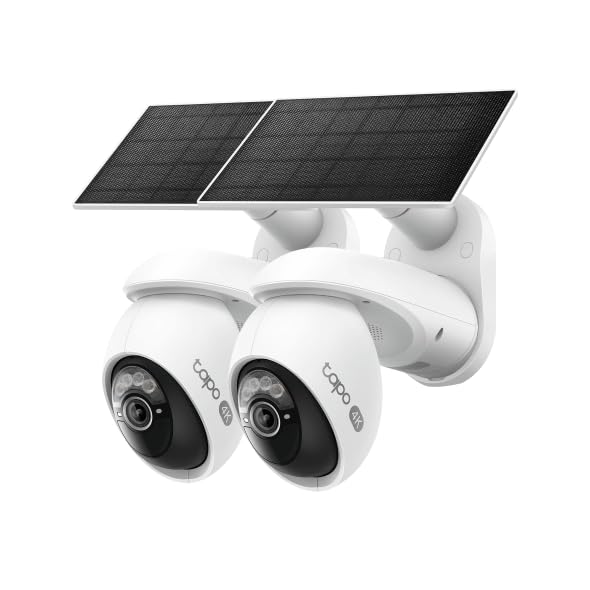

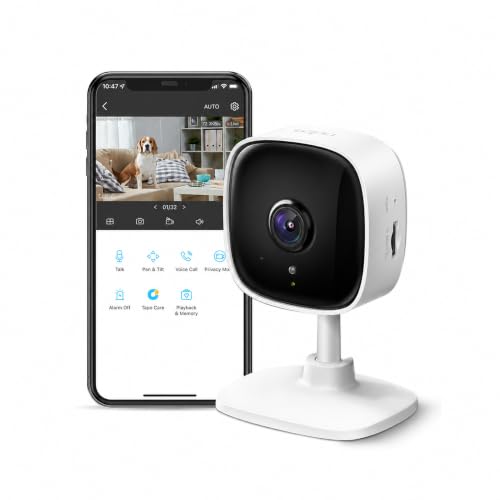


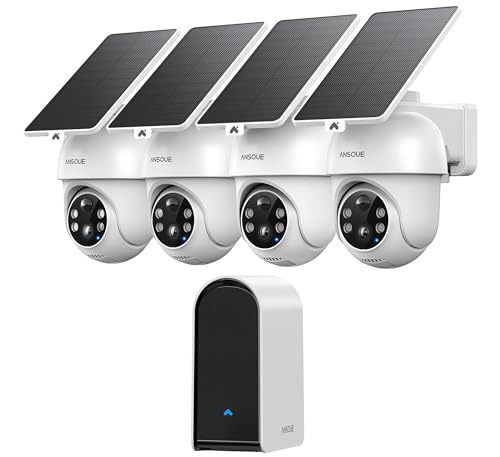
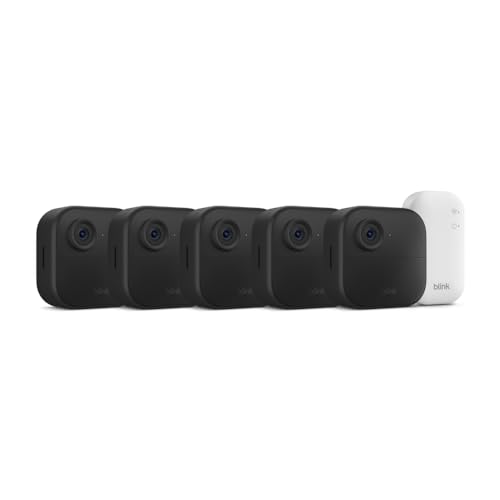
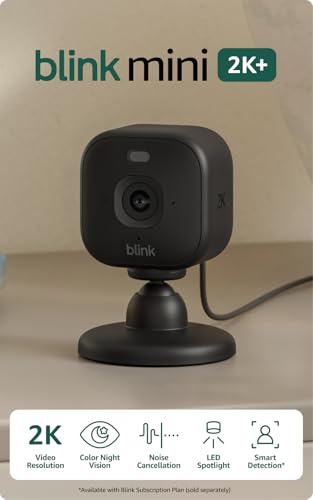

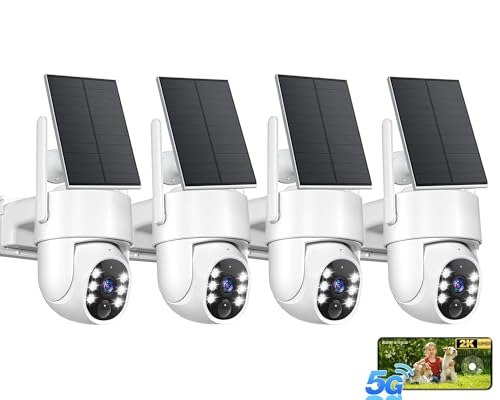
Types of Cloud Security Cameras Compared
Cloud cameras differ in power, placement, and how they handle video when the internet drops. A wired system often gives the most stable connection, while a battery or solar camera gives more placement freedom but needs attention to charging and signal strength. An indoor camera is built for sheltered rooms, while an outdoor camera needs weather resistance and a wider view.
| Type | Best For | Pros | Cons | Typical Price |
|---|---|---|---|---|
| Solar powered cameras | Outdoor spots without nearby power | Flexible placement, lower wiring needs | Needs sunlight and a strong signal | around $80 to $200 |
| Indoor cameras | Rooms, entryways, and pets | Easy setup, compact size | Not built for rain or wide outdoor views | around $30 to $120 |
| Wired camera systems | Whole home coverage with stable video | Steady power and connection | More complex install, less placement freedom | around $150 to $400 |
Solar Powered Cameras
Solar powered cameras suit outdoor spots where running a cable is hard, such as a gate, a driveway edge, or a back fence. A small panel tops up the battery during daylight, so the camera can run without a nearby outlet. This freedom comes with limits: shaded spots, short winter days, and heavy motion can drain the battery faster than the panel can recharge it. Check the panel angle, the expected sunlight at your site, and whether the camera can also charge by cable during dark or cloudy periods.
Indoor Cameras
Indoor cameras suit living rooms, entryways, nurseries in a general sense, and rooms where you want to check on pets while you are away. They are usually compact, easy to mount on a shelf or wall, and simple to connect to home WiFi. They are not built for rain, dust, or large outdoor areas, so do not move an indoor model outside and expect it to last. If you want to review clips from the cloud, check how long clips are stored, whether a plan is required, and how the app handles alerts at night.
Wired Camera Systems
Wired systems suit buyers who want steady coverage across several rooms or around a whole home. Power and data travel over cables, which can reduce the dropouts that sometimes affect WiFi cameras. The trade off is installation: you need cable runs, a place for a recorder or hub if one is used, and a plan for weatherproofing outdoor connections.
Solar Powered Cameras vs Indoor Cameras: Which Should You Choose?
Choose by location first, then by power and storage. A solar camera wins for an outdoor spot without power, while an indoor camera wins for a sheltered room where setup speed and size matter most. Compare weather resistance, night vision range, and field of view, since an outdoor camera needs to cover a larger area in changing light.
Also compare storage: some cameras keep clips in the cloud only, while others keep a local copy as a backup. If your internet is unreliable, a camera with local storage may give you more peace of mind, even though no setup can guarantee that every event is captured.
How to Choose the Right Cloud Security Camera
Work through the factors below in order, and skip any feature that does not match your placement or your budget. A camera that scores well on paper can still disappoint if it is mounted too high, pointed into glare, or placed where WiFi is weak.
Night Vision (Infrared vs Color)
Infrared night vision gives a clear black and white image in darkness and suits most driveways and yards. Color night vision uses a spotlight or a sensitive sensor to keep some color at night, which can help you describe clothing or vehicles. A spotlight can also alert visitors and may disturb neighbors, so check brightness and aim before you rely on it. Compare the stated night range with your actual distance, since a camera rated for a long range may still lose detail at the far edge of a yard.
Smart Detection and Alerts
Smart detection can separate people, packages, vehicles, and pets from general motion, which can cut down on needless alerts. Activity zones let you focus on a door or driveway and ignore a busy street, while sensitivity settings help in windy or leafy yards. No detection system is perfect, so expect some missed events and some false alerts, and adjust the settings during the first week. If you want fewer alerts at night, check whether schedules and quiet hours are available in the app.
Weather Resistance (IP65 and IP66)
Outdoor cameras should list a weather rating, and IP65 and IP66 are common ratings for rain and dust resistance. A higher rating does not make a camera waterproof in every condition, so follow the maker guidance on mounting angle, cable seals, and temperature limits. Check the operating temperature range if your winters are very cold or your summers are very hot.
Video Resolution and Field of View
Resolution affects how much detail you can see, and a 2K or 4K image can help you read a plate or a face at a moderate distance. A wider field of view, often about 130 to 160 degrees, covers more of a yard but can shrink distant detail. A narrower view keeps distant detail sharper but may miss activity at the edges. Match resolution and view to distance: a door camera can use a moderate view, while a long driveway may need a narrower view or a second camera.
Best Cloud Security Cameras for Specific Needs
Best Cloud Security Cameras for Office: Which Type Works Best
For an office, the key differences are shared access, quiet operation, and clear coverage of entry points and common areas. A wired or well placed WiFi camera near each entrance gives steadier video than a battery camera in a busy hallway, and activity zones can limit alerts to doors and storage rooms.
Check who can view live video and clips, how access can be removed when staff change, and whether the plan covers enough cameras for the whole space. Also follow workplace and local rules for recording, and tell staff and visitors where cameras are placed. If you need help weighing cloud plans against local storage, see our guide to the best cloud storage for security cameras before you commit to a monthly plan.
Setup and Care Tips
Mount outdoor cameras about 8 to 10 feet high where possible, angled down enough to capture faces without pointing straight into the sun. Enable two factor authentication, change any default password, and keep the camera app and firmware updated.
Position cameras away from direct sun glare, and check night vision and motion alerts after install rather than assuming the default settings are right. For a wider view of home coverage, see our guide to the best security cameras for house and compare indoor and outdoor placement for each room. If you prefer a simpler setup with fewer wires, see our guide to the best cloud cameras for models built around cloud clips. For outdoor placement, see our guide to the best security cameras outside and check weather ratings and mounting height for each spot.
Cloud Security Cameras: Your Questions Answered
How much storage do I need?
Storage needs depend on camera count, clip length, and how long you want to keep video. A single door camera with short motion clips may need only a few days of history, while several outdoor cameras may need weeks of storage to be useful. Check whether the plan charges per camera or per account, whether clips are stored in full resolution, and whether local storage can back up cloud clips. A useful starting point is to choose a plan that covers at least a week of motion clips, then adjust after you see how often each camera records.
Do I need a subscription?
Many cloud cameras work without a paid plan for live viewing, but clip history, smart detection, and longer storage often require one. Some cameras offer a free trial or a short free history, while others keep no cloud clips at all without a plan. Read the plan details before you buy, including per camera pricing, storage length, and what happens to clips if you cancel. If you dislike ongoing fees, look for cameras that also support local storage, so you still have a record even without a paid cloud plan.
Wired or wireless: which is more reliable?
Wired cameras are usually more reliable for steady video, because they do not depend on WiFi signal strength through walls and yards. Wireless cameras are easier to place and move, but they can drop frames or miss clips when the signal is weak or the network is busy. A strong router placement, a wired access point near outdoor cameras, or a dedicated network can improve wireless reliability. If steady coverage matters most, choose wired for key entrances and use wireless only where wiring is impractical.
Can cameras work without WiFi?
Most cloud cameras need WiFi for live viewing and cloud uploads, so they cannot send clips to the cloud without a connection. Some cameras keep recording to local storage during an outage and upload clips later, while others stop recording cloud clips until the connection returns. Check the maker description for offline behavior, local storage support, and whether alerts still work without WiFi. If your internet drops often, a camera with local storage gives you a better chance of keeping a record of events.
Are home cameras easy to hack?
Home cameras can be attacked if they use weak passwords, outdated firmware, or an unsecured network, so basic security steps matter. Use a unique strong password, enable two factor authentication, keep firmware updated, and avoid sharing camera access more widely than needed. A separate network for cameras and smart home gear can also limit exposure if one device is compromised. No setup is fully hack proof, so treat camera security as ongoing care rather than a one time setting.
Final Thoughts
Start with placement, then choose power, storage, and detection to match that spot. A wired system suits steady whole home coverage, a solar camera suits an outdoor spot without power, and an indoor camera suits a sheltered room where easy setup matters most. Compare storage costs and detection settings before you buy, and check the setup during the first week. With those points in mind, best cloud security cameras becomes a choice you can defend for your home, and the product table above can help you compare the final options side by side.
