
Best Class for Micro SD Cards of 2026: Complete Buying Guide
Disclosure: We may earn a commission when you buy through links on this page, at no extra cost to you. As an Amazon Associate I earn from qualifying purchases. Learn more

Learn the best class for micro sd cards with a plain guide to speed classes, video ratings, and app ratings, matched to phones, cameras, and consoles.
Micro SD cards carry a row of tiny logos, and those logos decide whether your camera records smoothly or stops mid clip. The class rating is the most important of them, yet it is also the most confusing. This guide explains the ratings in plain terms so you can choose the best class for micro sd cards for your device the first time.
You will see what each class guarantees, how video and app ratings differ, and where paying more stops helping. Use the comparison table below for a quick view of card types, then match the class to your use below.
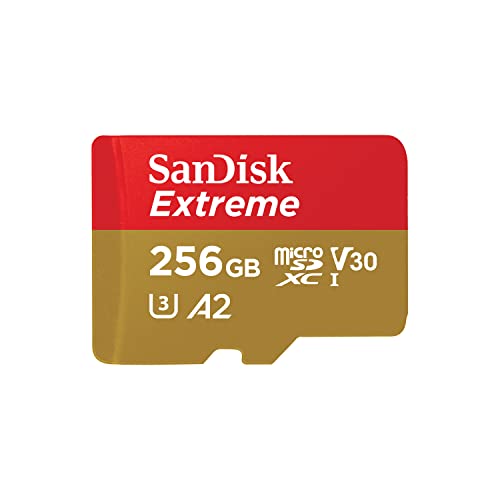
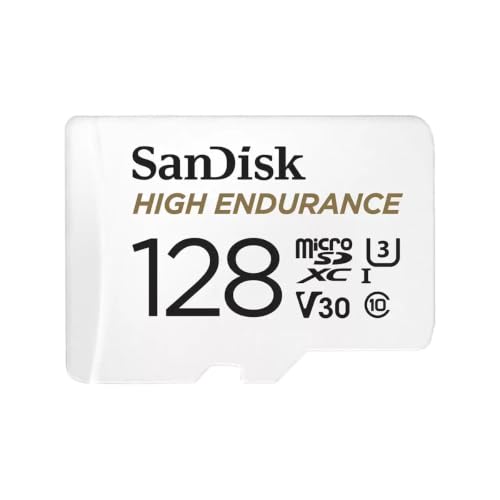
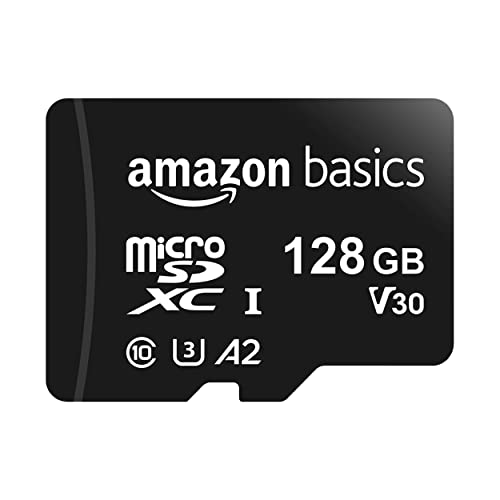
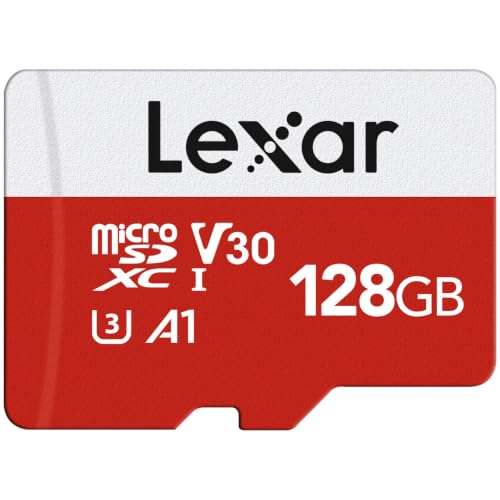


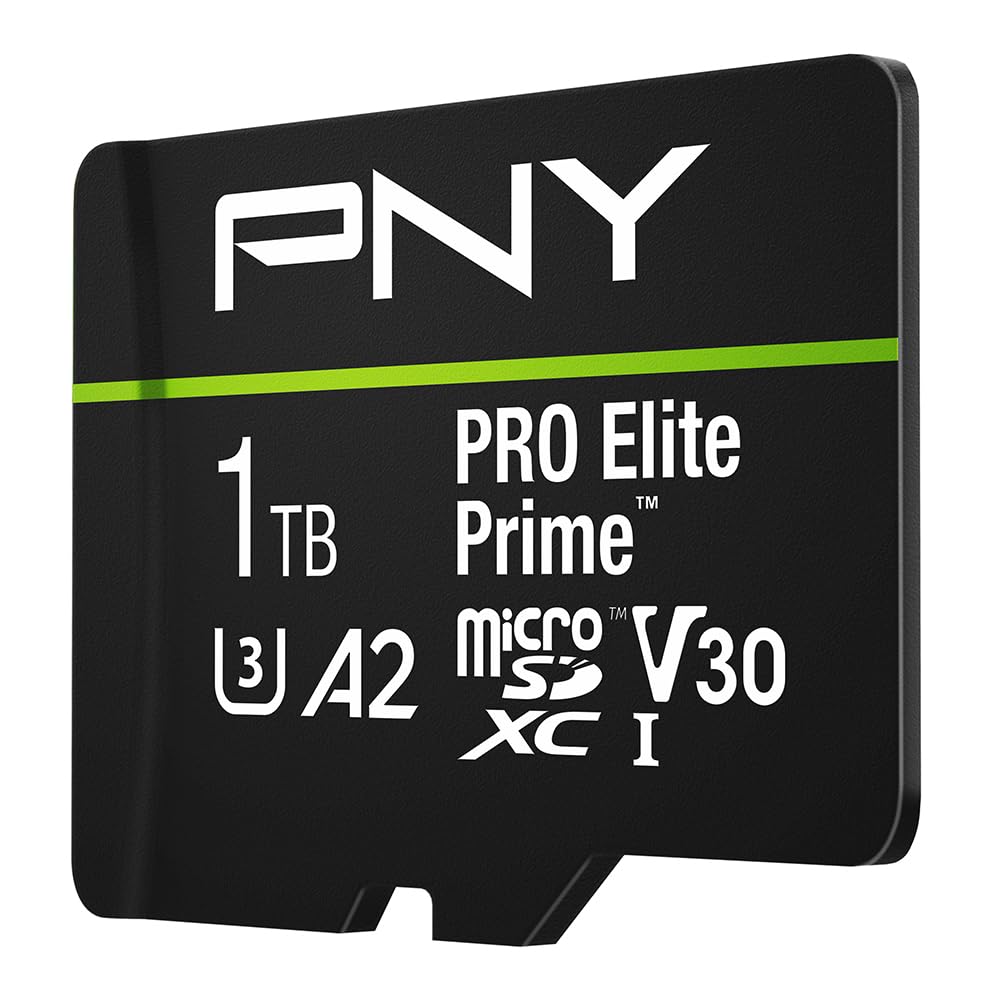

Speed Classes at a Glance: What Each Tier Delivers
Best Overall: U3 and V30 for Most Demanding Uses
For 4K video, action cameras, drones, and fast burst photo modes, a UHS Speed Class 3 card, marked U3, with a Video Speed Class of V30 is the safe overall standard. It guarantees a minimum sustained write speed of 30 MB per second, which is what recording actually depends on. Peak speeds printed in large type on the packet describe short bursts, not the steady writing a long video clip needs.
The trade off is price. U3 and V30 cards cost more per gigabyte than basic cards, and older devices cannot always use their full speed. Still, for any camera that records 4K, this tier avoids the dropped frames and stopped recordings that ruin footage you cannot shoot again. Around $15 to $30 buys a solid card at common capacities.
Best Value: U1 and V10 for Everyday Recording
A U1 or V10 card guarantees a minimum write speed of 10 MB per second, which covers full HD video, most phone storage, music, documents, and casual photography with ease. For a tablet used for films and books, or a phone storing photos and apps, this tier is usually the smart spend at around $8 to $18 for common sizes.
The limit appears when you push beyond full HD. A U1 card in a 4K action camera may record at lower settings, buffer slowly after photo bursts, or stop during long clips. Value means matching the card to the job, not buying the cheapest card on the shelf. If your device manual names U3 as a requirement, treat that as a floor, not a suggestion.
Best Premium Level: V60 and V90 for Pro Video
V60 and V90 cards guarantee sustained writes of 60 or 90 MB per second and serve high bit rate video, fast action photography, and professional cameras that support the UHS II interface. They cost far more, often around $40 and up at larger capacities, and only make sense when your camera can both write that fast and record in modes that demand it.
Most phones, consoles, and consumer cameras use the UHS I interface, which caps the benefit of these cards. Putting a V90 card in a UHS I slot is like fitting racing tires to a family car for school runs. Check your device interface first. Premium class ratings pay off only when the hardware on both sides of the slot supports them.
How to Choose the Best Classes: Buying Guide
The best class for micro sd cards depends on the most demanding job the card will do, so start from your device and its recording modes rather than from the store shelf. The points below walk through each rating in the order you should check them.
Features That Matter for Micro Sd Cards
Three rating systems sit on most cards. The older Speed Class, shown as a number inside a C, runs from Class 2 to Class 10 and guarantees minimum writes from 2 to 10 MB per second. The UHS Speed Class, shown inside a U, gives U1 at 10 MB per second and U3 at 30 MB per second. The Video Speed Class, shown as a V number, runs from V6 to V90 and matches its number in MB per second.
For a focused shortlist of the most common fast rating, see our guide to the best class 10 micro sd cards, which covers the Class 10 baseline in detail. As a rule, Class 10 alone tells you little today, since nearly every new card meets it. The U and V ratings carry the useful information for modern devices.
Intended Use and Who It Is For
Match class to use in this order. For storage only, such as music, ebooks, and documents, any Class 10 or U1 card works. For full HD video and phone apps, choose U1 with an A1 app rating.
For 4K video, drones, and action cameras, choose U3 and V30 with an A2 rating if apps also live on the card. For high bit rate pro video, choose V60 or V90 with a UHS II device.
Console owners have their own wrinkle, since game loading depends on read speed and random access more than on sustained writes. Our guide to the best switch micro sd cards covers console needs in detail. Camera owners should check the maker list for their model, since some action cameras are picky about cards at high settings, as our guide to the best gopro micro sd cards explains.
Price vs Value
Budget cards, often under $10, suit spare storage and low risk jobs but carry a higher chance of slow real world speeds and early failure. Mid range cards, around $10 to $30, from established makers are the sweet spot for most people, with honest ratings and solid warranties. Premium cards above that range buy speed headroom and endurance, which matter for pro video and constant recording.
Judge value by cost per gigabyte at the class you need, not by headline capacity. A very cheap large card with weak ratings is worse value than a smaller card that records reliably. Also buy from sellers you trust, since counterfeit cards with fake capacity markings are a known problem in this market. A card that reports more space than it holds will corrupt files once the real limit is passed.
Maintenance and Long Term Costs
Cards wear out as you write to them. Dash cameras, security cameras, and other constant recording uses need high endurance cards, which are built and rated for many more write hours than standard cards. A standard card in a dash camera may fail within months, while an endurance card in the same slot can run for years, so the cheaper card becomes the costly one.
Long term cost also includes your data. Keep a backup of anything that matters, format cards in the device that will use them, and replace a card at the first sign of errors or missing files. For a wider view of capacities and brands beyond class alone, our guide to the best micro sd cards covers the rest of the decision.
Safety and Certifications
Genuine cards carry clear markings for their class ratings, capacity, and maker, plus a serial or lot code on the card or packet. Buy cards in sealed retail packaging from known sellers, and check a new card by filling it once and checking that files open correctly before you trust it with footage that matters. This simple check catches most counterfeits while returns are still easy.
Many cards also claim water, shock, magnet, and X ray resistance, which is useful for travel and action use. These claims vary by maker and are rarely the deciding factor. More important is buying a card your device maker lists as compatible, since certification for a specific camera or console removes guesswork about recording failures at top settings.
Ease of Use and Setup
Setup is simple when you follow a short routine. Insert the card, format it inside the device rather than on a computer, and set your recording quality before a short trial clip. Watch the clip fully to confirm smooth playback, then check that the file size and length look right. This five minute routine prevents most first day disappointments.
One practical tip is to label cards with a fine pen or a small sticker showing capacity and main use. Cards are tiny and look alike, and swapping a slow storage card into a camera by mistake is a common cause of failed recordings. Keep your fastest card for your most demanding device and mark it clearly, since class logos are hard to read in poor light.
Types of Micro SD Cards by Class
Premium Options
Premium class options mean V60 and V90 ratings, UHS II interfaces, and high endurance builds. They suit professional video work, constant recording, and users who cannot reshoot missed footage. The cost is high and the benefit is zero in devices that cannot use the speed, so premium is a targeted buy, not a default.
Budget Options
Budget class options are Class 10 and U1 cards from known makers at low prices. They suit storage, full HD recording, and spare cards for trips. The trade off is headroom: they have none for 4K modes or fast bursts. Bought from a trusted seller, a budget card is a sensible tool for the jobs it is honestly rated to do.
Compact Options
All micro SD cards share one tiny size, so compact here means the adapters and cases that travel with them. A card sold with a full size SD adapter suits cameras and laptops with standard slots, which matters if you also use full size media, as our guide to the best class for sd cards explains. A small hard case keeps spare cards safe in a bag far better than a loose pocket.
How to Make Your Micro SD Card Last Longer
- Format the card in your device before first use and after moving it between devices.
- Leave some free space rather than filling the card fully, which helps it manage wear.
- Eject the card safely from computers instead of pulling it out during file transfers.
- Store spare cards in a case in a dry place, away from heat and strong magnets.
- Register the product or keep the receipt, since many cards carry long warranties.
- Replace the card at the first repeated error instead of trusting it with new footage.
Frequently Asked Questions
What features matter most in classes for micro sd cards?
The sustained write speed behind the U and V ratings matters most, because recording depends on steady writing rather than peak speed. Next comes the app performance rating, A1 or A2, if the card will hold apps or games. Capacity comes third. A smaller card with the right ratings beats a larger card that cannot keep up with your camera settings.
How much should I spend on a micro SD card?
Most people should spend around $10 to $30 for a mid range card at a common capacity from an established maker. Spend less only for low risk storage, and spend more only for pro video ratings or high endurance builds. Price per gigabyte falls as capacity rises, so buying one size up often costs little extra and delays the day you run out of space.
How long does a micro SD card last?
The class rating itself never expires, since it describes a speed guarantee, but the card wearing that rating has a finite life. Light use cards can last many years, while constant recording can wear a standard card out in months. High endurance cards are rated in recording hours, sometimes tens of thousands, which gives a clearer guide for camera and dash camera use.
What features matter most when buying a micro SD card?
Start with your device requirements, then check the V rating for video, the A rating for apps, and the interface your device supports. A UHS II card in a UHS I device runs at UHS I speeds, so interface matching saves real money. Finally, buy from a seller with easy returns, because one full capacity check at home is the best proof a card is genuine.
How do I maintain a micro SD card?
Maintain the card, not the class, by formatting it in its main device a few times a year, keeping backups of important files, and avoiding full capacity use. Keep the contacts clean and dry, and store the card in its case. If your device reports card errors, copy everything off at once and retire the card, since errors tend to grow rather than heal.
Final Thoughts
Let your most demanding job set the class: U1 and V10 for everyday recording, U3 and V30 for 4K, and higher V ratings only for pro gear that supports them. Then buy a genuine card from a trusted seller and fill it once at home to confirm the capacity. Compare the options for the best class for micro sd cards in the product table above with those checks in mind, and your footage will record the way you expect.


