
Best Cinema Projectors Made Simple: A Clear Buying Guide for 2026
Disclosure: We may earn a commission when you buy through links on this page, at no extra cost to you. As an Amazon Associate I earn from qualifying purchases. Learn more

The best cinema projectors for a first home theater: room light, throw distance, lamp or laser, 4K or 1080p, sound and screen planning in plain language.
A cinema projector turns a blank wall or screen into a picture far bigger than any television in its price class. If this is your first one, the best cinema projectors are easier to choose than the specification sheets suggest, because a handful of plain ideas decide most of the result. This guide explains those ideas in everyday language, in the order a first time buyer actually needs them.
We start with your room, because the room shapes the picture more than any single number on the box. Then we cover placement, picture types, sound, and connections, and you can compare the classes side by side in the comparison table below.
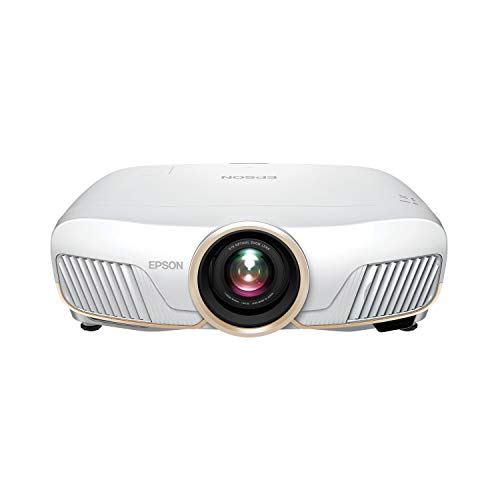


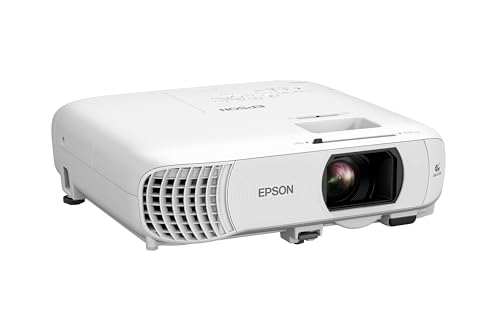


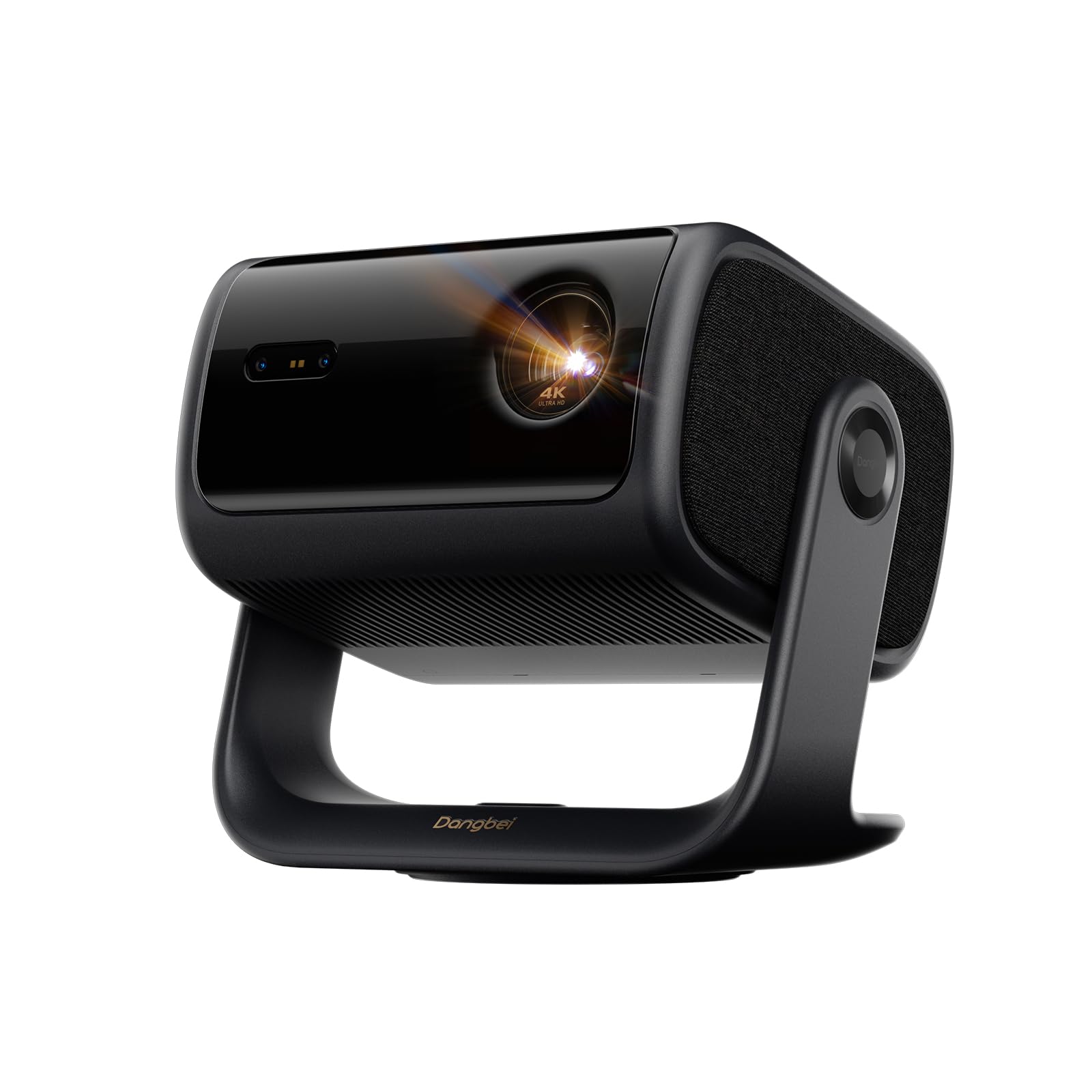

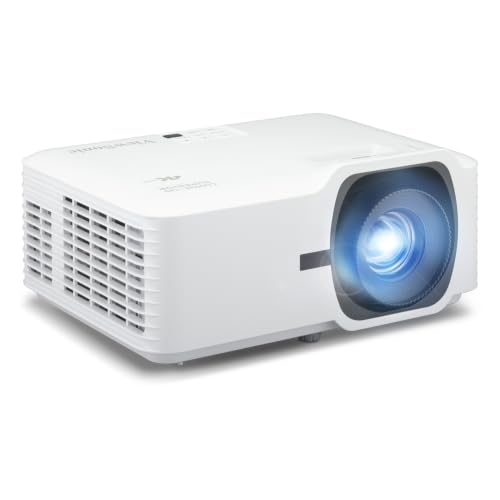
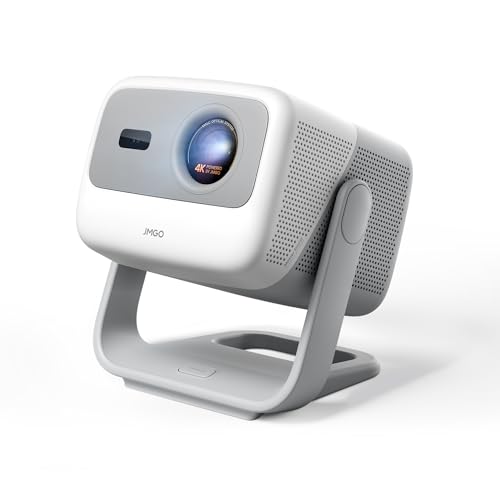
Cinema Projectors 101: The Basics
A projector throws light through a small picture chip and a lens, and the image lands on a wall or screen several feet away. The further it sits from that surface, the bigger the picture grows, which is why placement and room size come before everything else. Portable classes exist too: guides to best pocket projectors and best pico projectors cover the smallest designs, which trade brightness for a unit you can carry in a bag.
Size is the reason buyers accept the extra planning. A picture of 100 inches or more costs a fraction of what a television of that size would, and it folds away to a blank wall when the film ends. For smaller homes that trade is often the whole point of the purchase.
Unlike a television, a projector separates the picture maker from the picture surface, so you choose both halves of the system. What separates the best cinema projectors from ordinary office units is exactly that home focus: deeper contrast, accurate color, and brightness matched to a darkened room rather than a lit meeting space. That freedom is the appeal, and it is also why a little planning beats a bigger budget.
Key Specs Explained in Plain English
Six ideas explain nearly every difference between the models in this class. Read them in order and the product pages start to make sense.
Room Light and Brightness Come First
Brightness is measured in lumens, and maker figures are best case numbers reached in the brightest and least accurate picture mode. Treat them as class figures rather than promises. What matters more is your room: a dark room with curtains lets a modest class look rich and deep, while a bright living room washes out all but the strongest classes. If you cannot darken the room, spend on brightness first, and accept that black levels will stay grayish during the day.
Throw Distance and Placement
Throw describes how far the projector sits from the screen for a given picture size, and the lens fixes that relationship before you buy. Standard throw models sit at the back of the room, short throw models sit a few feet from the wall, and ultra short throw models sit almost against it. Measure your room, choose the picture width you want, and check that a model covers both numbers. Compact rooms often suit the classes in our guide to best small projectors, which focuses on tight spaces and short distances.
Light Sources and Picture Types
Three light sources dominate the class. Lamps are cheap to buy and cost money to replace every few thousand hours, LED sources last far longer with modest brightness, and laser sources pair long life with the strongest brightness. The picture chip matters too: some designs favor deep contrast, while others favor sharpness and spare some viewers the brief rainbow flashes that single chip designs can show. For a first purchase, light source life and brightness class usually matter more than the chip debate.
Resolution and the Screen
Resolution names how many dots build the picture: 1080p stays sharp on moderate screens, and 4K earns its price as screens pass about 100 inches or seating moves closer. The surface matters as much as the count. A smooth white wall works, and a proper screen works better, with flatter color and brighter edges, so treat a screen as a planned second purchase rather than an optional extra. Buy the projector first, live with the wall, and add the screen when the budget recovers.
Contrast, Color, and HDR
Contrast describes the gap between the darkest and brightest parts of the picture, and it is what makes night scenes look deep rather than gray. Maker contrast figures are measured in friendly ways, so treat them as rough class guides rather than exact rankings. Color accuracy matters just as much for films: the most accurate picture mode usually looks less punchy in a bright shop and far more natural at home. HDR support means the projector can accept high dynamic range material and map it to its own brightness, which helps streaming films hold detail in the bright and dark areas of the same frame.
Sound Is the Weak Half
Built in projector speakers are small, and they sit behind or above you rather than near the picture, so dialogue often sounds thin and detached from the action. Plan on outside sound from the start: a soundbar or a pair of powered speakers transforms film nights more than a small step up in brightness does. Check that the projector offers an audio output or an HDMI socket with audio return, so the sound gear connects cleanly and stays in sync.
Ports and Connections
Count the inputs against your sources: a streamer, a games console, and a disc player can fill three HDMI sockets quickly. At least one socket should support the bandwidth your sources need for 4K, and a USB socket helps by powering a streaming stick from the projector itself. Wireless casting is a pleasant extra, but a wired connection stays the reliable path for films, since it never drops a frame to a weak signal.
What a First Setup Really Costs
The projector is only part of the bill. Entry class models for a dark room run about $300 to $700, the middle class with more brightness and better contrast runs about $700 to $1,500, and brighter laser models built for larger screens run about $1,500 to $3,500 and beyond. Prices within each class move with the light source, so a laser model and a lamp model at the same money are rarely the same machine.
Around that core price, plan for a mount or a shelf, cables long enough for the room, outside sound, and the screen when you add it. Lamp based models also carry a replacement lamp every few thousand hours, while LED and laser classes fold that cost into the purchase price. A sensible first budget keeps roughly a third of the money for everything that is not the projector itself.
Rookie Mistakes to Avoid
Most first purchase regrets come from the room, not the machine. Watch for these five.
- Choosing by the lumen figure alone, without asking whether the room can actually be darkened.
- Measuring the wall but not the throw distance, so the picture lands smaller or larger than the space allows.
- Forgetting sound, then discovering the built in speaker cannot carry a film in a room full of people.
- Mounting the projector permanently before checking the picture position from a temporary shelf or table.
- Spending the whole budget on the projector and leaving nothing for a screen, cables, or a mount.
Outdoor movie nights are a separate problem, with ambient light, weather, and power all in play at once. Our guide to best projectors for outside covers that setup on its own terms.
Getting Started: Setup and First Use
Start by placing the projector where the throw figures say it belongs, on a stable surface at the right height, and project onto the wall before any mount is drilled. Level the picture with the feet or the mount rather than leaning on heavy digital correction, which softens the image. Then choose the most accurate picture mode rather than the vivid showroom setting, lower the brightness until blacks look black in your darkened room, and focus until on screen text is crisp from corner to corner.
On the first night, try two scenes: one with dark clothing against a dark background, and one bright outdoor scene. If faces vanish in the dark scene, raise the brightness slightly; if the bright scene hurts your eyes, lower it. Two short checks like these teach you more about your room than any default setting does.
Live with the setup for a week before you judge it. Small shifts in position, a recheck of the focus with fresh eyes, and one evening spent adjusting the sound balance fix most of the complaints that feel large on the first night. Care after that is light work: keep the air filter clean, give the vents room to breathe, and let a lamp based model run its cooling fan before you switch it off at the wall.
Cinema Projectors: Your Questions Answered
How long does a cinema projector light source last?
It depends on the source class: lamp based models run about 3,000 to 5,000 hours before the lamp dims and needs replacing, while LED and laser classes are commonly rated around 20,000 hours. The useful way to compare is cost per hour, so divide the lamp price by its rated life. Heavy daily use makes long life classes cheaper over time, even when the sticker price starts higher.
Is 4K worth it on a cinema projector?
4K is worth it when your screen is large, your seats are close, and your sources actually deliver 4K material. On a screen under about 100 inches viewed from a normal sofa distance, a good 1080p class looks closer than the price gap suggests. Spend the difference on brightness, sound, or the screen first. Upgrade resolution once those are settled and your streaming or disc library carries enough 4K titles to justify it.
Can a cinema projector replace a television for daily use?
It can, with two conditions: the room must darken well during the day, and the light source must tolerate television hours. Daytime news and sports look washed out in a bright room no matter the class, and lamp based models wear their expensive lamps on casual viewing. Many households keep a modest television for daytime and save the projector for films and events, which stretches its life and keeps the big picture feeling special.
What picture size suits a small room?
Aim for a picture width your seats can take in without moving your head: as a working rule, sit at a distance of roughly one and a half times the picture width. A small room with seats about eight feet back suits a picture near 80 to 90 inches across. Bigger is not always better, because an oversized picture in a tight room makes fast scenes tiring to follow. Measure the seating distance first and let it set the size.
Do cinema projectors work well for gaming?
They work well for most gaming, and the figure that matters is input lag, the delay between your controller and the picture. Casual and story driven games feel fine on almost any current class, and many models offer a game mode that trims processing and delay. Fast competitive play is the exception, where a gaming monitor still responds quicker. Check the stated lag figure in game mode rather than the headline refresh number before you buy.
The Bottom Line
For a first purchase, let the room lead: match brightness to your light control, match throw to your measurements, and keep money aside for sound and a screen. Compare the classes in the product table above, and if you plan to step up later, our guide to best quality projectors shows where the extra money goes. Chosen that way, the best cinema projectors stop being a spec contest and become a picture your room can actually deliver.


