Best Check Scanner: A Buyer Checklist for 2026
Disclosure: We may earn a commission when you buy through links on this page, at no extra cost to you. As an Amazon Associate I earn from qualifying purchases. Learn more

Choose the best check scanner by comparing MICR reading, feed capacity, scan speed, image quality and compatibility with your bank deposit software.
A check scanner does one job that a normal office scanner cannot do well. It reads the magnetic ink line printed along the bottom of each check, captures a clean image of the front and back, and sends both to your bank through remote deposit capture software. Choosing the best check scanner for your office comes down to a short checklist: accurate MICR reading, the right feed style for your daily volume, image quality your bank will accept, and confirmed support inside your deposit software.
This guide walks through that checklist in plain language, with the numbers that matter and the traps that cause rejected deposits. Use it alongside the comparison table below to match a model to your check volume and bank requirements.


Who Should Buy a Check Scanner?
Check scanners are built for people who deposit paper checks as part of a routine, not once in a while. If most of your payments arrive by card or transfer, a dedicated unit may sit idle. If checks still land on your desk every week, the groups below will point you toward the right size of machine.
Small Businesses That Deposit Checks Every Week
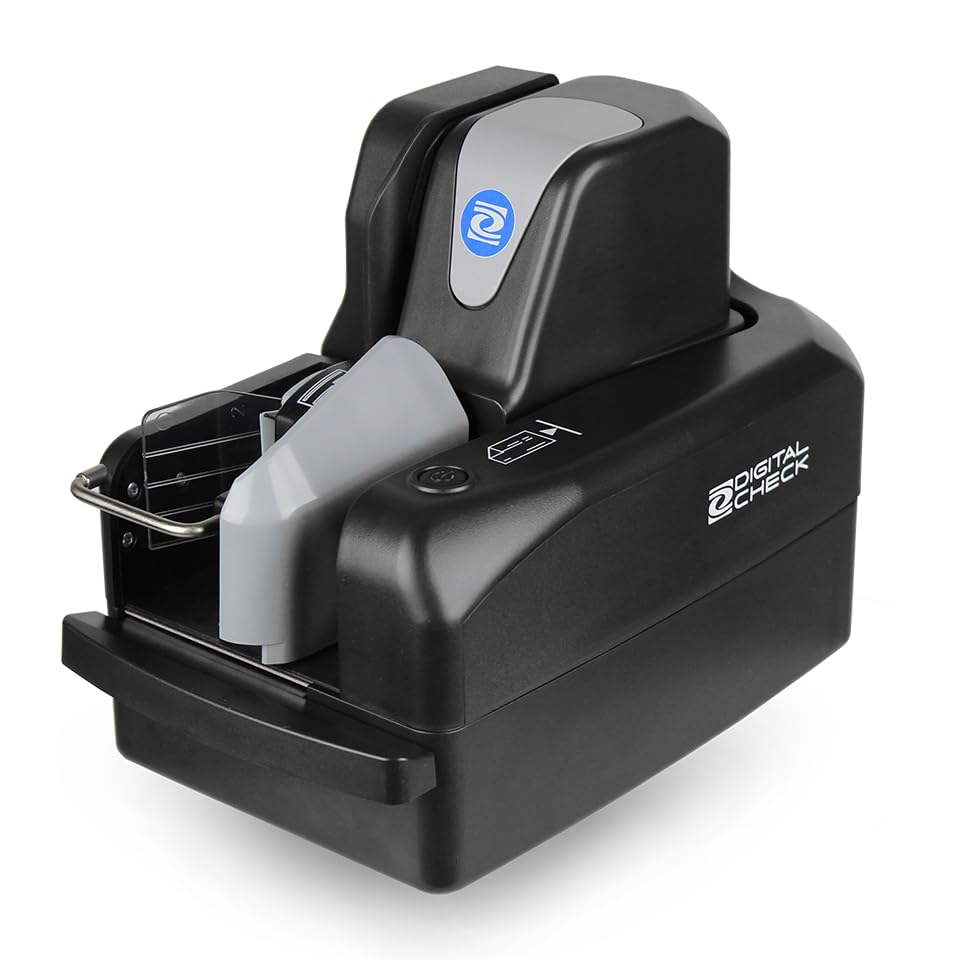
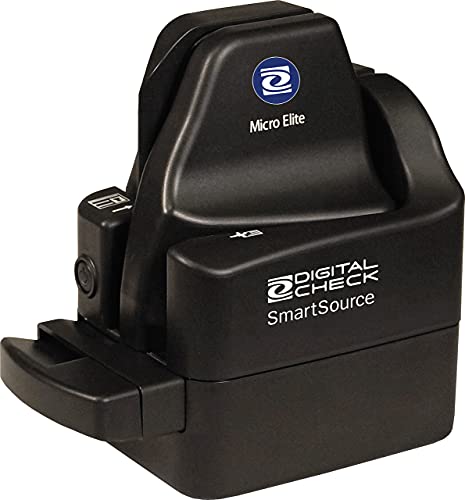
You run a small office, a clinic, a law practice, or a service company, and clients still pay by check. A batch feed model with a modest hopper lets you load a stack, start the deposit, and get back to work instead of feeding one check at a time. Look for dependable MICR reading, automatic straightening of crooked checks, and software that files each deposit with a searchable record your bookkeeper can use later.
Property Managers, Schools, and Nonprofits With Steady Volume
Rent payments, tuition, dues, and donations often arrive in waves at the start of the month. That pattern favors a faster scanner with a larger hopper and strong double feed detection, because a missed check in a batch of eighty creates real reconciliation work. An inkjet endorser that prints a deposit mark on the back of each check also helps prove which items have already been processed.
Home Offices and Solo Operators With Occasional Checks
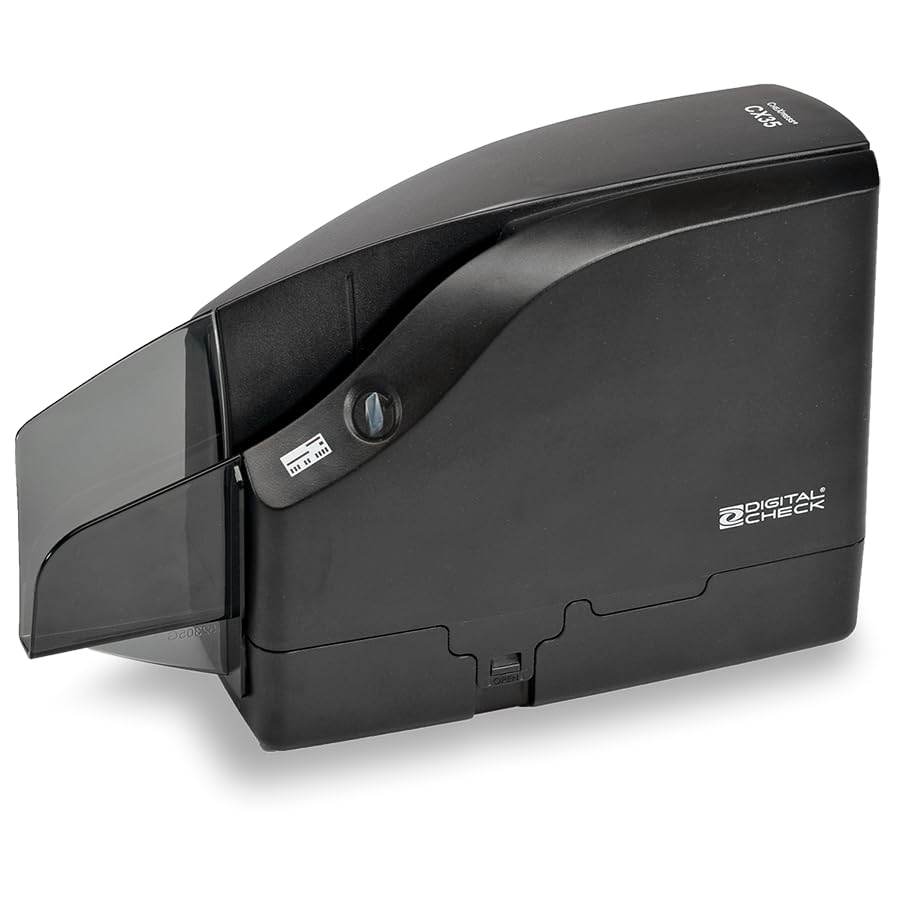
If you deposit a handful of checks each month, a compact single feed unit is usually the sensible choice. You slide one check in at a time, confirm the image, and store the paper copy for your records. These models cost less, take little desk space, and still read the MICR line properly, which is the part your bank actually relies on.
Key Features to Compare
The product table above lists headline specs, but the six factors below decide whether a scanner fits your deposit routine. Read each one against your real volume and your bank rules before you compare prices.
MICR Reading Accuracy
Every check carries a line of magnetic ink characters along the bottom, printed in one of two fonts called E13B and CMC7. A check scanner reads that line magnetically, which is why it can capture the routing and account numbers even when the print is faint or stamped over. Look for a reader that handles both fonts if you receive checks from outside the United States. High read accuracy matters because each misread forces you to type numbers by hand and slows the whole deposit.
Feed Style and Hopper Capacity
Single feed models accept one check at a time and suit low volume desks. Batch feed models hold a stack in an input hopper, commonly around 30 to 100 checks, and pull each one through on its own. Match the hopper to your largest normal deposit, not your average day, so a busy Monday does not mean reloading three times. Also check the exit pocket size, since a small output tray can overflow before a large batch finishes.
Scan Speed in Checks Per Minute
Speed is rated in checks per minute, and small units often run near 20 to 30 while branch grade models pass 60 to 100 or more. Treat the rating as a ceiling, because your real pace includes the software pauses for image review and amount entry. A scanner that runs a little slower but rarely jams will finish a deposit sooner than a fast model that keeps stopping.
Image Quality and Resolution
Your bank must be able to read every image clearly, so scanners capture both sides of the check in grayscale or color at resolutions commonly around 200 to 300 DPI. Good image cleanup matters as much as the DPI number, since software that removes background patterns and straightens skewed checks prevents rejects. Blurry or dark images are the most common reason a bank asks you to rescan an item.
Endorsement Printing and Sorting Pockets
Many banks and auditors want proof that a deposited check was marked, and a built in inkjet endorser prints text such as a deposit note, a date, or an item number on the back as each check passes through. If your workflow separates items by type, models with two output pockets can sort exceptions into one pocket while clean checks land in the other. Solo operators rarely need either feature, but accounting teams with strict paper trails often treat the endorser as essential.
Software Compatibility and Bank Approval
A check scanner only works inside deposit software, so compatibility decides whether the hardware is useful at all. Banks run remote deposit capture programs that support specific models, and many publish an approved device list for their business customers. Confirm your exact model appears on that list before you order, and check that drivers exist for your operating system. A scanner that your bank software cannot see is just a paperweight, no matter how strong its specs look.
How to Confirm a Check Scanner Works With Your Bank
Start by asking your bank or treasury service which scanners its remote deposit program supports, and write down the exact model names it gives you. Then confirm the connection type you need, since most desktop units use USB while shared branch setups may use a network connection. Check whether the deposit software runs in a browser or as an installed program, because that affects which drivers you install.
One naming mix up is worth clearing up before you order. A check scanner for bank deposits has nothing in common with the diagnostic tools used on cars, even though the names sound close. If you landed here while shopping for a vehicle tool, see our guide to the best check engine light scanner or compare options in our guide to the best rated obd2 scanner instead. Those devices read fault codes from a car computer and cannot capture a paper check image.
Finally, run a small test deposit during your first week with the scanner, using a few low value checks. That trial confirms the images pass your bank review and the amounts post correctly before a large deposit depends on them.
Quick Buyer Checklist
Answer these questions before you buy, and the right model usually becomes obvious. They are also the points that separate the best check scanner for a busy branch from one that suits a quiet home office.
- Does your bank list this exact scanner model as approved for its remote deposit service?
- Does the hopper hold your largest normal deposit in one load?
- Can the reader handle the MICR font printed on the checks you receive most often?
- Is the rated speed comfortably above what your busiest deposit day requires?
- Do you need an endorser to mark checks for your audit or retention process?
- Will the scanner sit close enough to the computer that runs your deposit software?
- Does the maker supply drivers and support for your current operating system?
Red Flags to Watch For
- The listing never states which MICR fonts the reader supports, so you cannot confirm it will read your checks.
- The seller claims the scanner works with every bank and names no deposit software at all.
- Speed is advertised without saying whether the figure means checks per minute or pages per minute.
- The warranty is very short and no replacement feed rollers or cleaning supplies are offered.
- The product page shows no information about drivers, which suggests the model may be discontinued stock.
If general document scanning is actually your main need, a check scanner is the wrong tool, and you will get better value by reading our guide to the best rated scanners for everyday office paperwork.
Common Mistakes to Avoid
- Buying a scanner before checking your bank approved list, which can leave you with hardware the deposit software refuses to detect.
- Choosing a single feed model for batch deposits, which turns every payday run into slow manual feeding.
- Ignoring the endorser requirement in your audit process, which can force staff to stamp every deposited check by hand.
- Placing the scanner far from the deposit computer, which leads to loose cables and interrupted scan sessions.
- Throwing away paper checks right after scanning, which breaks the retention period your bank agreement requires.
- Skipping the small test deposit, which means the first real problem appears during your largest deposit of the month.
How to Make Your Check Scanner Last Longer
Check scanners pull paper, dust, and ink residue through a narrow path, so simple cleaning keeps read errors down. Use the cleaning cards made for check scanners on the schedule the maker suggests, or whenever misreads climb. Wipe the outside with a soft dry cloth, and keep drinks and loose paper clips away from the feed path, since a single clip can scratch the image sensors.
Feed rollers wear with use and eventually start slipping or pulling two checks at once. Replace them when the maker recommended interval arrives instead of waiting for daily jams. Store scanned checks in a locked cabinet until your retention period ends, then destroy them with a crosscut shredder so account numbers cannot be recovered.
Check Scanner Questions, Answered
How fast does a check scanner need to be for a small business?
A small business depositing up to about 50 checks a day is well served by a scanner rated near 30 checks per minute. At that pace the scanning takes only a few minutes, and most of your time goes to reviewing images and confirming amounts. Buy more speed only when daily volume climbs into the hundreds.
Does a check scanner read the handwritten amount on a check?
A check scanner reads the printed MICR line magnetically and captures an image of the whole check, but it does not reliably interpret handwriting. Many deposit programs use recognition software that suggests the amount from the image, yet you should always confirm that figure on screen before submitting. Catching a misread amount at review is far easier than correcting a deposit after it posts.
Can any check scanner work with any bank remote deposit service?
No, a check scanner works only with deposit services that support its model and drivers. Banks test and approve specific scanners for their remote deposit programs, and an unlisted model may not be detected by the software at all. Ask your bank for its approved list before ordering, and treat that list as the final word, even when a seller claims universal support.
What is the difference between a check scanner and a regular document scanner?
The difference is the magnetic reader, because a regular document scanner only takes a picture of the page. A check scanner reads the MICR line through magnetic sensing, captures both sides in one pass, and produces images formatted for bank deposit rules. If you only need to archive contracts and invoices, a document scanner is enough, but it cannot prepare checks for remote deposit.
Final Thoughts
The shortest path to a good purchase is to start with your bank approved list, then match hopper size and feed style to your busiest deposit day. MICR accuracy and clean images protect you from rejected items, while an endorser and sorting pockets only earn their cost when your audit process truly needs them. Compare the models in the product table above against those few points, and the best check scanner for your office should stand out clearly. Prices and availability can change, so check the product page before ordering.