
Best Chairs for People with Back Problems in 2026 at Every Price: What Your Money Really Gets You
Disclosure: We may earn a commission when you buy through links on this page, at no extra cost to you. As an Amazon Associate I earn from qualifying purchases. Learn more
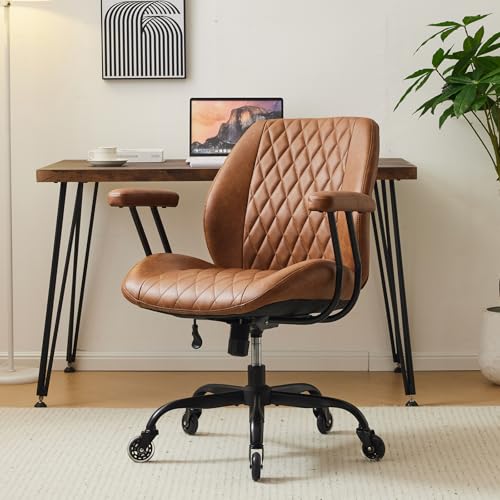
Compare chairs for people with back problems by lumbar support, seat fit, recline and price tier, with clear guidance on what extra money really buys.
Prices for supportive chairs range from about $120 to over $900, and price alone tells you little about fit. The best chairs for people with back problems share a few traits at every tier, and they differ mainly in how finely you can adjust them. Use the comparison table below to see which tier gives you controls you will actually use.
Start with how you sit each day. Your hours, your desk height, and the place where your back tires first matter more than a long feature list.

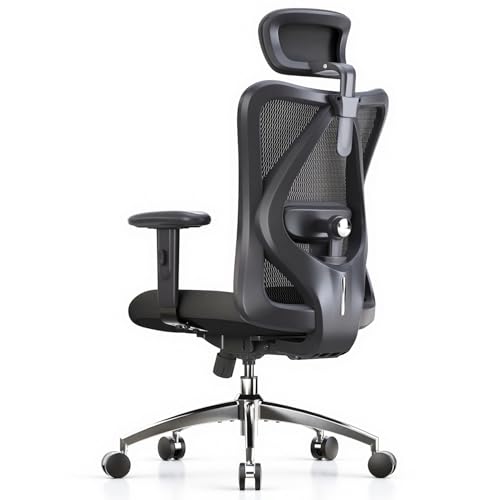
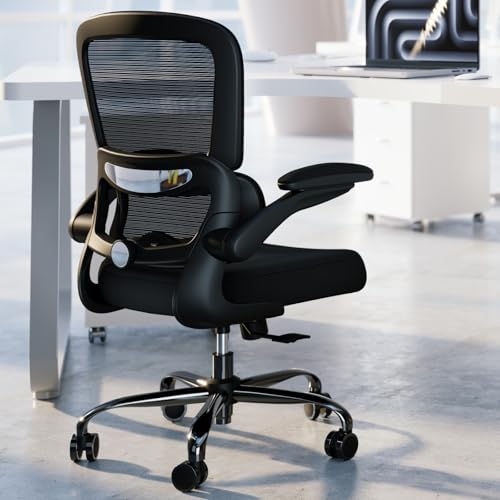

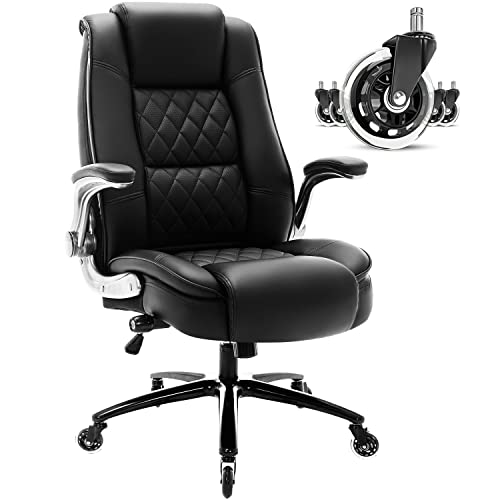

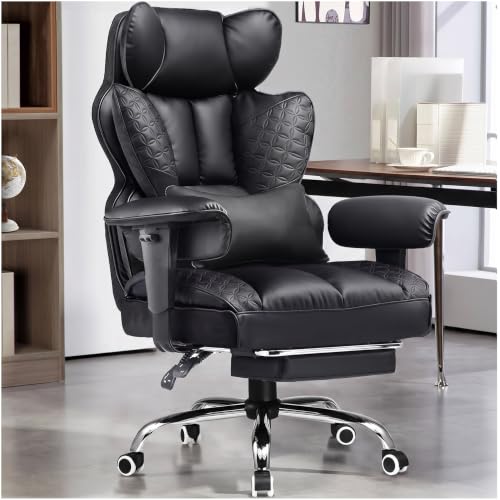
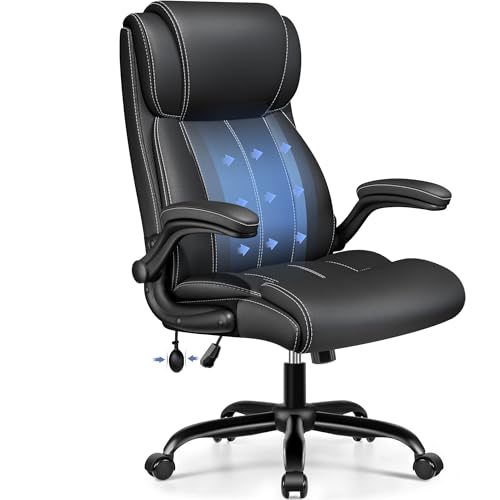
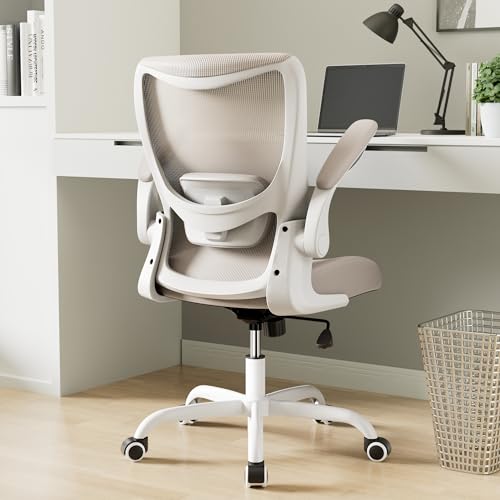
Who Should Buy a Chair Built for Back Support?
Buy for the sitting pattern you repeat most days. For a wider view, see our guide to the best chairs for back problems before you narrow by price.
Desk Workers Whose Lower Back Tires by Midday
You sit in long blocks, lean toward a screen, and feel your lower back slump as the day goes on. Choose an ergonomic chair with adjustable lumbar support and a seat you can raise to suit your desk. A backrest that moves with you helps more than thick fixed padding.
Home Sitters Who Read or Watch TV Upright
You sit at home for shorter stretches, but you still need steady support for a full film or a long read. Choose a firm seat, a backrest tall enough to support your shoulder blades, and solid arms that help you stand.
Taller or Heavier Sitters Who Need More Room
You need space as much as support, since a narrow or shallow seat pushes you into a curled posture. Choose a wider and deeper seat, plus a stated weight capacity with a clear margin above your weight. Budget models often cut corners on frame strength here.
What Each Price Tier Buys in Adjustment
Each tier buys a different level of adjustment. Read the tiers as fit tools, not as a promise that spending more removes pain.
Budget Tier: Firm Basics for Shorter Sitting Days
Budget models at about $120 to $250 usually give you a fixed lumbar curve, basic seat height adjustment, and a simple tilt with a tilt lock. Foam tends to be thinner, arms are often fixed, and the weight capacity is lower. This tier suits short daily use of an hour or two, and narrow seats are common here.
Midrange Tier: Adjustable Support for Full Workdays
Ergonomic models at about $250 to $500 usually add lumbar support you can move up, down or deeper, plus adjustable armrests and more recline range. Seat foam is often denser, and frames feel steadier when you shift. This tier suits most full time desk users.
Premium Tier: Fine Fit Controls and Stronger Parts
Premium chairs at about $500 to $900 usually refine what the midrange tier offers. You may get a seat depth slider, four way armrests, a mesh back with a support frame, and smoother recline tension. Casters, bases and lift cylinders also tend to carry longer warranty cover.
Key Features to Compare
When you compare the best chairs for people with back problems, work through these features in order and note which options each tier includes.
Lumbar Support That Matches Your Lower Back Curve
Lumbar support fills the curve above your belt line so your lower back can rest instead of rounding forward. Fixed support suits you only if its height and depth match your body, while adjustable support lets you place the pressure where you need it. Back pain with new leg weakness, numbness, fever, or pain after a serious fall needs prompt medical care, since a chair cannot treat those signs. Talk with your clinician about personal needs before you rely on any chair for ongoing pain. For focused options, see our guide to the best chairs for lower back problems.
Seat Height, Seat Depth and the Front Edge
Seat height sets your hip and knee angle, and seat depth decides how much of your thigh the chair supports. Your feet should rest flat, with a small gap between the seat edge and the back of your knees. A rounded front edge reduces pressure on your thighs. If you are short, look for a lower height range and a shallower seat.
Backrest Height, Recline and Tilt Lock Control
A backrest should reach at least to your shoulder blades so your upper back can rest when you lean back. Recline lets you shift load through the day, and a tilt lock holds one angle when you want to stay upright for typing or meals. Tension control matters too, because a recline that feels too stiff will stay unused.
Cushion Foam, Fabric and Mesh Back Choices
High density foam holds its shape longer and spreads pressure more evenly than soft, thin foam that flattens within months. A mesh back breathes better in warm rooms and flexes as you move, but it gives a firmer feel that some sitters dislike. Fabric seats feel warm and grip clothing, while smooth covers are easier to wipe clean. Pick by room temperature and by how firm you like a seat to feel.
Adjustable Armrests, Frame Strength and Weight Capacity
Adjustable armrests let your shoulders rest with your elbows near your sides, which reduces the urge to hunch toward a desk. Arms that move up, down and side to side suit more desk widths than fixed arms. Check the stated weight capacity and add a margin for shifting and leaning, since loads rise when you push on the arms to stand. A metal base and a steady frame matter more as daily hours and body weight rise.
Support That Fits How and Where You Sit
The room and the task change what good support looks like, and a desk chair has demands that a dining chair does not. If your main seat is a desk chair, see our guide to the best desk chairs for back problems.
Best Office Chairs for People with Back Problems
Office use adds demands that home seating does not. You need seat height that matches your desk, arms that clear the desk edge, and casters that suit your floor. Lumbar support you can adjust during the day matters more at a desk, since screen work pulls you forward for hours. See our guide to the best office chairs for back problems if your chair will live at a desk full time.
Common Mistakes to Avoid
- Buying by price alone leaves you with a costly chair whose lumbar support sits at the wrong height.
- Choosing a seat that is too deep pulls you away from the backrest and leaves your lower back unsupported.
- Ignoring desk height forces raised shoulders and a forward head posture even in a supportive chair.
- Skipping the stated weight capacity risks a worn lift cylinder, a cracked base and a chair that leans.
- Keeping a chair with flattened foam after its support has faded lets poor posture return each day.
Care, Maintenance and Long Term Costs
Vacuum fabric seats and mesh panels each week so grit does not wear the fibers, and wipe smooth covers with a damp cloth and mild soap. Tighten base and arm bolts about twice a year, since shifting loads loosen hardware over time. Check casters for hair and thread, because a chair that rolls unevenly can twist your back.
Plan for costs beyond the first price. Foam can flatten after years of daily use, and casters and lift cylinders can need replacement, while a longer warranty can offset those costs on premium models. Keep the receipt and warranty terms, and ask about spare parts before you buy.
Frequently Asked Questions
What matters most in a chair for long sitting with an aching back?
Adjustable lumbar support, correct seat depth and a backrest you can lock upright matter most for long sitting. Start with those three before you pay for extras such as a headrest. Also plan short standing breaks, since no chair makes one fixed posture healthy for hours. A phone timer can prompt you to stand and walk each hour.
How do I choose the right chair size for my hips and legs?
Choose chair size with three checks you can do at home with a tape measure. Measure your lower leg to set seat height, your thigh length to set seat depth, and your hip width to set seat width. Then compare those numbers with the size range in the listing before you order.
How long should a supportive ergonomic chair last?
A supportive ergonomic chair used daily should last about five to eight years before foam and moving parts tire. The frame often lasts longer than the cushion, so judge the chair by how the seat feels. A seat that stays flattened after a night of rest is a support problem and a sign to shop, while a worn cover alone is not.
Is an expensive chair worth it for daily back discomfort?
An expensive chair is worth it only when its extra controls solve a fit problem you actually have. If a midrange chair already places lumbar support correctly and fits your seat depth, a premium chair adds refinement, not a new level of support. Spend the difference only for a depth slider, better armrests or a longer warranty, and value a generous return window over a small price cut.
Can a supportive chair replace treatment for ongoing back pain?
No, a supportive chair cannot replace treatment for ongoing back pain. It can reduce strain from poor sitting fit, but pain that persists, spreads, or limits daily tasks needs assessment by a clinician or a physical therapist. Bring notes on when the pain starts, where you feel it, and how long you sit, since those details help a professional judge the cause.
Our Verdict
Match the chair to your body and your longest sitting task first, then choose a price tier. Adjustable lumbar support, correct seat depth and a steady frame decide daily comfort. Use the product table above to check size ranges, weight capacity and price before you order.
Chosen with those checks, the best chairs for people with back problems support the way you already live and work. Buy the simplest tier that fits you well, and let fit guide the final choice.


