
Best Chairs for Office Back Pain in 2026: Every Type Explained Side by Side
Disclosure: We may earn a commission when you buy through links on this page, at no extra cost to you. As an Amazon Associate I earn from qualifying purchases. Learn more

Compare the best chairs for office back pain by type, ideal user and price range, with lumbar support and fit tips for long desk days.
Ergonomic, compact, budget and executive chairs all promise a better workday, so choosing between them can feel confusing when your back already aches by noon. The best chairs for office back pain share one trait: they fit your body and support your lower back through the whole sitting day. Use the comparison table below to match each type to your space, budget and pain pattern.
This guide compares chair types rather than naming models. You will learn how each type supports the spine, which adjustments matter most for desk work, and how to set up and care for the chair you choose.

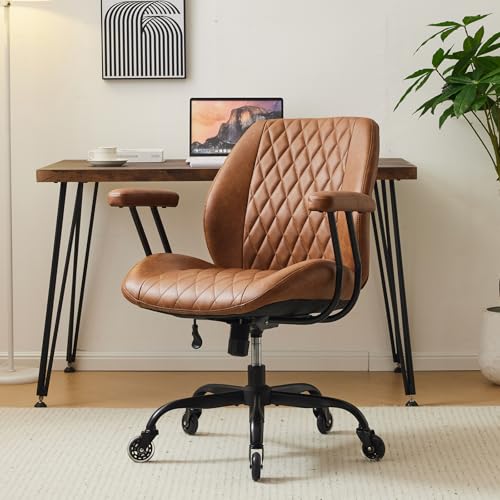

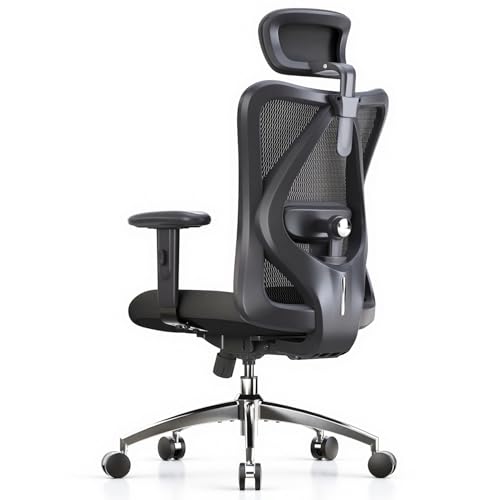
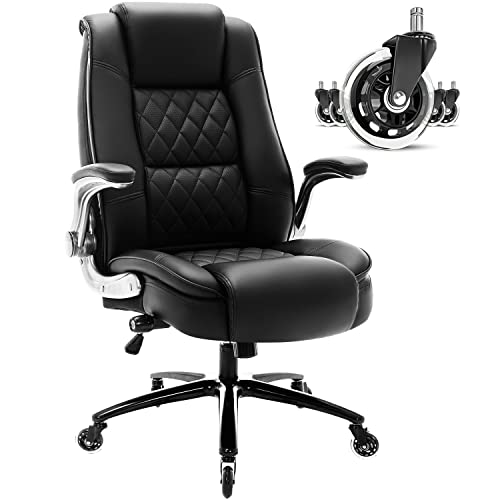
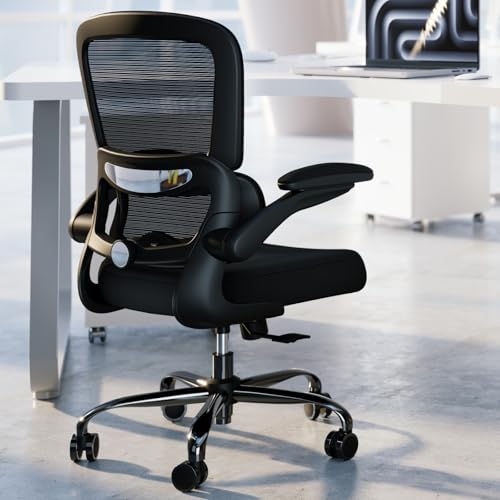

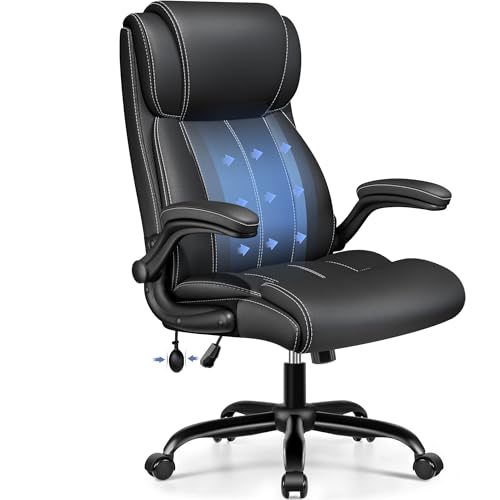
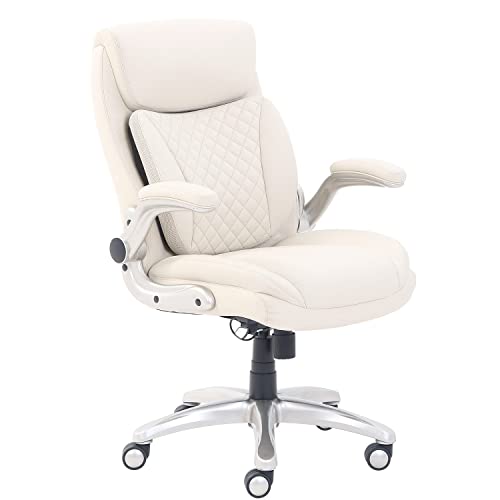
Types of Chairs Compared
Chair type shapes almost everything else, from how much adjustment you get to how much floor space the chair takes. Read each type for who it suits, what it does well and where it falls short.
Ergonomic Models
Ergonomic models offer the widest range of adjustment, including lumbar support you can raise, lower or push deeper, plus seat depth and armrest settings. That range helps you keep the curve of your lower back supported as you shift during the day. They suit most desk workers who sit six hours or more, and they cost about $250 to $600. If your pain centers on the lower back, see our guide to the best ergonomic office chairs for back pain for a deeper look at this type.
Compact and Space Saving Models
Compact models use a smaller frame, a narrower seat and often arms that flip up so the chair slides under the desk. They fit spare rooms, shared desks and small apartments where a wide executive chair would crowd the floor. The tradeoff is less padding and fewer adjustments, and the seat may feel tight if you are tall or broad. Expect to pay about $150 to $400, and plan on shorter sitting sessions.
Budget Models
Budget models cover the basics, usually a padded seat, a fixed or lightly adjustable lumbar pad and simple tilt. They work for part time desk use, a guest desk or a first home office where cost comes first. Support tends to fade sooner, because thinner foam softens with daily use and parts are rarely replaceable. Prices run about $100 to $250, and if value matters most, see our guide to the best affordable office chairs for back pain before you decide.
Premium and Executive Models
Premium and executive models pair a tall back with thick padding, stronger frames and smoother tilt motion, and some add a headrest for leaning back between tasks. They suit taller users, long sitting days and anyone who wants support for the shoulders as well as the lower back. The cost is higher, about $600 to $1,200, and the large footprint needs a roomy office. Pay this much only when the fit and the warranty justify it for your body.
Ergonomic Models vs Compact and Space Saving Models: Which Should You Choose?
Choose an ergonomic model if adjustment is your priority, because its lumbar depth, seat depth and armrest settings let you fine tune support for your exact build. Choose a compact model if floor space is your limit, because its smaller footprint and flip up arms keep a tight room workable. Weight capacity also differs, since compact frames often top out lower, so check the rating against your weight before you buy.
Comfort over a full day is the other dividing line. An ergonomic chair spreads support across more contact points, while a compact chair asks you to stand and move more often. If your aches reach your shoulders and neck during long calls, see our guide to the best office chairs for back and neck pain for chairs shaped around that wider pain pattern.
How to Choose the Right Chair
When you shop for best chairs for office back pain, test fit before features, because a long feature list cannot rescue a seat that is the wrong size. Work through the four checks below in order.
Comfort and Cushioning
Cushioning decides how your weight spreads across the seat. High density foam holds its shape and supports sit bones evenly, while soft low density foam feels plush at first and then flattens, so your weight presses through to the hard base. A mesh seat breathes well and flexes with you, though some users find it firm. Look for a rounded front seat edge, because a sharp edge presses behind the thighs and can limit circulation during long sessions.
Features That Matter for Office Back Pain
Lumbar support matters most, and it should meet the small of your back rather than pushing at your belt line or floating above it. Adjustable depth helps because a support that pushes too far forward can tire your back as fast as one that is too flat. See a doctor promptly if pain follows a fall, travels down one leg, or comes with numbness, weakness or changes in bladder control. A chair can improve posture and comfort, but it cannot diagnose or treat a condition, so talk with your clinician about your personal needs.
Ergonomics and Adjustability
Seat height should let your feet rest flat with knees near a right angle, and most chairs adjust through about 17 to 21 inches. Seat depth should leave about two to three finger widths between the seat edge and the back of your knees. Armrests should support your forearms without lifting your shoulders, and wider adjustment helps if you switch between typing and writing. A tilt lock with tension control lets you lean back slightly, which eases pressure on spinal discs compared with sitting rigid and upright all day.
Build Quality and Frame
A steel or reinforced nylon frame, a class 4 gas lift and a wide five point base give the chair a steady feel when you lean or reach. Check the weight capacity and stay well under it, because a chair near its limit wears faster and tilts less smoothly. Casters should match your floor, with softer wheels for hard surfaces and firmer wheels for carpet. For pain that sits higher between the shoulder blades, see our guide to the best office chairs for upper back pain to compare taller back designs.
Common Mistakes to Avoid
These errors are common in this category, and each one can leave your back worse off than before.
- Buying by looks alone leaves you with a chair whose lumbar support lands in the wrong place for your spine.
- Choosing a seat that is too deep keeps your feet from resting flat and pulls you into a slouch.
- Ignoring armrest height forces your shoulders up toward your ears and strains your neck by midday.
- Sitting for hours without standing lets stiffness build even in a well fitted chair.
- Skipping the weight capacity check leads to a sagging seat and a gas lift that sinks under you.
Setup and Care Tips
Set the seat height so your feet rest flat, your screen sits at eye level and your elbows bend near a right angle at the desk. Sit back fully so the lumbar support meets your lower back, then set armrests to touch your forearms lightly.
Tighten bolts every few months, since desk chairs loosen slowly with daily movement. Vacuum mesh backs and wipe upholstery with a damp cloth to keep dust and sweat from breaking down the surface. Keep the chair out of strong direct sun where you can, and replace worn casters early so a dragging wheel does not twist the base.
Frequently Asked Questions
What features matter most in chairs for office back pain?
Adjustable lumbar support, seat depth and seat height matter most in chairs for office back pain. Together they decide whether the chair follows the curve of your spine or forces your spine to follow the chair. One point buyers often miss is return terms, so favor a chair you can sit in at home for at least two weeks before the decision is final.
Is an expensive office chair worth it for back pain?
An expensive office chair is worth it only when the extra cost buys fit and durability you will actually use. Higher prices often bring replaceable parts, longer warranties and smoother adjustments, which matter over years of daily sitting. If a mid priced chair fits your body well, paying more for thicker padding or a polished frame adds little support.
What features matter most for long hours at a desk with back pain?
For long hours, tilt tension you can ease, breathable back material and a seat that stays supportive after lunch matter most. Heat builds during long sessions, so a mesh back can feel better by afternoon than thick padding. Pair the chair with a timer that reminds you to stand every 30 to 45 minutes, because movement does what no cushion can.
How do I choose the right size office chair for back pain?
Choose the size by your measurements, not by the size label on the box. Measure from the floor to the back of your knee while seated, and compare it with the lowest seat height the chair offers. Also measure your hip width against the space between the armrests, because a chair that pinches your hips will push you into a twisted posture.
How long should a good office chair for back pain last?
A good office chair for back pain should last about seven to ten years with daily use. The seat foam usually ages first, so a chair that still adjusts well but feels flat may only need a new cushion if the maker sells one. Check the warranty length for the frame and the gas lift separately, because those terms often differ.
Wrapping Up
Match the type to your room and routine first, then judge lumbar support, seat fit and build quality in that order. Ergonomic models give the most control, compact models save floor space, budget models cover light use and premium models add size and durability. Use the product table above to compare those points side by side before you order.
Chosen well, the best chairs for office back pain make long desk days easier on your spine without taking over your office. Take your measurements, respect your budget and give the new chair a full week of small adjustments before you judge it.

