
Best Cell Phones with Keyboards for 2026: A Practical Buying Guide
Disclosure: We may earn a commission when you buy through links on this page, at no extra cost to you. As an Amazon Associate I earn from qualifying purchases. Learn more

Compare cell phones with keyboards by key size, layout, screen space, carrier support and battery life, with clear guidance on slider and fixed models.
Touch screens guess at every tap, and one wrong letter can change a whole word. If you miss keys you can feel, the best cell phones with keyboards give you back accuracy, speed and confidence with every message. This guide explains layout, screen trade offs and carrier support so you can judge your options with clear priorities.
Your choice starts with how you type. Some buyers want a simple device for calls and texts, while others want email, maps and apps beside a full letter layout. The sections below match each group to the form and features that fit.


Who Should Buy a Phone With a Physical Keyboard?
Start with the group that sounds most like your normal day.
People Who Write Long Messages and Email
You draft replies and notes that run past a few lines. A physical layout lets you type by feel while watching the words, not your thumbs. Choose wider keys and a clear space bar position, because long sessions expose poor spacing fast. A capable email app matters as much as the keys.
People Frustrated by Touch Typing Errors
You are tired of autocorrect swaps and hunting for symbols buried in screen menus. Raised keys with firm travel tell your fingers when a press has landed, which cuts the need to proofread every line. Choose domed keys that your thumbs can tell apart without looking. Accuracy matters more to you than a huge display.
People Who Want a Simpler and Calmer Phone
You mainly call and text, and you would rather skip app clutter and constant alerts. A basic keyboard phone keeps the main tasks on real buttons, so dialing and texting feel direct. Choose loud call audio and clear menus. You give up some apps, but you gain focus and longer battery life.
Key Features to Compare
When you shop for best cell phones with keyboards, a familiar brand name means little if the layout cramps your thumbs or the device cannot join your carrier.
Keyboard Form and Letter Layout
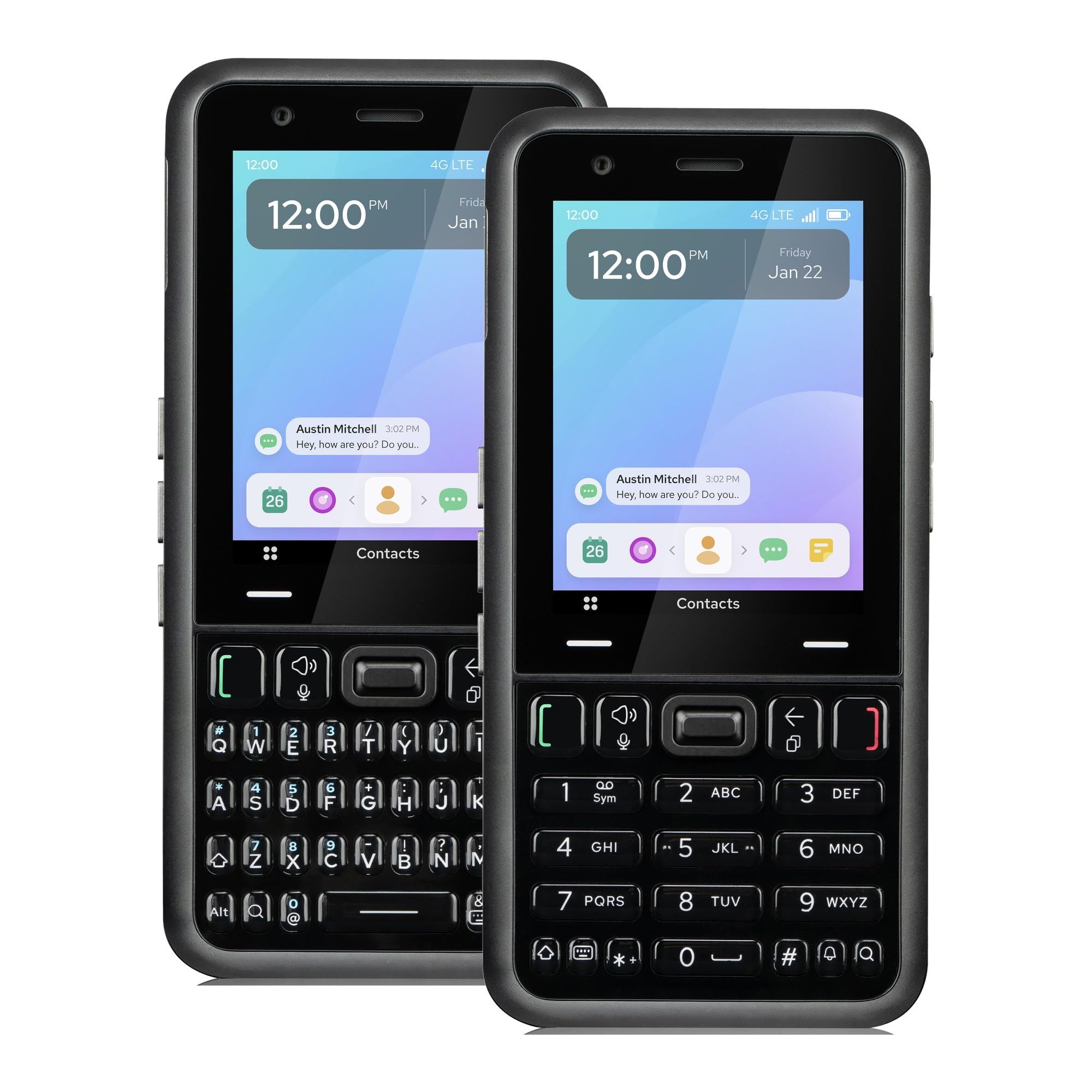
Form decides how the keys share space with the screen. Fixed models place a full QWERTY layout below the display at all times, so you can start typing at once but the screen stays smaller. Slider models hide the layout until you push the screen up, which protects the keys and frees a larger display. Check that numbers, symbols and shortcut keys sit where your thumbs expect, because odd placement slows every sentence.
Key Size, Spacing, Travel and Feedback
Key feel decides whether typing stays pleasant after the first week. Larger keys with clear gaps suit broad thumbs, while small keys packed edge to edge invite double presses. Travel is how far a key moves when pressed, and a short but firm press with a clear click helps you type without looking down. Study close photos and the stated width before ordering.
Screen Size and the Space Trade Off
Every inch given to keys is an inch taken from the display on a fixed model. Screens on fixed keyboard phones often run about 2.4 to 3.5 inches, which suits texts and menus but feels tight for maps, photos and web pages. Slider and newer large models can reach about 4 to 6 inches when open. Decide which you use more each day, reading or writing.
Smartphone Ability Versus Basic Simplicity
Smartphone keyboard models run full app stores, email accounts, browsers and navigation, but they cost more and need charging more often. Basic models focus on calls, texts, contacts and simple tools like a flashlight, alarm and FM radio on some versions. Think about which apps you truly open each week. If your answer is only calls and messages, a basic model saves money and removes distractions you never wanted.
Network Compatibility and Carrier Support
A keyboard phone only helps if it works on your carrier. Check that the model supports 4G bands used in your area, because older 2G and 3G networks have closed in many places and old phones may no longer connect. Unlocked models give you freedom to switch carriers with a SIM card swap. Confirm support for voice over LTE if you plan to make calls on a 4G only device.
Battery Life, Charging and Build Strength
Basic keyboard phones can run for several days on one charge, while smartphone models with bigger screens often need charging each night. Most newer models charge over USB C. Build strength matters around hinges and sliding rails, so look for a frame that flexes little when open.
Types of Cell Phones With Keyboards Compared
Your pocket space and screen needs will usually point to one form quickly.
Fixed QWERTY Phones
These phones keep the full letter layout visible below a smaller screen. Nothing moves, so there is no mechanism to wear out, and typing starts the moment you pick the phone up. They suit heavy texters who value instant access over display size. If you compare layouts across brands, see our guide to the best phone keyboards for more on letter placement.
Slider Phones
A slider hides the keyboard under the screen and reveals it with one push, so you get a bigger display for reading and a full layout for writing. The trade off is thickness and a moving rail that must stay firm over years of use. For models in this form, see our guide to the best phones with physical keyboards.
Flip Phones With Physical Keypads
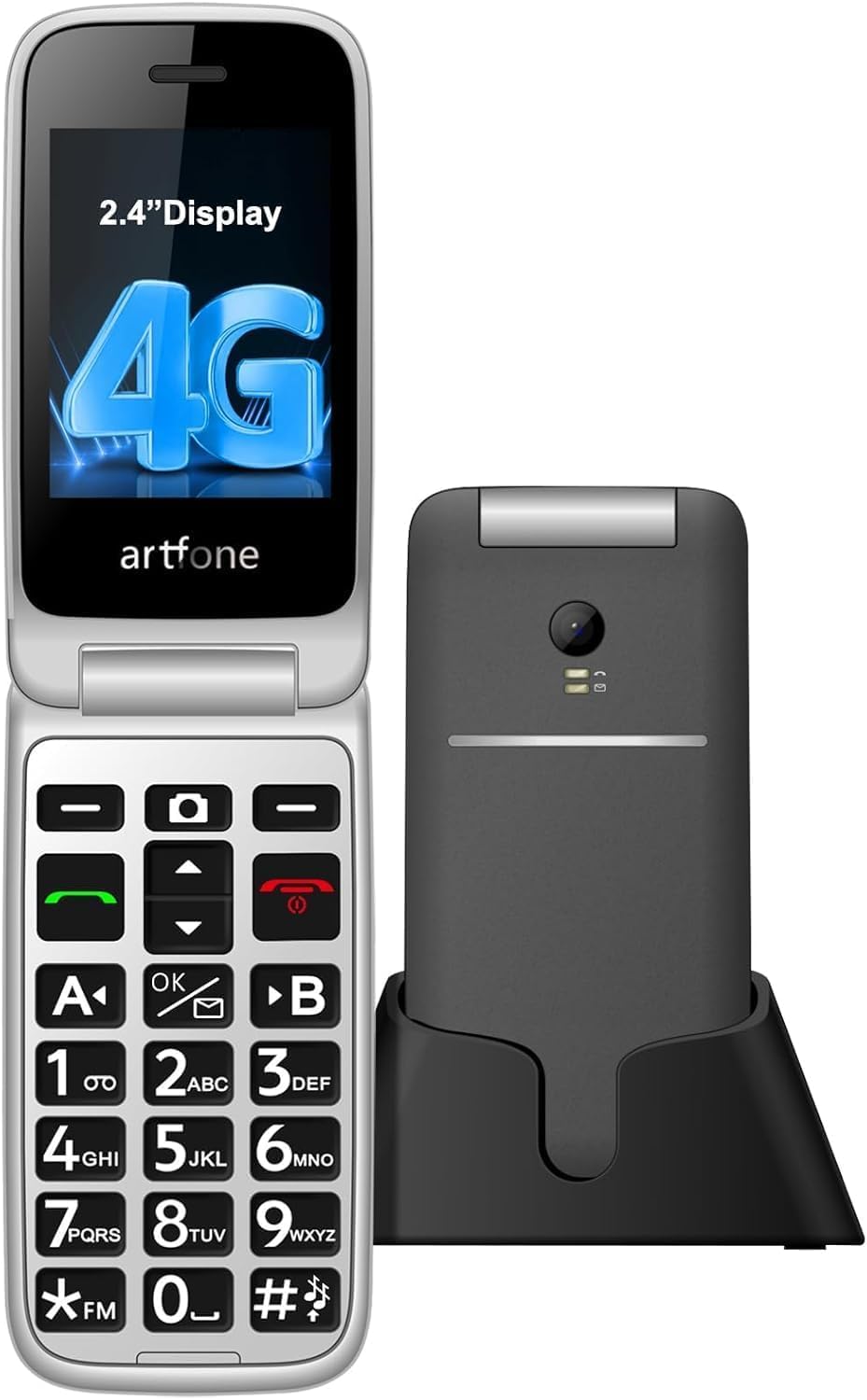
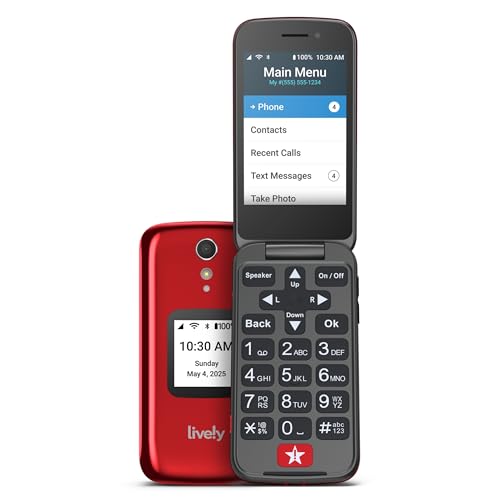
Flip phones pair a hinge with a numeric keypad, and you enter letters by pressing number keys one or more times. Typing is slower than a full layout, but the keys are large and the hinge protects the screen. These models suit callers who text in short bursts and want long battery life and easy one hand use.
Basic Models for Specific Needs
The group below is the most common example of a single clear need.
Basic Cell Phones with Keyboards
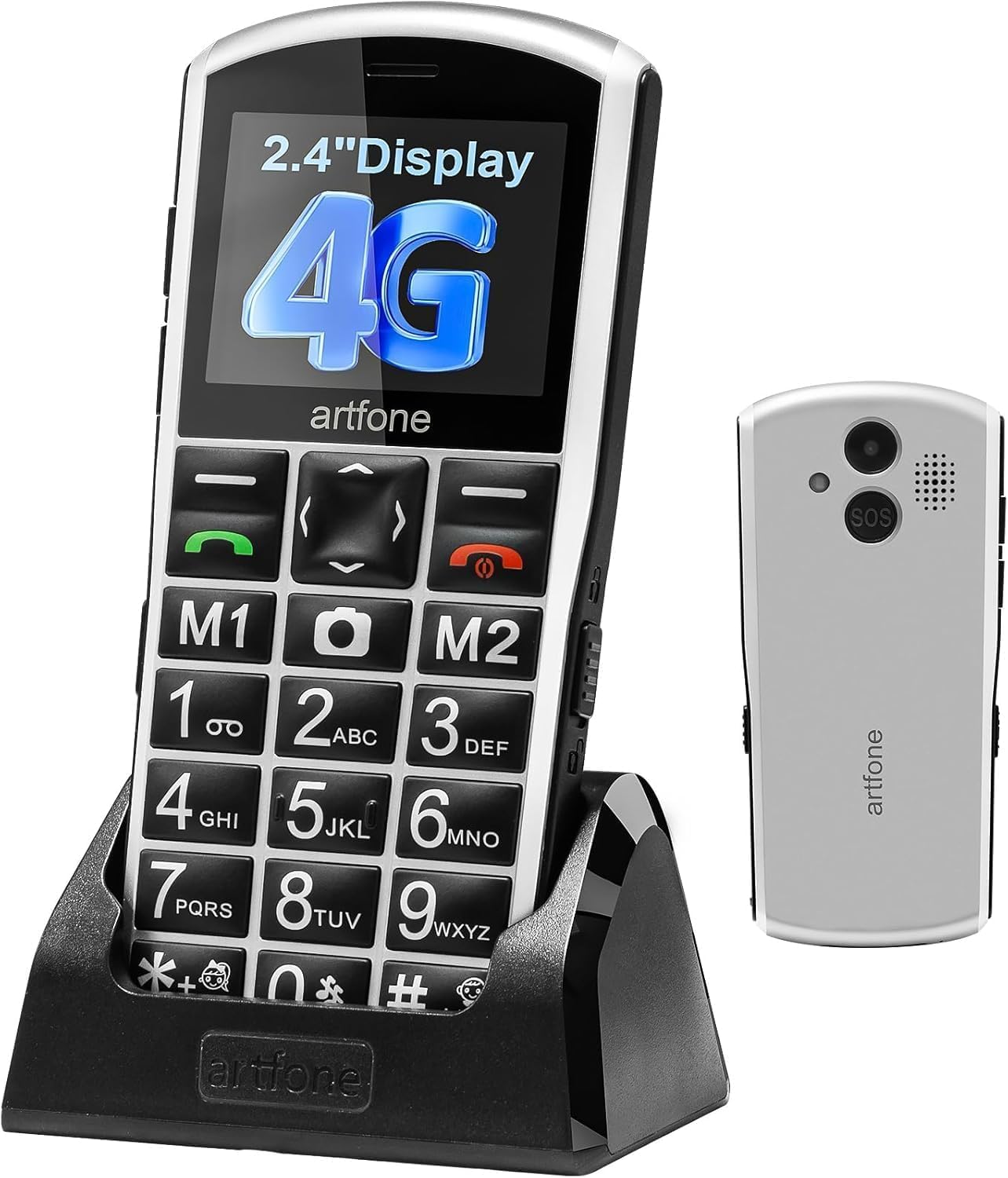
Basic cell phones with keyboards strip the phone back to calls, texts and a few trusted tools. Judge them on keypad clarity for fast dialing, call volume and hearing aid compatibility ratings where listed, and standby time measured in days rather than hours. A bright outdoor readable screen and a simple menu matter more here than app choice or camera quality.
Common Mistakes to Avoid
Most regrets with keyboard phones come from fit and network checks skipped before ordering.
- Buying a phone that lacks your carrier 4G bands leaves you unable to place calls.
- Choosing the smallest keys to save money makes long messages slow and error filled.
- Ignoring screen size leaves maps and photos too cramped on a fixed layout model.
- Assuming every unlocked phone works everywhere leads to weak signal when band support is partial.
- Skipping a check of the open slider or hinge risks wobble that makes desk typing unstable.
- Paying smartphone prices for unused app power wastes money that could buy a better keyboard.
Care and Maintenance for Keyboard Phones
Keys collect dust, pocket lint and skin oil, and that buildup makes presses feel sticky over time. Wipe the keyboard with a soft dry cloth each week, and use canned air between keys when crumbs settle. Keep liquids away, because moisture under a key can cause missed letters.
Open and close a slider or flip phone with steady pressure rather than a flick, and clear grit from the rails if movement feels rough. Replace a swollen battery at once. If you prefer a separate board at a desk, see our guide to the best keyboard for android phones.
FAQ
Is typing on a physical phone keyboard faster than typing on a touch screen?
For many people, yes, typing on a physical phone keyboard is faster once the layout feels familiar. Your thumbs learn key positions by touch, so you can watch the sentence instead of the keys. Allow about one to two weeks of daily use before judging your speed, because early slowness reflects habit, not the keyboard itself.
Do cell phones with physical keyboards run modern messaging apps?
Smartphone models with physical keyboards can run modern messaging apps, while basic models usually cannot. Support depends on the operating system version, and older versions lose access as app makers raise minimum requirements. Before buying an older model, confirm your main messaging app still supports its version, because a working keyboard cannot fix an app that no longer signs in.
How can people with large hands judge phone key size before buying a keyboard phone?
People with large hands can judge phone key size by comparing the full keyboard width with two thumbs resting side by side. Product photos beside a coin or ruler give useful scale when dimensions feel abstract. Also check return terms, type a long paragraph on day one, and send the phone back if your thumbs keep striking two keys at once.
Will a cell phone with a keyboard still work as older mobile networks close?
A cell phone with a keyboard will still work after older network closures only if it supports 4G calling. Many early keyboard phones were built for networks that carriers have already shut down in large areas. Check for voice over LTE support before ordering, and be wary of cheap imports sold without stated network bands, because that omitted detail decides whether the phone connects at all.
Can you replace the battery in a cell phone with a physical keyboard?
On many basic models, yes, you can replace the battery in a cell phone with a physical keyboard by opening the back cover. Smartphone models more often seal the battery inside, so replacement means a repair shop visit. A removable battery is also a travel advantage: a charged spare restores a dead phone in seconds without any cable.
Final Thoughts
Start with the keys, confirm the network, then weigh screen size against how much you read versus how much you write. Compare those points across your shortlist before you spend.
Chosen with those checks in mind, the best cell phones with keyboards restore a direct and accurate way to stay in touch. Pick the simplest model that fits your typing.


