
Best CCTV Security Cameras: A Practical Buying Guide for 2026
Disclosure: We may earn a commission when you buy through links on this page, at no extra cost to you. As an Amazon Associate I earn from qualifying purchases. Learn more

A practical guide to the best cctv security cameras: what each spending level buys, storage choices, weather ratings and placement tips.
Choosing best cctv security cameras can feel confusing because the market offers many shapes, resolutions, and storage plans. The comparison table below gives a quick side by side view of common types, so you can narrow the field before you compare details. This guide explains what each feature does in everyday use, so you can spend on the parts that matter for your home.
A good starting point is to think about where cameras will sit, how you want to view footage, and how much upkeep you accept. Some homes need a steady wired setup for a front door and a driveway, while others need a flexible camera that can move to a side gate or a garage. Keep those needs in mind as you read, and use the sections below to match features to your rooms, your outdoor spaces, and your budget.
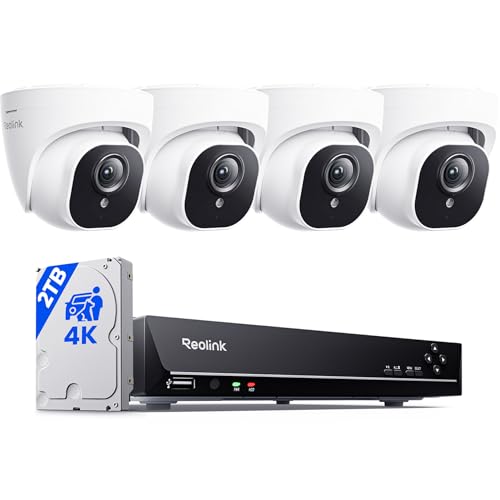
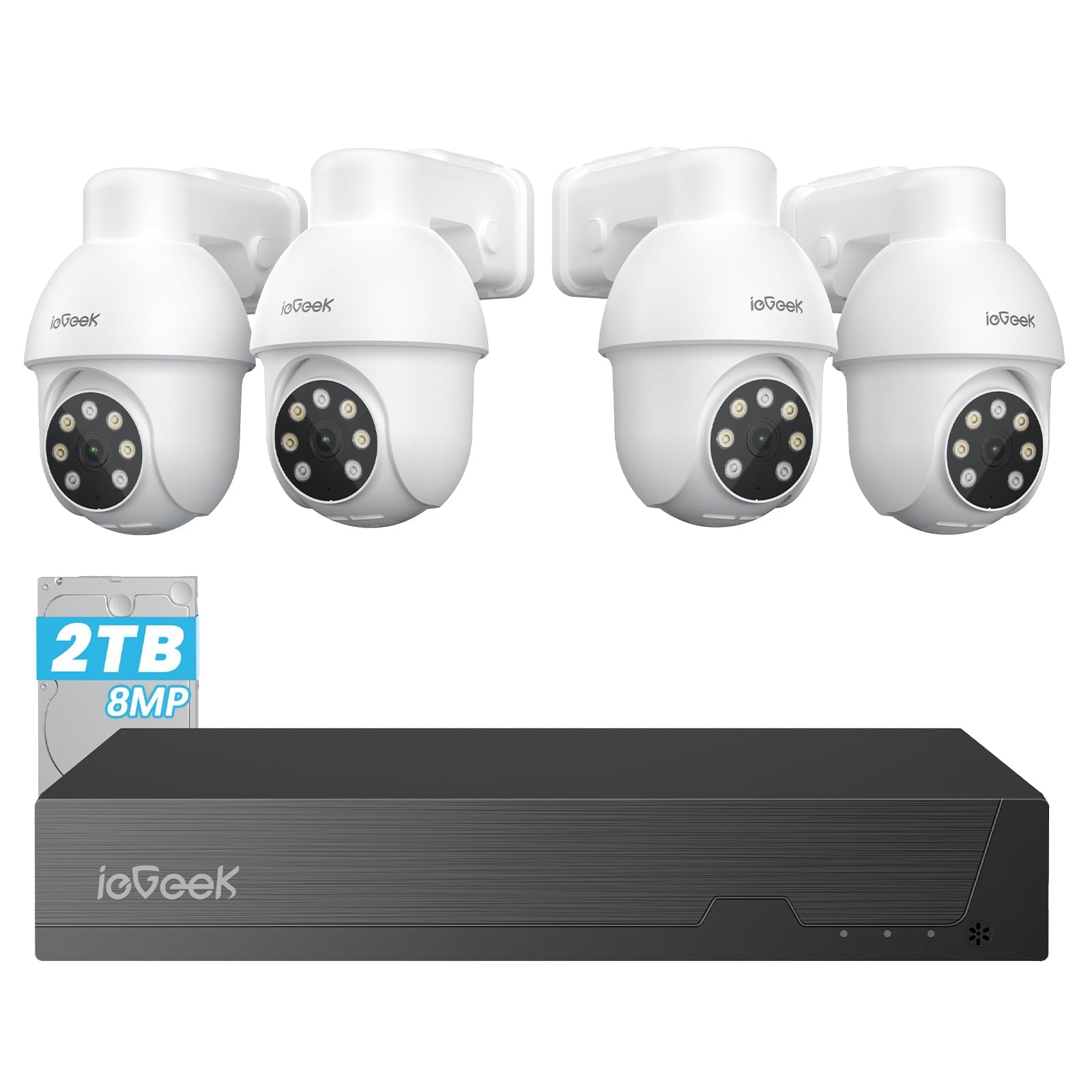


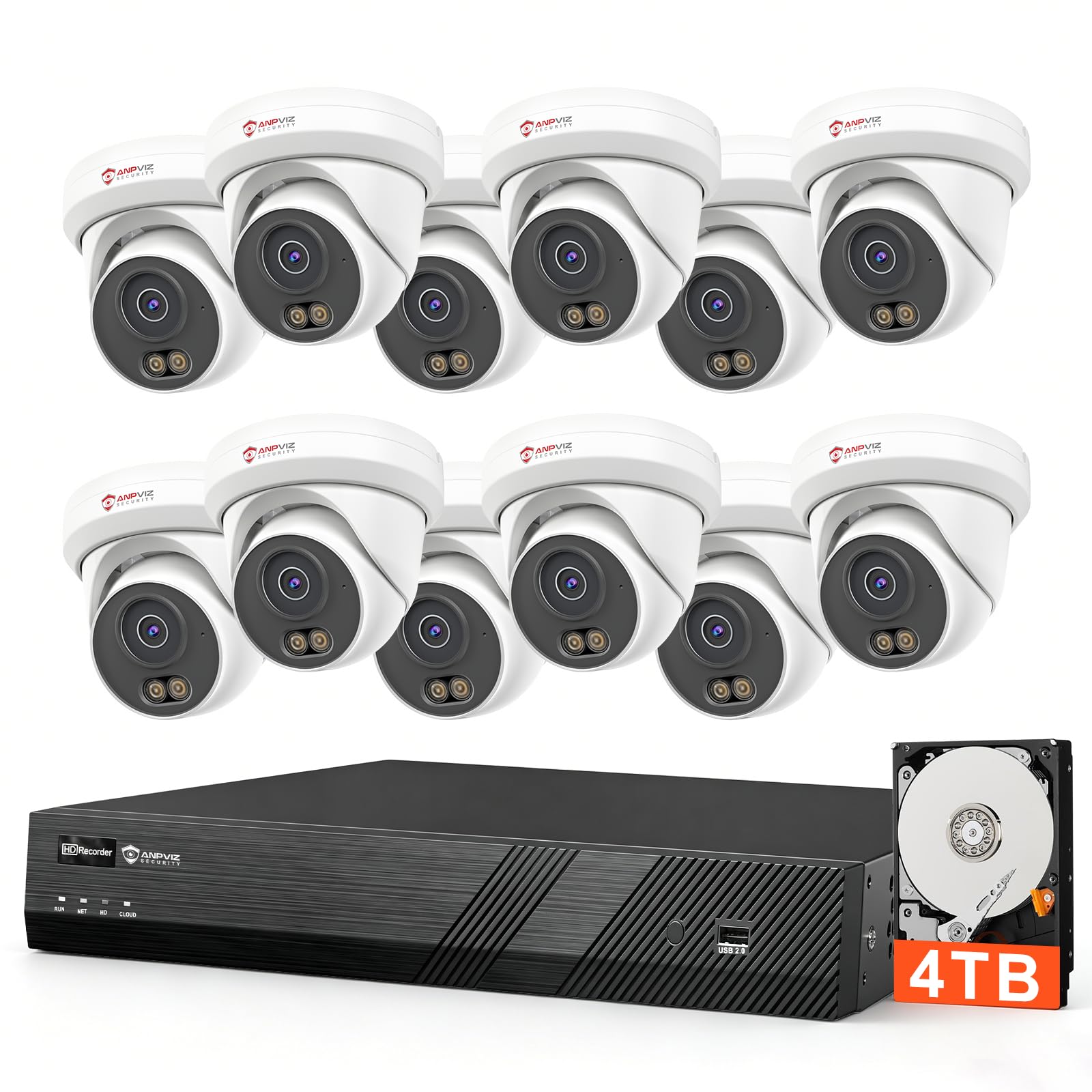

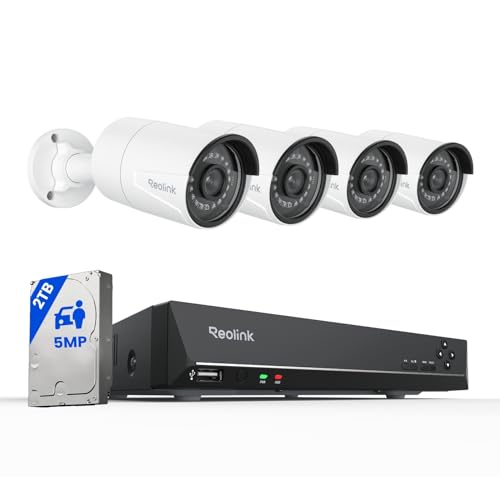

Spending Levels to Consider
Rather than ranking single products, it helps to compare what each spending level usually delivers. Lower cost systems often cover the basics well, mid cost systems add clearer video and smarter alerts, and higher cost systems add stronger build quality and more storage options. Your choice should follow the size of the area you need to cover and how often you plan to check footage.
Lower Cost Setups
Lower cost setups usually offer standard high definition video, a fixed wide view, and app viewing on a phone. They work well for a single entry point, a porch, or a small yard where you mainly want to know when someone approaches. Storage is often limited to a memory card or a short cloud plan, so check how many days of clips are kept before older clips are removed.
Mid Cost Setups
Mid cost setups usually add sharper video, better night vision, and alerts that can tell a person apart from a passing animal or a moving branch. They also tend to offer both local and cloud storage, which gives you a backup if one option fails. This level suits homes with two or three outdoor spots, such as a front door, a driveway, and a back garden.
Higher Cost Setups
Higher cost setups usually include larger sensors, stronger weather sealing, and a central recorder that can hold weeks of footage. They suit larger homes, long driveways, and properties where several cameras must run at the same time without gaps. Installation may take longer, especially for wired runs through walls or attics, and you should allow for cables, mounts, and a recorder.
How to Choose CCTV Security Cameras
The sections below cover the factors that most affect day to day use. Read them in order if you are new to CCTV, or jump to the factor that matters most for your home, such as storage or weather resistance. Each factor includes practical tradeoffs, so you can decide where extra spending helps and where it adds little value.
Video Resolution and Field of View
Resolution describes how much detail a camera can record, and field of view describes how wide an area it can see at once. A 2K camera often gives a clear view of a porch or a hallway, while a 4K camera can help you read smaller details across a larger yard. A very wide view covers more ground, but it can make distant faces look smaller. See our guide to best quality cctv cameras for more on how image quality changes with sensor size and lens choice.
Privacy and Security
Privacy and security settings protect your footage from unwanted access and help you control who can view it. Look for end to end encryption where available, a strong unique password, and two factor authentication on the account that controls the cameras. Keep cameras out of bedrooms and bathrooms, and follow local placement, recording, and consent rules for audio and for cameras that point toward a neighbor property. No camera system can guarantee privacy or security, so treat these settings as part of regular upkeep.
Storage: Local Versus Cloud Subscription
Storage decides how long you can keep clips and how you can look back at them later. Local storage on a memory card or a network video recorder keeps footage in your home and avoids a monthly fee, but a card can fill quickly at high resolution. Cloud storage keeps clips off site and often makes sharing a clip easier, but it usually requires a monthly plan and a steady internet connection. Before you buy, confirm the monthly cost, the retention period, and whether you can download clips without a subscription.
Weather Resistance
Weather resistance matters for any camera that will sit outside through rain, dust, heat, and cold. Ratings such as IP65 and IP66 describe protection against dust and water jets, with higher numbers generally offering stronger protection. A sheltered porch camera may do well with a lower rating, while an exposed driveway camera benefits from a stronger seal. See our guide to best outdoor cctv security cameras for outdoor placement ideas that reduce glare and water spots.
Smart Detection and Alerts
Smart detection helps a camera decide when to alert you, instead of sending a notice for every shadow or leaf. Person detection focuses on human shapes, package detection watches a delivery spot, and vehicle detection watches a driveway or a street edge. Detection zones let you limit alerts to a path or a doorway and ignore a busy sidewalk. Test zones after installation and adjust sensitivity over a few days, since these tools are not perfect.
Power Options
Power options shape installation effort, reliability, and long term cost. Wired power gives a steady feed and suits cameras that record all day, while battery power suits spots where running a cable is hard, such as a detached garage or a far fence. Solar panels can extend battery life in sunny spots, but they still need enough direct sun and occasional cleaning. See our guide to best wireless cctv security cameras for battery and wireless placement tradeoffs.
Types of CCTV Security Cameras
Camera types differ mainly in how they connect, where they sit, and how much coverage they provide. The right type depends less on the label and more on the spot you need to watch. Use the descriptions below to shortlist types, then compare resolution, storage, and power within that type.
Wired Camera Systems
Wired camera systems connect to a recorder with cables and usually record continuously without relying on WiFi. They suit homes that want steady coverage for several outdoor spots and do not mind the installation work. Once installed, these systems tend to be stable and easy to expand with extra cameras on the same recorder.
Indoor Monitors for Nurseries
Indoor monitors for nurseries are small indoor cameras used to check on a child in another room, often with two way audio and night vision. They are not a substitute for an outdoor security system, since their view, weather sealing, and storage are built for indoor use. If you use one, keep it out of reach of a crib, secure its account with two factor authentication, and follow local recording and consent rules.
Indoor Cameras
Indoor cameras watch living rooms, hallways, and entry points from inside the home, and they often use WiFi and a phone app for viewing. They are easy to move, easy to set up, and useful for checking on pets or deliveries while you are away. Keep them out of bedrooms and bathrooms, and let household members and regular visitors know cameras are in use.
Battery Powered Wireless Cameras
Battery powered wireless cameras suit spots where cables are hard to run, such as a side gate, a shed, or a rental property. They usually record on motion to save battery, so they may miss the first second of an event if wake up time is slow. Battery life depends on temperature, motion frequency, and video quality. See our guide to best security cameras for house for whole home placement ideas that combine wired and wireless cameras.
Picking the Right System for Different Uses
Different uses call for different priorities, even when the camera type looks similar on paper. A front door camera needs a clear view of faces at close range, a driveway camera needs a longer view and vehicle alerts, and a back garden camera needs weather sealing and a wide view. Match the priority to the spot, rather than buying the same camera for every location. This approach also helps you avoid paying for features you will not use at a given spot.
Best Wired CCTV Security Cameras
Best wired cctv security cameras suit buyers who want continuous recording, a central recorder, and stable performance across several cameras. Look for a recorder with enough channels for future cameras, a hard drive sized for the retention period you want, and cables rated for outdoor use where they leave the house. Wired systems need more planning up front, including cable routes and a safe spot for the recorder, but they avoid many WiFi dead spots. If you rent or move often, weigh that installation effort against a wireless setup that you can take with you more easily.
Tips to Get the Most From Your CCTV Security Camera
- Mount cameras 8 to 10 feet high where possible, so the view covers faces and entry points without being easy to reach or tamper with.
- Enable two factor authentication and use a strong unique password for the camera account, and check who has access every few months.
- Position cameras away from direct sun glare and bright reflections, since glare can wash out faces and trigger false motion alerts.
- Check local laws before recording audio, and tell household members and visitors where cameras are placed.
- Test detection zones and night vision after installation, and walk through the covered area at night to confirm faces remain visible.
- See our guide to best security cameras outside for outdoor mounting ideas that keep lenses clear and cables protected.
Frequently Asked Questions
How much storage do CCTV security cameras need?
The storage you need depends on how many cameras you run, what resolution you choose, and whether you record all day or only on motion. A single camera recording on motion at standard high definition may need only a modest memory card, while several 4K cameras recording continuously can fill a large hard drive in days. Check the retention period you want, such as one week or one month, and size local storage or a cloud plan to that period. Higher frame rates also use more storage, so lowering the frame rate slightly can extend retention.
Can CCTV security cameras work without WiFi?
Yes, many wired systems work without WiFi because cameras connect to a local recorder by cable and footage stays in your home. You can often view live and recorded video on a monitor connected to the recorder, even when the internet is down. Remote viewing on a phone, cloud clips, and smart alerts usually still need an internet connection. A local recorder with its own monitor gives you a useful fallback during an outage, so consider that setup if your internet connection is unreliable.
Are home cameras easy to hack?
Home cameras can be at risk if accounts use weak passwords, old firmware, or shared logins, but basic safeguards reduce that risk a great deal. Use a strong unique password, turn on two factor authentication, keep firmware updated, and remove access for people who no longer need it. Avoid sharing camera logins by text or email, and check account activity for unknown devices. Placing the recorder on a separate network segment, where your router supports it, can add another layer between cameras and other home devices.
Do CCTV security cameras need a subscription?
No, a subscription is not always required, especially if you use local storage on a memory card or a recorder. Subscriptions usually pay for cloud storage, longer clip retention, smarter detection, or extended history, and they can be useful if you want off site backup. Before you commit, compare the monthly cost over a year with the cost of a larger local drive, and check whether basic motion clips remain free without a plan. Some plans also limit how many cameras are covered, so confirm the plan covers every camera you intend to install.
Wired or wireless: which is more reliable for CCTV security cameras?
Wired systems are usually more reliable for continuous recording because they do not depend on WiFi signal strength at each camera spot. Wireless systems are more flexible and easier to install, but they can miss events if the signal is weak, the battery runs low, or motion wake up is slow. The best choice depends on your home: wired suits a long term setup with several cameras, while wireless suits rentals or a single camera trial. A mixed setup often works well, with wired cameras for key entry points and wireless cameras for flexible spots.
The Bottom Line
Start with the spots you need to cover, then choose resolution, storage, and power to match those spots rather than buying the highest specs for every camera. Clear placement, sensible detection zones, and regular password and firmware upkeep will matter as much as the camera itself. Check the product table above, compare spending levels for your main entry points, and pick a setup you can maintain over time. For a final check, revisit your shortlist with best cctv security cameras in mind and confirm that storage, weather resistance, and local recording rules all fit your home.


