
Best Cc Cameras for 2026: A Buying Guide
Disclosure: We may earn a commission when you buy through links on this page, at no extra cost to you. As an Amazon Associate I earn from qualifying purchases. Learn more

Compare the best cc cameras for watching over your home and yard. Learn about resolution, night vision, storage, power, and placement before you buy.
CC cameras, short for closed circuit cameras, send video over a private connection to a recorder or a screen you control instead of broadcasting it openly. The best cc cameras for you depend on what you want to watch, how dark the area gets, and how long you need to keep the footage. Use the product table to narrow the field, then read the sections below to understand what each spec actually changes.
A camera only helps if it is placed well, powered reliably, and set to record what matters. A clear plan for each spot you want to cover will do more for you than any single number on a spec sheet.
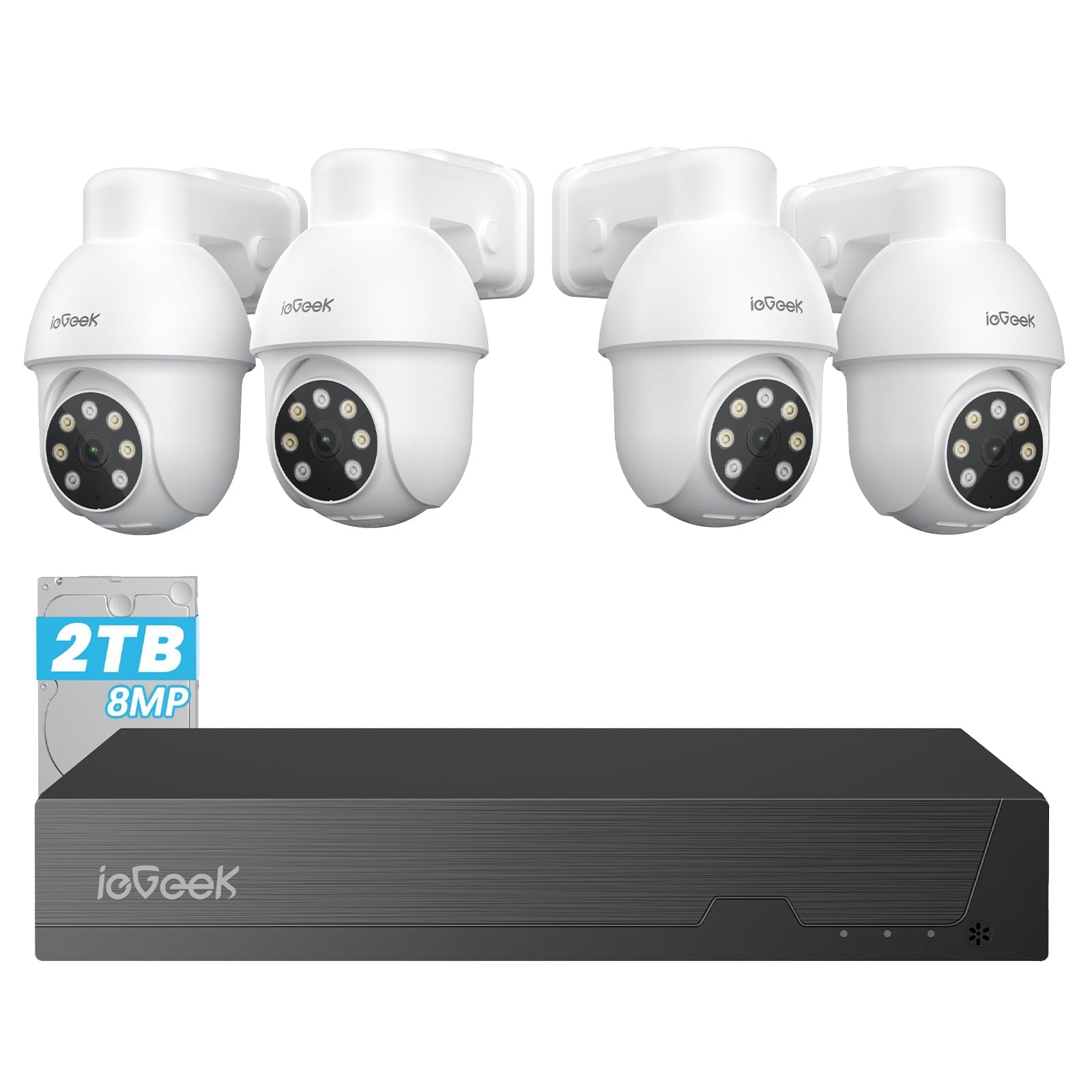
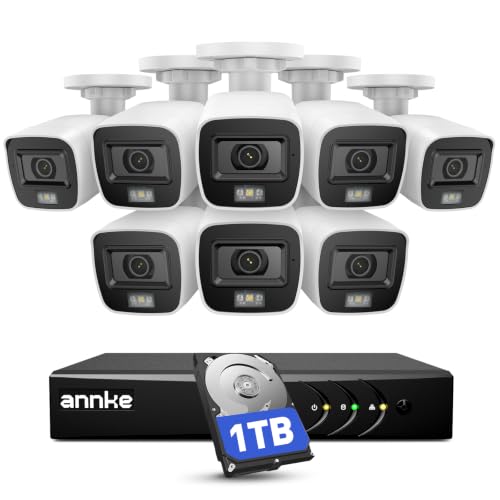

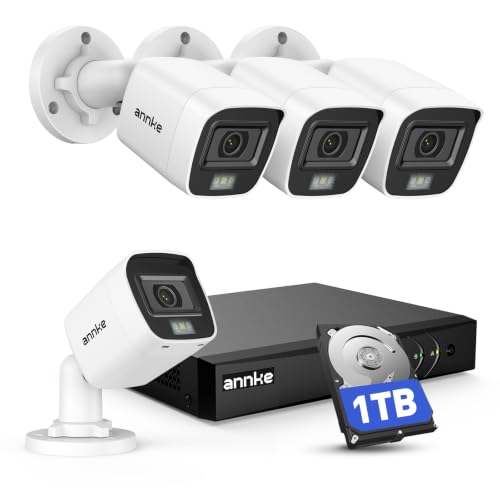


How a Closed Circuit Setup Works
Every setup has four parts: cameras, a way to power them, a place to store video, and a screen or app for viewing. Older systems send analog video over coaxial cable to a digital video recorder. Newer network cameras send digital video over Ethernet to a network video recorder, and many use Power over Ethernet so a single cable carries both power and picture. Both styles are still sold, and each can record without an internet connection.
Because the recorder sits in your building, footage stays under your control. Remote viewing needs an internet connection, but recording does not, which is one reason closed circuit setups remain popular for homes and small shops.
Analog or Network Cameras
Analog and HD Coax Cameras
Analog style cameras are simple and often the cheapest to buy in multi camera kits. Modern HD coax versions deliver sharper video over the same type of cable. They suit buyers who already have coaxial wiring or want an affordable, proven system with a dedicated recorder.
Network and PoE Cameras
Network cameras offer higher resolution, wider options for zoom, and smarter detection that can tell a person from a passing shadow. They need Ethernet cable runs, but a single cable per camera keeps wiring tidy and power steady. If you plan to expand over time, this style gives the most room to grow.
Specs That Separate the Best CC Cameras
Resolution
Resolution describes how many pixels make up the picture. Full HD is enough for a small room, while higher resolutions help when you need to read a face or a license plate at a distance. More pixels also use more storage, so match the number to the distance you need to cover.
Lens and Field of View
A wide lens covers a whole yard but makes distant faces small. A narrower lens frames a gate or a door with more detail. Varifocal lenses let an installer adjust the view, which helps when you cannot predict the exact framing in advance.
Night Vision
Infrared lights let a camera record in complete darkness, usually in black and white. Check the stated range against the distance you need, and remember that glass, walls, and bright lights nearby can wash out the image. Some cameras add a small white light to keep color at night.
Weather Rating
Outdoor cameras should carry an ingress protection rating such as IP66, which describes resistance to dust and water. Mounting under an eave extends life and keeps rain off the lens.
Storage and How Long You Keep Footage
Recorders store video on a hard drive. A larger drive and motion based recording both extend how many days you keep. Decide a target first, such as two to four weeks, then size the drive to match. Cameras that record to a memory card are simpler but hold less, and a stolen camera takes its card with it.
Planning Cable Runs and Power
Walk the property before you buy and note how each camera will get power and a video path. A camera at the front door may sit next to an outlet, while a camera over the driveway may need a cable run through an attic or along an eave. Measure the distance, because Ethernet and coaxial cable have maximum lengths and long runs may need a different cable type or an extender. Leave a small loop of slack at each camera so you can adjust the angle later.
If cable runs are not possible, wireless or battery cameras fill the gap, but they trade steady power for flexibility. Reserve them for spots where a wired run is truly impractical, and keep the main entrances on a wired recorder so recording never depends on a battery level or a weak signal.
Placement and Privacy Rules
No camera system can promise security, and placement carries responsibility. Aim cameras at your own property, keep them out of bedrooms and bathrooms, and check local rules before you record audio, since recording conversations is restricted in many places. A small notice that cameras are in use is a courteous and often useful step. For guides built around specific uses, see our best cctv cameras for home and best cctv security cameras.
Matching Cameras to Common Spots
A front door camera should frame faces at about head height and handle backlight from the sky. A driveway camera needs a longer lens and good night range. A back door or garage camera is often shaded, so low light performance matters most there. Inside, point cameras at doorways rather than whole rooms, and keep them away from windows where glare causes silhouettes. Choosing a camera for each spot beats buying one model for every position.
Care and Maintenance
- Wipe lenses with a soft cloth every few months, since dust and spider webs blur night images.
- Check mounts twice a year and tighten any loose screws.
- Change default passwords on the recorder and cameras during setup.
- Play back a recent clip each month to confirm recording is working.
- Keep firmware updated through the maker's official app or recorder menu.
Frequently Asked Questions
What does CC stand for in cc cameras?
It stands for closed circuit, meaning the video travels over a private connection to a recorder or monitor rather than being broadcast publicly.
Do cc cameras need the internet to record?
No. Cameras connected to a local recorder keep recording during an internet outage. The internet is only needed for remote viewing and cloud features.
How many cameras do I need?
Start with the main entrances and any area where you want to see faces. Add cameras only where a real blind spot remains, since extra cameras add storage needs and alerts to manage.
How much should I spend on a first system?
Many buyers spend roughly $100 to $400 for a starter set of one to four cameras with a recorder. Spending more mostly buys higher resolution, better night vision, and more channels.
Is a smartphone enough instead of a dedicated camera?
A phone can check a room briefly, but it cannot record around the clock, survive weather, or keep working while you use it. A dedicated camera is the reliable choice for continuous watching.
Wrapping Up
Pick cameras that fit each spot, choose storage that keeps footage long enough to matter, and place them with privacy rules in mind. The best cc cameras are the ones that watch the right places clearly day and night without getting in your way. Check the product table above once more before you order.


