Best Canvas Printers for Photography: Every Type Explained Side by Side for 2026
Disclosure: We may earn a commission when you buy through links on this page, at no extra cost to you. As an Amazon Associate I earn from qualifying purchases. Learn more

Desktop, wide format or print service: how the best canvas printers for photography differ in ink, media handling, size and cost per print.
Photographers who want to print their own canvas work face a confusing shelf of machines, from compact desktop photo printers to wide format units that take rolls of canvas. This guide compares the real types of best canvas printers for photography side by side, so you can see which style fits your print sizes, your volume, and your budget. No single type wins for everyone, and the cheapest route to a beautiful canvas print is sometimes not a printer at all.
Read the type comparison first, then use the buying criteria to narrow your choice by ink, media handling, and cost per print. By the end you will know whether to buy a desktop unit, a wide format machine, or a smaller printer plus a print service for oversize work.


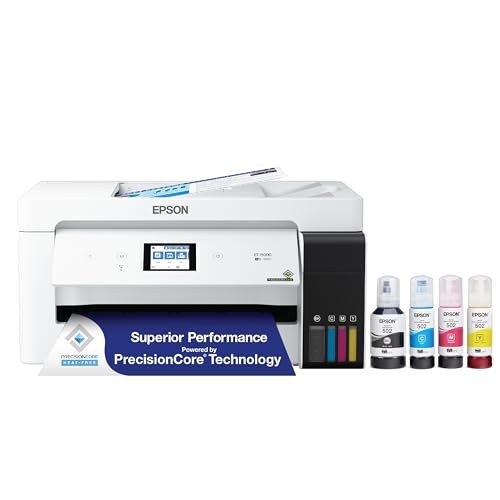

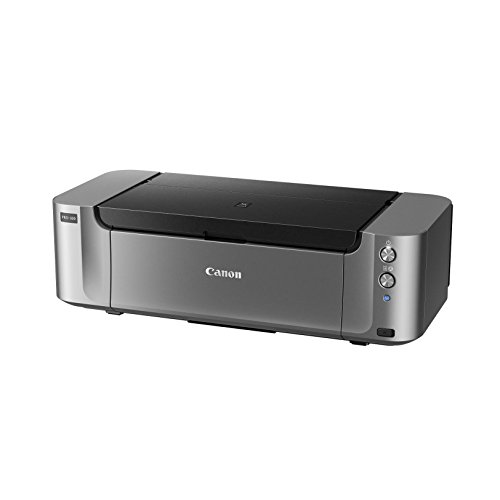
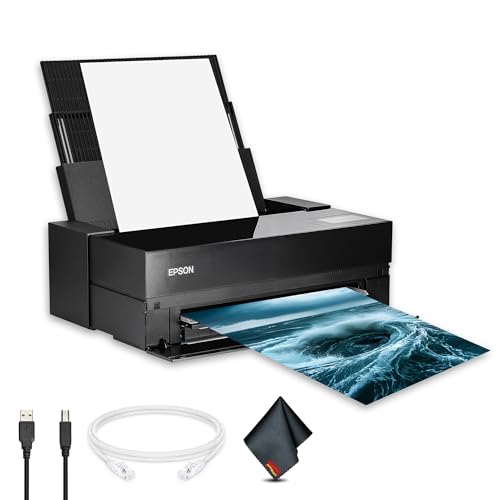
Types of Canvas Printers Compared
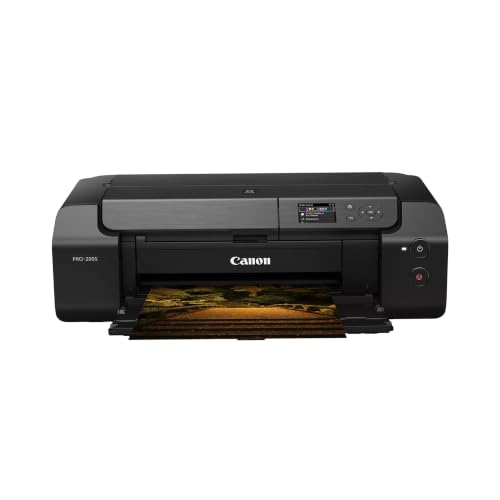
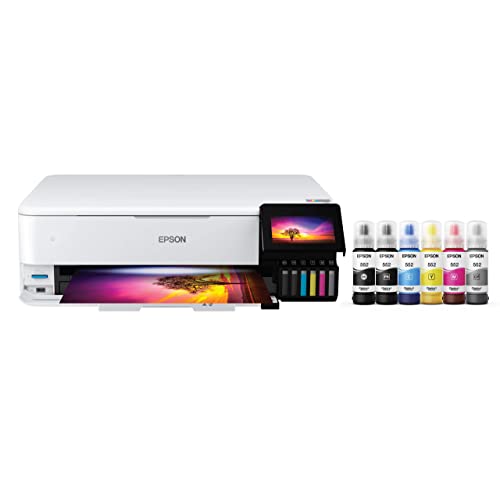
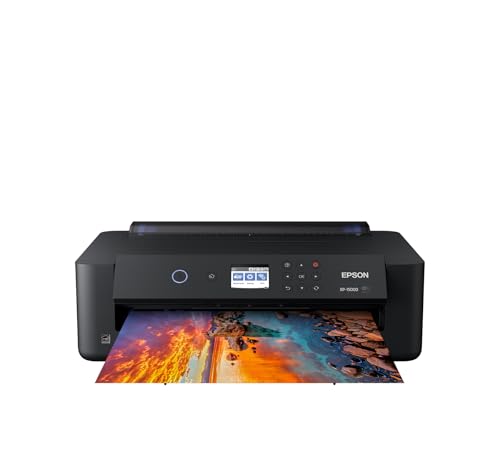
Three routes cover nearly every photographer. Desktop photo inkjet printers handle sheets up to about 13 by 19 inches or 17 inches wide and cost roughly around $300 to $900. Wide format inkjet printers take rolls 24 to 44 inches wide, cost around $1,500 to $5,000 and up, and suit sellers and studios. A compact home printer paired with an online print service costs the least up front and removes size limits entirely, at the price of waiting for delivery. The sections below unpack each route.
Desktop Photo Inkjet Printers
A desktop pigment inkjet printer feeds single sheets of canvas through a straight or gently curved path and prints with six to ten ink colors. Print quality is excellent for its size, with smooth gradients and deep blacks that suit portraits and landscapes. The limits are size and speed: finished canvas pieces usually stay under about 16 by 20 inches once you allow for wrapping edges, and each print takes several minutes. This type fits hobbyists and pros who sell smaller work or want full control over proofs at home. Running costs are moderate, and sheet canvas is easy to buy in small packs.
Wide Format Inkjet Printers
Wide format machines print from rolls, so a 24 inch printer can produce a 24 by 36 inch canvas with wrap allowance in one pass. They use larger ink cartridges or tanks, which lowers cost per print at volume, and they handle thick media with ease. The trade offs are space, price, and maintenance: these printers are heavy furniture, and print heads suffer if the machine sits idle for weeks. This type fits photographers who sell large work regularly or print for clients. If your sales are occasional, the math rarely beats a good print service.
All in One Inkjet Printers and the Print Service Route
General purpose all in one printers can print on thin canvas sheets in a pinch, but most lack the ink set, media path, and color controls that canvas work demands, and results often look flat. A smarter low cost route pairs any modest home printer for proofs with an online canvas print service for final pieces. You lose hands on control of the final print, yet you gain any size, stretched and ready to hang. This route fits beginners checking whether their images sell. Photographers exploring that path can also read our guide to the best canvas photo printers for a closer look at dedicated machines.
Desktop vs Wide Format: Which Should You Choose?
Choose by your largest regular print size. If nearly all your canvas work is 16 by 20 inches or smaller, a desktop printer gives you full control, faster turnaround, and a far lower purchase price. If you sell 24 by 36 inch pieces every month, wide format wins on cost per print and saves the margin you would pay a service. Desktop machines fit a spare desk and start printing the day they arrive, while wide format units need a stand, floor space, and a delivery plan. Volume settles the tie: under about ten large prints a month, desktop plus a service for oversize work usually costs less over three years. Studios with steady client work should read our guide to the best photography printers professional buyers choose for paid output.
How to Choose the Right Canvas Printer
Printer Type and Ink System
For canvas, pigment inkjet is the type that matters. Pigment inks sit on the canvas surface, resist water and fading far better than dye inks, and are the standard for work you sell or display for years. Laser printers cannot print on canvas at all, because the heat and path would damage the media and the coating. Ignore 3D printers entirely for this job, since they build objects rather than images. Count the ink channels: more colors, especially light black and extra grays, give smoother black and white prints and gentler skin tones.
Features That Matter for Photography
Photography asks more of a printer than documents do. Look for a maximum resolution of at least 2400 by 1200 DPI, a wide color gamut ink set, and a dedicated black and white mode that avoids color casts in monochrome work. Borderless printing helps when you want full bleed images, though canvas wrapping needs extra image area rather than a true borderless edge. A good driver with ICC profile support for canvas media matters more than headline specs, because correct profiles are what make the print match your screen. Photographers building a small business around prints will also find useful context in our guide to the best printers for photography business use.
Media Handling and Maximum Print Size
Canvas is thick and stiff, so the media path decides what you can actually print. A manual front feed or straight through path rated for media around 0.1 to 0.7 mm thick handles canvas sheets without jamming or head strikes. Check the maximum sheet or roll width, then subtract wrap allowance: a gallery wrap needs about 2 inches of extra image on every side. Roll support with a built in cutter suits high volume work, while sheet feeding suits short runs. Confirm that canvas media profiles exist for the model before buying, not after.
Cost per Print and Ink Costs
Cost per print means the ink and media cost of one finished piece, and it varies more than most buyers expect. A 16 by 20 inch canvas print might use around $4 to $10 of ink and canvas on a desktop machine, while wide format printing at volume can cut that figure notably. Cartridge printers cost more per milliliter than tank or large cartridge systems, so heavy users should price ink by volume, not by cartridge. Add a waste allowance for sample prints and the odd failure, usually about 10 to 20 percent. Subscription ink plans rarely suit canvas work, because photo inks and canvas media fall outside most plan assumptions.
Ease of Setup and Calibration
Setup is mostly about color, not cables. Plan an hour to run the alignment routine, load the canvas profile, and print a sample image with skin tones, deep shadows, and bright highlights. A printer with a clear screen and saved media presets saves time every session. Soft proofing in your editing software, with the correct canvas profile, prevents most surprises. If color accuracy across devices is new to you, our guide to the best printers for digital photography explains monitor and printer matching in more depth. Keep notes on settings that work, because consistency beats constant adjustment.
How to Make Your Canvas Printer Last Longer
Print something at least once a week, even a small sample image, because pigment ink dries in idle nozzles and causes the clogs that ruin print heads. Use genuine ink or a reputable alternative made for your model, since cheap ink shifts colors and can damage seals. Store canvas flat or on the roll in a dry place away from sunlight, and handle it by the edges to keep oils off the coating. Keep the paper path clean with a soft brush, and run the built in cleaning cycle only when a nozzle check shows gaps, because each cleaning uses ink. Cover the printer when it sits in a dusty room.
FAQs
What features matter most in canvas printers for photography?
A pigment ink set with enough channels for smooth gradients matters most, followed by a media path that accepts thick canvas and ICC profile support for canvas stocks. Maximum print width decides your largest piece, so buy for the size you will print monthly, not once a year. Resolution figures above 2400 DPI add little in practice. Good driver software and reliable feeding will shape your results more than any single headline number.
What does cost per print mean?
Cost per print is everything one finished print consumes: ink, canvas, and a share of wasted sample prints. Divide a cartridge set price by the number of good prints it produces to get a rough ink cost, then add the canvas sheet or roll cost per piece. Wide format machines usually win this measure at volume. Tracking your real cost for a month is the only way to price prints you sell with confidence.
Which canvas printer type is easiest for beginners?
A desktop pigment inkjet printer is the easiest type for beginners. It arrives ready for sheet media, the software guides setup, and mistakes cost a single sheet rather than a length of roll canvas. Start with small canvas packs and one reliable profile. Beginners often learn faster by printing the same image at several settings and comparing results side by side under the same light.
Are ink tank printers worth it for canvas work?
Ink tank models can be worth it if their ink is pigment based and the media path accepts canvas, because ink cost per print drops a lot at volume. Many tank printers are dye based office machines, though, and those fade faster and handle thick media poorly. Check both points before assuming a tank model suits photography. For occasional printing, a cartridge photo printer usually gives better color with less fuss.
Inkjet or laser: which is cheaper long term?
For canvas, the question answers itself, because laser printers cannot print on canvas media. Inkjet is the only home technology for this work, and its long term cost depends on ink volume pricing and how often you print. Regular use actually lowers cost by preventing cleaning cycles and wasted ink. If you print only a few pieces a year, a print service will almost always cost less than owning any dedicated machine. Our guide to the best printers for canvas printing compares ownership costs in more detail.
Final Thoughts
Pick the printer type by your largest regular size, insist on pigment ink and a canvas ready media path, and price the ink before the machine. Desktop units serve most photographers well, wide format rewards steady volume, and a print service covers the rest. The best canvas printers for photography for your desk are the ones whose costs and sizes match your real habits, so compare your shortlist against the product table above and choose with confidence.