Best Canvas Photo Printers: Pigment, Dye and Sizes for 2026
Disclosure: We may earn a commission when you buy through links on this page, at no extra cost to you. As an Amazon Associate I earn from qualifying purchases. Learn more

Home display or small studio: how the best canvas photo printers differ in ink, media path, print size and running cost, plus common mistakes.
A canvas print asks more of a printer than a snapshot does: thick media, heavy ink coverage, and colors that have to survive years on a wall. The best canvas photo printers are inkjet models with a straight or rear paper path, a wide color ink set, and driver support for canvas media. Print speed hardly matters here. Color depth, media handling, and cost per large print decide whether the result looks gallery quality or flat.
This guide explains how canvas printing works at home, which printer types suit which buyers, what ink and media really cost, and the mistakes that waste canvas. Use the product table above to compare current models once you know which type fits your prints.


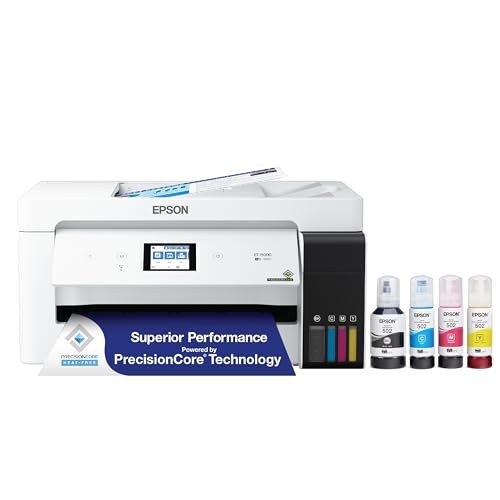

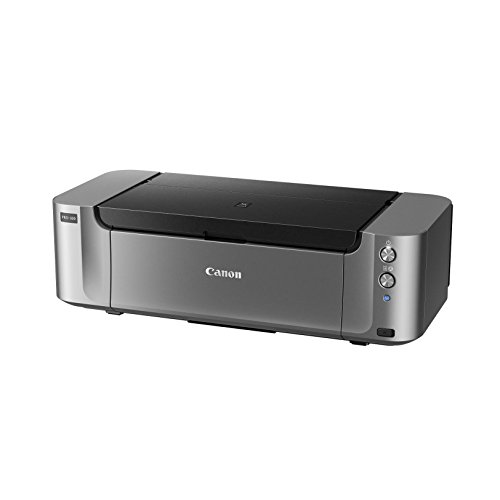
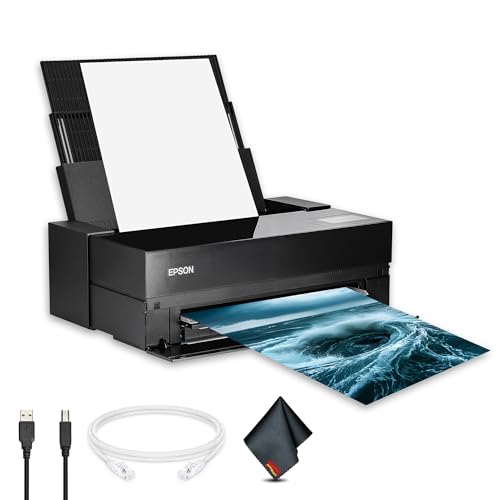
How Canvas Photo Printing Works at Home
Canvas for inkjet printers comes as coated cotton or polyester-cotton sheets, or as rolls on wide-format machines. The coating holds ink on the surface so colors stay sharp instead of soaking into the weave. A photo printer pushes the sheet through its feed path, lays down six to twelve ink colors, and leaves a print that dries in minutes. After printing, most people spray the surface with a protective coating and wrap the print around a wooden stretcher frame.
Two limits shape everything else. First, the media path: canvas is stiff and often 0.3 to 0.5 mm thick, so printers with a rear or manual front feed handle it far better than models that bend paper around a tight curve. Second, size: a gallery wrap needs roughly two extra inches of image on every side, so a 16 by 20 inch canvas needs a print of about 20 by 24 inches. Check that margin before you decide how big a printer you need.
Which Canvas Photo Printer Fits You
Home Display Makers
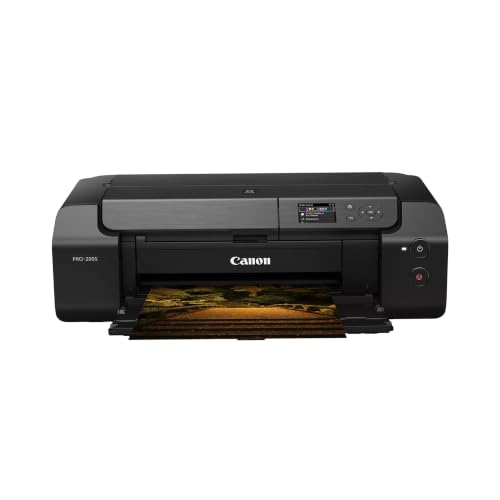
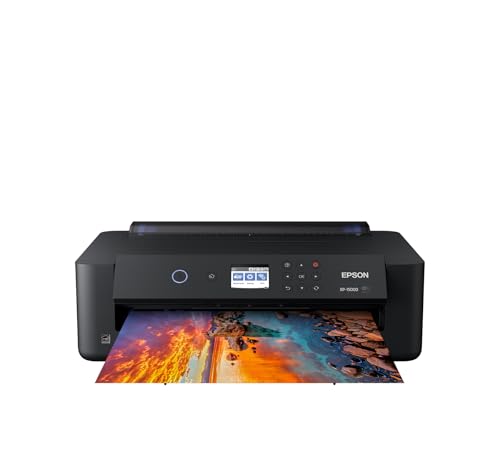
If you print family portraits, travel shots, and a few pieces for your own walls, a 13 inch photo printer covers almost everything. Models in the 13 inch class print up to 13 by 19 inches, which wraps into a 10 by 16 or 11 by 14 inch canvas with room for the edges. Pigment ink models cost more up front but resist fading and water far better than dye ink, which matters for pieces that hang in sunlight. Skip all-in-one office machines for this job, because their paper paths rarely accept canvas without jamming.
Small Studio Owners
Selling or gifting prints in small batches changes the math. You need a printer with larger ink cartridges or tanks, because ink is the main running cost, and you need consistent color from one print to the next. A 17 inch pigment printer lets you produce 16 by 20 inch canvases and mid-size art prints on the same machine. Plan on keeping a stock of sheet canvas in two or three sizes so each order starts quickly, and set up one saved canvas profile per media you stock.
Photographers Printing Large Work
Exhibition-style prints call for the widest ink set and the best black density, which is where 12-color pigment printers earn their price. Large-format machines that accept 24 or 44 inch rolls remove size limits, but they take floor space, a stand, and regular use to keep the print head healthy. If you print large pieces only a few times a year, a desktop printer for proofs plus a print service for oversize finals is usually the cheaper path.
Features That Matter for Canvas Prints
Pigment or Dye Ink
Pigment ink sits on the canvas surface and resists fading and moisture, so it is the standard for work you plan to keep. Dye ink gives vivid color at a lower price but fades sooner and can smudge on a damp day. Photographers who print black and white also benefit from extra gray and light black cartridges, which smooth tonal steps and reduce color casts.
Media Path and Maximum Size
Look for a manual front feed or straight-through rear feed rated for thick fine art media. Confirm the maximum width: 13 inch models, 17 inch models, and 24 inch or wider rolls each open up a different range of canvas sizes. A borderless mode helps for full-bleed images, though canvas wrapping still needs extra image area beyond the visible edge.
Software and Color Profiles
A printer is only as accurate as its profiles. Check that the maker supplies profiles for canvas, or that your canvas brand provides a profile for your model. Soft proofing in your photo editor, with the right profile selected, shows how the print will look before you spend a sheet. Calibrate your monitor too, since a screen that is too bright is the most common reason prints come out dark.
Ink and Running Costs
Ink is the largest long-term cost. A 16 by 20 inch canvas print can use several dollars of ink plus the canvas sheet itself, and cartridge printers cost more per milliliter than tank or large-cartridge designs. Price a full set of inks before you buy, and add a 10 to 20 percent allowance for sample prints and the occasional failed sheet. Some printers also use maintenance cartridges that wear out on a schedule.
What Each Price Level Usually Gets You
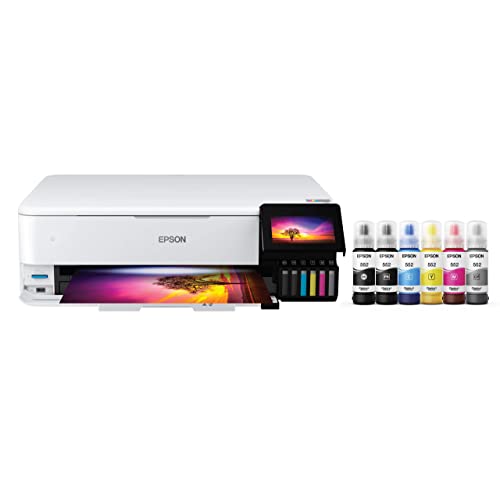
Printers that handle canvas well start around the mid-range of consumer photo printers. A 13 inch pigment model often runs several hundred dollars, a 17 inch pigment printer roughly $1,000 to $1,500, and large-format roll machines climb into the thousands. Tank-based photo printers sit lower in price and ink cost, but check whether their ink is dye or pigment and whether the media path accepts thick sheets. Spend more only when a feature, such as 17 inch width or a bigger ink set, solves a problem you actually have.
Mistakes That Waste Canvas
- Printing at the exact canvas size and leaving no image area for the wrapped edges.
- Using photo paper settings instead of a canvas profile, which gives muddy shadows.
- Leaving the printer idle for weeks, so pigment dries in the nozzles and clogs the head.
- Handling printed canvas before it dries, which leaves fingerprints in the coating.
- Skipping a protective spray, so prints scuff and pick up moisture.
Related Guides Worth Reading
Readers choosing a canvas printer often compare nearby types. Our guide to the best photo quality printers covers general photo output, and the best printers to print photos and best printers for photo printing pages cover everyday models. For small prints, see the best compact photo printers and best mobile photo printers.
Canvas Photo Printer FAQ
What size canvas prints can I make at home?
A 13 inch printer prints sheets up to 13 by 19 inches, which makes canvases up to roughly 11 by 14 inches once you allow for wrapped edges. A 17 inch printer reaches about 16 by 20 inches. Larger pieces need a wide-format roll printer or a print service.
Do I need special ink for canvas?
You need ink that suits your printer and canvas media. Pigment ink is the usual choice because it lasts longer on a wall, and the canvas itself must be an inkjet-coated type made for your printer. Uncoated fabric will bleed and look blurry.
How do I keep canvas prints from fading?
Use pigment ink, apply a protective spray made for inkjet canvas, and hang the print away from direct sunlight. Keep it dry and away from kitchens and bathrooms with heavy steam.
Is a canvas printer different from a photo printer?
Many canvas printers are photo printers with a media path and ink set that suit thick fine art media. A general office or all-in-one printer usually cannot feed canvas reliably, so check the maximum media thickness before buying.
How much does a large canvas print cost to make?
Ink and canvas for a 16 by 20 inch print often come to around $5 to $12, depending on the printer and media. A print service charges more per piece but needs no equipment, so occasional printers may save money by outsourcing.
Final Thoughts
Match the printer to your largest regular print size, favor pigment ink and a thick-media feed path, and price the ink before the machine. The best canvas photo printers for you are the ones whose size and running costs fit how often you print, so compare your shortlist in the product table above and pick the one you will actually use.