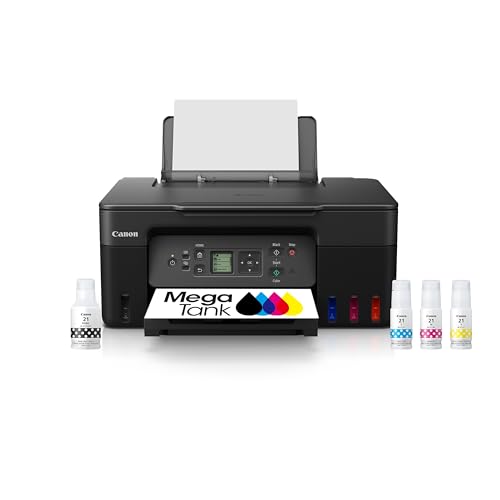
Best Canon Photo Printers: 2026 Photo Print Guide
Disclosure: We may earn a commission when you buy through links on this page, at no extra cost to you. As an Amazon Associate I earn from qualifying purchases. Learn more

Canon photo printers turn phone and camera photos into real prints. Compare ink systems, print sizes, and running costs to find a printer for home or hobby use.
A guide to the best canon photo printers starts with how you print: occasional snapshots, serious hobby prints, or regular photo projects. Canon makes printers for each path, from compact dye printers to larger inkjet models with wide color ranges. The comparison table below compares the main Canon photo printer types side by side.
Home photo printing has real appeal: prints for frames, albums, gifts, and walls without waiting for a lab. The trade off is running cost, since ink and photo paper add up, and the learning curve of color settings and paper choices. This guide explains ink systems, print sizes, and running costs, so you can judge whether home printing pays for you. Home printing suits regular use, which matters when you weigh the best canon photo printers against a lab service.

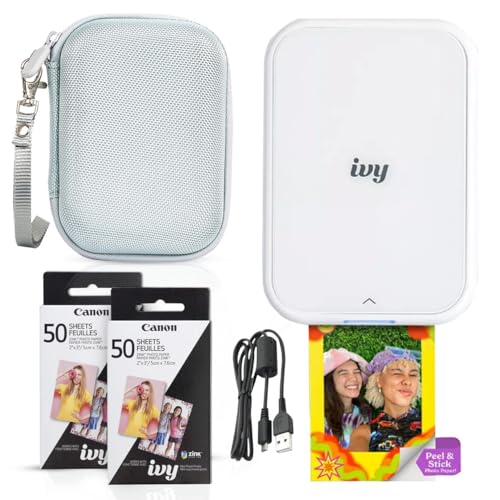


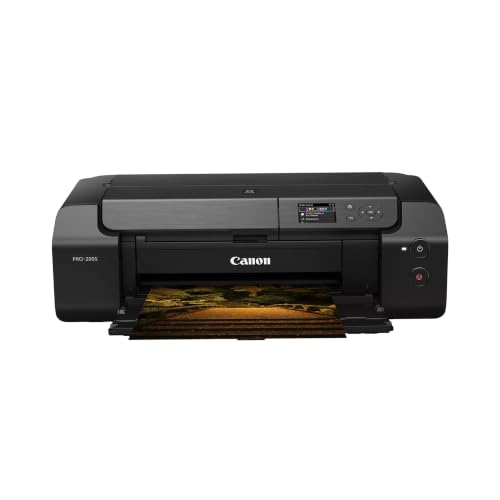


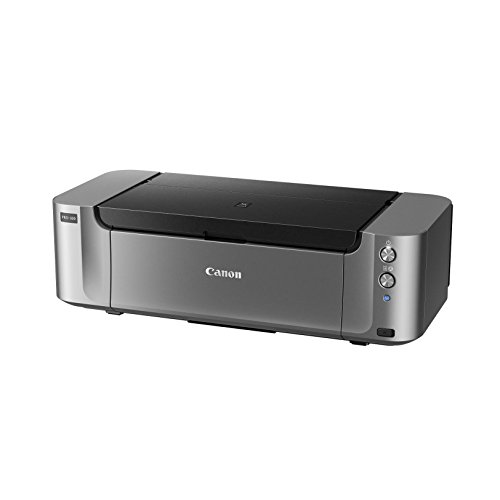


Who Should Print Photos at Home
Hobby photographers who print often get the most value. If you print weekly, frame your work, or sell small prints at markets, a home printer saves lab trips and gives full control over paper and size. Families who print snapshots for albums and gifts also benefit, especially with a compact printer that lives on a shelf.
Occasional printers should think twice. If you print a few photos a year, a lab or print service usually costs less overall, since ink can dry or clog between long gaps. Home printing suits regular use, not rare use, so be honest about how often you will actually print.
Ink Systems Explained
Dye based inks give vivid, glossy photos with smooth color, which suits snapshots and family prints. They can fade faster in bright sunlight than pigment inks, so frame dye prints away from direct sun or behind glass. Pigment inks resist fading far longer and suit prints you want to keep or sell, but they can look less vivid on glossy paper.
Canon photo printers use either small cartridges or refillable ink tanks. Cartridges are simple and widely available, but ink costs more per print. Tank systems cost more upfront and far less per print, which suits regular printers. Check the number of ink colors too: six or more inks usually give smoother skin tones and richer colors than four.
Print Sizes and Paper
Most home photo printers handle 4 by 6 inch snapshots and A4 or letter pages, while larger models print A3 for wall art. Compact dye printers often print only small sizes, which suits albums and gifts but not wall prints. Decide your largest regular print size before you buy, since size limits cannot be upgraded later.
Paper choice shapes the result as much as the printer. Glossy paper gives punchy color and deep blacks, while matte and fine art papers give a softer, gallery look. Canon papers are tuned for Canon printers, but quality third party papers also work well. Always match the paper setting in the printer driver to the paper you load, or colors will shift.
Running Costs and Care
Work out cost per print before you buy: divide ink and paper costs by the number of prints a set produces. Tank printers usually win for regular printing, while cartridge printers suit light use. Print a small photo regularly, even weekly, to keep nozzles clear and prevent clogs during long gaps.
Keep the printer dust free and covered when idle, and use it on a stable surface. Update firmware and drivers when prompted, since updates often improve color and paper handling. Store photo paper flat, sealed, and away from humidity, since damp paper causes streaks and jams.
A Final Check Before You Order
Before you order, work out your true cost per print for the models you are considering, including ink, paper, and the printer price spread over the prints you will realistically make. A cheap cartridge printer can cost more per print than a pricier tank printer within a year of regular use, while a tank printer wastes money if you print only a few photos a year. Be honest about your printing frequency before you choose.
Check the print sizes and paper types you need, since size limits cannot be upgraded later. If you want wall prints, you need a model that handles A3, while snapshot printers suit albums and gifts but not walls. Check borderless printing support, paper thickness limits for fine art paper, and whether the printer handles the paper brands you prefer.
Finally, check the software and connectivity: wireless printing from phones, driver support for your computer system, and color management options for serious hobby work. A printer with poor software frustrates even good hardware, so read current user comments about drivers and app reliability before you buy, not just launch reviews.
Related Buying Guides
To compare closely related options, see our guides to the best photo quality printers, the best printers to print photos, and the best printers for photo printing. For the full brand range, read the best canon printers, and for paper, see the best photo paper for canon inkjet printers.
Frequently Asked Questions
Are Canon photo printers good for home photo printing?
Yes, Canon photo printers suit home printing well, with models for snapshots, hobby prints, and larger wall prints. Dye models give vivid glossy photos, while pigment models give longer lasting prints. Choose by how often you print and your largest print size. Regular printers get the best value, since ink can clog during long gaps, so occasional printers may prefer a lab service instead.
What is the difference between dye and pigment inks?
Dye inks give vivid, glossy photos with smooth color, which suits snapshots and family prints, but they can fade faster in bright sunlight. Pigment inks resist fading far longer and suit prints you want to keep or sell, but they can look less vivid on glossy paper. Frame dye prints away from direct sun, and choose pigment for archival prints, portfolios, or prints you plan to sell.
How much does home photo printing cost per print?
Cost per print depends on ink system and paper, but tank printers usually cost far less per print than cartridge printers. Work it out by dividing ink and paper costs by the number of prints a set produces. Paper choice also matters, since fine art paper costs more than standard glossy. Regular printers spread the printer cost over many prints, which lowers the true cost per print over time.
What print sizes can Canon photo printers handle?
Most home Canon photo printers handle 4 by 6 inch snapshots and A4 or letter pages, while larger models print A3 for wall art. Compact dye printers often print only small sizes, which suits albums and gifts but not wall prints. Decide your largest regular print size before you buy, since size limits cannot be upgraded later. Check borderless printing support if you want edge to edge prints.
How do I prevent clogged nozzles in a photo printer?
Print a small photo at least weekly to keep ink flowing and nozzles clear, especially with pigment printers. Keep the printer dust free and covered when idle, and run the built in cleaning cycle only when prints show gaps, since cleaning uses ink. Store paper flat and sealed away from humidity. If a printer will sit unused for months, a lab service may suit you better than home printing.
Final Thoughts
Choosing the best canon photo printers means matching ink, size, and running cost to how often you print. Dye suits vivid snapshots, pigment suits lasting prints, and tank systems suit regular printers. The product table above can help you compare printer types side by side. Work out your cost per print, pick your largest size, and print at home only as often as you truly will.