
Best Cameras to Watch Dogs for 2026: Matching the Right Camera to Your Routine
Disclosure: We may earn a commission when you buy through links on this page, at no extra cost to you. As an Amazon Associate I earn from qualifying purchases. Learn more

Compare cameras for watching dogs at home by video quality, bark alerts, night vision, and storage costs so you choose the right setup the first time.
No single camera suits every dog or every home. A quiet senior dog who naps on one sofa needs simple live viewing, while a young dog who paces and barks needs smart alerts and a wider view. The best cameras to watch dogs are the ones that match your dog's habits, your rooms, and how often you want to check in.
This guide works by use case first. It walks through who needs which type of camera, the features that change what you see and hear, and how to place a camera so the feed is useful. Use the comparison table below to line up the main types against your routine before you spend anything.


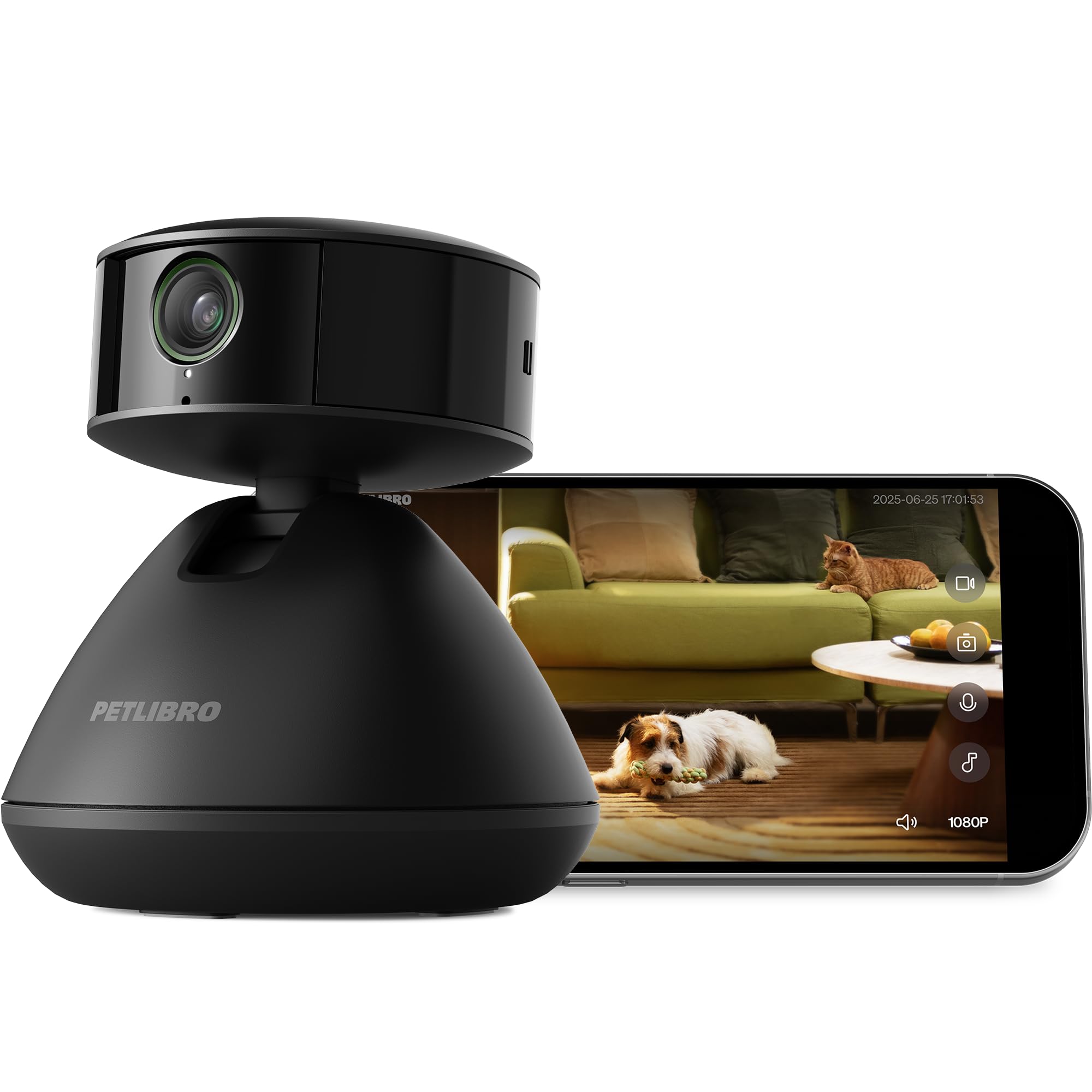


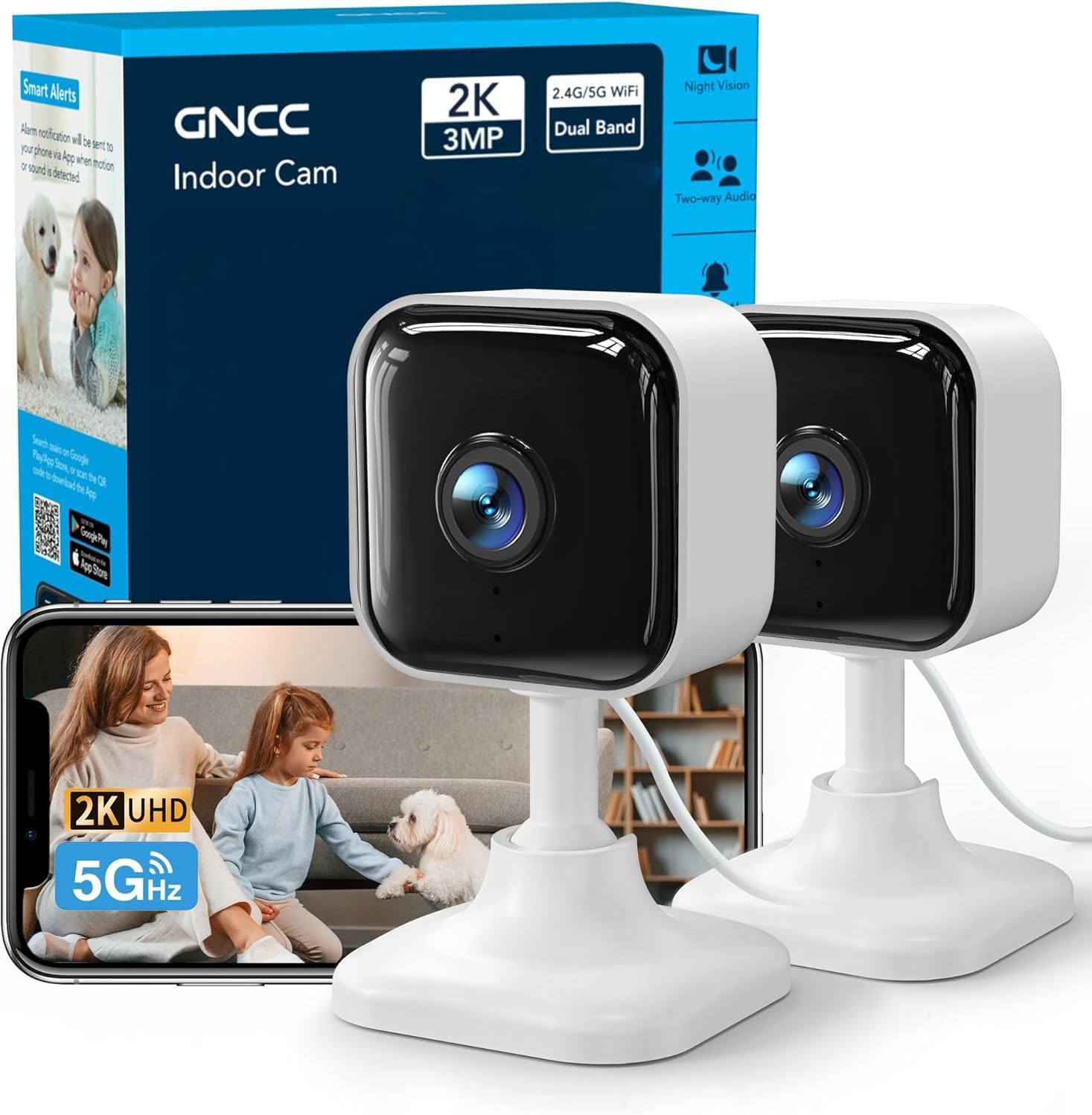
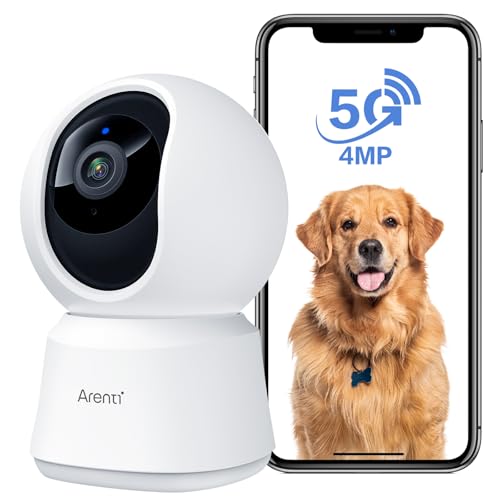
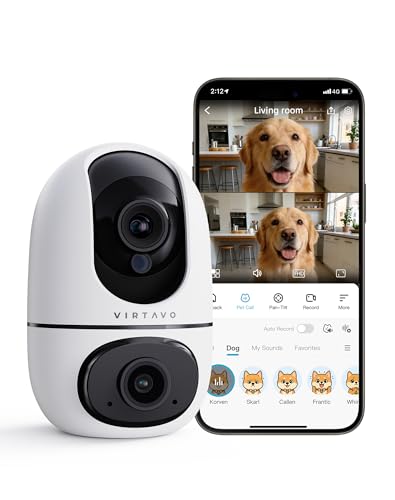
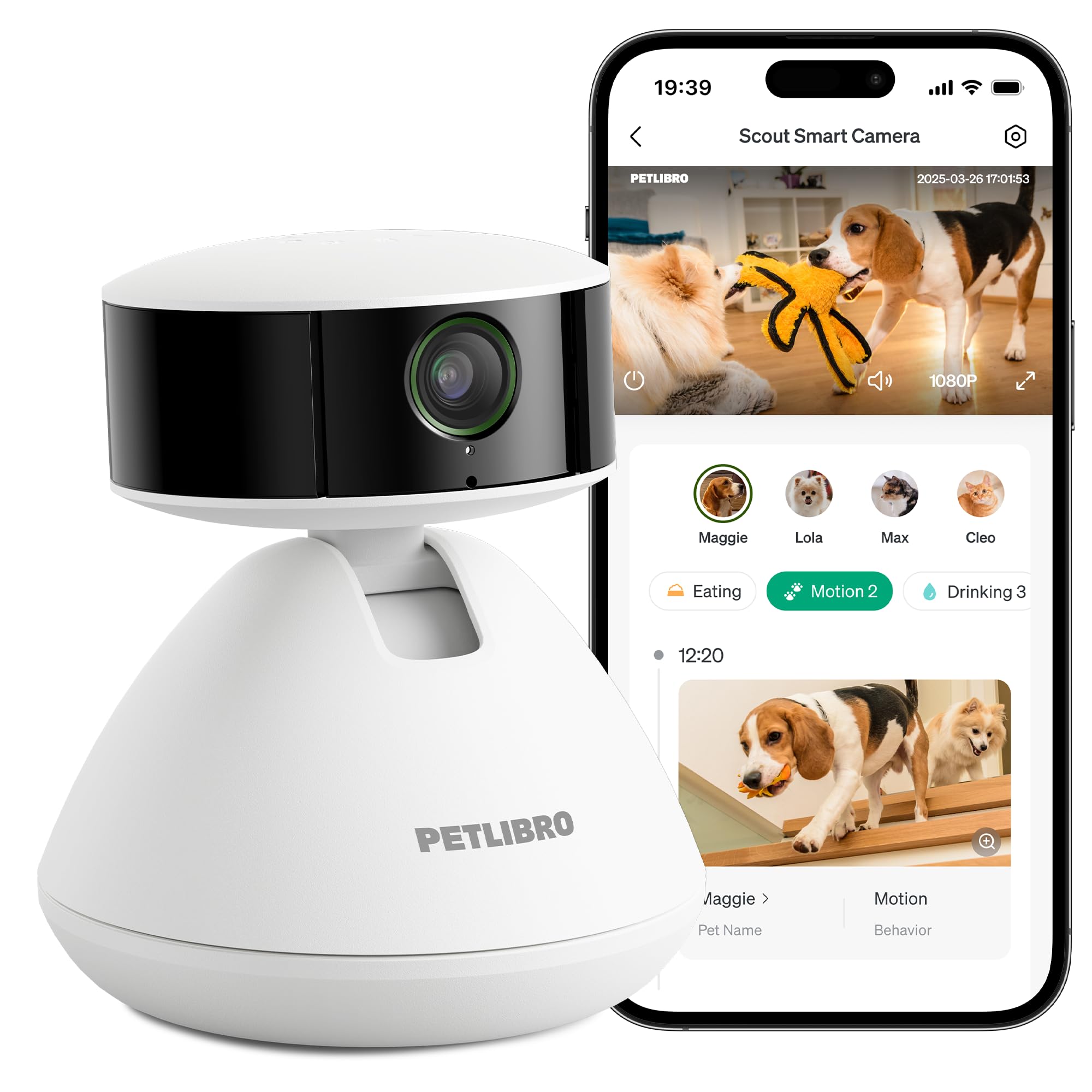
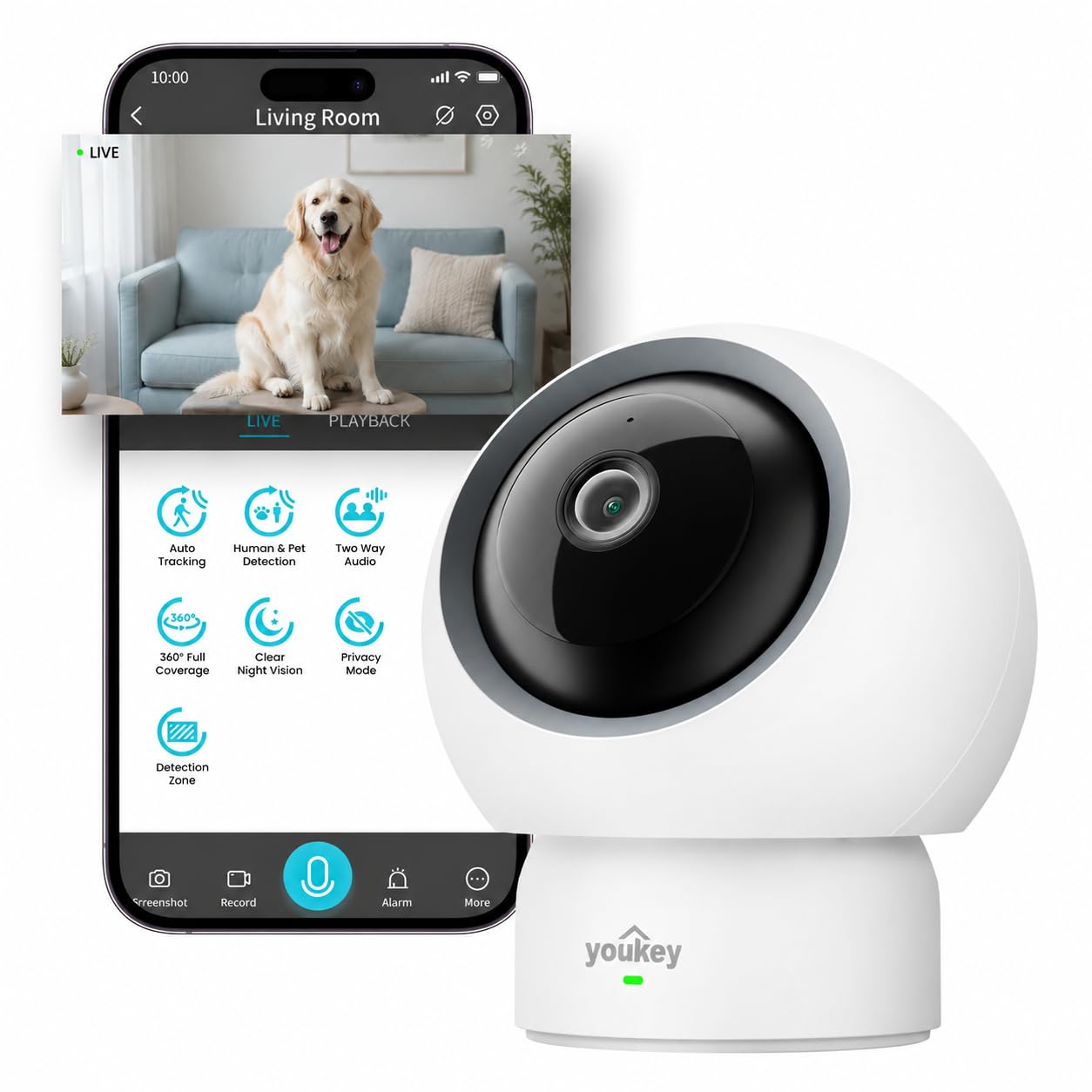
Who Should Buy Which Dog Watching Camera?
Start with the reason you want a camera, because that reason decides which features matter and which ones you can skip. The three groups below cover most households.
Owners Away at Work All Day
You need a camera that runs reliably for long stretches and only interrupts you when something changes. Prioritize motion and bark alerts, a wide field of view that covers the room your dog uses most, and an app that loads the live feed quickly. A fixed camera is enough for a dog who settles in one spot, while a dog who moves between rooms suits a model that can turn to follow the action.
Owners of Puppies in Training
Puppies chew, whine, and test every boundary, so your camera is a training aid as much as a monitor. Two way audio lets you give a calm cue or a firm no from another room, and short recorded clips help you see what happened just before an accident or a chewed shoe. Choose a sturdy camera you can mount out of reach.
Owners Who Travel or Use Sitters
When you are away overnight, you want reassurance that visits happened and that your dog settled afterwards. Look for clear night vision, dependable alerts, and an easy way to share view only access with a sitter so they can check in without your account password. It also helps to see our guide to the best dog cameras for the wider category before narrowing to a monitoring model.
Key Features to Compare
Video Quality and Field of View
Resolution decides how much detail you can make out, such as whether your dog is chewing a toy or your shoe. A 1080p feed is clear enough for most rooms, while higher resolution helps when you zoom in on a crate from across a large space. Field of view matters just as much: a wide angle lens around 120 to 160 degrees can cover a whole living room from a corner, while a narrow lens suits a single door or hallway. If your main goal is still photos rather than live check ins, see our guide to the best cameras for dog photography instead.
Bark and Motion Alerts
Alerts turn a camera into a monitor instead of a feed you must keep watching. Basic motion detection reacts to any movement, including curtains and changing light, while smarter detection can tell a dog from a person and can listen for barking or howling. You should be able to adjust sensitivity and set quiet hours, because an app that pings you forty times a day teaches you to ignore it. Owners who leave a dog with separation worries benefit most from bark alerts, since the timing often shows whether the dog settles after you leave.
Two Way Audio and Treat Tossing
Two way audio lets you hear your dog and speak back through the camera, which can calm a restless dog who knows your voice. Look for clear speakers and a microphone that picks up soft whines, not only loud barks. Some cameras add a treat tosser that launches a small snack on your cue, which can reward calm behavior or redirect a dog who is fixating on the door. Treat models need a food safe reservoir and pieces sized to your dog's usual kibble or treats.
Night Vision and Room Coverage
Dogs do not keep office hours, so infrared night vision matters if you want to check on a puppy overnight or a dog who roams after dark. The picture will usually be black and white, and range is often about 15 to 30 feet, which covers most bedrooms and living rooms. A fixed camera is simpler and usually cheaper, while a camera that pans and tilts can scan a room or follow a moving dog. Choose pan and tilt for open plan spaces, and a fixed model for one room with a clear dog area.
Storage, Subscriptions, and App Costs
The camera price is only part of the cost. Many models save motion clips to a cloud plan that needs a monthly or yearly subscription, and smart features such as pet detection are sometimes locked behind that plan. Others record to a memory card in the camera, which avoids fees but means the footage is lost if the camera is damaged. Check what the free tier includes, how many days of clips are kept, and whether each camera needs its own plan, because those ongoing costs shape which of the best cameras to watch dogs fits your budget over a year or two.
How to Place and Set Up a Dog Camera
Placement decides what you can see more than any spec does. Put the camera about 4 to 6 feet off the floor, angled slightly down toward the bed, crate, or door your dog uses most, and keep it out of reach of paws and teeth. Avoid pointing the lens straight at a bright window, because strong backlight can turn your dog into a dark shape.
Before you rely on the camera, test your WiFi signal at that exact spot with your phone, since a weak signal causes frozen feeds and delayed alerts. Run the app setup, update the firmware, and set a strong account password. Then do a trial day: leave for a short trip, watch how alerts behave, and adjust the angle before a long workday depends on it. Owners comparing near identical monitoring setups can also see our guide to the best cameras to watch your dog for a single dog angle on the same decision.
Common Mistakes to Avoid
- Buying the highest resolution model for a weak WiFi network, so the feed freezes exactly when you want to check on your dog.
- Mounting the camera too high in a corner, so you see the top of your dog's head but cannot tell what is in its mouth.
- Leaving bark and motion sensitivity at the factory setting, so constant alerts train you to mute the app and miss a real problem.
- Forgetting the subscription cost when you compare prices, so a cheap camera becomes the most expensive option within a year.
- Placing a treat tossing camera where treats land under furniture, so your dog scratches at the sofa instead of settling.
- Sharing your full account login with a sitter instead of limited access, so you cannot remove their viewing rights later.
Keeping a Dog Camera Clean and Working
A dog camera needs little upkeep, but small habits keep the picture clear. Wipe the lens every few weeks with a soft dry cloth, because nose prints, dust, and cooking film slowly blur the image. Keep treat reservoirs clean and dry, and wash removable parts as the maker directs so old food oils do not build up.
Check the power cable for chewing damage if it runs within reach, reroute it behind furniture or inside a cord cover, and confirm the camera still records after any app update. Review memory card space once a month, and delete shared access for sitters who no longer visit.
FAQ
Can a dog watching camera help with separation anxiety?
A camera can help you understand the pattern, but it is not a treatment on its own. Watching when barking starts, how long pacing lasts, and whether your dog settles gives you and a trainer concrete facts to work from. If your dog drools heavily, injures itself, or tries to escape, raise that with a veterinarian or a certified behavior professional promptly, because those signs point to distress that needs a proper plan.
Do dog watching cameras work when the internet goes out?
Live viewing and phone alerts stop when your home internet or power fails, because both depend on your network. Models that record to a memory card may keep saving clips locally during an outage, and you can review that footage once the connection returns. If outages are common where you live, choose local recording.
Where should I put a dog camera in an apartment?
Put the camera in the one room where your dog spends most of the day, aimed at the bed and the main door. In a small apartment a single fixed camera with a wide lens usually covers the living area and kitchen entry at once, which saves you buying a second unit. Tell anyone staying over that the camera is there.
Will my voice through a dog camera calm or upset my dog?
It depends on the dog, so test it while you are nearby before relying on it from work. Some dogs settle at a familiar voice, while others get more excited because they can hear you but cannot find you, and that frustration can increase barking. Start with short, calm phrases, and stop using the speaker if your dog searches the house after each call.
How much should I budget for a dog watching camera?
Plan on about $30 to $80 for a simple fixed camera, and about $80 to $200 for models with pan and tilt or treat tossing, plus any cloud plan on top. A subscription often runs a few dollars a month per camera, so include a full year of it when you compare two close options.
Our Verdict
Match the camera to your routine first: alerts and coverage for long workdays, audio and clips for puppy training, and night vision with shared access for travel. Keep storage costs in the decision and test the setup on a short trip. Chosen that way, the best cameras to watch dogs give you calm, useful check ins instead of a feed you never open, so compare your finalists in the product table above.


