
Best Cameras to Watch Your Dog 2026: Every Type Explained Side by Side
Disclosure: We may earn a commission when you buy through links on this page, at no extra cost to you. As an Amazon Associate I earn from qualifying purchases. Learn more

Compare the best cameras to watch your dog by type, video, alerts and storage, with a clear checklist for anxious pups, new rescues and busy workdays.
Is your dog sleeping, pacing by the door, barking at the window, or chewing something it should not touch? The best cameras to watch your dog answer that from your phone, and the comparison table below lays the main types out side by side.
This guide compares camera types instead of named product picks, so you can match a style to your dog and your routine. You will learn who needs bark alerts and which rooms need a camera that can turn.




Who Should Buy a Camera for Watching a Dog at Home
The groups below gain far more than a cute photo from a live look in.
Owners of Anxious or Barking Dogs
You need proof of what happens after you leave, because guessing leads to the wrong fix. Sound and motion alerts show whether barking lasts five minutes or two hours. If your home also has cats, see our guide to the best cameras to watch your pets.
Puppy and New Rescue Owners
Young and newly adopted dogs change habits fast, and a camera catches patterns you would miss at work. You can see whether crate time stays calm, whether house training breaks down in one room, and which chew items hold attention. A quick check after a noise alert tells you if you need to head home or call a neighbor.
Owners Who Work Long Hours or Travel Often
If a dog walker or sitter visits midday, a camera confirms the visit and shows how your dog responded. Two way audio lets you greet your dog or thank the sitter. Look for reliable app access away from home, because a camera that only works well on your home network does little at the office.
Dog Camera Types Compared
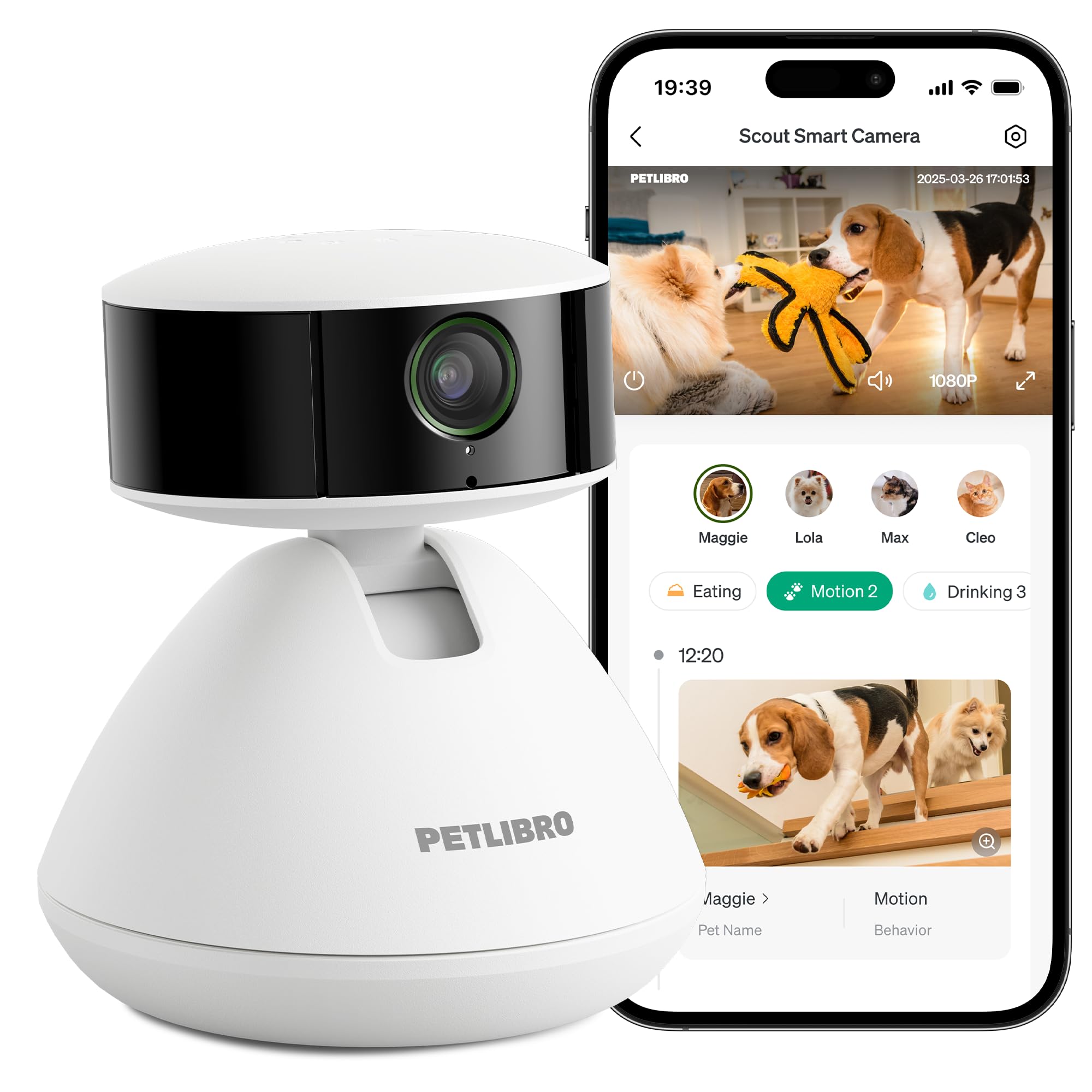
Four main types cover most homes, and price rises mainly with movement, interaction, and flexible power. Judge the best cameras to watch your dog by type rather than by brand. For pet focused designs, see our guide to the best dog cameras.
Fixed View Indoor Cameras
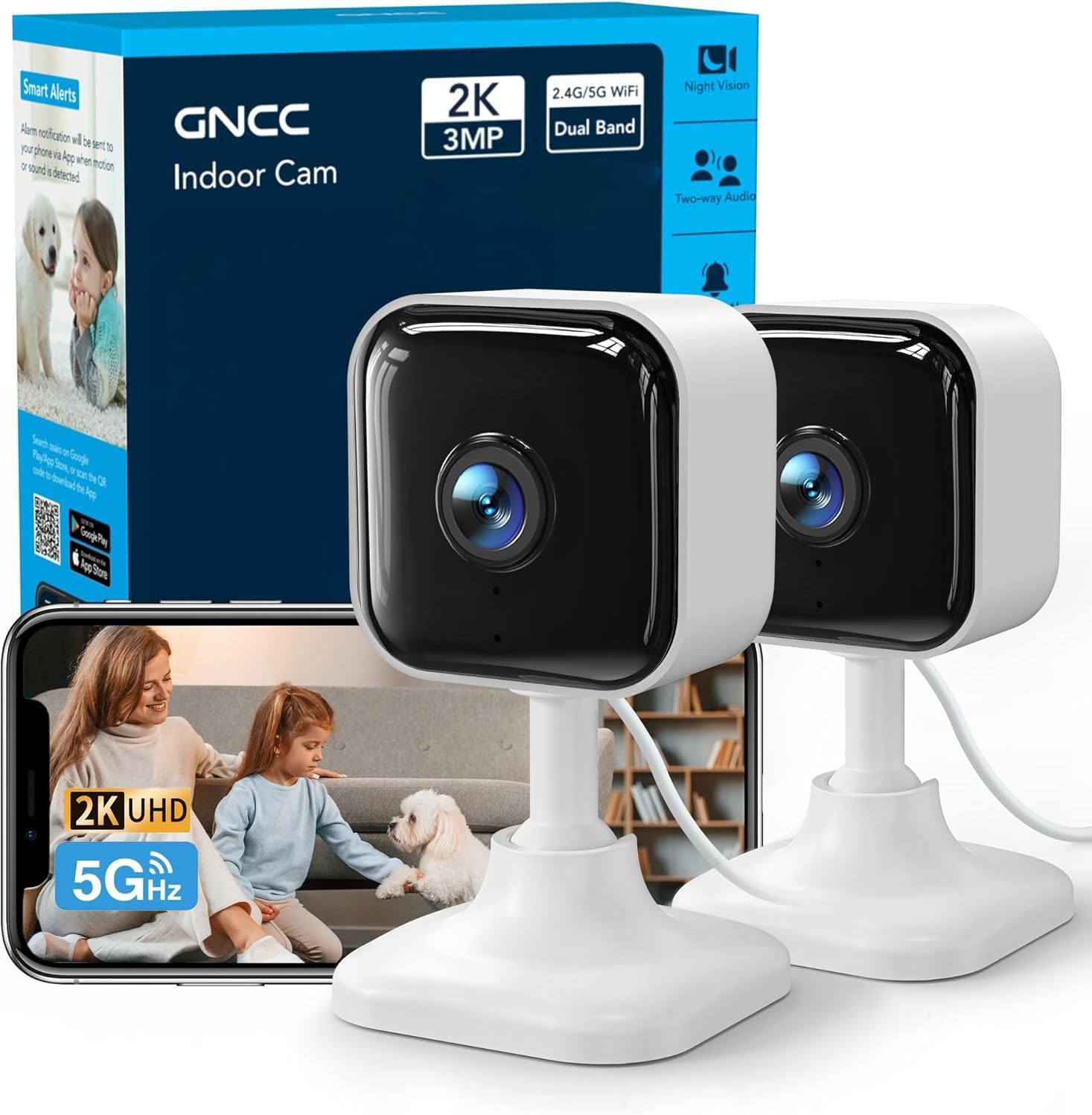
A fixed camera sits on a shelf or mounts on a wall and watches one set area, such as a crate or a dog bed. It is the simplest and cheapest type, often around $25 to $60, and suits dogs that rest in one favorite spot. A dog that wanders out of the fixed frame leaves you watching an empty room.
Pan and Tilt Cameras That Cover a Whole Room
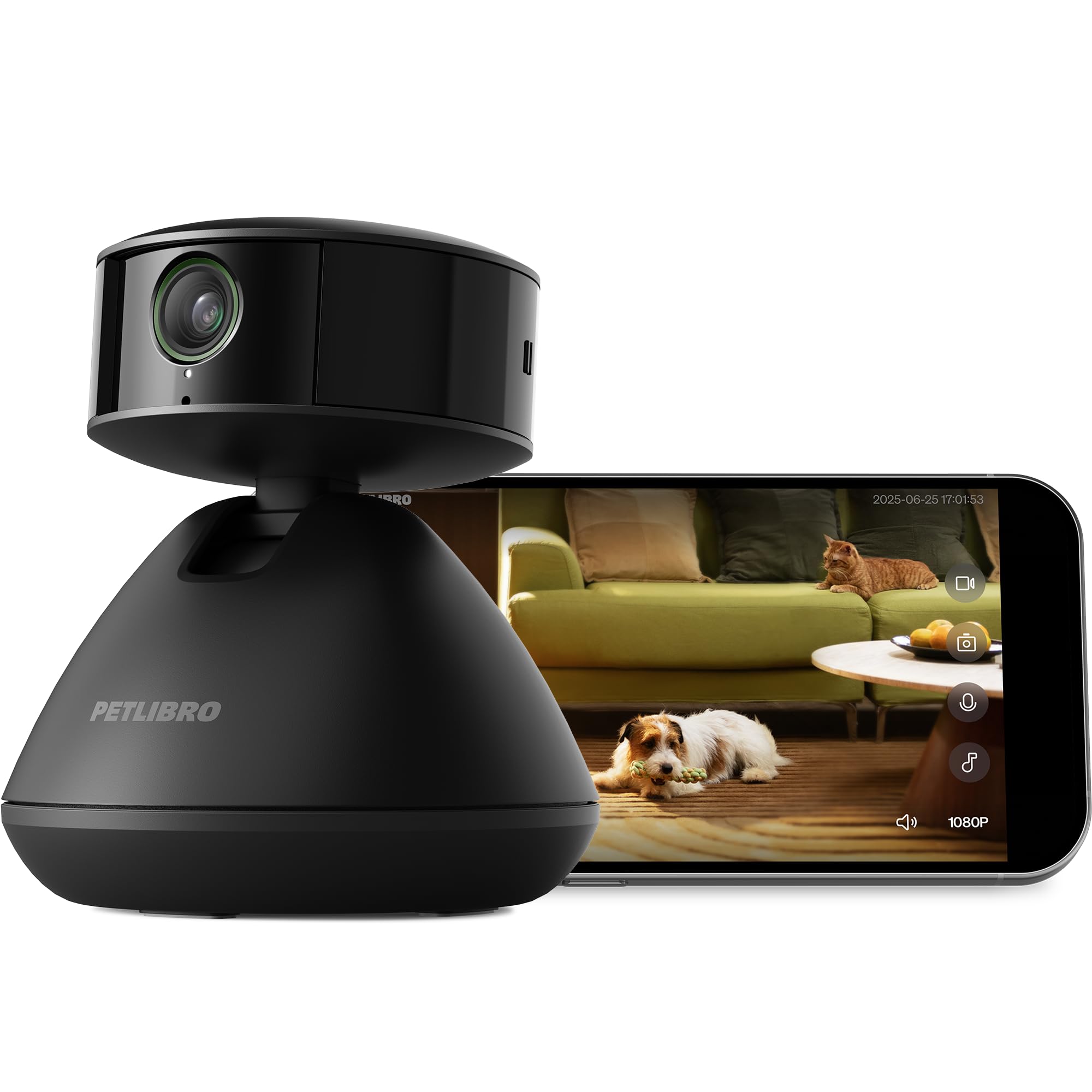
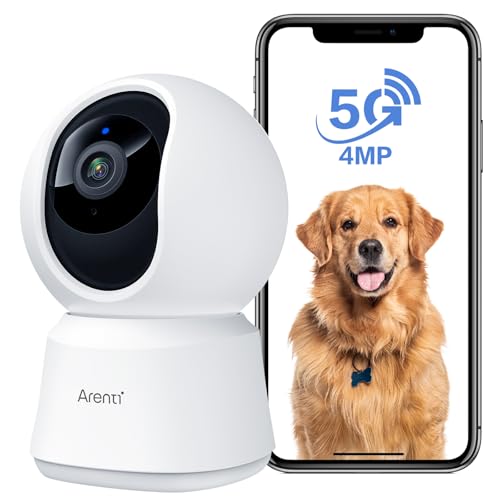
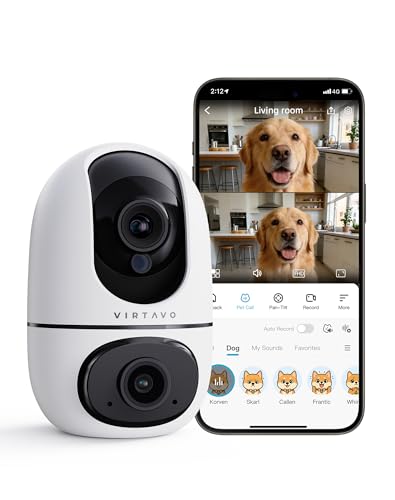
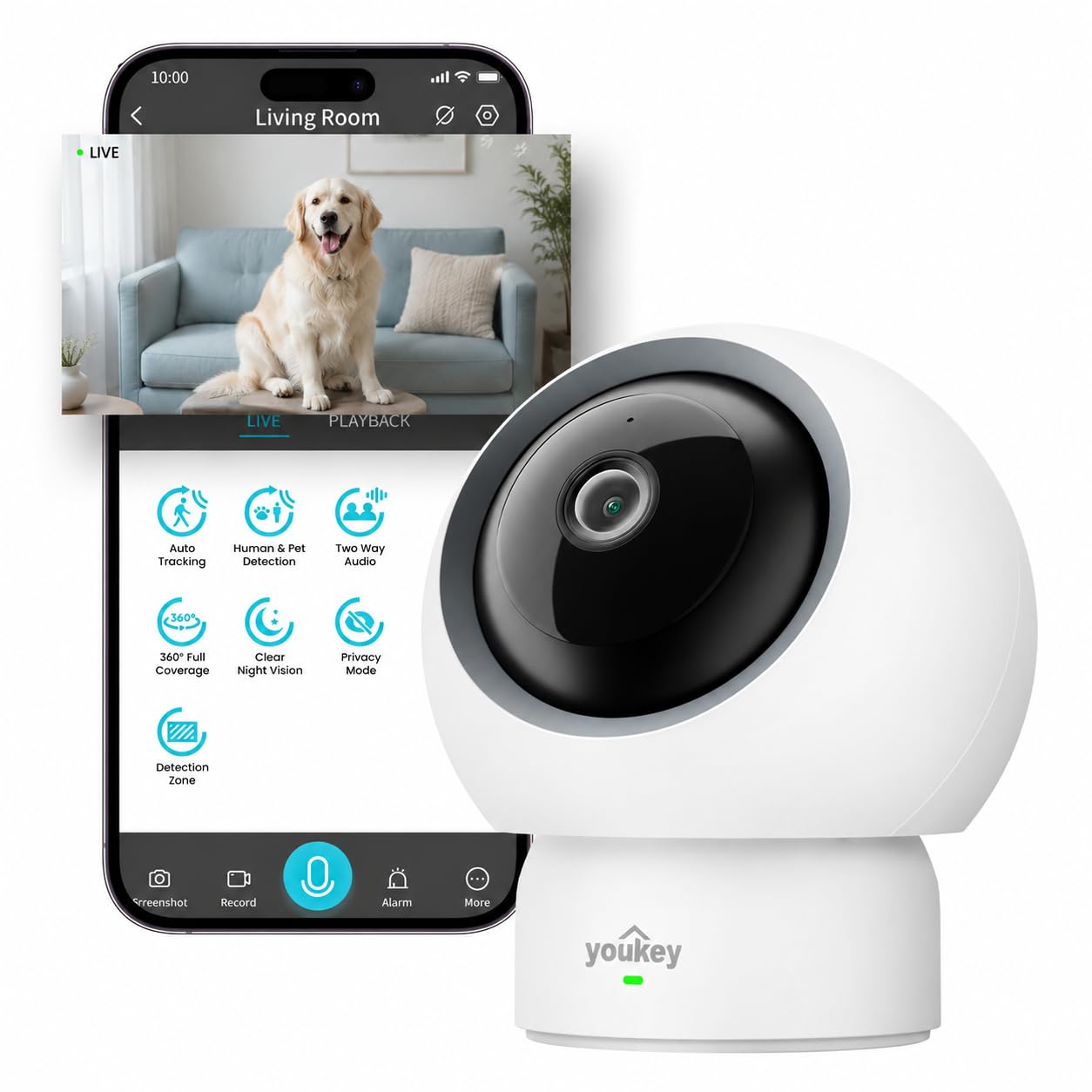
These cameras turn side to side and tilt up and down from the app, and many follow motion across the room. One unit can cover a bed, a door, and a food bowl, which helps in open plan spaces where dogs roam. Expect about $40 to $90.
Treat Tossing and Interactive Cameras
Interactive models let you fling a treat or play a sound, so contact during the day goes beyond a passive view. Prices run about $100 to $250, and the treat chamber needs kibble sized pieces that will not jam. Dogs that guard food may do better with a plain camera.
Battery Powered Cameras for Flexible Placement
A battery model can sit in a hallway, a rental, or a room with no spare outlet. Most run for weeks or a few months per charge, depending on how often motion wakes them. Prices sit around $60 to $150, but a dead battery on travel day means no view at all.
Key Features to Compare
Spec sheets push resolution first, but daily value comes from alerts, audio, and honest total cost.
Video Quality and Field of View
Clear video lets you read body language, spot a chewed shoe, and tell a stretch from a worried shake. Most owners do well with 1080p, while 2K adds detail for large rooms where the dog rests far from the lens. Field of view matters just as much, since about 110 to 130 degrees covers a typical room corner to corner.
Motion, Sound and Bark Alerts
Alerts turn hours of empty footage into a few moments worth checking. Good pet cameras let you set sensitivity and quiet alerts when the house is busy. Bark or pet detection, where offered, cuts false alarms from curtains and passing cars. Start at medium sensitivity, because a phone that buzzes all day soon gets ignored.
Two Way Audio for Talking to Your Dog
A speaker and microphone let you speak, listen, and sometimes calm a dog with a familiar voice. Sound quality varies, so look for clear volume at a normal speaking level. Some dogs settle at a voice, while others get excited and search for you. Test talk mode while a family member is home first, and stop if your dog paces more afterward.
Night Vision for Dark Rooms and Early Mornings
Infrared night vision shows a black and white picture in the dark, which matters for early departures and dogs that sleep in dim rooms. A useful range is about 15 to 30 feet, enough for most living rooms and bedrooms. Check that the picture stays clear where your dog actually sleeps, not just up close.
Storage, Subscriptions and Total Cost
Live view is often free, but saved clips are where plans differ. Local storage on a memory card avoids monthly fees yet can be lost if the card fails, while cloud plans, often about $3 to $15 per month, keep clips safe and add smarter alerts. Read the free tier before you buy, since a required plan can erase a low purchase price within two years.
WiFi, Power and Placement Options
Most dog cameras connect on the 2.4 GHz band, and some also support 5 GHz for crowded networks. Place the camera where your phone shows a strong signal, since a weak link causes frozen frames right when motion happens. Cord powered models need an outlet within cord reach, while battery models trade that freedom for charging chores.
How to Set Up a Dog Camera for a Clear View
Aim the camera at the place your dog chooses, not the place you wish your dog chose. Set it about 4 to 8 feet away and slightly above dog height, angled down toward the bed and the main door. Test the view on your phone before you mount anything for good.
Keep the lens out of direct sun, because strong backlight turns your dog into a dark shape, and secure the cord where paws and teeth cannot reach it. Then set alert zones and quiet hours, walk through the room, and confirm the alert arrives within seconds. For shared spaces, see our guide to the best cameras to watch dogs and our guide to the best cameras for watching your dog.
Common Mistakes to Avoid
- Mounting the camera too high, so you miss chewing and paw behavior below.
- Leaving alerts at full sensitivity, so passing shadows flood your phone and real barking gets ignored.
- Buying a treat tossing model for a dog that guards food, so treats trigger stress instead of calm.
- Ignoring subscription terms, so a low priced camera costs far more each year.
- Pointing the camera at a bright window, so daylight washes out the picture.
- Placing the camera where a curious dog can knock it down on day one.
Care and Maintenance for Dog Cameras
Wipe the lens with a soft dry cloth every few weeks, because dust and nose smudges soften the picture. Install app firmware updates each month, since they often fix alert delays and security flaws. Inspect cords for chew damage, and replace a cord at once if teeth have reached the inner layers.
Format or swap the memory card every few months, and play back one clip to be sure saving still works. Charge battery models on a set routine, such as the first weekend of each month. Empty the treat chamber weekly, so stale crumbs do not draw ants.
FAQ
Can a dog camera help with separation anxiety in dogs?
A dog camera can help you understand separation anxiety, but it does not treat the condition on its own. Video shows how soon distress starts after you leave and which changes, such as a longer morning walk, actually help. If your dog drools heavily, hurts itself, or tries to escape, talk with your veterinarian or a certified trainer about a behavior plan.
Where should I place a dog camera to watch a dog that roams?
Place a roaming dog camera where several favorite spots meet in one frame, often a corner facing the sofa, the bed, and the door. If no single spot covers the range, a pan and tilt model beats a fixed one. Test the far corners on your phone at night as well as in daylight before settling on the spot.
Do dog cameras need a subscription to save video clips?
No, many dog cameras save clips to a local memory card with no monthly fee at all. A subscription mainly buys cloud storage, longer clip history, and smarter pet or bark labels on some services. Check how many days the free tier keeps, because some brands save only a day unless you pay.
Can I watch my dog on a camera while I am away from home?
Yes, app based dog cameras stream over the internet, so you can check in from work or a trip. Speed depends on your home upload connection and your phone signal, so expect a delay of a few seconds. Protect the account with a strong password and two step sign in where offered, since an indoor camera deserves the same care as your email.
Will a treat tossing dog camera work for two dogs at once?
A treat tossing dog camera can serve two dogs, but results depend on how your dogs share food. Treats land in a small area, so a bolder dog may take every piece while a shy dog hangs back. Skip this type if either dog stiffens, guards, or snaps over food.
Final Thoughts
Start with the room and the routine, not the spec sheet. A calm dog in one room needs only a fixed camera with sound alerts, a roaming dog needs turning coverage, and an owner who wants contact should pay for interaction. Then compare the best cameras to watch your dog in the product table above and choose the type that fits your home.


