
Best Cameras for YouTube Videos: A Buying Guide for 2026
Disclosure: We may earn a commission when you buy through links on this page, at no extra cost to you. As an Amazon Associate I earn from qualifying purchases. Learn more

Compare the best cameras for youtube videos by filming format, sound options, recording limits, and budget, with plain advice for desk videos and vlogs.
Filming for YouTube looks easy until a recording stops mid sentence or your voice echoes off bare walls. The best cameras for youtube videos are not the ones with the longest spec sheet. They are the ones that match the way you actually film, because a fixed desk setup, a walking vlog, and a two hour interview each punish a different weakness. This guide sorts the choices by format first, so the specs that follow make sense for your channel.
You will learn which features genuinely change your results, which ones are marketing decoration, and how much a sensible first setup costs. The comparison table below gives the short version, and the sections after it explain each decision in plain English.




Start With the Format You Actually Film
One camera rarely suits every style of channel, so begin by naming your main format honestly.
Talking Head Videos at a Desk
If you sit in one spot and talk, life is simple. The camera stays on a tripod, so weight and stabilization barely matter, and autofocus works gently because you move within a small area. What matters is a screen or monitor view that lets you check framing, clean output for a capture device if you stream, and a microphone input for a desk mic. Almost any competent camera class handles this format well, which means desk creators can spend less on the camera and more on light and sound. Consistent framing also makes your editing faster, because every episode starts from the same shot.
Vlogging While You Move
Walking and talking reverses the priorities. The camera must be light enough to hold at arm's length for minutes at a time, with a screen that flips around so you can see yourself. A wide lens keeps your face and surroundings in frame together, and strong stabilization smooths the bounce of walking. Autofocus must hold your face while the background changes constantly. Battery swaps should be quick, because vlogging days are long and unscripted. Bulky interchangeable lens kits can produce lovely vlog footage, but many creators quietly abandon them for smaller gear they do not mind carrying.
Long Form Recording and Live Sessions
Interviews, podcasts, courses, and live sessions run for an hour or more, and endurance becomes the deciding spec. Some camera classes limit a single recording to about 30 minutes, while others record until the card fills or the battery fades. Heat is the hidden factor: compact bodies working hard at high resolution can overheat and shut down mid session. Wall power through an adapter removes the battery worry entirely. If your format is long, shop for proven recording stamina first and treat resolution as a secondary concern. A second angle can also save a session when one card fails, even if the second camera is a humble one.
The Specs That Decide Your Results
With your format named, five checks separate a good purchase from a frustrating one. Choosing the best cameras for youtube videos comes down to sound, stamina, screens, sensors, and light, in roughly that order. Our companion guide to the best cameras for video covers general video work beyond creator channels.
Sound Comes Before Sharpness
Viewers forgive a slightly soft picture far sooner than echoing, hissy sound, so audio is the first real upgrade. A microphone input lets you place a mic near your mouth instead of across the room, and that single feature transforms how professional a video feels. A separate audio recorder is the other valid route, with the small cost of syncing files in editing. Check for a headphone jack or app monitoring too, because finding out afterwards that a cable hummed ruins whole sessions. Built in camera microphones are a starting point, never the plan.
Recording Limits and Overheating
Spec sheets advertise resolution loudly and recording limits quietly, so look for the fine print. Many stills focused cameras cap clips at about 30 minutes, and some stop sooner when the body gets hot. Makers state these limits in their manuals, and they vary by resolution and frame rate, with 4K usually the most demanding setting. For long sessions, choose a class with a proven record of continuous recording, and test your exact settings before an important shoot. A camera that stops during your best take is worse than a plainer one that never stops.
Flip Screens and Autofocus for Solo Creators
Most creators film alone, which makes the camera its own camera operator. A fully articulating screen that faces forward lets you check framing, focus, and recording status at a glance. Face and eye detection autofocus keeps you sharp when you lean, gesture, or hold products toward the lens. Touch focus that racks smoothly between you and an object is worth more than a long list of focus points. Test how the camera behaves when you step out of frame and return, because hunting focus on camera is the flaw viewers notice most after bad sound.
Sensor Size, Resolution, and Low Light
Sensor sizes for creator cameras run from 1 inch in compacts through APS C to full frame in advanced bodies. Larger sensors generally give cleaner results in the dim light of ordinary rooms and a shallower depth of field behind you. Resolution matters differently than brochures suggest: 1080p still looks fine on the platform, while 4K buys you room to crop and reframe in editing. For most indoor channels, lighting the room well improves the picture more than jumping a sensor size, which is why light appears in this guide as a buying item.
Lighting Belongs in the Same Budget
A modest key light does more for a small channel than a camera upgrade, because sensors of every size love abundant light. Budget about $50 to $150 for a soft light source and a simple stand, and place it just out of frame, angled at your face. Soft light from a larger source flatters skin and makes autofocus and exposure behave. Daylight from a window works while it lasts, but it changes by the hour, so a lamp gives your episodes a consistent look. Buy the light before you buy the second lens.
Camera Types for Creator Video
The four types below cover nearly every channel. Each suits a different mix of format, budget, and patience for setup.
Vlogging Cameras
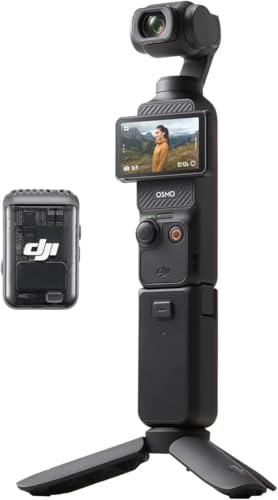
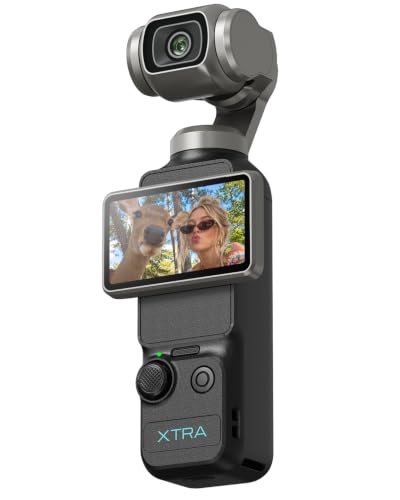
Vlogging cameras are compacts designed around the solo creator: a flip screen, a wide lens, strong face autofocus, and a microphone input in a body that fits a coat pocket. Picture quality is a clear step above a phone, and setup takes seconds. Their small sensors limit low light quality, and the fixed lens cannot grow with you. For travel and daily life channels, start here. Our dedicated guide to the best cameras for video blogging compares this type in more depth.
Action Cameras
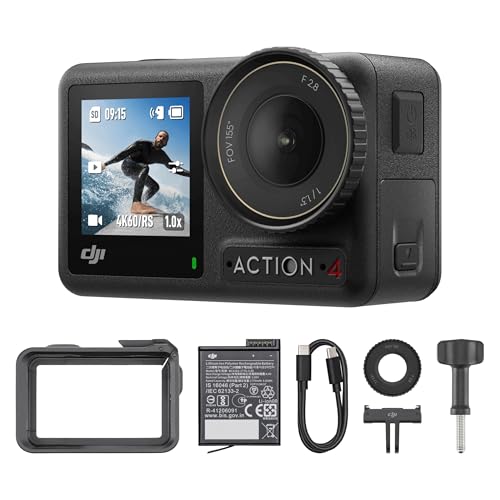
Action cameras trade everything for toughness and size. They are waterproof, shrug off drops, and mount almost anywhere, with very wide lenses and excellent stabilization. Faces look slightly distorted up close, low light results are modest, and screens are tiny. As a main channel camera they suit only outdoor and sports formats, but as a second angle they are superb. See the best action video cameras if your filming involves water, wheels, or weather.
Point and Shoot Compacts
General compacts offer a zoom lens, decent autofocus, and simple controls at friendly prices. Few are designed for video first, so check the recording limit and microphone input before assuming one suits a channel. A compact with no mic input can still work if you record sound separately. This type suits seated formats, family channels, and anyone upgrading from a phone on a small budget. It is the quiet value route, provided the stamina checks in this guide pass.
Interchangeable Lens Cameras
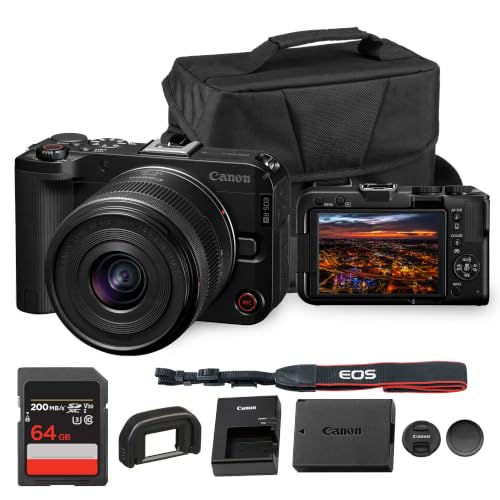
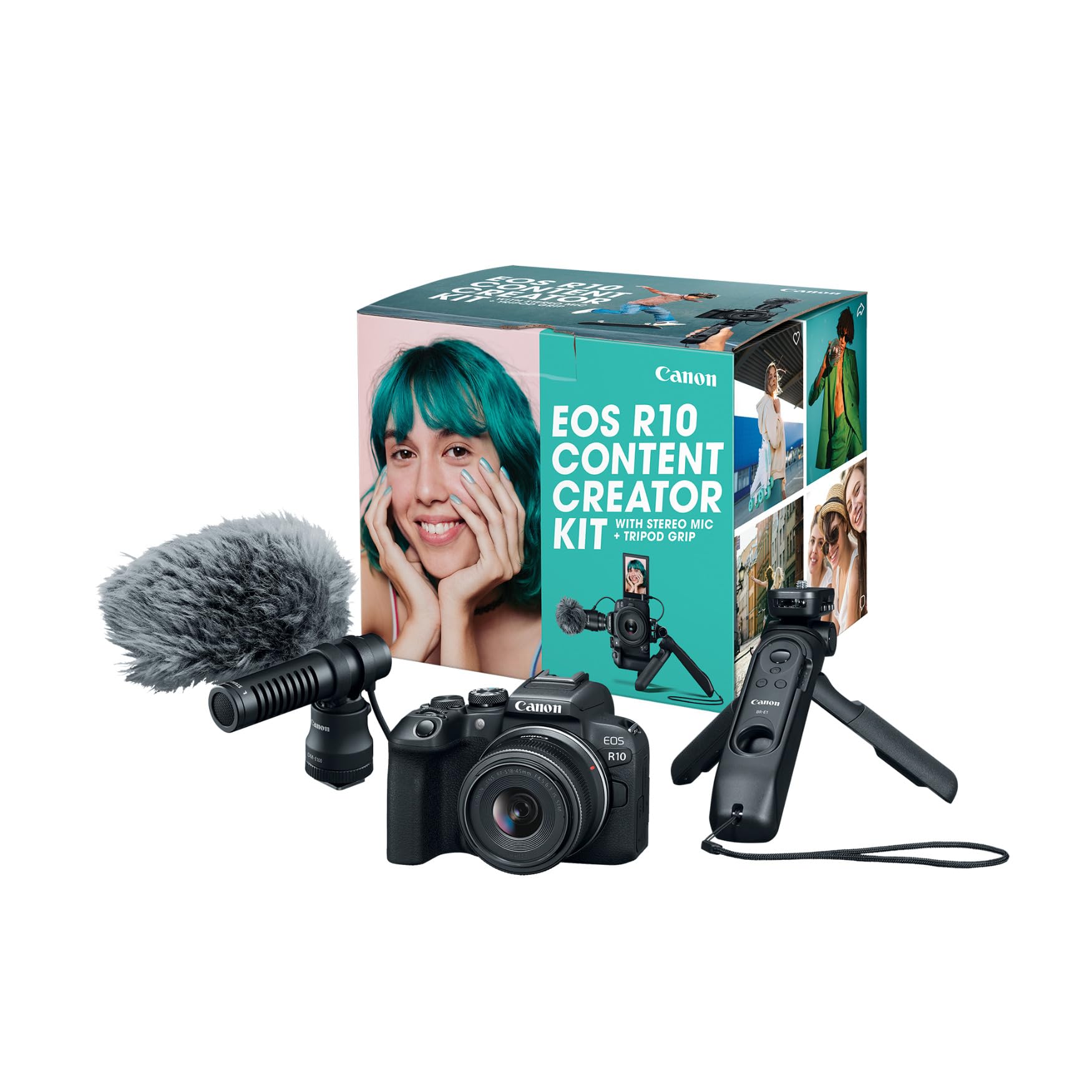
Mirrorless and DSLR cameras with changeable lenses are the growth route. They offer the best low light quality, the widest choice of fast lenses, and clean output for streaming setups. The costs are size, setup time, and a total price that climbs once lenses join the bag. Creators who film in one room and want a polished, blurred background look usually land here eventually. Buy the body for its video stamina and autofocus, then add one good lens rather than three average ones.
Tips to Get the Most From Your Camera
A few habits protect your footage and your gear.
- Wipe the lens with a clean lens cloth, not your shirt, because grit trapped in fabric scratches coatings.
- Carry a spare battery and a second memory card, since sessions fail at the least convenient moment.
- Record a 30 second test before long sessions and play it back with headphones to catch hum, echo, and focus hunting early.
- Update the camera firmware when the maker releases it, because autofocus and heat handling often improve quietly.
- Store the camera in a dry, padded bag, away from radiators and damp basements.
Frequently Asked Questions
What features matter most in a camera for YouTube videos?
A microphone input, reliable face autofocus, and a recording limit that fits your format matter most. Shoppers comparing the best video cameras for youtube often overlook one practical feature: a clean HDMI output, which lets you use the camera for live streaming or record to an external monitor. A flip screen matters if you film alone. Resolution ranks below all of these, because the platform compresses every upload anyway. Buy for sound and stamina first, then for picture.
Do I need 4K for YouTube videos?
No, you do not need 4K to grow a channel, and 1080p still looks clean on phones, tablets, and most televisions. Recording in 4K buys editing freedom, because you can crop into the frame and still deliver a sharp 1080p video. The honest costs are larger files, slower editing on older computers, and more heat in the camera. Start at the resolution your computer handles happily, and upgrade when your workflow, not your worry, demands it.
Is a smartphone enough to start a channel?
Yes, a recent smartphone is a sensible first camera, especially for seated videos in good light. Its limits appear in dim rooms, with echoing built in sound, and when you need a background to fall softly out of focus. Spend your first money on a plug in microphone and a simple light, which improve phone footage dramatically. Upgrade to a dedicated camera when you can name the exact frustration it will fix, such as recording limits or weak low light focus.
Which camera type is better for low light indoor video?
Interchangeable lens cameras with APS C or full frame sensors record the cleanest low light video, particularly with a lens that opens to a wide aperture. Among smaller options, a 1 inch sensor compact beats the tiny sensors in action cameras. Placement matters as much as hardware: moving yourself closer to a window or lamp brightens the shot without any purchase. Avoid relying on very high sensitivity settings, because noise and smeared detail make faces look tired on screen.
How much should I spend on my first YouTube camera?
Around $300 to $700 buys a capable first setup if you count the microphone and light alongside the camera. If money is tight, begin with the best inexpensive video cameras and put the savings into sound, because viewers notice audio quality before resolution. Creators filming long sessions should budget toward the upper end for a camera with proven recording stamina. Remember that memory cards, a tripod, and spare batteries belong in the same total.
The Bottom Line
Match the camera to your format first: light and self filmed for vlogging, calm and connected for desk work, and tireless for long sessions. Then judge by sound input, recording stamina, autofocus, and low light behavior, in that order, and hold back money for a microphone and a light. Start with the format you will film weekly, and let everything else follow from that.
The product table above lines the main types up side by side for a quick comparison. The best cameras for youtube videos for your channel are the ones that remove friction from your next recording, not the ones with the longest feature list.


