
Best Cameras for Workout Videos in 2026: Everything to Know Before Your First Purchase
Disclosure: We may earn a commission when you buy through links on this page, at no extra cost to you. As an Amazon Associate I earn from qualifying purchases. Learn more

Shopping for the best cameras for workout videos for the first time? Learn the terms, compare options, and avoid rookie mistakes with this easy guide.
Filming a workout sounds simple until your head leaves the frame during a squat or the camera stops mid class. The best cameras for workout videos solve those practical problems first, with a wide view, focus that follows you, and recording that lasts a full session. This guide starts with the basics, and the comparison table below will make more sense once the key terms are clear.
You do not need the largest sensor or the longest feature list. You need a camera that fits your room, your routine, and the way you share your training. Note your space and your usual session length.
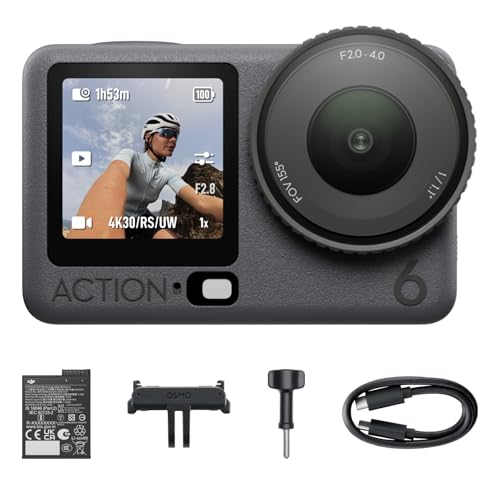
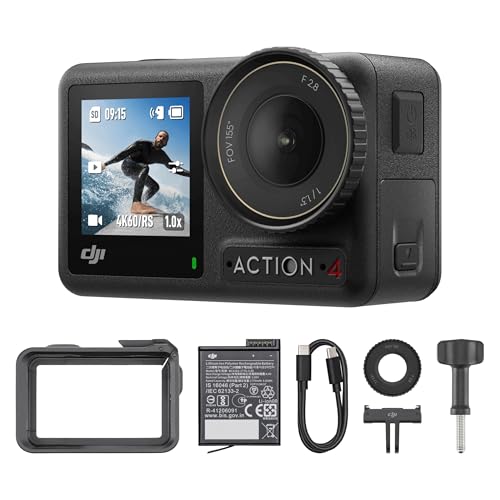


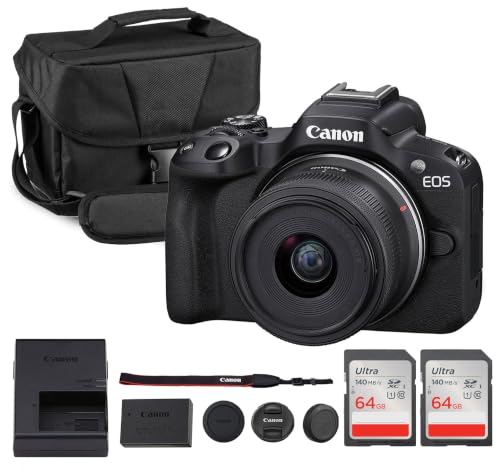
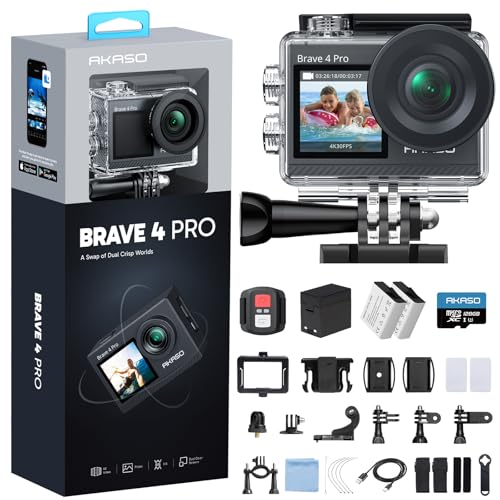
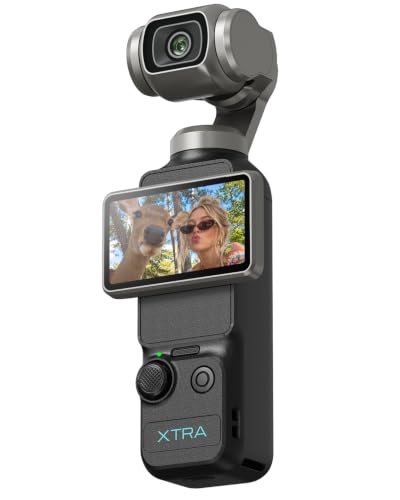
Cameras 101: The Basics for Workout Recording
A camera records light through a lens onto a sensor, then turns that light into a video file you can watch, edit, and share. For workouts, you move toward the lens, away from it, and across the room, often for thirty minutes or more without a break.
Three broad types cover most buyers. Action cameras are tiny, tough, and very wide, and they suit small rooms and outdoor training. Mirrorless cameras use larger sensors and changeable lenses, and they give the cleanest indoor picture. Compact vlogging cameras sit between the two, with a fixed lens and a screen made for filming yourself. For a broader view of stills and video models, see our guide to the best digital cameras.
Who Should Buy Which Camera for Workout Videos?
For most buyers, the best cameras for workout videos are the ones that match their room and routine, not the ones with the longest spec sheet. A quiet home gym and a busy studio place different demands on sound, light, and battery life.
Home Trainers Who Film Alone
You set up, press record, and train without anyone behind the camera. Choose a compact or action camera with a screen you can check from your mat and focus that holds you as you move. Simple controls matter more than extra dials, because a setting you cannot change quickly between sets will slow every session.
Coaches Who Record Full Classes
You teach while the camera runs, so reliability beats clever extras. Choose a model that records a full class without stopping, takes an external microphone for your voice, and can run from wall power. Coaches who also talk to the camera between sets can see our guide to the best cameras for video blogging for presentation tips.
Athletes Who Study Form and Progress
You film to watch your own technique later, so clarity during fast movement matters most. Choose a camera with strong slow motion options and a wide lens that keeps your full body in view during lifts and floor work. Athletes who also train outdoors can see our guide to the best action video cameras for tougher, smaller options.
Key Features to Compare for Workout Videos
Compare these factors in the same order each time, so a low price cannot hide a camera that frames you poorly or stops early. Readers who also film other subjects can see our guide to the best cameras for video for general video advice.
Features That Matter for Workout Videos
Workout filming rewards width above almost everything else. A lens with a view equal to about 16 to 24 mm on a full frame camera can show your full body from about 6 to 10 feet away, which suits most spare rooms and garage gyms. Check the width with stabilization turned on, because many cameras crop the picture slightly in that mode.
Sensor Size and Clarity Under Gym Lighting
Sensor size shapes how clean your video looks indoors, where gym light is often dim and mixed. A 1 inch sensor is a strong starting point for compact models, APS C sensors gather more light, and full frame sensors give the cleanest results in poor light at the highest cost and size. Megapixel counts matter far less for video, because a 4K frame uses only part of that total. Choose sensor size for your light first.
Autofocus and Stabilization for Moving Bodies
Continuous autofocus with subject tracking is the feature that saves the most footage. It should follow you as you step forward for a lunge or drop to the floor for push ups, without hunting back and forth. Look for body or eye detection that keeps working when you turn sideways. In body or lens stabilization smooths small shakes from a tripod on a springy floor.
Battery Life and Charging for Long Sessions
Video drains a battery far faster than still photos, and maker ratings often assume short clips with the screen dimmed. For classes of 45 to 90 minutes, look for real recording time in that range, a USB C port for charging between sessions. Heat matters too, because a hot camera in a warm room may pause recording to protect itself.
Video Capabilities, Sound and Screens
Clear 4K video gives you room to crop a wide shot into a vertical clip for phone viewing without losing much detail. A rate of 60 frames per second keeps fast steps and kettlebell swings smooth, while higher rates let you slow a lift down to study form. A screen that flips to face you lets you check framing alone, and a microphone input matters because your voice must stay clear over music and room echo.
Getting Started: Setup and First Use for Workout Videos
Follow these steps in order the first few times you film.
- Charge the battery fully, format the memory card in the camera, and carry a spare battery in your gym bag.
- Place the tripod about chest height, far enough back that your raised arms stay in frame.
- Mark your mat position on the floor with tape, so you start each exercise in the same clear spot.
- Record a test clip of one minute, then watch it for focus, sound, and headroom before you start.
- Clean the lens with a lens cloth, not your shirt, because shirt fabric can smear sweat across the glass.
Watch that test clip on the largest screen you own, not only on the camera. Save your working settings as a custom mode if your camera allows it, so your next session starts in seconds.
Common Mistakes to Avoid When Buying Your First Workout Camera
These errors are common among first time buyers.
- Choosing a narrow lens for a small room cuts off your feet and raised hands during basic moves.
- Paying for high megapixel counts instead of tracking focus leaves your moving body soft and blurry.
- Starting a long class on one small battery leaves the final third of the session unrecorded.
- Relying on the built in microphone across a large room makes your voice thin, distant, and hard to follow.
- Ignoring the recording limit and heat warnings leaves gaps in the middle of your best sets.
How to Make Your Workout Camera Last Longer
Sweat, chalk dust, and damp gym bags shorten camera life faster than normal home use. After each session, wipe the body with a soft cloth that is barely damp, then dry it fully before storage. Store the camera in a dry case with the lens cap on, and clear dust from dials with a small brush.
Let a hot battery cool before you charge it, keep a spare card in your case, and copy your files to a computer before you format the card in the camera. Check the tripod screw and mount plate for looseness each month, because a camera that slips mid class can fall and crack its screen or lens.
FAQ
What features matter most in cameras for workout videos?
A wide view, tracking focus, and a screen you can see from your mat matter most in cameras for workout videos. Before you judge any model from a spec sheet, stand in your actual room at your usual distance and check that your raised arms fit.
Is a smartphone enough instead of a dedicated camera for workout videos?
Yes, a smartphone is enough for many beginners who post short clips and train in good light. Its limits show up in long classes, where storage fills, calls interrupt filming, and the front camera gives softer results. Set a do not disturb mode and clear space before each session.
What specs matter most for beginners buying a camera for workout videos?
Beginners should rank a wide lens, reliable autofocus, and simple menus above almost every other spec. Optical zoom matters less here than in travel filming, because your camera stays in one spot while you move inside a fixed frame. A model you understand in one evening will serve you better than a stronger model whose settings you avoid.
How much should I spend on my first camera for workout videos?
Most first time buyers do well at about $300 to $600 for the camera body and lens they will actually use. Keep about $50 to $100 of your total budget for a tripod, a fast memory card, and a basic microphone. If money is tight, see our guide to the best inexpensive video cameras for lower cost starting points.
Which camera type is better for workout videos in low light?
A mirrorless camera with an APS C or full frame sensor is better for workout videos in low light than a small action camera. Its larger sensor keeps skin tones and dark clothing cleaner when your only light comes from ceiling bulbs. Before you pay for the next sensor size up, try one simple light panel facing you, because added light often improves the picture more than new gear.
Wrapping Up
Judge every option by three tests: it frames your full body in your room, it holds focus while you move, and it records your whole session without fuss. Use the product table above to compare width, recording time, and screen style side by side.
When you judge best cameras for workout videos by your room, your movement, and your session length, the right first purchase becomes much easier to spot.


