Best Cameras for TV Production in 2026: Which Type Is Right for You?
Disclosure: We may earn a commission when you buy through links on this page, at no extra cost to you. As an Amazon Associate I earn from qualifying purchases. Learn more

Compare studio, field and remote types to choose the best cameras for tv production by sensor, outputs, lenses, sync and audio inputs.
Choosing a camera for television work feels confusing because studio, field and remote models solve different problems. The best cameras for tv production feed a switcher cleanly, match colors with the other cameras on set, and record without stopping during a long show. Use the comparison table below to line up each type against your format.
Start with how you actually shoot. A talk show needs steady studio cameras and tally lights, while a news crew needs fast handling outdoors. A small streaming studio may need cameras one person can run from a desk. The sections below match each situation to sensor, outputs, lenses and sound.


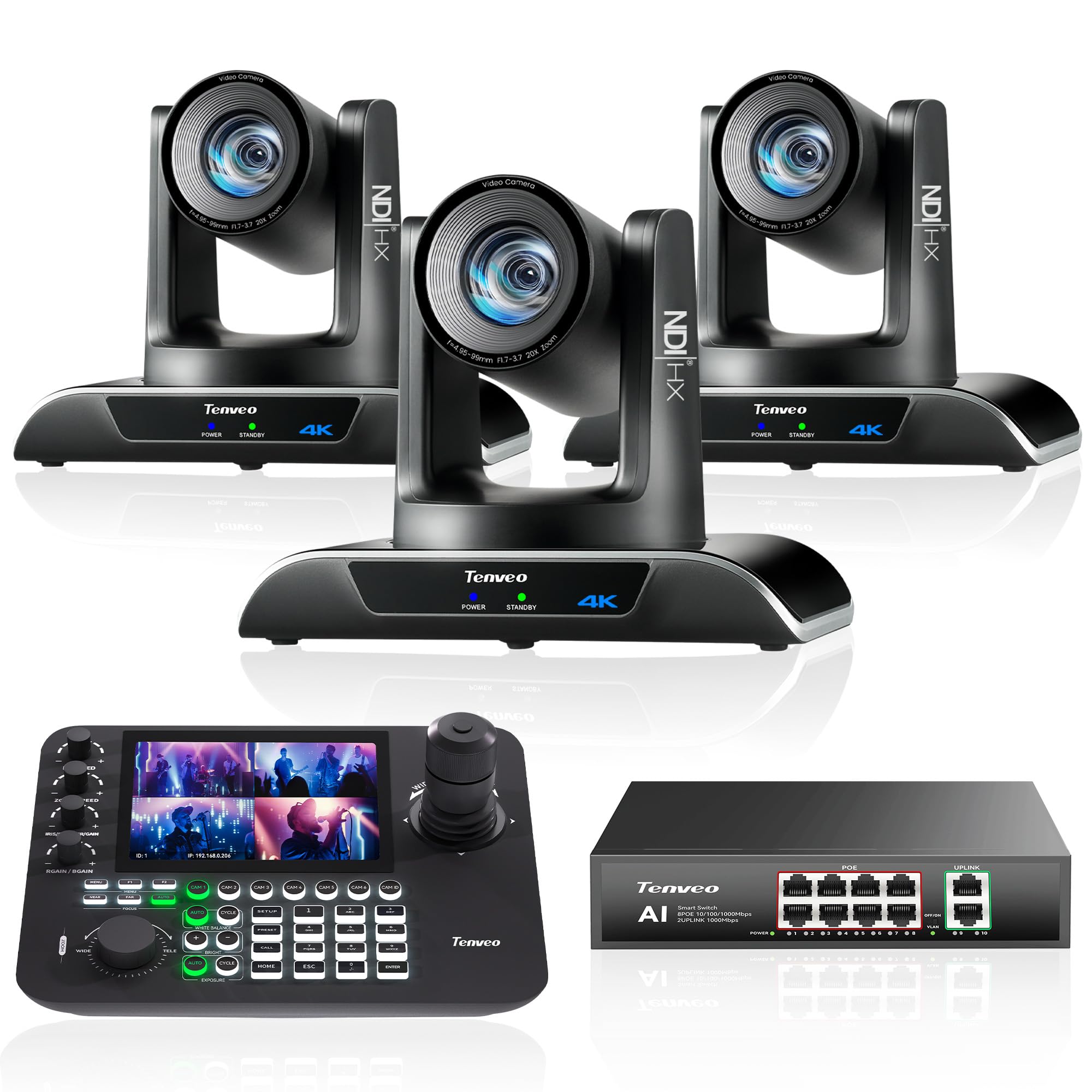
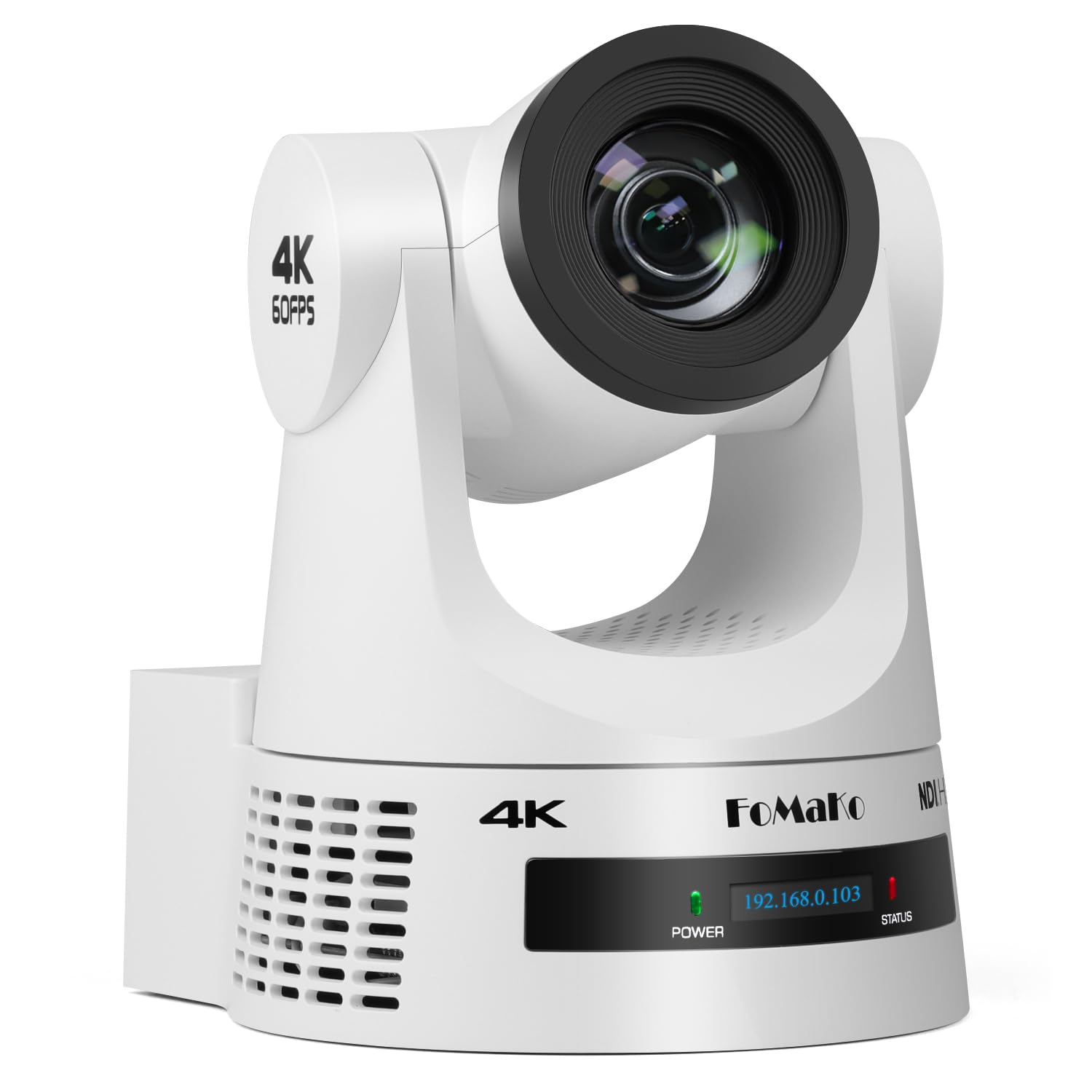
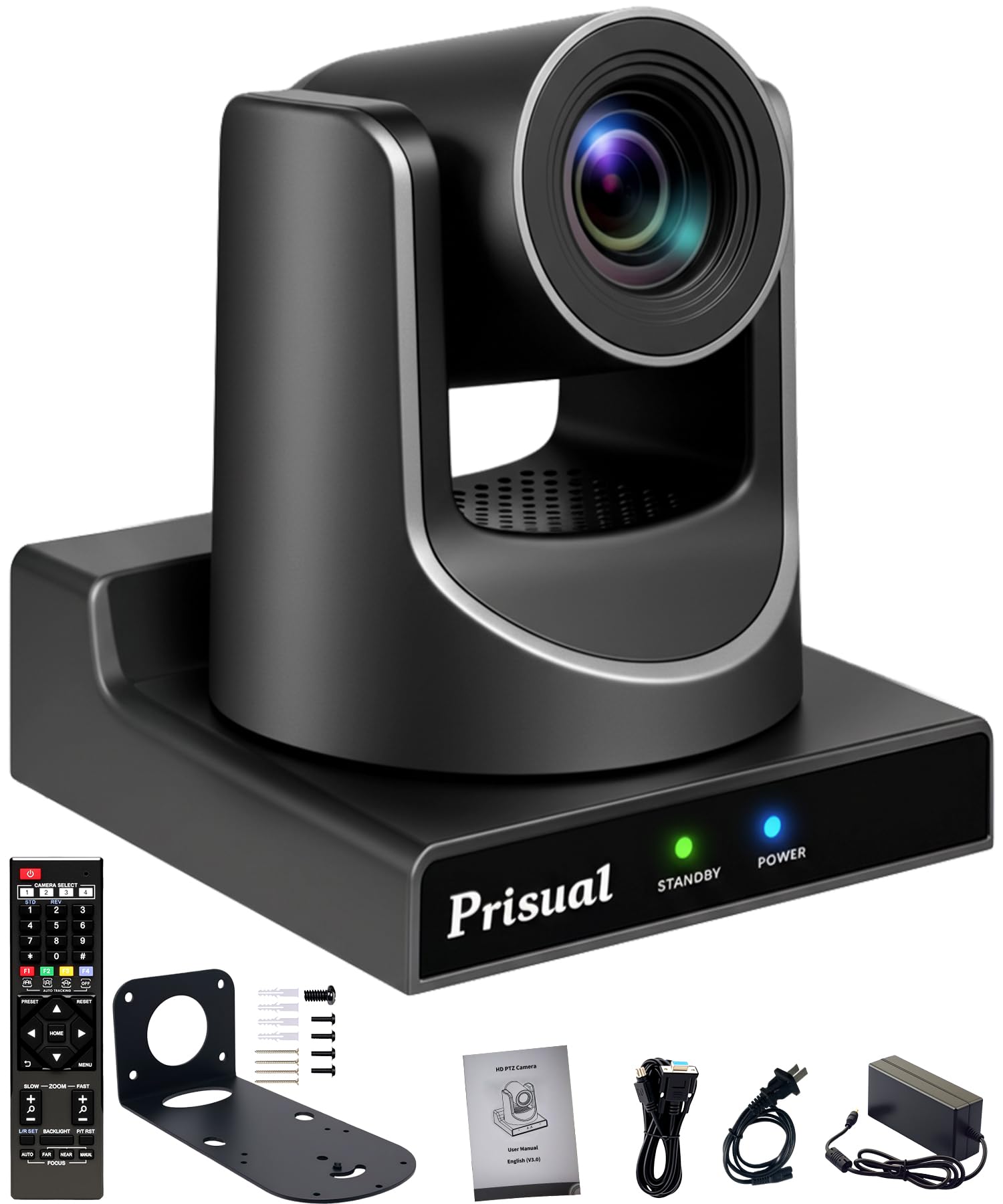
Who Should Buy Which Camera for TV Production?
Buy for the production you repeat every week, not the one special show you imagine. Crew size and venue change the right choice more than resolution alone.
Studio and Talk Show Teams
You run several cameras at once, cut live between them, and need every angle to match in color and exposure. Choose studio cameras with genlock, timecode, tally and intercom connections, plus remote shading from the control room. Pedestal support matters more than light weight here. Readers comparing the best tv cameras will find a closely related angle on this same studio need.
Field, News and Documentary Crews
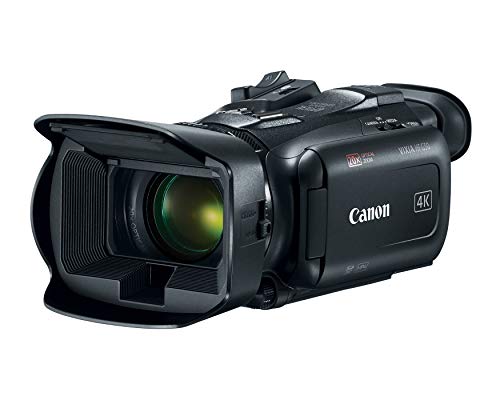
You shoot interviews and location segments where light changes fast and retakes are rare. Choose a shoulder camera with strong low light performance, built in neutral density filters, dual card slots and XLR audio inputs. Reliable manual focus and clear focus peaking matter most when a subject sits still for a long interview.
Small Studios and Remote Production Producers
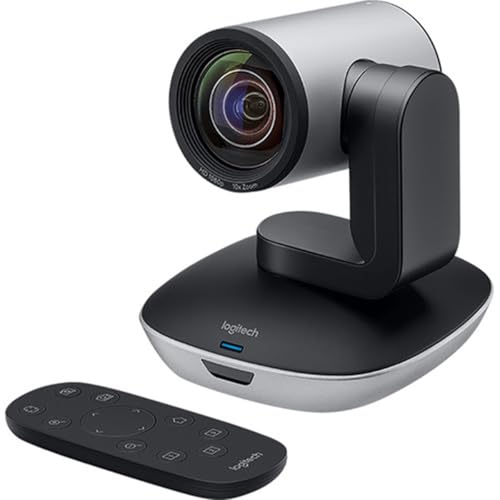
You produce lessons, worship services, podcasts or local shows with one or two operators. Choose compact box or pan tilt zoom cameras that sit on a desk, wall or ceiling and run over a network. Preset positions let one person cover a wide shot, a speaker close up and an audience view. Quiet movement matters more than the largest sensor here.
Types of Cameras for TV Production Compared
Three broad types cover most television work. Each trades image control, speed and staffing differently, and many productions mix two types in one show.
Studio Pedestal Cameras
Studio cameras sit on pedestals and send their picture to the switcher instead of recording on their own. A separate control unit handles color and exposure, so all angles match during a live cut. They suit daily talk, news and game shows where the set stays fixed. Prices often start around $5,000 for the body and rise once lenses and control gear are added.
ENG and Shoulder Cameras
ENG cameras combine lens, recorder and audio in one body that rests on the shoulder for balance during long handheld takes. Large controls work with gloves, batteries swap quickly, and the built in zoom covers wide rooms and distant speakers. They suit news, sports sidelines and events where the crew must move fast. Expect about $3,000 to $10,000 depending on sensor and lens range.
PTZ and Compact Box Cameras
Pan tilt zoom cameras move under remote control, while fixed box cameras hold one framed view from a wall or desk. Both send video over network or SDI cables and need no operator beside them. Their smaller sensors limit shallow depth of field and fast action coverage. Many models cost about $800 to $3,000, so a third angle stays affordable.
Key Features to Compare
Compare these factors in order, since a camera that fails on outputs or sound will cause daily friction even when its picture looks sharp. In practice, the best cameras for tv production fit your switcher, crew and edit workflow without adapters or daily workarounds.
Sensor Size and Color Matching
Sensor size shapes depth of field, low light cleanliness and how easily cameras match on a multi camera set. Larger sensors, such as Super 35 and full frame formats, give softer backgrounds and cleaner shadows, which suits drama segments. Smaller sensors keep more of the scene in focus, which helps news where missing focus costs the shot. Pick models that share color science or offer log profiles, then test matching under your studio lights before a live show.
Resolution and Frame Rates for Broadcast Delivery
Most television delivery still uses 1080i or 1080p, while many studios now shoot 4K to allow cropping and cleaner down conversion later. Frame rate must match your broadcast standard, commonly 29.97 or 59.94 frames per second in the United States. Higher rates such as 120 frames per second only matter for slow motion replays. Confirm that camera, switcher, recorder and encoder all accept the same format, because one mismatch can force the whole chain down.
Outputs, Genlock and Timecode Sync
SDI outputs are the studio standard because the locking connectors survive daily plugging and the signal travels about 100 meters over proper cable. HDMI suits short runs to a nearby switcher, but plugs loosen more easily on a busy set. Genlock keeps every camera in step for clean cuts, and shared timecode makes edit sync simple. For a broader view of set ready bodies, see our guide to the best production cameras.
Lens Mount, Zoom Range and Focus Control
Fixed lens camcorders give you a servo zoom, instant readiness and no sensor dust, which suits news and events. Interchangeable lens bodies let you choose wide primes for small sets or long zooms for stages, but each lens adds cost and changeover time. Check focus tools as carefully as glass. Peaking and a smooth focus ring help a solo operator hold an interview sharp, while face tracking autofocus helps only when it stays locked on the speaker.
Recording Media, Codecs and Audio Inputs
Dual card slots with simultaneous recording protect a show that cannot be repeated, and common codecs keep editing fast on ordinary computers. Check card cost and offload time for your longest recording day, not just the headline bit rate. For sound, two XLR inputs with phantom power let you take a mixer feed and a camera microphone at once. Add a headphone output and clear meters, then record a spoken test before trusting any new setup.
Common Mistakes to Avoid
Most buying regrets in television work come from workflow gaps, not picture quality.
- Buying cameras with no genlock or timecode makes live cuts and later edit sync far harder than expected.
- Mixing brands with very different color science leaves one angle looking wrong no matter how you grade it.
- Choosing HDMI only bodies for a permanent studio leads to loose plugs and failed feeds during shows.
- Ignoring fan noise and heat in a small studio puts an audible hum under quiet dialogue.
- Skipping a spare battery and card plan stops a field shoot the moment the first set runs out.
How to Make Your TV Production Camera Last Longer
Clean lenses with a blower first, then a microfiber cloth in a slow circle from the center outward, so loose grit never drags across the glass. Keep caps on spare lenses and cover an unused body mount during changes. Check SDI connectors for bent pins each week, because a damaged connector can mimic a failing camera during a show.
Give the camera airflow on long studio days and never leave it in a hot closed vehicle. Store batteries partly charged, rotate them evenly, and format cards in the camera after every confirmed backup. Once a month, run a short test recording with timecode and audio active, then log any fault early.
Cameras for TV Production: Your Questions Answered
What features matter most in a camera for TV production?
Clean SDI output, shared sync and dependable audio matter most in a camera for TV production. Those three decide whether the camera joins a live chain without adapters or workarounds. After that, check tally and return video with your switcher, because operators frame better when they can see the program feed. Compatibility with your control room saves more time than a small gain in resolution.
How long does a TV production camera usually last?
A TV production camera usually stays in service about five to eight years. Fan wear, battery limits and changing delivery formats end its run before the sensor fails. Keep a matched spare body for your main position, so one repair never cancels a show. Plan replacement around format changes at your station rather than waiting for a breakdown.
Is 4K worth it for TV production cameras?
Yes, 4K is worth it for TV production cameras when you need to crop a wide shot into a close up or deliver to streaming platforms as well as broadcast. The extra pixels also give graphics keys cleaner edges. If your chain is fully 1080p and your budget is tight, spend first on a second angle or better lighting. A well lit 1080p picture looks more professional than a dim 4K one.
Does a TV production camera need SDI, or is HDMI enough?
SDI is the safer choice for a TV production camera in any fixed or professional setup. Its locking plug and long cable runs suit daily studio use, and most broadcast switchers accept it directly. HDMI can work for a single camera desk placed close to the switcher. If you go that route, add strain relief clips at both ends, because a small tug is the most common cause of a lost picture.
Can one TV production camera handle both studio and field work?
Yes, one TV production camera can cover both studio and field work if you choose a camcorder style body with SDI, XLR inputs and a versatile zoom. In the studio it sits on a tripod and takes tally and sync, then goes out on the shoulder for location segments. Dedicated studio chains still shade more precisely, so test color control in your control room before committing a full set.
Final Thoughts
Match the camera type to your format first, then check sync, outputs and audio before you compare sensors. A camera that joins your switcher cleanly and matches its partners will serve every show. Creators who also shoot stills may want to see our guide to the best digital cameras for those separate needs.
When you review best cameras for tv production with those checks in mind, the right type becomes clear quickly. Use the product table above to confirm price, outputs and lens options for your short list.