
Best Cameras for Smartthings: The Buyer Checklist for 2026
Disclosure: We may earn a commission when you buy through links on this page, at no extra cost to you. As an Amazon Associate I earn from qualifying purchases. Learn more

Compare cameras for a SmartThings home by live view, motion alerts, night vision, storage and power, plus a checklist for indoor and outdoor use.
Adding a camera to SmartThings only helps if it shows up in the app, sends alerts you trust, and can trigger the rest of your home. The best cameras for smartthings are not just sharp on paper. They connect in a supported way, record the moments that matter, and fit the spot you have in mind. Use the comparison table below to check those points in order.
Start with the job the camera must do. A door camera has to catch faces and packages in changing light. A living room camera has to stay private when you are home. A yard camera has to handle rain, cold, and distance from your router. The sections below match each job to connection and storage.
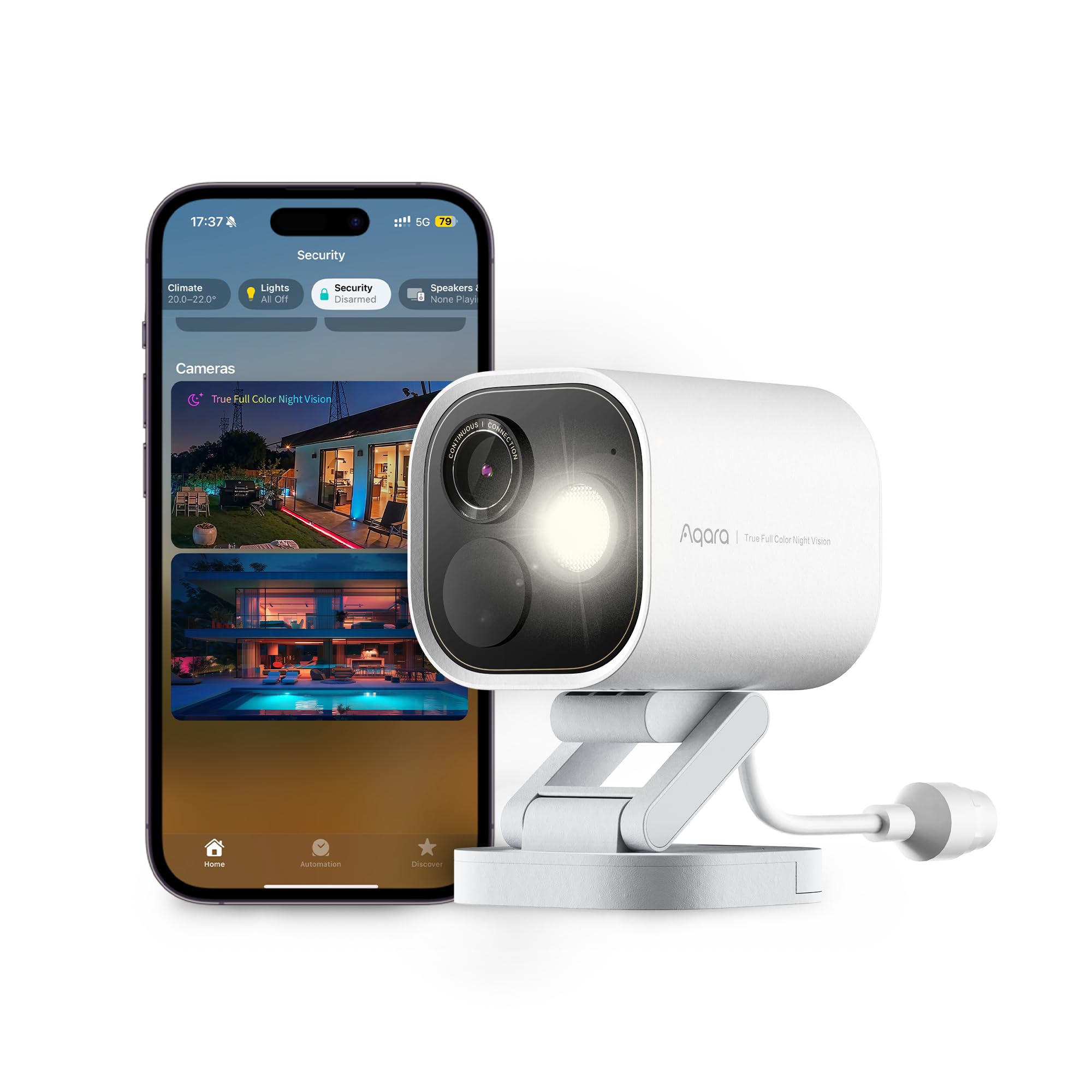
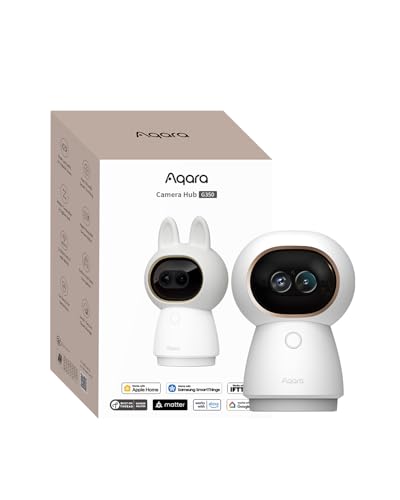
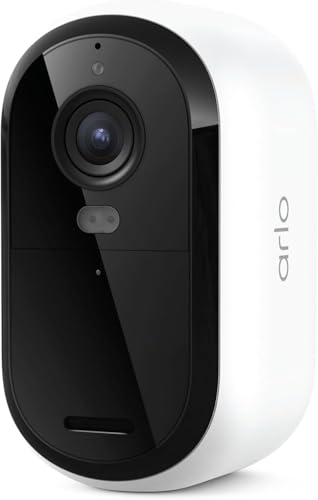

Who Should Buy Cameras for SmartThings?
Buy by the routine you want, not by resolution alone. A door, a nursery, and a back yard need different power, view, and privacy controls.
Homeowners Who Want Motion to Trigger Other Devices
You want an alert to do more than sit on your phone. You may want motion at the drive to turn on porch lights, or motion in a hall to start recording. Choose a camera whose motion events appear inside SmartThings, because only events the platform can see can start a routine. Check person detection if lights must ignore passing cars.
Families Who Want Indoor Check Ins During the Day
You want to look in on a child, a pet, or an older parent while you are out, and privacy when everyone is home. Choose an indoor camera with clear live view in the SmartThings app, two way audio, and a way to pause recording or close a privacy shutter. Aim it at an entry or a shared room, not a bedroom or a bathroom.
Homeowners Who Need a Yard or Drive Covered at Night
You need proof of what happened outside, often in full dark and bad weather. Choose a weatherproof camera with strong night vision, a wide view, and power that suits the spot, such as a wired connection near an outlet or a large battery far from one. Good WiFi reach matters, because a camera that drops offline at night leaves a gap.
Key Features to Compare
Compare these factors in order, so a high video number cannot hide a weak connection or costly storage.
SmartThings Integration and How the Camera Connects
Integration decides what you can see and automate. Some cameras link to SmartThings through the brand account, some carry a Works with SmartThings listing, and some connect through Matter or a hub. Confirm the exact way your camera will connect and what that link allows, such as live view, motion alerts, or routine triggers. A camera that only works in its own app gives SmartThings nothing to act on.
Video Resolution and Field of View
Resolution and view work together. A 1080p camera with a well placed wide view can identify more than a 4K video camera aimed at the wrong corner. Most home cameras show about 110 to 140 degrees, which suits a room or a small yard, while a narrow view gives more detail on a door or a gate. Faces at a door need detail up close, while a long drive needs a view that keeps a moving person in frame longer.
Motion Detection and Smart Alerts
Motion settings decide whether alerts feel useful or noisy. Look for adjustable sensitivity and activity zones, so you can watch a path and ignore a busy road. Person, vehicle, and pet sorting can cut false alerts, though some sorting needs a paid plan. Test alert speed after setup, because a notice that arrives a minute after a visitor leaves cannot help you speak to that visitor.
Night Vision and Low Light Detail
Night vision decides what your record shows after dark. Infrared light gives a clear black and white image without a visible glow, while a small spotlight can record color at night and may warn a visitor that a camera is present. Check the stated night range against your real distance, such as the length of your drive. A bright light aimed at the lens can wash out faces.
Storage for Clips and What It Costs
Storage decides how long proof lasts and what you pay each month. Some cameras save clips to a cloud plan, some save to a microSD card, and some offer both. A card costs once and keeps clips at home, but the card is lost if the camera is stolen. Cloud clips survive theft, but older clips often need a subscription. Before you buy the best cameras for smartthings for your budget, add any yearly plan cost.
Picking a Camera for Each Smart Home Job
The three searches below sound alike, but each points to a different placement and set of checks.
Best Security Cameras with Smartthings
Security use puts alerts and evidence first. Choose a camera that reports motion to SmartThings quickly, records before and after motion where offered, and keeps clips long enough to review later. Two way audio and a siren can help at a door, but fast, accurate alerts matter more.
Best Ip Cameras for Smartthings
An IP camera sends video over your home network rather than over a closed cable system. Focus on stable WiFi or a wired network option, clear live streaming, and viewing inside SmartThings rather than only in a brand app. If imaging terms interest you beyond the smart home, see our guide to the best digital cameras for how they apply to photos and video.
Best Outdoor Security Cameras for Smartthings
Outdoor use adds weather, temperature, and mounting checks. Look for a weatherproof rating suited to rain, dust protection, and an operating range that covers your winter lows and summer highs. Mount under an eave where possible and aim across a path, not straight along it, so movement stays in view longer. For the entry itself, see our guide to the best door cameras for door specific placement.
Quick Buyer Checklist for SmartThings Cameras
Answer each question before you order. A no answer tells you what you will give up.
- Does the listing name SmartThings support for this exact camera?
- Can you see live video and alerts inside the SmartThings app?
- Does the view cover your door, room, or yard and its main path?
- Will night vision reach the farthest point you must identify?
- Do you know where clips are stored and what they cost each year?
- Does power reach the spot without a cable crossing a walkway?
- Is WiFi strong at the mounting point with the door closed?
- Can you pause recording when you want privacy at home?
Common Mistakes to Avoid
These errors often appear only after the camera is mounted.
- Assuming every camera from a linked brand works with SmartThings leaves you with a camera the app cannot control.
- Mounting a camera too high turns faces into the tops of heads and makes identification hard.
- Skipping an activity zone floods your phone with alerts for every car on the road.
- Forgetting the storage plan makes a cheap camera cost more over time than a pricier one.
- Placing a camera at the edge of WiFi range causes missed clips at busy moments.
- Pointing a camera at a bright light washes out the image when visitors arrive.
Care and Maintenance for SmartThings Cameras
Wipe the lens with a soft, dry cloth made for lenses, because grit on a shirt can scratch the surface. Clean outdoor housings a few times a year and after storms, and clear spider webs from around the lens, since webs near infrared lights reflect light back and blur night images. Check mounts after strong wind.
Keep camera software and the SmartThings app updated, as updates often fix connection and alert faults. Review alert zones and recording schedules each season, because light, foliage, and routines change through the year. If you are setting up a first camera, see our guide to the best starter cameras for general first camera concepts.
Cameras for SmartThings: Your Questions Answered
What features matter most in cameras for SmartThings homes?
Supported integration matters most, because it decides whether live view, alerts, and routines work in one app. After that, judge alert accuracy, night detail, and storage cost. A useful extra is presence based control, where recording pauses when household phones arrive home and resumes when they leave, so indoor cameras are not recording family life all evening.
Do cameras for SmartThings need a hub to work?
Many WiFi cameras for SmartThings work without a separate hub, while others use a hub for local control or for a Matter connection. Check the connection path for the exact camera before you buy. A hub based setup can keep some routines running during a brief internet outage, a point worth weighing for a door camera.
How much should you spend on a first camera for SmartThings?
A first camera for SmartThings often costs about $50 to $150, with outdoor and higher resolution models costing about $150 to $300. Spend first on reliable alerts and storage you understand, not on the highest video number. Buying one camera and living with its alerts for a month is calmer than filling every corner at once.
Can cameras for SmartThings record when the internet goes out?
Some cameras for SmartThings can keep recording to a local card when the internet goes out, but live view and phone alerts usually stop until the connection returns. Cloud only cameras may miss that period entirely. If outages are common, favor local storage and test it once by unplugging your router briefly.
Where should you place a camera for SmartThings to see faces clearly?
Place a camera for SmartThings about 7 to 9 feet high and angled down toward the path a visitor walks. That height keeps faces in view while keeping the camera out of easy reach. Leave distance between the camera and the door, so a person is framed before they knock, not as they turn away.
Our Verdict
Choose connection first, then view and night detail for the exact spot, then storage you can afford over time. Use the product table above to compare those points before you look at price. When you judge best cameras for smartthings by how they alert, automate, and record in your home, the right pick for a door, a room, or a yard becomes easier to spot.

