Best Cameras for Skype 2026: Every Type Explained Side by Side
Disclosure: We may earn a commission when you buy through links on this page, at no extra cost to you. As an Amazon Associate I earn from qualifying purchases. Learn more

Confused by all the options? We compare every type of camera side by side so you can choose the best cameras for skype for your space and budget.
Shopping for a Skype camera gets confusing because the same call can be handled by a built in laptop camera, a dedicated webcam, a photo camera on a capture device, or even a phone. Each type trades picture quality, ease, and cost differently, so this guide compares them side by side to help you pick the best cameras for skype setup.
Start with how you call. A solo worker needs something different from a family around one screen. Note your room light and group size, then check the comparison table below.


Who Should Buy Which Skype Camera?
Your call pattern decides which type deserves your money, so match yourself to one group first.
Remote Workers Who Take Skype Calls All Day
If Skype stays open through your workday, a dedicated USB webcam is usually the right spend. A steady 1080p picture, reliable autofocus, and a clear built in microphone protect how colleagues read your expressions and hear your points. Built in cameras work as a backup, but most sit low and aim up at your chin.
Families and Housemates Who Call as a Group
When three or four people share one screen, field of view matters more than raw resolution. A wide angle webcam near 90 degrees can hold a sofa of people without everyone squeezing together. Set the camera at the height of the seated group, roughly on the TV or monitor top.
Tutors, Coaches, and Presenters Who Move While Talking
If you teach or demonstrate while standing, you need a camera that holds focus and framing while you move. Look for subject tracking and a tripod thread so the camera can sit back from your desk. A frame rate of 60 frames per second keeps motion smoother if your connection can use it. A tracking webcam covers most lessons with far less setup than a photo camera feed.
Types of Cameras for Skype Compared
The best cameras for skype all feed a live picture into the same app, yet they differ in setup effort and ceiling of quality. Readers who also shoot stills can see our guide to the best cameras for photography.
Built In Laptop and All in One Cameras
These cameras cost nothing extra and start the moment you open Skype. The limits are a fixed position, a small sensor that struggles in dim rooms, and no upgrade path short of a new computer. Choose this type only if your calls are short and your room is bright.
Dedicated USB Webcams
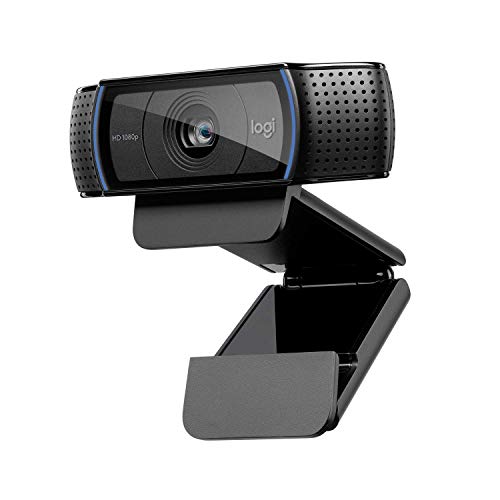
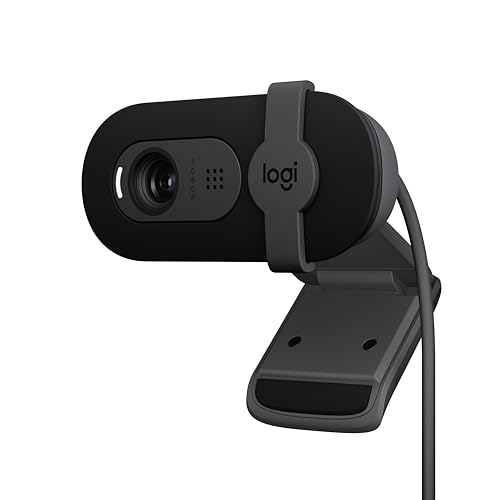
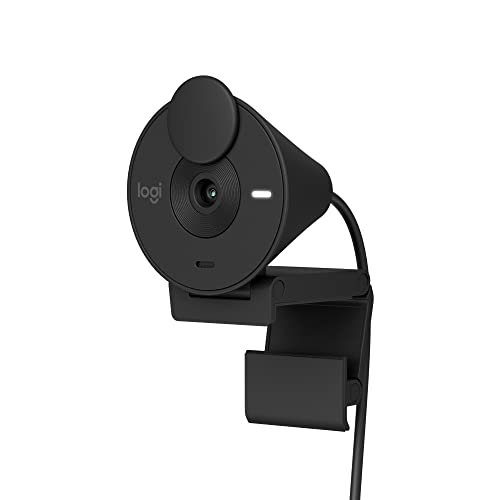
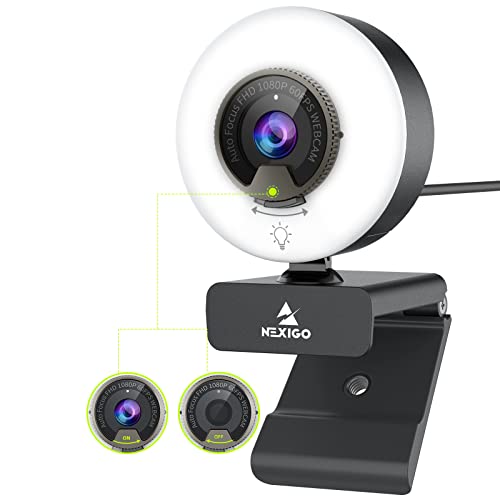
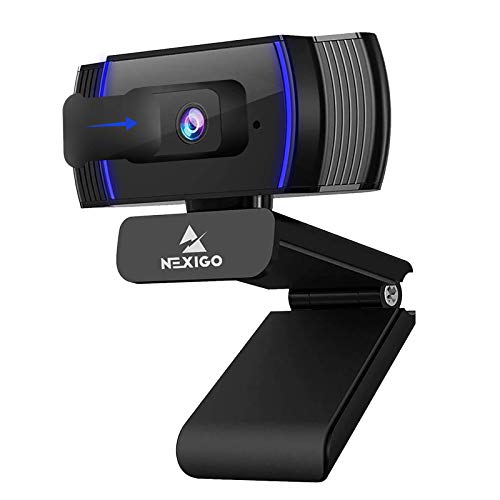
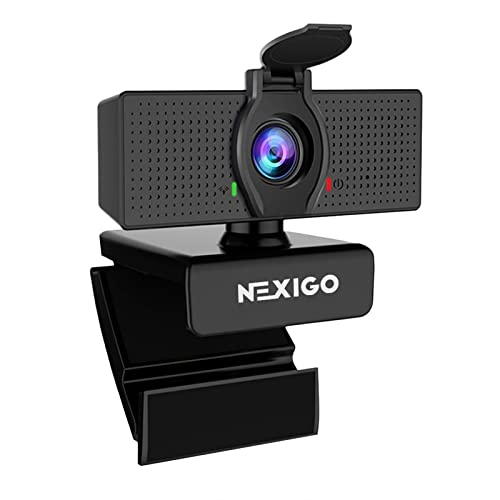
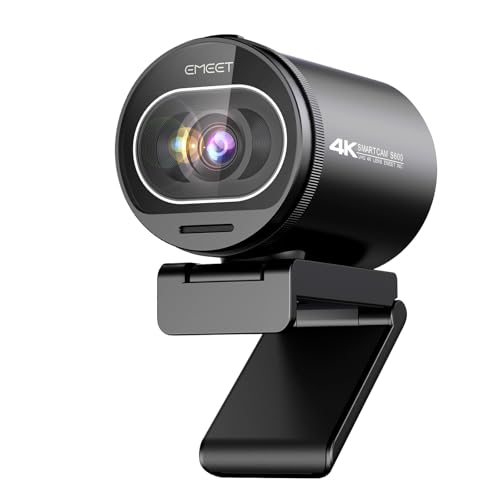
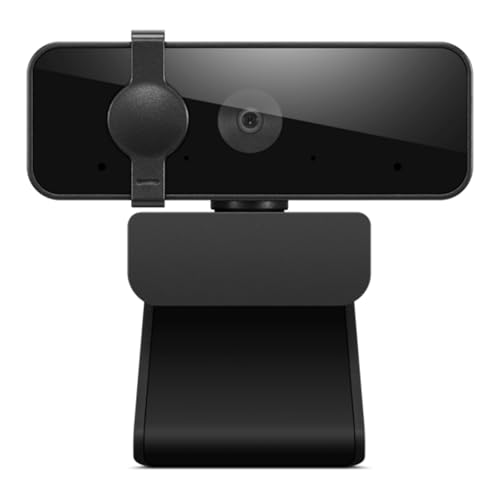
A dedicated webcam is the type most Skype callers should buy. It clips to your monitor at eye level and needs no driver on current Windows and Mac systems. Prices run from about $40 to about $250 depending on resolution and tracking. For models built only for this job, see our guide to the best web cameras for skype.
Photo Cameras and Camcorders on a Capture Device
A mirrorless camera or camcorder can feed Skype through a small capture device or a direct USB video mode, and the large sensor gives the cleanest low light picture of any type here. The tradeoffs are cost, extra cables, and settings to check before each call. This route suits presenters who already own the camera; shoppers for the body itself can start with our guide to the best digital cameras.
A Phone Used as a Skype Camera
Most recent phones can act as a computer camera through a continuity feature, and the phone sensor often beats a cheap webcam in dim light. You need a stable mount, a charger for long calls, and a way to silence alerts. Treat the phone as a strong spare, since tying up your handset for every call gets old quickly.
Key Features to Compare
Resolution and Frame Rate for Skype Video
Resolution sets how much detail the other side can see, and 1080p is the sensible target for most buyers because Skype calls look clearly sharper than 720p without stressing older computers. Frame rate matters when you move: 30 frames per second suits seated talk, while 60 keeps gestures looking smooth.
Autofocus and Auto Framing on a Skype Camera
Autofocus keeps your face sharp when you lean in, hold up a document, or shift in your chair, and it matters more live than in recorded video. Fixed focus webcams cost less and can be fine at a steady desk distance, but they soften when you move closer. Auto framing pans and zooms digitally to keep you centered, though it crops away some resolution.
Field of View and Sensor Size for Your Room
Field of view, stated in degrees, decides how much of the room appears behind you. Around 65 to 78 degrees suits one person at a desk, and 90 degrees fits two or three people. Sensor size works underneath: a larger sensor gathers more light per pixel, so faces stay clean in ordinary room light, while a small sensor looks grainy after dark.
Built In Microphones and Voice Pickup
Most Skype cameras carry one or two small microphones, and a dual setup picks up a voice more evenly from either side of the screen. Look for noise reduction, since it softens keyboard clatter, fan hum, and room echo. Pickup range is short by design, roughly an arm length to about six feet, so a camera across the room sounds distant no matter its video quality.
Connection, Mounting, and Privacy Controls
Nearly every webcam worth buying uses the USB video class standard, so it works in Skype the moment you plug it in, with no software to install. Check the connector against your ports before ordering. A flexible monitor clip covers most desks, while a tripod thread adds stand options. A physical privacy shutter blocks the lens even if an app opens the camera by mistake.
Choosing a Skype Camera for Your Situation
Best Video Cameras for Skype: Which Type Works Best
Shoppers who start from best video cameras for skype usually care about motion and picture first. Prioritize frame rate and autofocus, because a video led setup is judged while you move and gesture. A 1080p webcam at 60 frames per second or a camcorder feed both fit; a basic 720p model looks dated once you stand up.
Best PC Cameras for Skype: Which Type Works Best
For best pc cameras for skype, the desk setup decides the winner. A monitor clip camera suits a fixed PC with the screen at eye level, while a tripod ready model works better beside a large display. Check that the cable reaches your tower without strain. Desk based shoppers can also see our guide to the best computer cameras for skype.
Best USB Cameras for Skype: Which Type Works Best
Choosing among best usb cameras for skype is mostly about simplicity. Every model here is plug and play, so compare cable length, connector type, and whether settings survive unplugging. Avoid an unpowered hub shared with drives, since a starved port can cause dropouts that look like a faulty camera.
Common Mistakes to Avoid
- Buying a 4K webcam for a slow upload connection, so Skype lowers the stream and the detail never arrives.
- Mounting the camera on a low laptop lid, so callers spend the meeting looking up at your chin.
- Sitting with a bright window behind you, so the camera darkens your face to protect the background.
- Choosing the widest field of view for solo calls, so your small face competes with room clutter.
- Relying on a camera microphone across the room, so your voice arrives thin and buried under echo.
- Skipping a test call before a big meeting, so a wrong input selection leaves you silent.
How to Make Your Skype Camera Last Longer
Clean the lens with a dry microfiber cloth made for optics, never a shirt sleeve or paper towel, since grit dragged across the coating leaves fine scratches that haze the picture. Pull the plug, not the cord, when you unplug, since tugs loosen the wires inside.
Between calls, close the privacy shutter so dust settles on the cover instead of the glass, and store a spare webcam in a padded pouch. Check the maker support page yearly for firmware updates, which often fix focus hunting and exposure quirks.
Cameras for Skype: Your Questions Answered
What features matter most in a camera for Skype calls?
For Skype calls, autofocus, a 1080p sensor, and a decent built in microphone matter most, in that order. Autofocus protects every call because you move without thinking about it, while resolution only helps if the picture stays sharp. One point buyers miss is exposure control: locking exposure stops your face from pulsing brighter and darker when a cloud crosses the window.
What specs matter most for a first time buyer of a Skype camera?
A first time buyer should look at resolution, field of view, and connector type, and ignore long feature lists beyond those three. Pick 1080p, a field of view near 78 degrees for a solo desk, and the USB plug your computer actually has. Also check the return window, since the honest test is a real call with a friend.
Which type of Skype camera works better in a low light room?
A camera with a larger sensor works better in low light, which is why a photo camera feed looks cleanest after dark and why better webcams beat laptop cameras in the evening. Whichever type you own, add one lamp in front of your face at about eye level. Light aimed at you does more than any setting, and it costs less than a new camera.
Is a smartphone enough instead of a dedicated Skype camera?
A recent smartphone is enough for occasional Skype calls, and its picture often beats a budget webcam. The limits show up with routine use: the phone gets warm on long calls, alerts interrupt, and you lose your handset for notes while it sits on the mount. If you call daily, a dedicated webcam pays for itself in convenience.
The Bottom Line
Choose the type first, then the specs: a dedicated 1080p USB webcam covers most desks, a wide angle or tracking model suits groups and presenters, and a photo camera feed is the upgrade path for dim rooms. Then look back at the product table above and pick the best cameras for skype option that fits your room and routine.