
Best Cameras for Recording Music in 2026: A Complete Buying Guide
Disclosure: We may earn a commission when you buy through links on this page, at no extra cost to you. As an Amazon Associate I earn from qualifying purchases. Learn more

Compare the best cameras for recording music by mic inputs, sensor size, autofocus and video quality to choose a setup that suits live and studio work.
Recording a live set or a rehearsal is harder than filming a quiet room. Stage lights change fast, drums can overwhelm a small microphone, and you often get one take with no second chance. The best cameras for recording music handle sound, dim light and long takes together, and this guide shows you how to judge them using the comparison table below.
Start with how you record most often. A solo practice video needs a simple setup you can run alone, while a full band in a club needs stronger audio control and better low light reach.


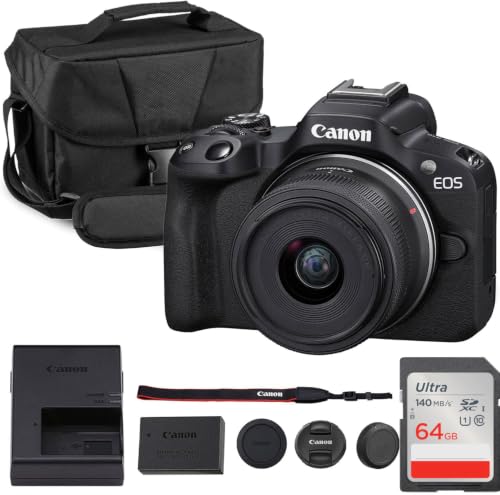


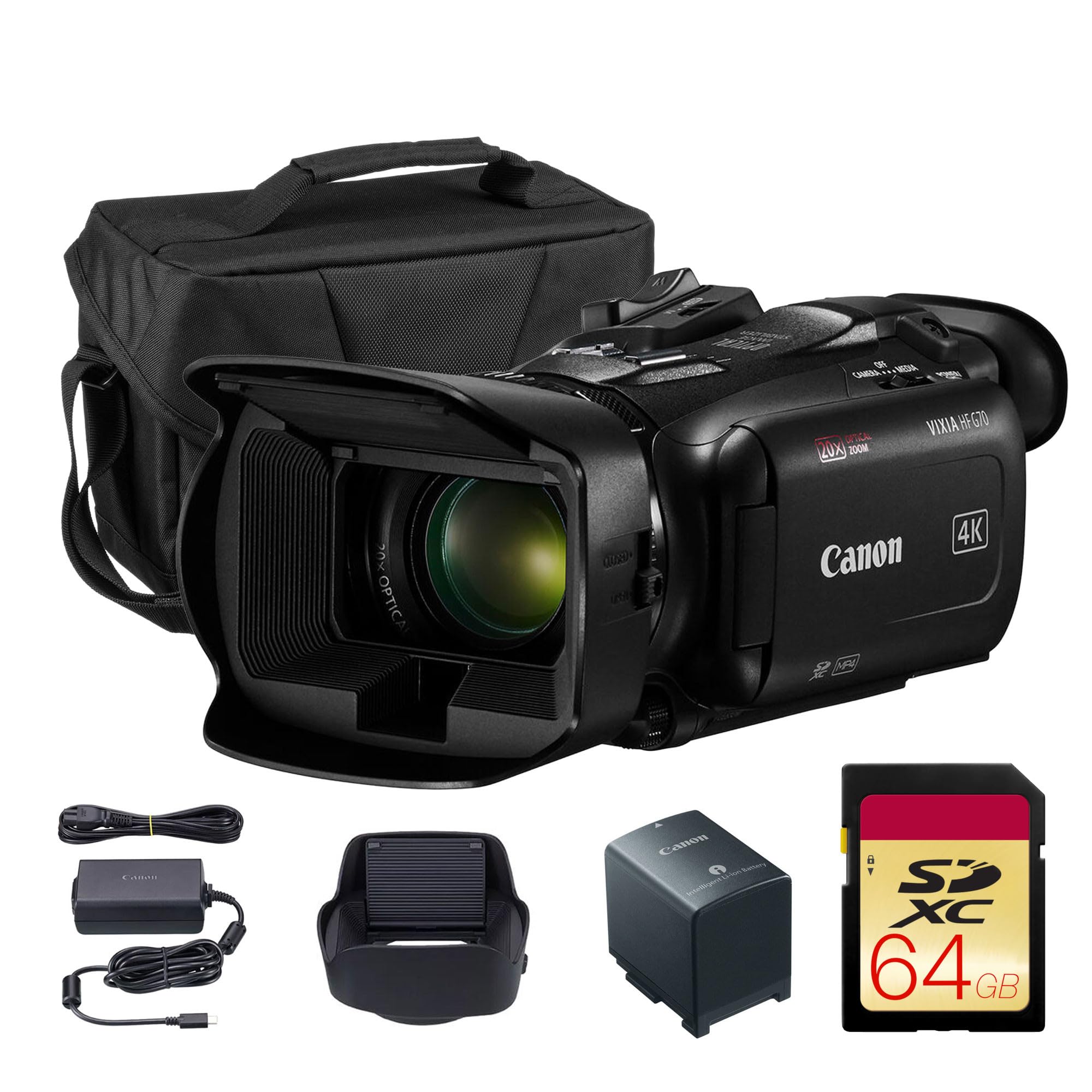

Who Should Buy Which Camera for Recording Music?
Your venue, your role in the performance and your crew size shape the right choice more than resolution alone. Pick for the session you record every week.
Solo Performers Recording at Home
You set up, press record and perform without help, so speed and a clear front screen matter most. Choose a camera with a flip screen, reliable face autofocus and a mic input for an external microphone near your voice or instrument. A compact body on a small tripod fits a practice room and leaves space free for stands.
Bands and Ensembles Filming Live Sets
You face loud drums, moving players and mixed stage lighting across a longer set. Choose a larger sensor, manual audio levels and a headphone jack so someone can monitor sound while the band plays. Plan a tripod position that sees the whole stage, and bring storage and power for the full set plus the encore.
Teachers and Students Recording Lessons and Practice
You record often, review the footage and share short clips for feedback. Choose simple controls, fast file transfer and clear audio at normal room volume over maximum resolution. A wider lens shows hands, posture and sheet music in one frame in a small room.
Key Features to Compare
Compare audio first, then image factors, because a sharp picture with distorted sound is rarely worth keeping.
Audio Inputs, Levels and Monitoring
Sound decides whether a music recording is usable. A mic input lets you place an external microphone close to a singer or amp while the camera stays back for framing, which gives cleaner sound than a built in mic across the room. Look for manual level control with a visible meter and a headphone jack for live monitoring.
Sensor Size Under Stage Lighting
Sensor size shapes how clean the image looks under stage lights. A 1 inch sensor in a compact camera handles a lit stage well and keeps the body small. APS C and full frame sensors gather more light and hold detail in shadow, but they need larger lenses and cost more.
Objective Lens, Aperture and Optical Zoom
The objective lens sets your framing when you cannot move closer. A bright aperture such as f1.8 to f2.8 helps in dim venues and keeps shutter speed usable. Optical zoom changes framing through glass and keeps detail, while digital zoom crops and softens the image. Interchangeable models let you swap lenses for a room or a distant stage.
Autofocus That Follows Performers and Hands
Autofocus must follow a singer who steps forward and hands that move fast across strings. Face and eye detection help for a single performer, while a wider tracking area suits a group where the lead changes. Image stabilization smooths small hand movements during handheld clips, but a tripod gives steadier results for long recordings.
Video Resolution, Frame Rates and Recording Limits
4K video gives room to crop in editing while keeping a clean 1080p result, and 1080p remains enough for direct sharing. Higher frame rates such as 60 frames per second render fast strumming and drum hits smoothly. Check the recording limit and heat behavior before a concert, because some cameras stop at intervals that suit clips rather than full sets.
Screen, Battery Life and Storage
A flip screen lets a solo performer check framing, focus and level meters from the front. Plan on a spare battery or USB power for a set past an hour, and use fast, large memory cards that handle 4K files without stopping. If you edit soon after a show, see our guide to the best laptops for recording music for transfer and editing needs.
Types of Cameras for Recording Music
Each type trades size, control and cost in a different way. For a broader view of stills focused options, see our guide to the best digital cameras.
Compact Cameras for Lessons and Small Gigs
Point and shoot compacts pair a 1 inch sensor, a built in zoom lens and simple controls in a body that fits a jacket pocket. They suit lessons, rehearsals and small gigs where you need to set up fast, though only some include a mic input with manual control.
Action Cameras as a Second Angle
Action cameras are tiny, tough and very wide, so they work as a second angle on a drum kit, a piano or a stage edge. Their small sensors struggle in dim light, and their built in audio is basic at loud volumes.
Mirrorless and Dedicated Video Cameras
Mirrorless cameras give the strongest mix of low light quality, lens choice and audio inputs for regular performers. Dedicated video cameras add longer recording design and pro audio connections. If you want one body that can grow with better lenses and microphones, see our guide to the best recording cameras.
Picking the Right Camera for Different Recording Jobs
One job rewards full video control for a group, while the other rewards a fast, repeatable setup for one person alone.
Best Video Cameras for Recording Music
When video is the priority, best video cameras for recording music means bodies with no short recording cutoff, clean HDMI output for a monitor and manual audio meters you can read at a glance. For a comparison focused only on moving images, see our guide to the best cameras for recording videos.
Best Cameras for Recording Music Soloists
For one performer, this choice means a camera you can frame, focus and monitor without leaving your seat. A flip screen, dependable eye autofocus and a remote or phone app to start recording matter more than a long zoom. Set levels on a loud chorus rather than a quiet verse and do a short test take first.
Common Mistakes to Avoid
Most ruined music recordings come from sound and placement errors, not from a lack of resolution.
- Relying on a built in microphone across a loud room gives you distorted drums and a thin, distant voice.
- Placing the camera behind the audience leaves heads in frame and forces a digital crop that softens detail.
- Setting audio levels on a quiet sound check makes the first loud chorus clip and cannot be repaired later.
- Ignoring the recording limit leaves a gap in the middle of a song when the camera stops on its own.
- Filming a full set on one battery and one small card risks losing the final songs entirely.
- Choosing a very narrow lens for a small room cuts off hands, instruments and other players at the edges.
Protecting Your Camera in Music Venues
Music venues add vibration, dust and cable traffic, so simple habits protect the camera. Wipe the lens with a clean lens cloth, not your shirt, because grit can scratch the coating. Keep the camera away from speaker stacks where vibration can loosen a mount.
- Carry a spare battery and a spare card so a long set never depends on one of each.
- Store the camera in a dry, padded bag with the lens cap on and cables coiled loosely.
- Update firmware when the maker lists autofocus or heat improvements for your model.
- Back up recordings the same day and format cards in the camera only after the copy is safe.
FAQ
What features matter most in cameras for recording music performances?
Audio control, low light quality and a recording limit that covers a full song matter most for music performances. At a rehearsal, sing your strongest chorus near the microphone and listen on headphones, because peak volume is where small microphones fail first. If that test stays clear, quieter passages will usually record well too.
How much optical zoom do you need for a camera for recording music on stage?
You need enough optical zoom to frame the stage from the spot where staff allow a tripod, often a moderate range rather than the longest range sold. Check the wide end too, since a lens that starts too narrow may never show the full band from that spot.
Is a smartphone enough for recording music performances?
A smartphone is enough for short practice clips and quick shares in a quiet room. Its small microphone and fixed lens limit loud shows, and alerts can interrupt a take. Turn on do not disturb and prop the phone at player height. A dedicated camera gives steadier audio control and longer recording.
How much should you spend on a first camera for recording music?
Spend first on a camera with a mic input and manual levels, then add a microphone and tripod before chasing a larger sensor. Leave room for a spare battery and a fast card. A modest body with a well placed microphone usually beats a costly body with no sound gear.
Which camera type is better for low light music venues?
A mirrorless camera with a larger sensor and a bright lens is better for low light music venues than a compact or action camera. Position helps too, so a closer tripod spot lets you use less zoom and a lower sensitivity setting. Mild noise reduction in editing can clean shadows, but it cannot restore detail lost to blur.
Our Verdict
Choose audio control first, then sensor size for your light, then the lens and screen that fit how you work. Check your shortlist against the product table above.
When those points line up, the best cameras for recording music become an easy choice for your venue and your style. Buy the camera that records your loudest, darkest set cleanly, and you will keep footage worth sharing.


