
Best Cameras for Indoor Surveillance in 2026: Which Type Is Right for You?
Disclosure: We may earn a commission when you buy through links on this page, at no extra cost to you. As an Amazon Associate I earn from qualifying purchases. Learn more
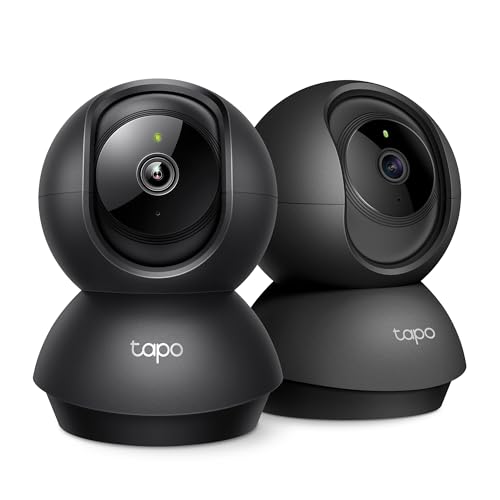
Camera types, room coverage, alerts and storage compared for the best cameras for indoor surveillance, with a private setup checklist.
Indoor cameras all promise a clear view of your home, yet the shapes and price tiers work in very different ways. A small fixed camera suits one doorway, while a rotating model can follow activity across a large living room. This guide to the best cameras for indoor surveillance compares types rather than named models, so you can match coverage, alerts, and storage to each room.
Start with the room, not the spec sheet. Note its size, the doors inside the frame, and whether you need continuous watching or short motion clips. Then use the comparison table below to see which type fits that job.


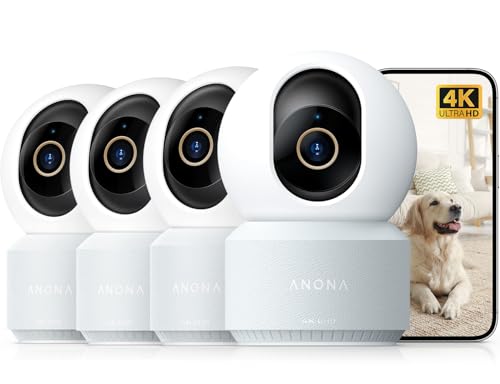


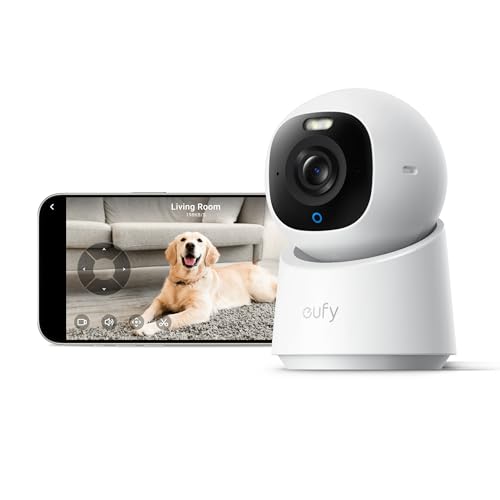
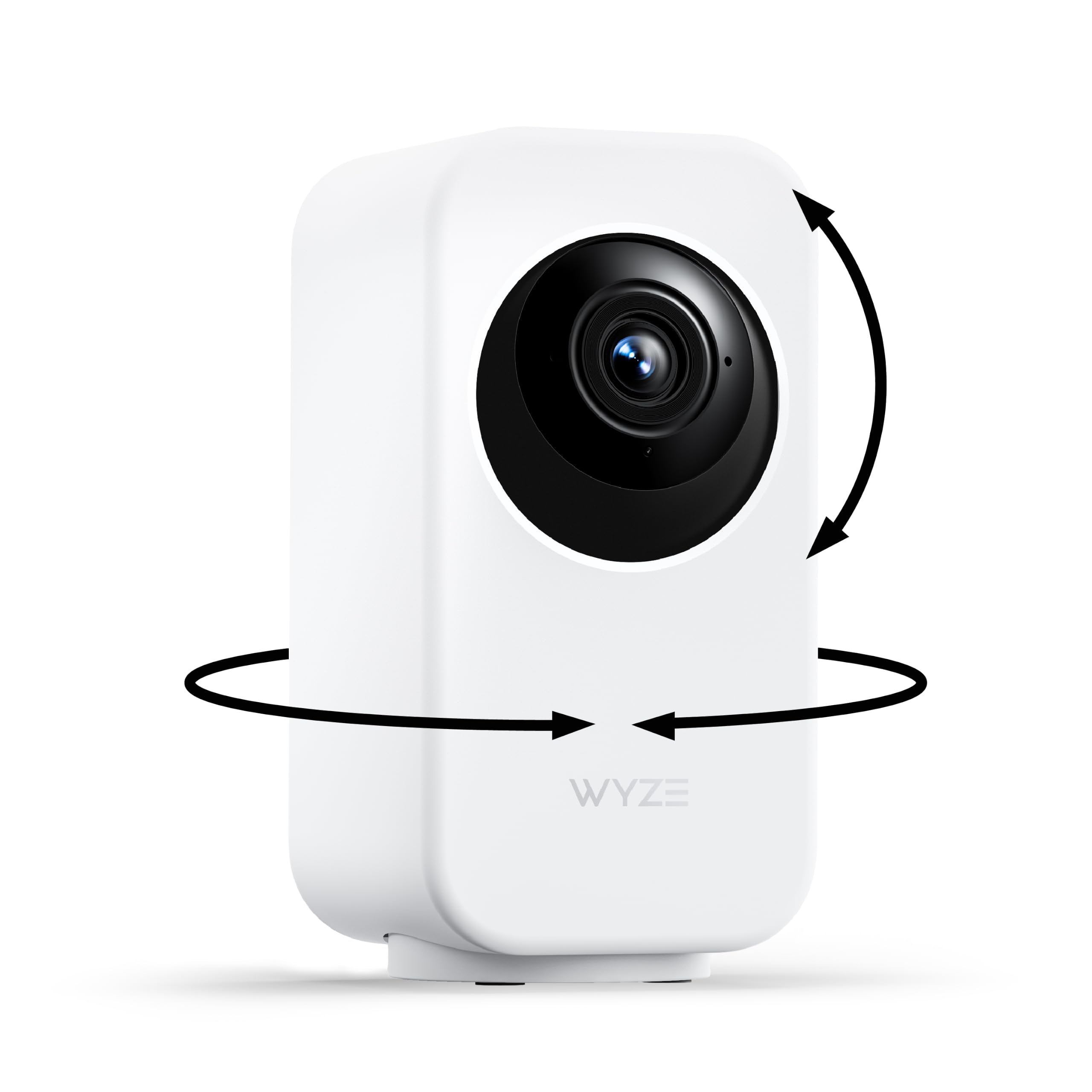
Types of Indoor Surveillance Cameras Compared
Price tiers group cameras by the features they bundle, not by brand. As price rises, you usually gain sharper detail, smarter alerts, and more flexible storage.
Mid Range Options for Most Family Rooms
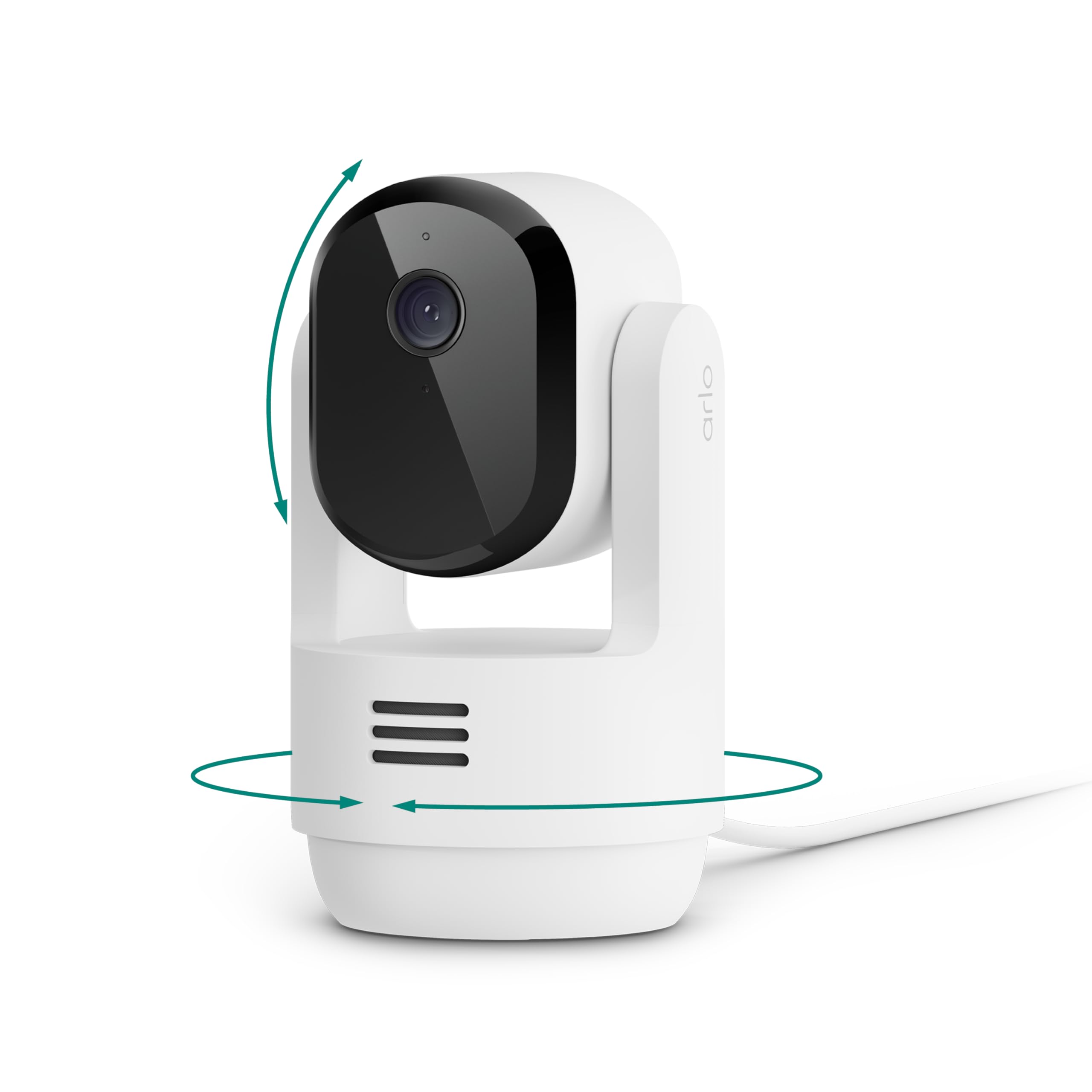
Mid range cameras, often about $50 to $100, balance detail and cost for everyday monitoring. Most offer 2K video, a view of about 110 to 130 degrees, and person detection that trims false alerts. Many add pan and tilt movement, so one camera can check a sofa, a door, and a pet bed in turn. Choose this group for reliable alerts and clear faces without paying for advanced tracking.
Compact Options for Shelves and Small Rooms
Compact cameras are small fixed lens models that sit on a shelf or bookcase and watch one defined area. Their strength is discretion and simplicity, since a narrow job lets a modest sensor still show useful detail. Most suit a nursery, a home office, or a single entry door. The trade off is coverage, because the lens cannot move. Pick one when the area is small and you prefer a camera that blends into the room.
Premium Options for Large and Busy Homes
Premium cameras, often about $120 to $250, add wider dynamic range for rooms with bright windows, more accurate person alerts, and stronger privacy hardware such as a physical shutter. Some support continuous recording to local storage, which helps if you review long periods rather than short clips. Audio tends to be clearer for two way talk. Choose this group for large rooms or a main living space where missed alerts would undermine the setup.
Budget Options for a First Indoor Camera
Budget cameras, often under $50, cover live view, motion clips, infrared night vision, and app alerts. Video is commonly 1080p, enough to confirm movement and recognize people you know at close range. Corners are cut in alert accuracy, audio clarity, and free clip history. This group works well for a trial in one low risk room, such as watching a pet during work hours. Check the storage terms carefully before you rely on it.
Mid Range Options vs Compact Options: Which Indoor Type Should You Choose?
Compare these two groups on coverage first. A mid range pan and tilt camera can sweep a whole room, while a compact fixed camera watches one zone steadily and never misses action at the edges while turned elsewhere. For a single doorway, steady coverage wins. For a room with several doors, movement wins.
Next compare alerts, storage, and presence. Mid range models usually filter alerts better and offer both memory card and cloud storage, while compact models lean on cloud clips and look less intrusive. If you want quiet monitoring of one spot, choose compact, and add a second camera only if a real blind spot appears.
How to Choose the Right Indoor Surveillance Camera
Choosing the best cameras for indoor surveillance starts with the job each room needs done, then moves to the specs that support that job. Work through the five points below in order.
Warranty and Customer Support for Indoor Cameras
Most indoor cameras carry a warranty of one to two years, and support quality matters because setup problems usually involve the app or your network rather than the lens. Look for clear setup guides and firmware update notes. A brand that publishes how long a model will receive security updates protects you longer than one that stays silent. Keep your receipt, since proof of purchase speeds any replacement claim.
Features That Matter for Indoor Surveillance
Indoor use rewards a wide field of view, because walls sit close and a narrow lens crops out doors at the edges. Aim for about 110 to 130 degrees in living rooms, and accept less in a hallway. Resolution of 1080p is the floor for recognizing faces across a room, while 2K adds detail for larger spaces. Night vision should reach across your biggest room, and infrared lamps must not bounce off a nearby window, since that glare can white out the frame.
Intended Use and Who Indoor Surveillance Is For
Name the main user for each camera before you buy. A camera for checking an elderly parent needs clear two way audio and a simple app view. A camera for a home office needs a privacy mode you can switch on during calls. A camera for general security needs motion zones drawn around doors, not the whole room. If several people share alerts, confirm each person can set their own alert schedule.
Maintenance and Long Term Costs of Indoor Cameras
The camera price is only part of the total. Cloud plans that store clips and unlock smart alerts often cost about $3 to $10 per camera each month, and those fees add up across a home. Local storage on a memory card avoids the fee, but cards wear out in heavy use. Battery models save on cables yet need regular recharging. Add these costs across two years before you decide a model is cheap.
Key Performance Specs for Indoor Rooms
Motion detection quality matters more indoors than raw sensitivity, because pets, ceiling fans, and shifting sunlight trigger weak systems all day. Look for person detection and adjustable motion zones. Your WiFi signal at the camera spot should be strong, since a weak signal causes frozen live views and late alerts. Test it with your phone where the camera will sit. Two way audio should carry a normal conversation across the room.
Common Mistakes to Avoid With Indoor Surveillance Cameras
Most indoor camera problems come from placement and settings. Avoid these frequent errors.
- Mounting a camera high in a corner aimed steeply down, so you record the tops of heads and cannot identify anyone.
- Pointing a camera through a window to watch a porch, so infrared glare at night ruins the image and indoor motion is missed.
- Placing a camera in a bathroom or a guest bedroom, so private moments are recorded and trust in the household breaks down.
- Leaving default passwords and sharing settings unchanged, so accounts stay exposed long after setup is finished.
- Turning on every alert type at full sensitivity, so constant notifications train you to ignore a real event.
- Skipping a test week in one room, so you buy more cameras before learning whether the alerts and storage suit your routine.
Setup and Care Tips for Indoor Surveillance Cameras
Place each camera at about head height to slightly above, angled gently down so faces fall near the middle of the frame. Walk the room while watching the live view, and check corners and doors for blind spots. Run cables safely along walls for plug in models. Tell household members where cameras are and when they record, and check local rules on audio recording, since laws vary by state.
Read the manual before first use, especially the parts on privacy mode and account security. Clean the lens every few weeks with a soft dry cloth, because indoor dust softens detail slowly. Inspect mounts and cables every few months, and install firmware updates promptly. Store spare cameras in a dry place. For whole home coverage, see our guide to the best home surveillance cameras.
Indoor Surveillance Cameras: Your Questions Answered
What features matter most in cameras for indoor surveillance?
Accurate person alerts matter most, because they decide whether you trust the notifications. After that, prioritize a view wide enough for the room and night vision that reaches the far wall. One point many buyers miss is a visible recording indicator, which reassures guests. For format differences, see our guide to the best indoor video surveillance cameras.
How long does an indoor surveillance camera last?
An indoor surveillance camera typically lasts about four to seven years, since indoor conditions spare it rain and hard sunlight. App and security support often end before the hardware fails, so support length is the real limit. When a maker stops publishing updates for your model, plan a replacement even if the picture still looks fine.
How do I maintain an indoor surveillance camera?
Maintain an indoor surveillance camera with a short monthly routine of lens cleaning, a live view check, and a test alert. Add one step most owners skip, which is reviewing who has shared access in the app and removing old phones. Also confirm the time stamp is correct, because clip times matter if you ever share footage.
Are expensive indoor surveillance cameras worth it?
Expensive indoor surveillance cameras are worth it when the room is large, bright, or busy enough to defeat simpler models. The clearest gain is fewer false alerts, which saves attention every day. They are harder to justify in a small quiet room where a basic model already sees everything. Spend more on the main living space first.
What should you check before adding a second indoor surveillance camera?
Check that a second camera solves a named blind spot rather than doubling coverage you already trust. Confirm WiFi strength at the new spot, a power outlet within cable reach, and a view that barely overlaps the first camera. Also confirm your cloud plan price for extra cameras, since some plans charge per device. For single room options, see our guide to the best indoor cameras.
Wrapping Up
Match the type to the room, demand alerts you can trust, and count storage costs across two years before you buy. Mid range models suit most family rooms, compact models suit one quiet spot, and premium models earn their price in large busy spaces. Chosen that way, the best cameras for indoor surveillance become a calm part of the household. Compare your short list in the product table above.


