
Best Cameras for Green Screen by Budget in 2026: Where the Money Matters
Disclosure: We may earn a commission when you buy through links on this page, at no extra cost to you. As an Amazon Associate I earn from qualifying purchases. Learn more

Compare the best cameras for green screen at every price point. Learn what you get at budget, midrange, and premium levels and where spending more pays off.
Camera prices for this job span a wide range, from compacts at around $300 to full frame bodies well above $2,000, and the gap is not only about sharpness. The best cameras for green screen give you clean edges, stable color and controls you can lock, so hair and clothing separate cleanly from the flat background. Use the comparison table below to line up those strengths by price.
The right choice depends on how you film. A streamer needs a camera that runs for hours and feeds a computer without stopping. A teacher needs autofocus that holds and sound that can be checked while speaking. This guide sorts those needs by budget.






Who Should Buy Which Cameras for Green Screen Work?
Pick by the session you repeat most. A camera that suits a live stream can be a poor fit for edited lessons.
Live Streamers Filming in a Small Room
You film alone and need to see your framing while you talk. Choose a screen that turns to face you, continuous power and a clean feed to your computer. If framing yourself is the main challenge, see our guide to the best flip screen cameras. Face tracking matters more for you than very high resolution.
Teachers and Creators Recording Lessons and Talks
You record in takes, edit later and may step closer to show an object. Choose strong eye autofocus, a mic input and 4K video so you can crop a little in the edit. Exposure and white balance must stay locked during a take, because a shift changes the green shade behind you.
Small Teams Filming Training and Business Updates
Several people may present on the same set, with different heights, skin tones and hair types. Choose consistent color across sessions and simple controls a colleague can repeat without guesswork. A spare battery helps too, because your real cost is setup time lost before every shoot.
Key Features to Compare
Compare these factors in this order. That is why the best cameras for green screen are judged by edge quality and control before headline resolution, since a rough edge cannot be fixed by adding pixels. A short test clip tells you more than a spec sheet.
Clean Output and Gentle Compression for Smooth Edges
For live work, clean output means a picture without menu icons, focus boxes or battery warnings. For recorded work, color sampling and bit depth decide how smooth the edge looks. Formats listed as 4:2:2 with 10 bit color keep finer steps at the edge, while heavy compression leaves blocky patches around hair that keying software struggles to remove.
Sensor Size and Noise in Low Light
Sensor size shapes how much light the camera gathers. A 1 inch sensor in a compact works well in a bright, evenly lit room. An APS C or full frame sensor gathers more light and shows less noise in a dimmer room. Noise is moving speckle in shadows, and it confuses a key because the background shade keeps changing. Megapixels matter less here.
Autofocus That Tracks Faces Without Hunting
Continuous video autofocus should follow your face and eyes smoothly as you lean, turn or hold up an object. Hunting, where focus pulses in and out, makes edges shimmer. A touch screen lets you tap the exact subject to follow, so see our guide to the best touch screen cameras if that suits you. Choose a model that lets you slow the focus response.
Lens Sharpness, Aperture and Room Distance
A sharp lens with little color fringing gives the key a clean line to follow, while strong fringing adds a colored edge that is hard to remove. In a small room, a view equal to about 24 to 35 mm on a full frame camera shows you and enough of the screen without strong distortion. An aperture around f/1.8 to f/2.8 gathers more light.
Controls You Can Lock and Power for Long Sessions
Manual exposure, white balance and focus that stay set are essential, because automatic changes alter the green shade while you speak. Image stabilization helps handheld clips, but on a tripod it can drift, so the ability to switch it off matters. Most batteries last about 60 to 90 minutes of video, so long streams need USB C power or a dummy battery.
What Each Budget Buys You for Clean Green Screen Keys
Price tiers differ most in color depth, noise and control. Add a lens, tripod, mic and background lighting to every tier, because those basics belong in the real total, not just the body price.
Budget Tier: Compact Simplicity for Bright Rooms
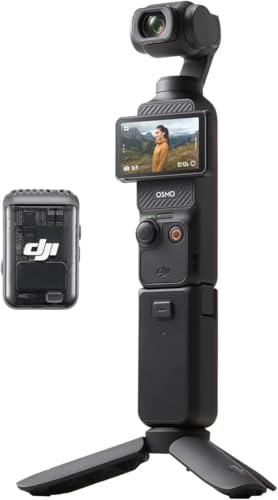
At about $300 to $600 you will mostly find 1 inch point and shoot compacts and simpler interchangeable lens bodies, with 1080p or basic 4K video and fewer audio options. These cameras can key well when light is strong and even. The trade off appears in dim rooms, where noise rises, and in long sessions, where power limits show sooner.
Mid Priced Tier: Cleaner Color and Controls That Stay Put
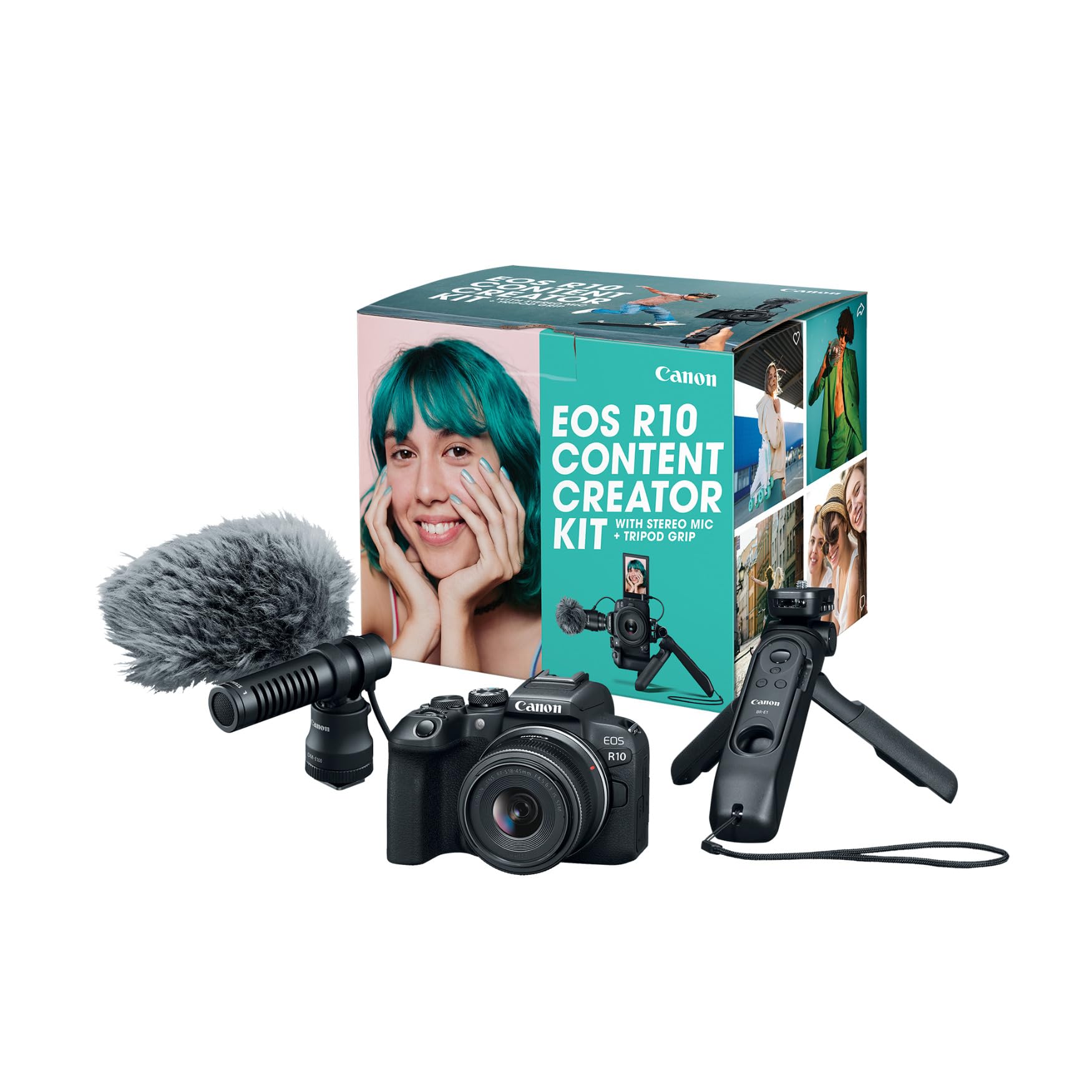
At about $600 to $1,200, APS C bodies add cleaner HDMI output, better bit rates, a mic input and face tracking that holds. Many also offer flat profiles that leave room to adjust contrast in the edit. This tier suits most serious creators. If it will also be your everyday stills body, see our guide to the best digital cameras.
Premium Tier: Full Frame Color Depth for Demanding Keys
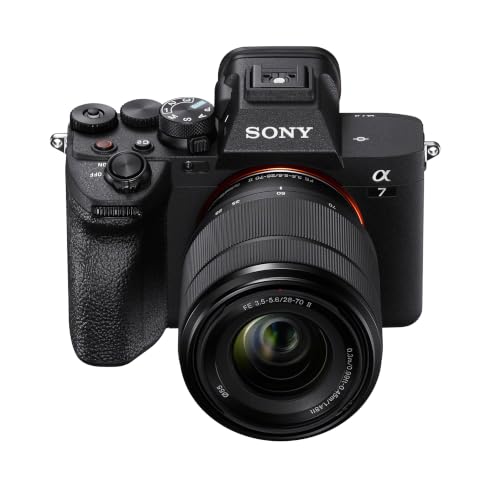
At about $1,200 to $2,500 before lenses, full frame cameras add 10 bit color, stronger low light results and wider dynamic range. Fine hair, sheer fabric and fast hand movement hold together better, which matters for client work. For a simple talking head in good light, this step adds polish rather than a missing basic ability.
Choosing Cameras for Your Situation
Best Video Cameras for Green Screen: Where Your Money Goes
For recorded video, put money into internal recording quality first. A higher bit rate, a flat profile you can grade and 4K headroom for a modest crop survive the edit better than extra stills features. Creators who also shoot stills for their channels can see our guide to the best cameras for photography.
Best Streaming Cameras for Green Screens: Where Your Money Goes
For live streaming, put money into the feed and the power supply first. Clean HDMI output or a direct USB webcam mode and a mains power option matter more than recording depth. Check that your capture card accepts the output, because overlays on the signal can ruin a key.
Common Mistakes to Avoid
Each of these errors shows up directly in the finished key.
- Leaving auto exposure and auto white balance on lets the green shade shift mid clip and breaks up the key.
- Judging a camera by megapixels alone makes you miss the compression that decides edge quality.
- Filming on a tripod with stabilization left on lets the frame drift so the background appears to swim.
- Choosing a very wide lens for a small room distorts faces and lets the screen edges show.
- Sitting too close to the screen lets green light spill onto hair and shoulders, leaving a colored fringe.
- Starting a long session on one small battery without a mains option can stop the shoot early.
Care and Maintenance for Your Camera
Dust matters more here than in ordinary filming, because a sensor spot shows clearly against a flat, even background. Use a blower with the camera facing down, keep caps on in storage and wipe the lens only with a clean microfiber cloth.
Check battery contacts and cable ports before a long session, since a loose power lead can end a stream without warning. Copy finished files to a second drive the same day, so a card fault cannot erase a whole shoot.
Frequently Asked Questions
What features matter most in a camera for green screen filming?
Clean output, gentle compression and lockable controls matter most in a camera for green screen filming. They keep the background shade steady and the edge smooth. One point many buyers miss is wardrobe: a green top will key out with the background on any camera, so test your usual clothing before you buy.
How much should you spend on a first camera for green screen recording?
Most first time buyers should spend about $600 to $1,200 on the camera body for green screen recording. That range buys the controls and color quality that remove common causes of rough edges. Keep part of your budget for even background lighting, because better light often improves a key more than one more tier.
Which camera traits help green screen work most in low light?
A larger sensor and a lens with a wide maximum aperture help green screen work most in low light. They gather more light before the camera must raise sensitivity and add noise. If the picture still looks grainy, add room light rather than pushing sensitivity higher, because noise reduction in the edit smears fine hair edges.
Is a smartphone enough instead of a dedicated camera for green screen video?
Yes, a smartphone is enough for short green screen clips filmed in bright, even light. It gives a sharp picture and simple controls. The limits show on longer work: processing can over sharpen edges and frame rates can vary. A dedicated camera gives locked settings once you publish often.
Why do hair edges look rough in a green screen key from some cameras?
Hair edges look rough because fine strands mix your hair color with green in the same tiny areas of the picture, and compression blurs that mix. A gentle rim light from behind and more distance between you and the screen separate those strands before recording. That change often helps more than a step up in resolution.
Our Verdict
Judge every option by three points: how clean the edge looks, how steady the color stays during a take and how reliably the camera runs for your session length. Budget bodies work in bright rooms, mid priced bodies remove most rough key problems and premium bodies add color depth.
Use the product table above to compare output, sensor size and power options. When you choose best cameras for green screen by those points rather than by resolution alone, your first real shoot will need far less fixing in the edit.

