
Best Cameras for Conference Rooms in 2026: Which Type Is Right for You?
Disclosure: We may earn a commission when you buy through links on this page, at no extra cost to you. As an Amazon Associate I earn from qualifying purchases. Learn more

Choosing a camera for a shared meeting room is easier when you compare room types, view, and audio first. This guide explains what matters for clear video.
Choosing the best cameras for conference rooms can feel confusing because the options look similar at first glance, yet they behave very differently once people sit around a table. A camera made for one person at a desk may cut off half the room, while a camera made for a boardroom may feel awkward in a small huddle space. The comparison table below gives a quick overview, and the rest of this guide explains how to match a type to your room, your meeting style, and your budget.
The most useful starting point is not the resolution number on the box. It is the shape of the room, the number of people who usually join, and how the camera will connect to the meeting system you already use. A wide view helps a long table, a moving lens helps a presenter who walks, and clear audio matters as much as a sharp picture. When those three points are clear, the choice narrows quickly.

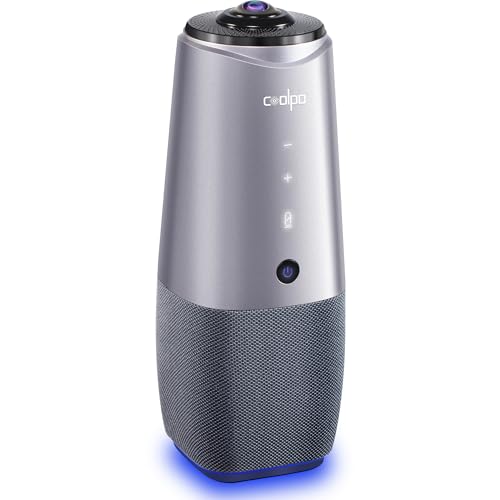
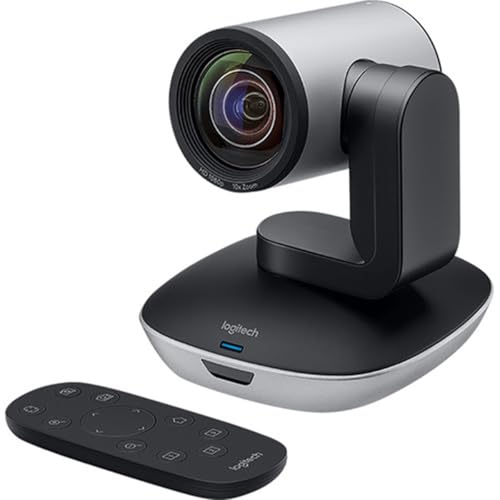
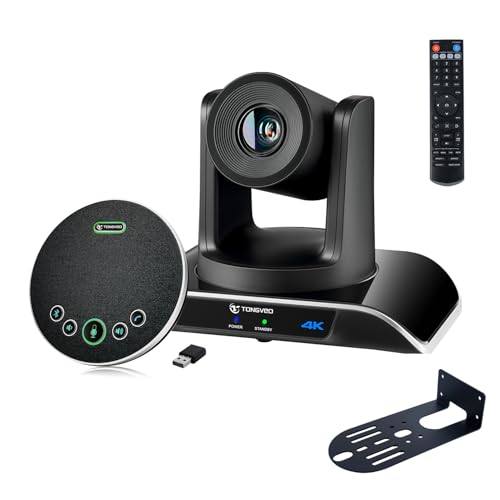
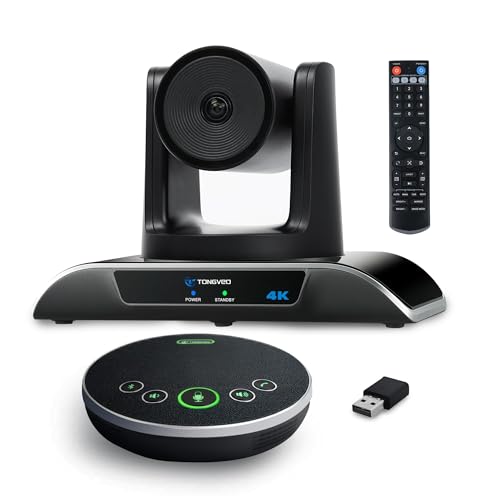
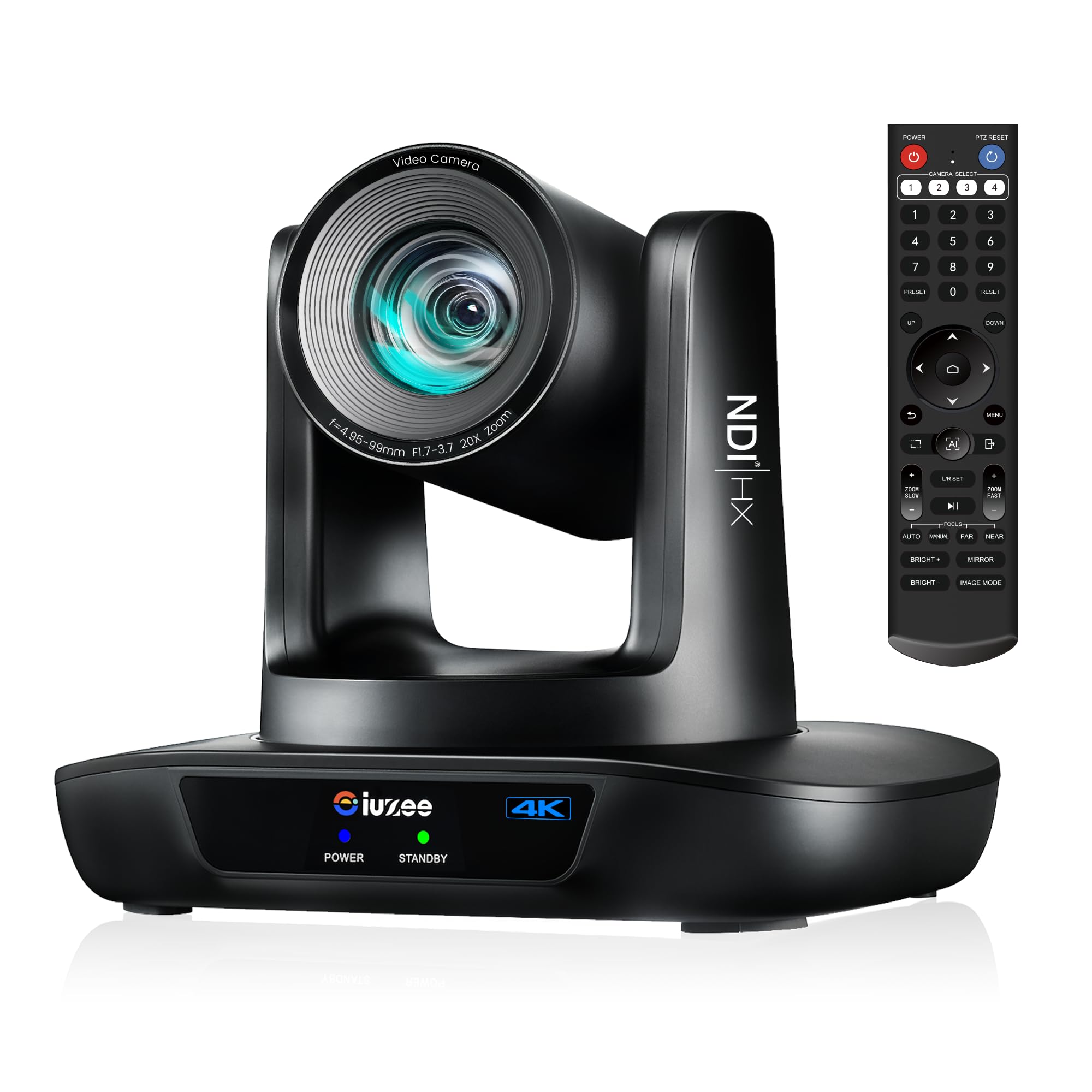
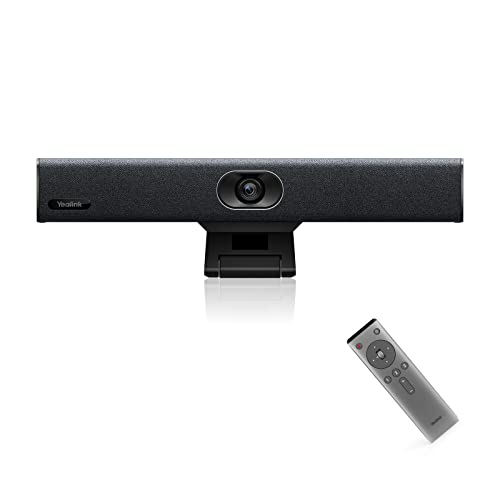

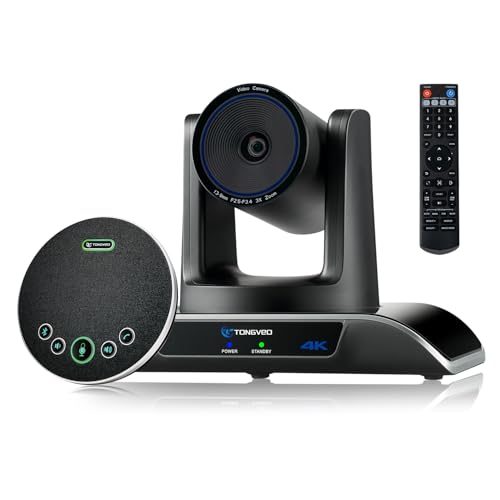
Types of Cameras Compared
The table below compares the main types by what they do best, where they fall short, and what they usually cost. Use it to shortlist one or two types, then read the detail that follows before you decide. For a broader look at room setups, see our guide to the best room cameras.
| Type | Best For | Pros | Cons | Typical Price |
|---|---|---|---|---|
| Fixed wide view room cameras | Small to medium rooms with a fixed table | Simple setup, steady framing, good value | No movement to follow a speaker | around $150 to $400 |
| PTZ room cameras | Large rooms, training sessions, and presenters who move | Pan, tilt, and zoom; presets for seats or a whiteboard | Higher cost and more setup | around $400 to $1,200 |
| Personal webcam style cameras | Huddle rooms and one or two people | Low cost, easy to move, simple connection | Narrower view and weaker room audio | around $50 to $200 |
| All in one video bars | Rooms that need camera, microphones, and speakers in one unit | Tidy setup, matched audio and video | Less flexibility if one part needs upgrading | around $300 to $900 |
Fixed Wide View Room Cameras
A fixed wide view camera sits in one place and covers the whole table with a broad field of view. It works well when everyone stays seated and the room is not too deep, because no one has to control the camera during a call. Look for a view wide enough to include the end seats without bending faces at the edges, plus good low light handling for rooms with blinds or mixed lighting.
This type suits teams that want meetings to start with one click. Mount it at eye level on the wall opposite the table, or on top of the display, so faces look natural rather than viewed from above. If your room has a long table, check the stated field of view and the distance rating carefully, since a camera that suits a four person room may leave people at the far end looking small.
PTZ Room Cameras
A PTZ camera can pan across the room, tilt up and down, and zoom in on a speaker or a whiteboard. That movement makes it a strong choice for large rooms, classrooms, and sessions where one person presents while others watch. Presets let you save views, such as the full table, the presenter spot, and the whiteboard, and switch between them without hunting for the right angle.
The trade off is complexity and cost. You may need a remote or a control app, and someone should learn the presets before the first important meeting. Optical zoom matters more than digital zoom here, because digital zoom enlarges the picture and can soften detail. If no one will operate the camera, a good fixed wide view model may serve the room better than the options in our guide to the best conference cameras.
Personal Webcam Style Cameras
A webcam style camera is small, portable, and easy to connect to a laptop. It is a sensible choice for a huddle room where one or two people sit close to the screen, or as a backup when the main room system is busy. Many models include a built in microphone and a privacy shutter, which helps in shared spaces.
The limits show up in larger rooms. The field of view is narrower, the microphone is tuned for a nearby voice, and the picture can look flat in a dim room. If you use one in a meeting room, place it close to the speakers and add a separate room microphone or speakerphone when more than two people join.
All in One Video Bars
An all in one video bar combines a camera, microphones, and speakers in a single bar that mounts under or above the display. This tidy approach reduces cables and setup time, and the parts are tuned to work together. It is popular in small to medium rooms where the team wants a clean look and a simple daily routine.
The main drawback is flexibility. If you later want a wider camera or stronger audio, you may need to replace the whole unit rather than one part. Check the microphone pickup range against your room size, and confirm that the bar works with your meeting platform before you buy. A bar that covers a six person room well may struggle in a twelve person room.
Fixed Wide View Cameras Versus PTZ Cameras: Which Should You Choose?
Compare these two types on room size, movement, ease of use, audio needs, and cost. A fixed wide view camera wins on simplicity and value in rooms where everyone stays seated. A PTZ camera wins on reach and flexibility in rooms where a presenter moves or where the far end of a long table needs a closer view.
For most small to medium rooms, start with a fixed wide view camera and spend the saving on better lighting or a room microphone. Choose a PTZ camera when the room is large, when you run training or town hall style sessions, or when a whiteboard is a regular part of the meeting. If you are unsure, measure the room and count the seats, then match the camera view to that layout rather than to the largest room you might use one day. For a dedicated video meeting comparison, see our guide to the best video conference cameras.
How to Choose the Right Camera
Features That Matter for Conference Rooms
Conference rooms need a wide, level view, steady framing, and audio that picks up voices from across the table. Look for a field of view that covers the full seating area, a resolution that stays sharp when the picture is shown on a large display, and low light performance that keeps faces clear when blinds are partly closed. A privacy shutter or a clear on air indicator also helps people feel at ease.
Ease of Use for Your Skill Level
The best room camera is the one the team will actually use without help. Automatic framing can help in rooms where people move between seats, while a simple plug in connection suits rooms that are booked by many different teams. If the camera needs an app or a remote, keep the controls in the room and label the basic steps near the display.
Battery Life and Charging
Most room cameras plug into mains power or draw power through a USB C connection, so battery life is rarely the main concern. What matters more is cable length, cable routing, and whether the camera stays powered when the display sleeps. For a portable camera that moves between rooms, check the stated run time and whether it charges while in use, so a long meeting does not end early.
Sensor Size and Image Quality
A larger sensor usually handles mixed lighting better and produces a cleaner picture in a dim room, but sensor size alone does not decide quality. Lens quality, processing, and frame rate matter too, especially when people move or gesture. A steady 30 frames per second with good exposure often looks better than a higher resolution picture that stutters or washes out faces near a window. For general camera comparisons, see our guide to the best digital cameras.
Tips to Get the Most From Your Camera
Mount the camera at eye level and test the view from every seat before the first meeting. Use a lens cloth, not your shirt, to clean the lens, since fabric can leave marks that soften the picture. Keep a spare cable in the room, store a portable camera in a dry, padded bag, and check the audio from the far seats, not just from the seat nearest the camera.
Lighting makes a larger difference than many buyers expect. Avoid placing the camera facing a bright window, add soft light on faces when the room is dim, and close blinds partway if glare washes out the picture. Small changes like these often improve a call more than a jump to a higher resolution model.
Cameras: Your Questions Answered
What features matter most in cameras for conference rooms?
The features that matter most are a field of view that covers every seat, clear audio pickup across the table, reliable low light performance, and simple connection to your meeting platform. A privacy shutter and a clear indicator light also help people trust the setup. Resolution matters, but a sharp picture is of little use if voices sound distant or if people at the ends of the table fall outside the frame.
How much should I spend on my first one?
For a small huddle room, around $100 to $250 often buys a capable webcam style camera or a basic room camera. For a medium room, around $300 to $700 usually covers a wide view camera or an all in one bar with room audio. Large rooms with a moving presenter may need around $700 to $1,200 for a PTZ model. Start with the room size and seat count, then choose the simplest type that covers them well.
What specs matter most for beginners?
Beginners should focus on field of view, connection type, microphone range, and ease of setup, rather than chasing the highest resolution. Check that the camera works with your laptop or room system, that the cable reaches the display, and that the controls are simple enough for any team member to start a meeting. A short test call from every seat will reveal more than a long list of specifications.
Which is better for low light?
A camera with a larger sensor and good low light processing usually performs better in a dim room, but lighting still matters more than any single specification. Add soft, even light on faces, avoid strong backlight from windows, and test the picture with the blinds in their usual position. If the room is often dark, favour a model known for clean low light video over one that only promises a higher resolution in bright conditions.
Final Thoughts
The right choice comes down to room size, seating layout, and how much control your meetings need. A fixed wide view camera suits most seated meetings, a PTZ camera suits large rooms and moving presenters, and an all in one bar suits teams that want a tidy, simple setup. The product table above can help you compare the types side by side once you know which category fits your room.
Before you order, measure the room, count the seats, and test the view and audio from the farthest chair. The best cameras for conference rooms are the ones that show every face clearly, pick up every voice, and start without fuss, meeting after meeting.

