Best Cameras for Blogging and Vlogging in 2026: A Buying Guide
Disclosure: We may earn a commission when you buy through links on this page, at no extra cost to you. As an Amazon Associate I earn from qualifying purchases. Learn more

Compare the best cameras for blogging and vlogging by video quality, autofocus, audio, screens and portability.
Finding the best cameras for blogging and vlogging means matching one camera to two jobs at once. You need still photos that look clean on a written post and video that stays sharp and steady when you talk to the lens. A camera that does only one job well will slow you down.
Start with how you work, at a desk, in a kitchen, or out walking, then compare sensor size, autofocus, audio, and size in that order. Use the comparison table below to see how the main types differ.

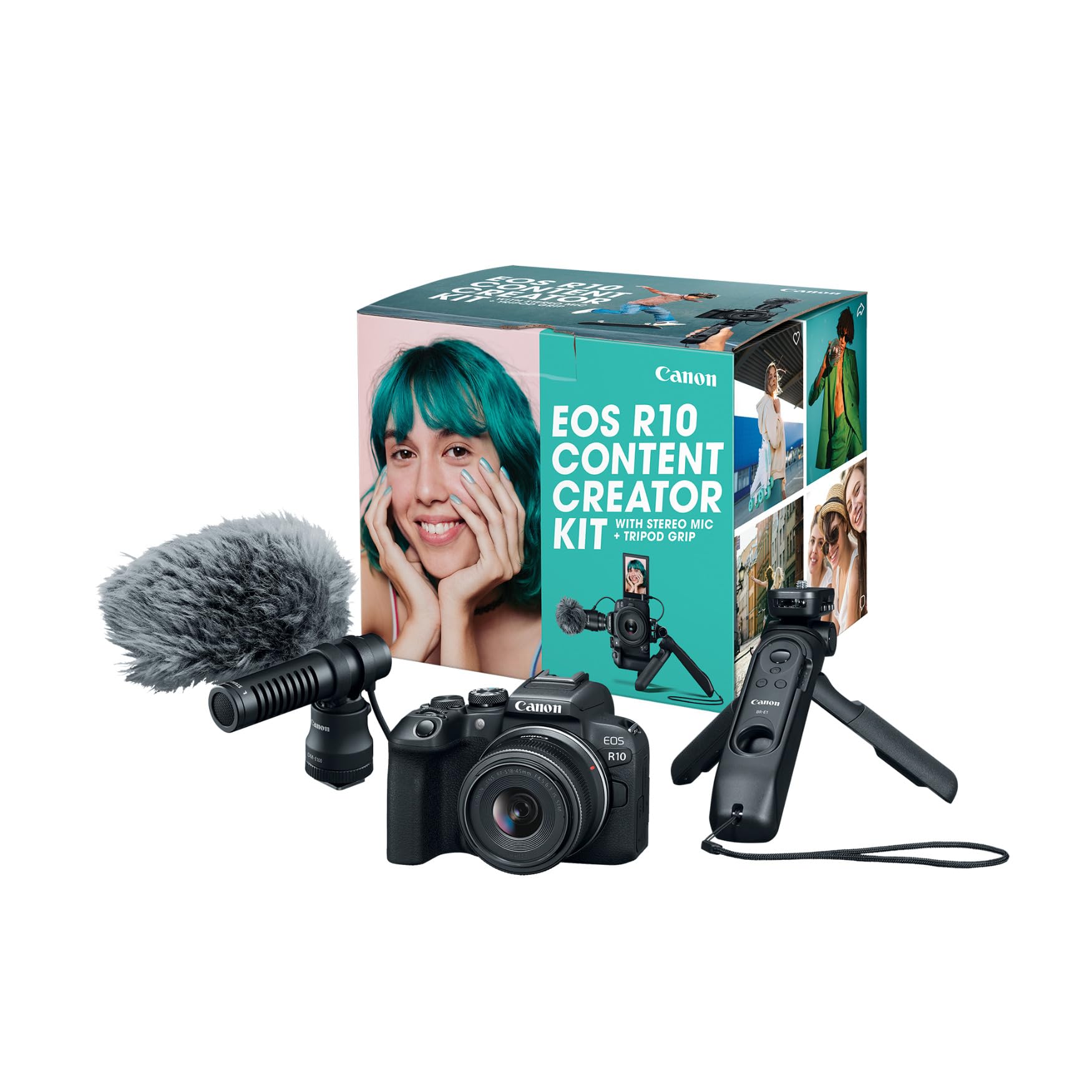
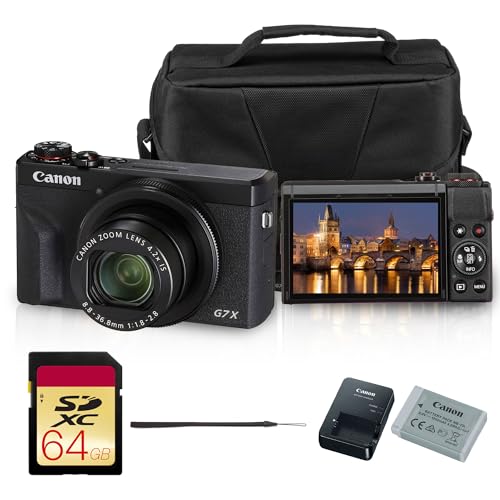


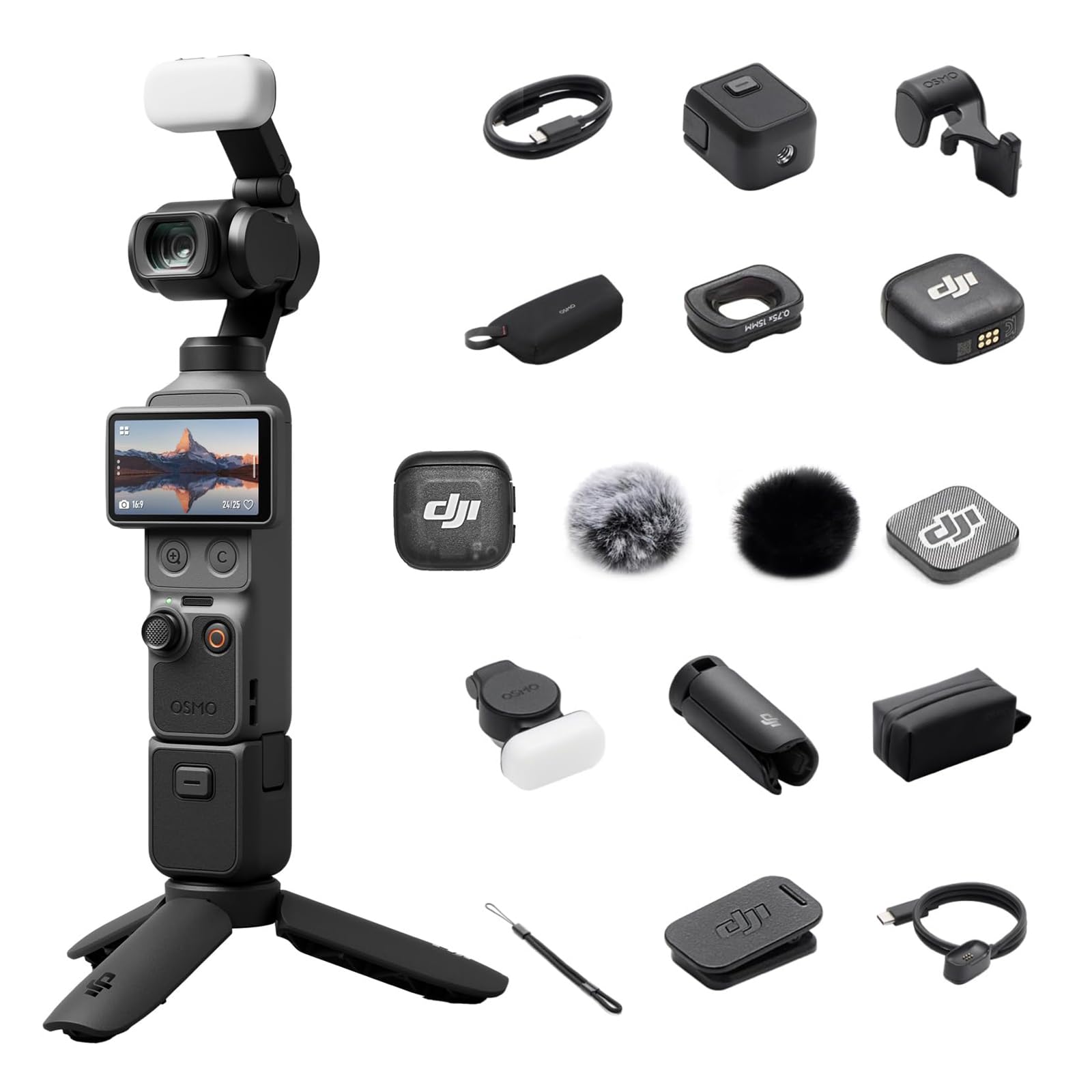


Who Should Buy Cameras for Blogging and Vlogging?
Your filming position and publishing pace shape the right choice more than any single spec.
Solo Creators Who Film Themselves at a Desk
You record alone, so you need a screen that flips fully toward you and autofocus that locks onto your face without help. A compact body leaves room on a small desk for a microphone and a light. If video is your main format, see our guide to the best cameras for vlogging. Prioritize a microphone input and eye tracking over zoom range.
Travel Creators Who Walk and Talk on Location
You film while moving, often in wind and changing light, so stabilization and weight matter every minute. A light body with strong stabilization keeps walking footage smooth without a gimbal. Weather sealing helps in rain or dust, and USB C charging lets you top up from a power bank. Choose a wide lens so your face and the scene stay in frame at arm length.
Written Bloggers Adding Video to Posts
Your photos still carry the post, so you want strong still quality, accurate color for food, crafts, or products, and video as support. Quick WiFi transfer helps you publish short clips the same day. If stills lead your work, see our guide to the best blogging cameras. Simple menus and good auto modes mean the camera gets used often.
Key Features to Compare
When you compare the best cameras for blogging and vlogging, work through the six factors below in order, because the early ones are hardest to fix later. A weak microphone can be replaced, but poor autofocus affects every recording.
Sensor Size and Image Quality for Posts and Video
Sensor size controls how much light the camera gathers, which shapes detail, background blur, and indoor performance. A 1 inch sensor suits compacts and beats a phone in dim rooms. APS C sensors gather more light and blur backgrounds more, while full frame sensors give the strongest low light results at the highest cost and weight. Megapixel count tells you little, so judge 4K clarity at your normal light levels.
Autofocus and Stabilization for Moving Subjects
Continuous autofocus with face and eye detection keeps you sharp when you lean in, hold up a product, or walk toward the camera, without help behind the lens. Note how a model behaves when an object passes your face, because good systems return to your eye quickly. Image stabilization, in body, in lens, or electronic, smooths handheld shots. Electronic modes often crop the frame slightly, so leave extra space around you.
Flip Screen and Controls for Self Filming
A fully articulating screen that turns to face you is close to essential when you film alone, because you can check framing, focus, and recording status at a glance. Touch focus lets you tap a product or ingredient and shift attention without stopping the take. Look for a clear recording light and a reachable record button. Plain menus and a strong auto mode cut setup time.
Audio Inputs and Built In Microphones
Viewers forgive soft video sooner than poor sound, so audio deserves the same attention as the lens. Built in microphones vary widely and most struggle outdoors, where wind covers your voice. A 3.5 mm microphone input lets you add a small shotgun or lavalier microphone, the biggest sound upgrade most creators can make. Check whether audio levels show on screen, since a visible meter helps you catch clipping early.
Lens Field of View and Optical Zoom
The lens decides how much of you and your setting fits in the frame. For desk and room filming, a wide view around 24 mm in full frame terms keeps you and your background visible without pushing the camera far away. Optical zoom uses the lens itself and keeps detail, while digital zoom crops and softens the image, so compare optical range only.
Battery Life, Recording Limits and Charging
Video drains batteries far faster than still photos, and some cameras stop a single recording at a set time limit or when heat builds up. Check the rated minutes of 4K recording per charge, not just the still photo count. USB C charging and power while recording help on long days. A second battery is a practical early purchase, because a flat battery mid take costs the whole recording.
Camera Types Compared for Blogging and Vlogging
Three broad types serve this work. For a side view, see our guide to the best cameras for video blogging.
Point and Shoot Compacts for Everyday Posts
Point and shoot compacts fit in a jacket pocket, start fast, and need almost no setup, which suits daily posts and short clips. Their 1 inch sensors and bright lenses handle indoor light well for their size. You give up lens changes and some manual control, and small bodies can warm up in long 4K sessions.
Action Cameras for Outdoor and Movement Heavy Days
Action cameras are small, rugged, and usually waterproof without a case, with very wide lenses and strong stabilization built for motion. They shine for cycling, hiking, and water sports, where a normal camera is at risk. Their tiny sensors limit background blur and low light quality, and the ultra wide view can distort faces close up.
Interchangeable Lens Cameras for Controlled Shoots
Mirrorless cameras with changeable lenses give you the largest sensors, the widest lens choice, and the most control over blur, light, and sound. They suit studio setups, product work, and creators planning to grow into demanding video. The trade off is size, cost, and a steeper learning curve.
Common Mistakes to Avoid
Most regrets with a first camera come from buying for the wrong priority.
- Buying on megapixel count alone leads to noisy indoor video, because sensor size and lens brightness shape quality.
- Skipping a microphone input locks you into weak built in sound, so room echo stays in every clip.
- Choosing a screen that only tilts slightly means you cannot see yourself filming, so framing errors appear in editing.
- Ignoring recording time limits ruins long tutorials, because the camera stops mid take on a step you cannot repeat.
- Picking a heavy body for daily carrying means the camera stays home, so you miss everyday moments.
Care and Maintenance for Blogging and Vlogging Cameras
Clean the front lens element with a soft lens cloth, not your shirt, because shirt fabric can drag grit across the coating and leave fine scratches. Wipe the screen and body after outdoor shoots, and use a blower to clear dust from dials and ports. Store the camera in a dry, padded bag away from steam and kitchen grease.
Carry a spare battery and a spare memory card, and format cards in the camera after you have copied your files. Update the firmware when the maker releases a new version, since updates often refine autofocus and fix bugs. Charge batteries before long storage and remove them if the camera will sit unused for weeks.
FAQ
What features matter most in cameras for blogging and vlogging?
Reliable face tracking autofocus, a screen you can face toward yourself, and a microphone input matter most for this combined work. Those three decide whether solo filming is practical at all. After them, look at stabilization and low light quality. Also check the tally light and audio meter pairing, which confirm that a take is recording and audible.
How much should first time creators spend on a camera for blogging and vlogging?
Most first time creators get strong results at about $400 to $900 for the camera. Below that range you often lose the microphone input or the flip screen solo work needs. Keep around $50 to $150 aside for a microphone and a small tripod, which lift quality more than a small step up in camera class. For a beginner focused shortlist, see our guide to the best vlogging cameras for beginners.
Which camera type is better for low light blogging and vlogging indoors?
An interchangeable lens camera with an APS C or full frame sensor and a bright lens is better for low light indoor work. Larger sensors gather more light, so footage stays cleaner at the high sensitivity settings dim rooms demand. A dimmable LED panel also helps, letting any camera use lower sensitivity and keeping skin tones natural. Compacts cope in a lit room but struggle in darker spaces.
What specs matter most for beginners choosing a camera for blogging and vlogging?
Simple menus, a dependable auto mode, and fast phone transfer matter most for beginners, because they shorten the path from idea to published post. A camera that connects to an app lets you send a photo or clip to your phone in minutes. Weight matters more than most new buyers expect, since a light camera gets carried daily.
Is a smartphone enough instead of a camera for blogging and vlogging?
A current smartphone is enough to start, and it is the right tool for checking whether you enjoy publishing video at all. Its limits appear in dim light, zoom range, and audio, where a dedicated camera pulls ahead. Many creators keep the phone for quick clips and add a camera for main episodes and product photos. Watch storage and battery on long phone recordings, because a full phone can stop a take.
Our Verdict
Match the camera to your filming position first, then confirm autofocus, audio, and screen before prices. Desk creators need a flip screen and a microphone input, travel creators need stabilization and low weight, and photo led bloggers need still quality and fast transfer. On that basis, the best cameras for blogging and vlogging are the ones you will carry daily, so revisit the product table above and choose the type that fits your routine.