
Best Camera Smartwatches: Budget, Midrange, and Premium Guide for 2026
Disclosure: We may earn a commission when you buy through links on this page, at no extra cost to you. As an Amazon Associate I earn from qualifying purchases. Learn more

Learn how the best camera smartwatches differ by price tier, camera clarity, battery life and fit so you can choose the right watch for daily use.
A watch with a camera sounds like a novelty until you use it to snap a quick photo when your phone is in another room, join a video call from your wrist, or let a child call home with a picture check in. Prices range from under $50 to well above $400, and the gap in camera quality, battery and build is wide. This guide to the best camera smartwatches explains what each price tier really delivers, which features deserve your money, and how the comparison table below can help you narrow the field.
You will also learn the hidden costs, from replacement straps to subscription plans, that change the true price of ownership.

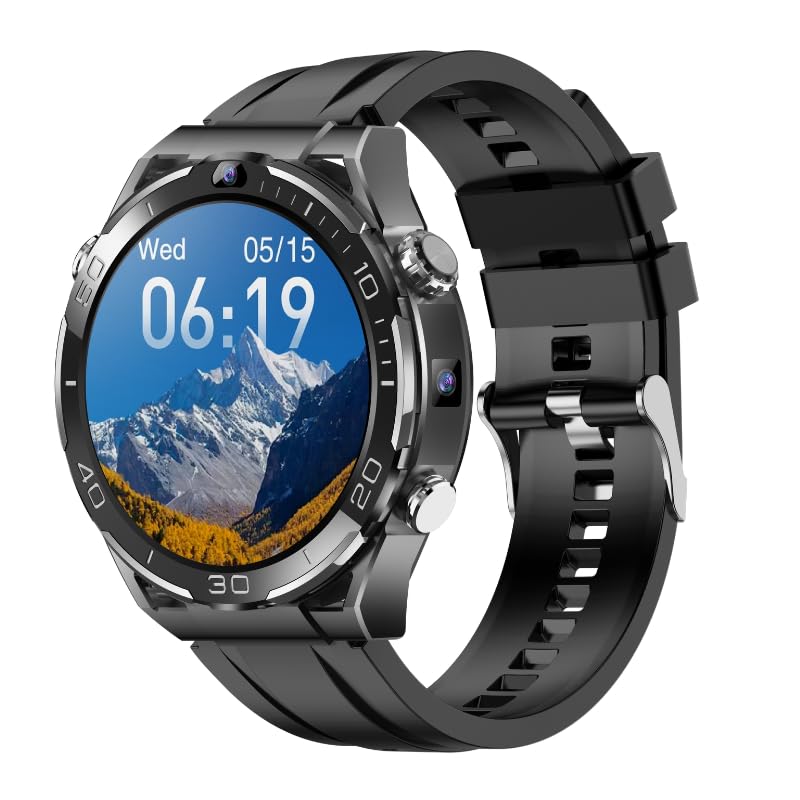
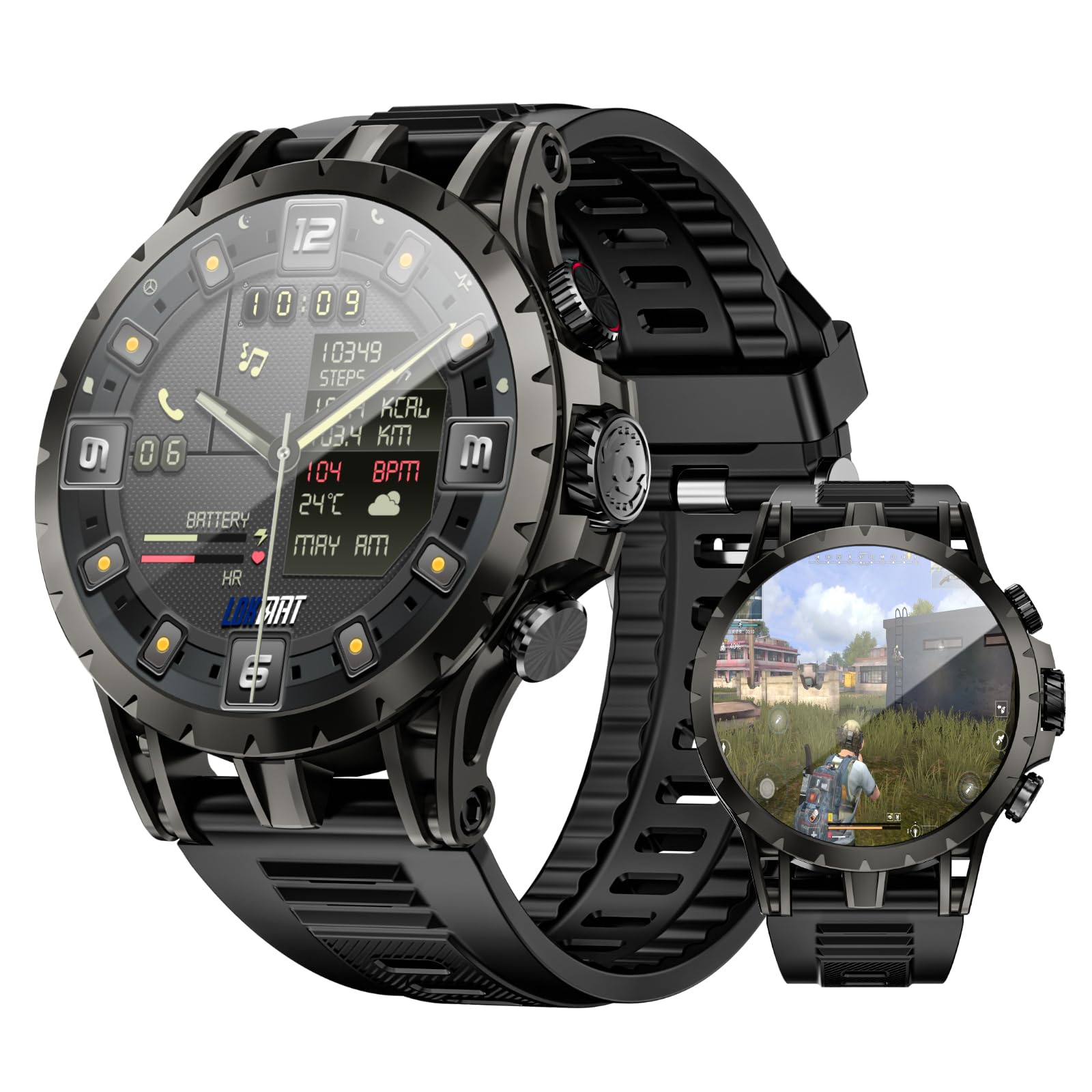

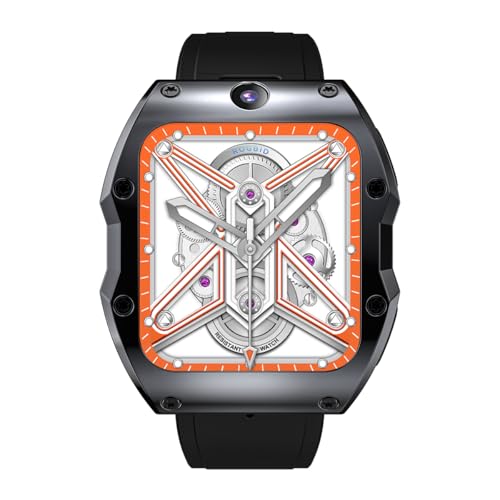
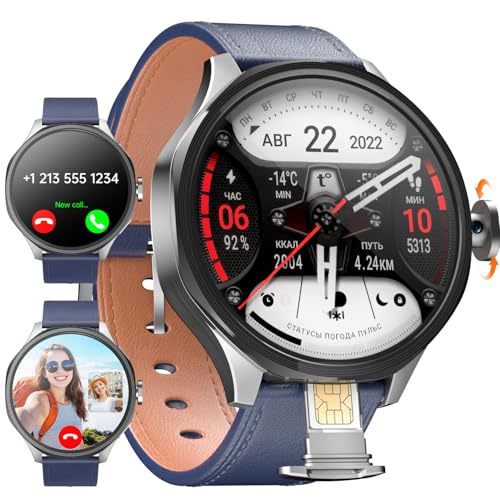
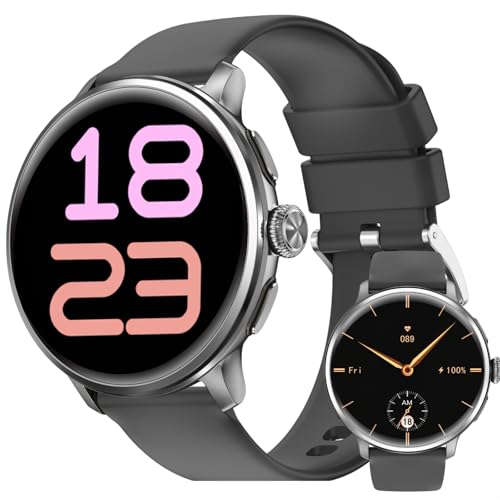
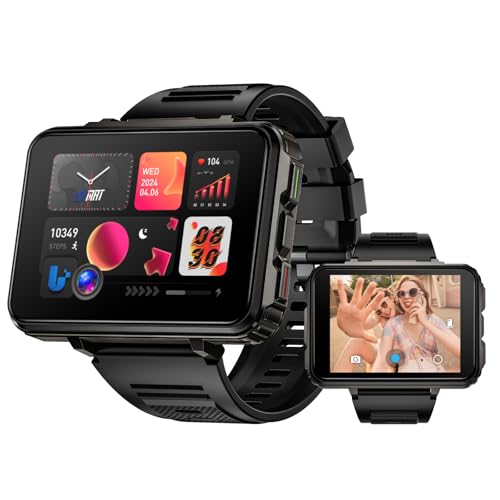
What Each Budget Tier Delivers
Camera smartwatches divide cleanly into three tiers. Treat the tiers below as shopping lanes: pick your lane first, then compare models inside it using the product table above.
Best Budget Tier
Budget models around $50 to $100 usually include a basic front or side camera for snapshots and short video calls, a color touchscreen, step tracking and phone notifications when paired. Photo quality is fine for quick shares and for kids checking in with parents, but detail drops fast in dim rooms and there is no optical stabilization. Battery often lasts one to two days, less with heavy camera use. This tier suits a first smartwatch, a child first device, or a backup for workouts and yard work where a premium watch feels too precious to risk.
Best Midrange Tier
Midrange watches around $100 to $250 are the sweet spot for most buyers. Cameras get sharper and handle indoor light better, screens grow brighter, and many models add GPS, heart rate tracking and water resistance for swimming. App support improves, so video calling and voice assistants work more smoothly, and storage grows enough for music and a photo library. Battery life of two to four days is common when the camera is used in short bursts. If you want one watch for daily wear, fitness and occasional photos without flagship pricing, shop this tier first.
Best Premium Tier
Premium models above about $250 justify their price with the best wrist cameras available, faster processors, premium materials such as sapphire crystal and metal cases, and the longest software support. Video calls look cleaner, photos hold more detail, and features like LTE calling let the watch work away from your phone. You also get better microphones and speakers, which matter as much as the lens on a call. This tier fits buyers who will use the camera weekly, want a watch that looks at home at work, and plan to keep it for several years.
What Your Money Gets You at Each Price Tier
Budget Tier: What to Expect
Expect a functional camera rather than a good one. Resolution is low, low light results are grainy, and video is best kept short. What you do get is remarkable for the price: notifications, basic fitness tracking, alarms and a way to capture moments when no other camera is handy. Straps and cases are usually plastic, and water resistance may cover splashes only. Read the fine print on app requirements, because some budget watches need a specific phone app that receives mixed reviews. For a child or a trial run, those limits are acceptable.
Midrange Tier: The Sweet Spot for Most Buyers
Midrange money buys balance. Camera sensors improve enough for clear video calls, screens use brighter panels you can read outdoors, and GPS tracks runs without your phone. Water resistance typically reaches levels suitable for swimming, and quick release straps let you swap between sport and leather looks in seconds. Software updates arrive more reliably than in the budget tier, which keeps apps and security current. Most adults who wear the watch daily and use the camera a few times a week will not outgrow this tier quickly, which is why it anchors most short lists.
Premium Tier: When Spending More Pays Off
Spending more pays off when the camera and the calling features are central to how you use the watch. Premium models add LTE, better image processing, larger storage and brighter, tougher displays. Cases use materials that resist scratches, and sapphire crystal keeps the screen clear after years of bumps. Support windows stretch longer, and accessory ecosystems are deeper, from charging docks to quality straps. If the watch replaces your phone for runs, errands or travel days, the premium tier earns its keep. If it will mostly tell time and count steps, it does not.
Features Worth Paying For (and Ones to Skip)
Smart and Fitness Features
GPS, heart rate tracking and sleep tracking are worth having if you exercise, and they add little cost in the midrange tier. Remember that a watch heart rate sensor is a fitness guide, not a medical device, so see a doctor about any worrying readings rather than relying on the watch. Fall detection and emergency calling add real safety value for older wearers and for kids. Skip paid fitness subscriptions unless you know you will follow the programs, because the basic tracking on the watch usually covers steps, workouts and sleep well.
Brand Reputation, Warranty, and Value
A known brand with a clear one or two year warranty and United States service support is worth a modest premium over an unknown label. Camera smartwatches pack tiny parts that are hard to repair, so warranty handling matters more than with a simple tracker. Established brands also keep their apps updated, which protects video calling and photo transfer features. Resale value is modest for all smartwatches, so buy for your own use rather than future trade in. Check return windows too, because wrist fit and screen size are hard to judge from photos alone.
Camera Placement and Operating System
Camera placement shapes how you shoot. A front facing lens suits video calls and selfies, while a side lens points where your arm points and feels natural for quick snapshots of documents, labels and scenery. Ask about video call app support, because a camera without support for your preferred app is far less useful. The operating system decides which phones pair well and which apps you can install, so confirm compatibility with your phone before buying. Smooth software matters daily, while a slightly sharper camera matters only when you shoot.
Case Size and Wrist Fit
Case sizes from about 38 to 46 mm cover most wrists, but thickness and lug to lug length decide comfort as much as diameter. A large watch gives a bigger screen for reviewing photos and tapping controls, yet it can feel bulky under a shirt cuff and during sleep tracking. Smaller wrists usually suit 38 to 42 mm cases, while larger wrists can carry 44 to 46 mm comfortably. If you can, try a similar size in a store, or order from a seller with easy returns. A watch you enjoy wearing is a watch whose camera you will actually use.
Water Resistance Rating
Ratings translate simply: splash resistance survives hand washing and rain, a 30 m rating is still only splash level in practice, 50 m handles showering and shallow swimming, and 100 m suits regular swimming and snorkeling. Camera seals and microphone membranes are vulnerable points, so avoid pressing buttons underwater and rinse salt water off after beach days. Steam from hot showers can defeat seals over time on any tier. If you swim weekly, treat 50 m as your minimum and check whether the maker covers water damage under warranty.
Long Term Costs to Factor In
The purchase price is only the start. Budget for a replacement strap within the first year or two, a screen protector, and possibly a spare charger for travel, together often about $20 to $60. Some watches need a cellular plan for standalone calling, which can add a monthly fee that dwarfs the hardware saving of a cheaper model over two years. Battery capacity fades with daily charging, and battery replacement on sealed watches may cost as much as a budget replacement watch. Add these costs before choosing, and the midrange tier often wins on total ownership cost even when a budget model looks cheaper today. To compare the wider field beyond camera models, see our guide to the best of smartwatches across all categories.
Camera Smartwatches: Your Questions Answered
Can a smartwatch camera replace a phone camera?
No, a smartwatch camera cannot replace a phone camera for important photos. The tiny sensor struggles in low light and offers no optical zoom, so results suit quick shares, video calls and reference shots such as a parking spot or a product label. For birthdays, trips and anything you might print, your phone or a dedicated camera remains far better. Think of the watch camera as the camera you always have on your wrist for moments that would otherwise be missed entirely.
Is a smartwatch worth it over a classic watch?
A smartwatch is worth it if you value notifications, fitness tracking, calls and a camera on your wrist. A classic watch wins on battery life measured in years, timeless style and zero charging routine. Many people own both and switch by occasion. If you are buying one watch for everything, choose the smartwatch for function and accept nightly or weekly charging as the trade. If you dislike charging gadgets, the classic watch will make you happier despite its shorter feature list.
How water resistant should a camera smartwatch be?
Choose at least splash resistance for daily wear, and a 50 m rating if you shower or swim with the watch on. Camera openings and speakers make these watches more vulnerable than simple trackers, so follow the maker guidance on underwater use. Rinse after salt water, dry the watch before charging, and never charge a wet watch. If swimming is central to your routine, confirm water damage coverage in the warranty before you buy.
How long does a camera smartwatch battery last?
Expect one to four days depending on tier and use. Camera sessions, video calls, GPS workouts and a bright always on screen drain the battery fastest, sometimes in under a day of heavy use. Turning off the always on display, lowering brightness and downloading music or maps in advance all extend runtime. Battery health also fades over years of daily charging. If multi day battery matters most, a simpler tracker beats any camera model, so weigh that priority honestly.
What case size fits my wrist?
Measure your wrist and match it to case diameter as a starting point: under about 6.5 inches usually suits 38 to 42 mm, and larger wrists suit 42 to 46 mm. Then check thickness, because a thick camera watch can feel top heavy on a small wrist. Strap material matters too, since soft silicone forgives a snug fit better than stiff leather. When in doubt between two sizes, pick the smaller one for all day comfort and sleep tracking.
Our Verdict
Pick your tier by camera use: budget for a child or first trial, midrange for most adults, premium for frequent video calls and standalone LTE use. Then confirm fit, water resistance and phone compatibility before ordering, and glance at the comparison table above to check your finalists side by side. Judged on those points, the best camera smartwatches are easy to spot, because the right one matches both your wrist and your routine. When a wrist camera is not enough for a trip or event, our guide to the best digital cameras covers the step up.


