
Best Camera Monitors: Field Monitor Types and Features 2026
Disclosure: We may earn a commission when you buy through links on this page, at no extra cost to you. As an Amazon Associate I earn from qualifying purchases. Learn more
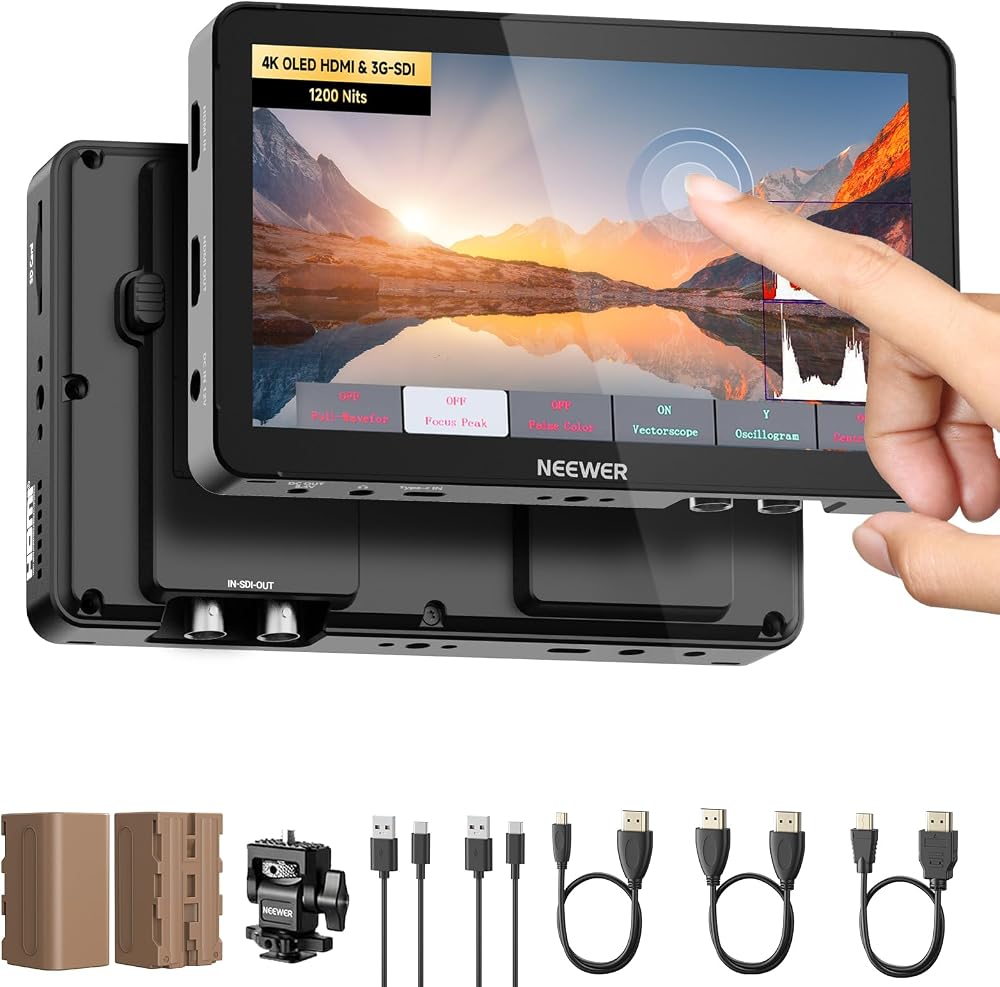
Compare the best camera monitors by screen size, brightness, inputs, exposure tools and power for clearer focus and framing.
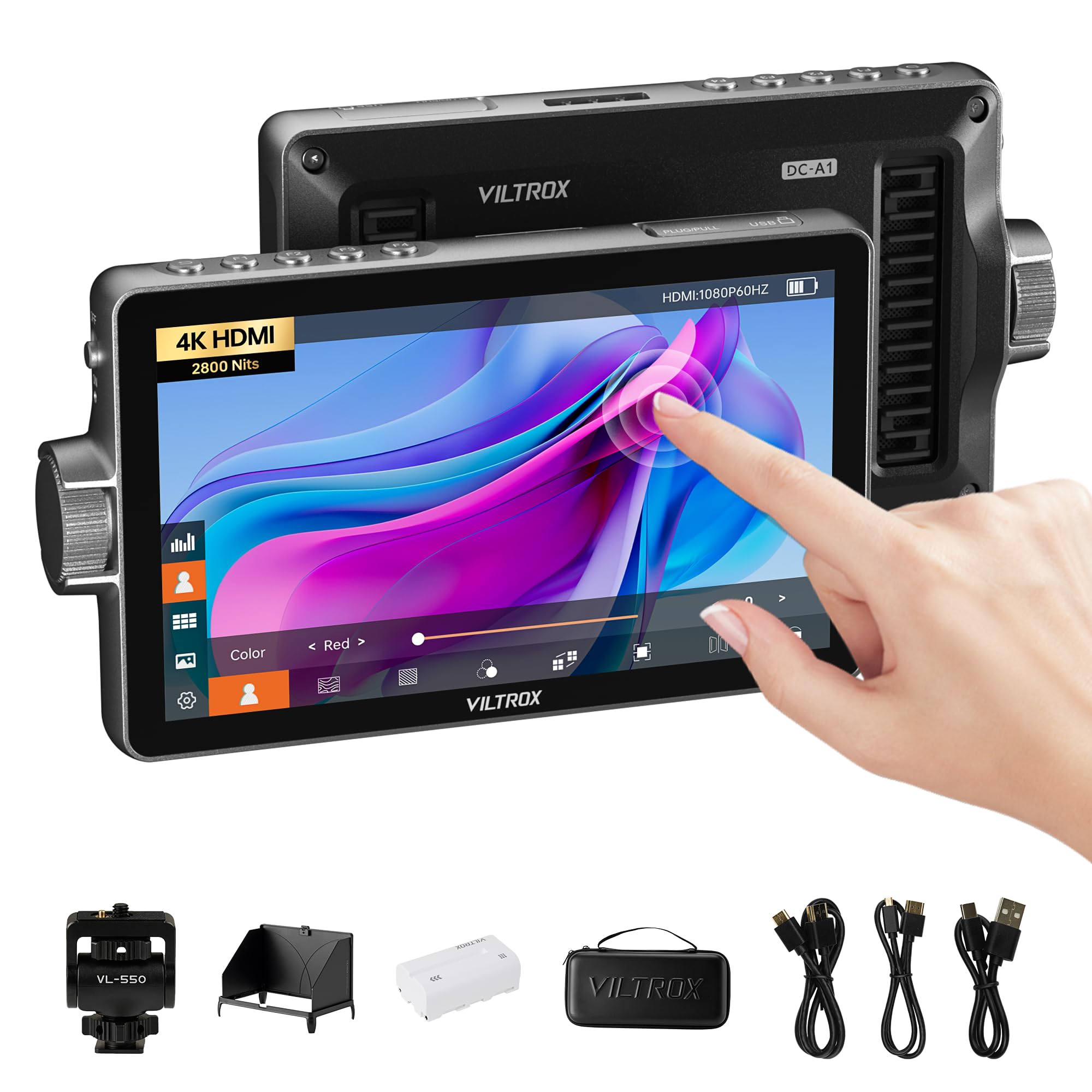
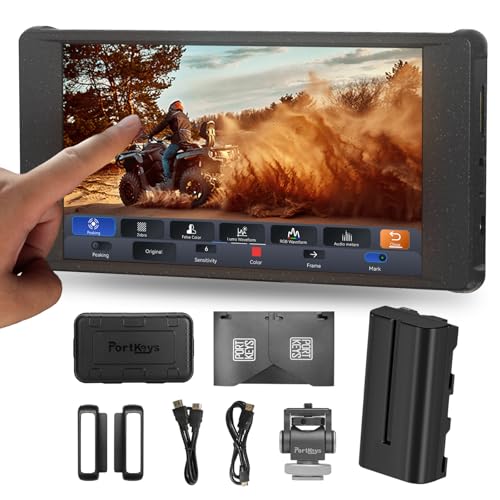
An on camera monitor gives you a larger, brighter and more accurate view than the small screen on the back of your camera, and the best camera monitors add tools that help you nail focus and exposure while you shoot. They mount on the camera or a cage through the hot shoe and connect by HDMI, and some models add SDI for professional gear. The comparison table below lists current monitors with their screen size, brightness and price.
This guide explains who needs one, which features matter, and what to expect at different budgets. It focuses on field monitors for video and photography, not desk displays.




Who Needs a Camera Monitor
Video shooters benefit most. A bigger screen makes it easier to judge focus on moving subjects, check framing at arm's length and show a client or director what the camera sees. Solo filmmakers who film themselves also appreciate a monitor that tilts forward.
Photographers who shoot tethered or on a tripod use monitors for composition and critical focus checks. If you only take quick snapshots, the camera's own screen is probably enough.
Types of Camera Monitors Compared
| Type | Typical screen | Best for |
|---|---|---|
| Compact 5 inch monitor | 5 to 5.5 inches, 1080p | Mirrorless rigs, gimbals, run and gun work |
| Standard 6 to 7 inch monitor | 1080p, 1,000 to 2,000 nits | Interviews, events, outdoor shooting |
| Large 10 inch monitor | 10 inches, 1920x1200 | Tripod and studio setups, directors |
Smaller monitors weigh less and balance better on a gimbal, while larger screens show more detail but need a sturdy arm and a bigger battery.
Choosing the Best Camera Monitors
Screen Size and Resolution
Five to seven inches covers most shooters. Full HD resolution is enough for monitoring, since the image from the camera is what you record. A higher resolution panel does not improve your footage, but it can make focus checks easier.
Brightness
Brightness is measured in nits. Models around 500 nits work well in a studio or indoors, while 1,000 to 2,000 nits keeps the picture visible in direct sun. Higher brightness uses more power, so check the runtime figure.
Inputs and Outputs
HDMI input is standard, and a loop out lets you send the signal to another screen. SDI suits professional cameras with long cable runs. Confirm that the monitor supports the resolution and frame rate your camera outputs, such as 4K at 30 or 60 frames per second.
Exposure and Focus Tools
Useful tools include focus peaking, false colour, zebras, histogram and waveform. A 3D LUT lets you preview a colour look while shooting. Touch control makes menus easier to use, but physical buttons help when you wear gloves.
Power and Mounting
Most field monitors run from a dummy battery plate, NP-F batteries or a DC input. NP-F is popular because the batteries are common and last for hours. Check that the monitor includes a tilt arm or cold shoe mount, and look for 1/4 inch mounting holes for a cage or arm.
Build and Weight
Metal housings resist knocks, while plastic bodies save weight. A sun hood is useful outdoors and often comes in the box. Weight matters on a gimbal because heavy monitors upset balance.
Monitor Versus the Camera's Own Screen
Most modern cameras have a decent rear screen, but it is small, often dim in sun and limited in tools. A field monitor adds a larger image, brighter output and extras such as waveforms and false colour. It also lets a second person watch the picture, which helps during interviews and event work.
The trade off is extra weight, extra cables and another battery to charge. If you shoot short clips handheld, you may find the camera screen is all you need. For longer sessions on a tripod or rig, a monitor quickly earns its place.
Rigging a Monitor on a Gimbal or Cage
A cold shoe arm is the simplest way to mount a monitor, but a cage with several 1/4 inch holes gives you more positions. On a gimbal, keep the monitor light and close to the camera's centre of gravity, since a heavy screen far out front pulls the balance forward. Use a short, right angle HDMI cable to reduce strain, and secure it with a clamp or tape so it cannot twist the port.
Tilt the screen slightly toward you and shade it from the sun with a hood. If you shoot outdoors often, a model with high brightness saves you from squinting under a jacket.
Budget Ranges
Compact monitors start around $100 to $200, standard 5 to 7 inch field monitors run about $200 to $350, and large or SDI equipped models range from $350 to $800. Spending more usually buys higher brightness, better build and more exposure tools. Many filmmakers find the middle tier offers the best balance.
Setting Up Your Monitor
Attach the monitor to a cold shoe mount or a cage, connect an HDMI cable with a locking clamp, and switch on the camera's clean HDMI output so menus do not appear on the screen. Adjust the brightness for the light you are in, and enable focus peaking in the colour that stands out against your subject. Route the cable so it does not tug on the port, since a damaged HDMI port is expensive to repair.
Common Mistakes to Avoid
- Buying more resolution than you need while ignoring brightness.
- Forgetting that the HDMI port on some cameras shuts down after a time limit.
- Choosing a heavy monitor for a small gimbal, which upsets balance.
- Ignoring battery type, which can mean buying extra plates and chargers.
- Skipping a screen protector or sun hood, which shortens the life of the display.
Care and Storage
Wipe the screen with a microfiber cloth, keep the monitor in a padded pouch, and remove the battery for long storage. Keep cables loose and avoid pulling on the HDMI port. Store the monitor away from heat and damp, which can damage the backlight over time.
Related Guides
If you want a portable field screen specifically, our guide to the best external camera monitors goes into more detail.
Frequently Asked Questions
Do I need a camera monitor for photography?
Not usually. It helps with tripod and tethered work, but handheld photographers rarely need one.
How bright should a field monitor be?
Around 500 nits is enough indoors. For outdoor use in direct sun, look for 1,000 nits or more, along with a sun hood.
Does the monitor improve my footage?
No, it improves your view of the footage. It helps you set focus and exposure more accurately, which improves the result you record.
Can a camera monitor also record?
Some models record to a card or an external drive, but most only display the signal. Check the listing for a recording feature if you need it.
Will it work with my camera?
Most cameras with a full size or micro HDMI port work with an HDMI monitor. Confirm the connector type and that the camera has a clean output.
Final Thoughts
Choose the screen size that fits your rig, make sure it is bright enough for where you shoot, and pick one with the exposure tools you will actually use. Compare the options in the product table above to narrow your shortlist. With those basics covered, the best camera monitors make focus and framing easier on every shoot.


