
Best Call Blocker for Android Phones: A Setup Guide for 2026
Disclosure: We may earn a commission when you buy through links on this page, at no extra cost to you. As an Amazon Associate I earn from qualifying purchases. Learn more
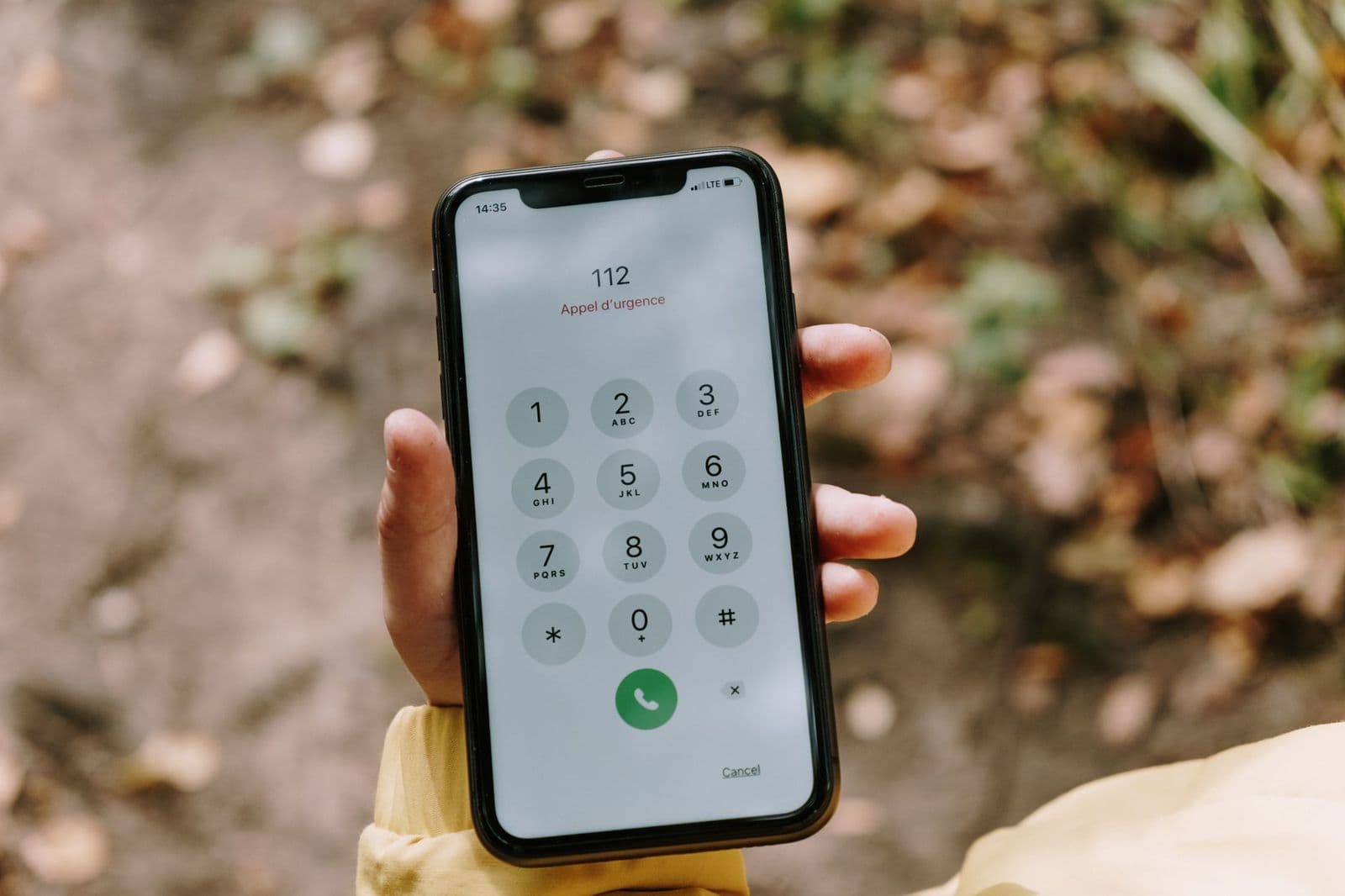
How to set up the best call blocker for android phones: built in filters, carrier tools, apps, and scam call safety tips.
Spam and robocalls are mostly a software problem, so the best call blocker for android phones is usually a mix of settings already on your phone, your carrier's free filter, and, if you still need more, a well reviewed blocking app. This guide walks through each layer in the order most people should try them, what each one can and cannot do, and how to avoid blocking calls you actually want. Menu names vary by phone maker and Android version, so look for the closest match in your own settings.
Start With the Built In Phone App
Most Android phones ship with the Google Phone app or a maker version such as Samsung's. Both can flag suspected spam and let you block numbers without installing anything. In the Phone app, open the menu, then Settings, and look for Caller ID and spam. Turning on spam filtering lets the phone warn you or send suspected spam straight to voicemail.
To block a single number, open your recent calls, tap the number, and choose Block or Report spam. Reporting helps the filter learn, which protects other people too. Blocked callers are usually sent to voicemail silently, so you will not be disturbed, but you can review blocked calls from the same menu if you fear a mistake.
Silence Unknown Callers and Use Do Not Disturb
Many phones have an option to silence calls from numbers not in your contacts, or to allow only starred contacts through Do Not Disturb. This is the strongest simple block, because spam almost always comes from numbers you have never saved. The trade off is that calls from a doctor's office, a delivery driver, or a school may be silenced too. Check your voicemail and missed calls list regularly, and add important numbers to your contacts.
A schedule helps: for example, allow all calls during the day but only contacts overnight. Some phones also let you send unknown callers to voicemail while allowing repeat callers within a few minutes, which lets genuine urgent calls through.
Use Your Carrier's Free Filter
The large US carriers each offer free spam and scam call tools, such as Verizon's Call Filter, AT&T's ActiveArmor, and T-Mobile's Scam Shield. These work at the network level, so they can catch calls before they reach your phone and often label suspected scams on the screen. Enable them through the carrier's app or website. Paid tiers usually add features such as a second line or more detailed lookups, but the free level is enough for many users.
When a Blocking App Makes Sense
A third party call blocking app can add a larger spam database, reverse number lookup, and automatic blocking of whole number ranges. It makes sense if built in tools still let too many calls through. Before installing one, check what it asks permission to see. Call blocking apps need access to your call log and sometimes your contacts, so choose one from a developer you trust, read the privacy policy, and avoid apps that upload your whole contact list without explaining why.
Features worth looking for include automatic updates to the spam list, a clear allow list so important numbers always ring, call screening, and the option to block calls from numbers that look like yours. Expect some apps to charge a monthly fee for full protection. Keep only one blocking app active, because two competing apps can conflict with each other and with the built in filter.
Landline and Home Phone Call Blockers
If the calls reach a landline or a desk phone, hardware call blockers exist that plug in between the phone and the wall, but they do not control an Android phone. For Android, the tools above are the right layer. If your home internet phone service has a built in call filtering option, that is worth turning on as well.
Protect Yourself From Scam Calls
- Do not press buttons or say yes to unknown robocalls, since that can confirm your number is active.
- Never share verification codes, passwords, or card numbers by phone.
- Hang up on callers who claim to be a bank, government agency, or tech support and ask for payment by gift card or crypto.
- Call back using the number printed on your card or the official website, not the number that called you.
- Be wary of numbers that look almost identical to your own, a common spoofing trick.
Register your number on the National Do Not Call Registry, which stops many legitimate telemarketers, and report unwanted calls to the Federal Trade Commission. Legitimate marketers will usually stop; scammers ignore the list, which is why blocking tools still matter.
Spam Texts and Voicemail
Calls are only part of the problem. Spam texts often come from the same sources, and Android's Messages app has its own spam protection under Settings. Turn it on, report suspicious messages, and never tap links in texts about packages, bank alerts, or prizes you did not expect. Forward spam texts to 7726 (SPAM), which the major carriers use to track and block scam senders.
Voicemail can also fill with robocall messages. Many carriers and phones offer visual voicemail with transcription, which makes junk messages easy to spot and delete without listening. If a number keeps leaving voicemails, blocking it stops both the ring and the message. Keep a short, plain greeting without your full name or address, since scammers sometimes use recordings to confirm they reached a real person.
Common Mistakes
- Blocking numbers one by one when a spam filter or unknown caller setting would handle thousands at once.
- Turning on silence for all unknown callers and then missing a call from a pharmacy or school.
- Installing several call blocking apps at once.
- Granting contact and call log access to an app you know nothing about.
- Calling back a missed number from an unknown caller, which can confirm your line is active or connect to a premium rate number.
A Simple Setup in Five Minutes
First, turn on spam filtering in your Phone app. Second, enable your carrier's free filter. Third, decide whether to silence unknown callers fully or on a schedule. Fourth, add the numbers you need, such as work, family, schools, and doctors, to your contacts. Fifth, review your blocked and voicemail lists after a week and adjust. If spam still gets through, report it, and only then consider a dedicated app.
Frequently Asked Questions
Can I block all unknown numbers on Android?
Yes. Most phones can silence calls from numbers not in your contacts, but you may miss real calls, so check voicemail often.
Do call blocking apps cost money?
Some are free with ads, and others charge a monthly fee for full protection. Free built in and carrier tools cover many users.
Will blocked callers know they are blocked?
Usually they hear the call go to voicemail or ring without answer, and they get no message that they were blocked.
Are call blocking apps safe?
They need access to your call log, so choose a developer you trust, review permissions, and read the privacy policy before installing.
Why do I still get spam after blocking a number?
Scammers rotate and spoof numbers, so blocking one number rarely stops them. Spam filtering and unknown caller settings work better.
Final Thoughts
Use the built in filters first, add your carrier's free tool, and only then consider an app. That layered approach gives you the best call blocker for android phones without handing more data to an extra service. Keep your contacts up to date, report spam, and never share codes or payments with a caller you did not expect.


