
Best Business Projectors Under 1000 for 2026: Matching the Right Model to Your Routine
Disclosure: We may earn a commission when you buy through links on this page, at no extra cost to you. As an Amazon Associate I earn from qualifying purchases. Learn more
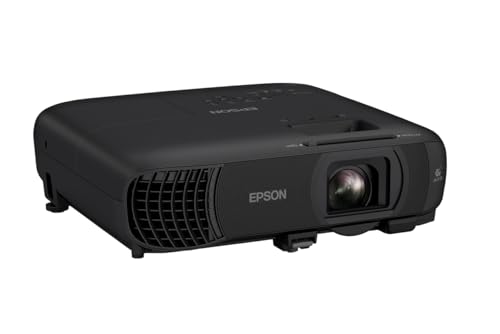
Compare the best business projectors under 1000 by brightness, sharpness and throw, with setup and buying guidance for offices, travel and training rooms.
There is no single projector that suits every office and client visit. A model that shines in a dark training room can look washed out in a bright meeting room, and a portable unit can feel too dim on a large screen. The best business projectors under 1000 are the ones matched to your room and the work you show, so use the comparison table below to compare those points first.
Start with how you present. Note the light in the room, the distance to the screen, and whether you carry the projector or leave it in place.
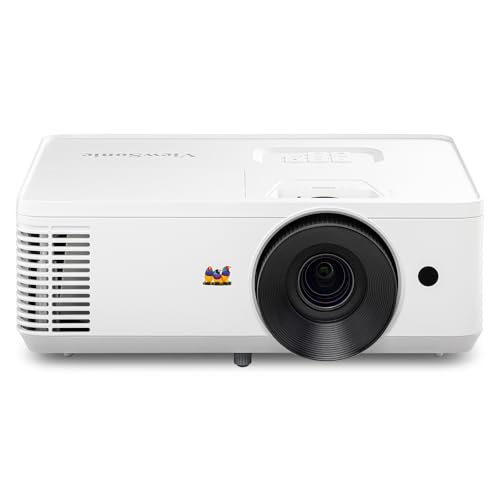


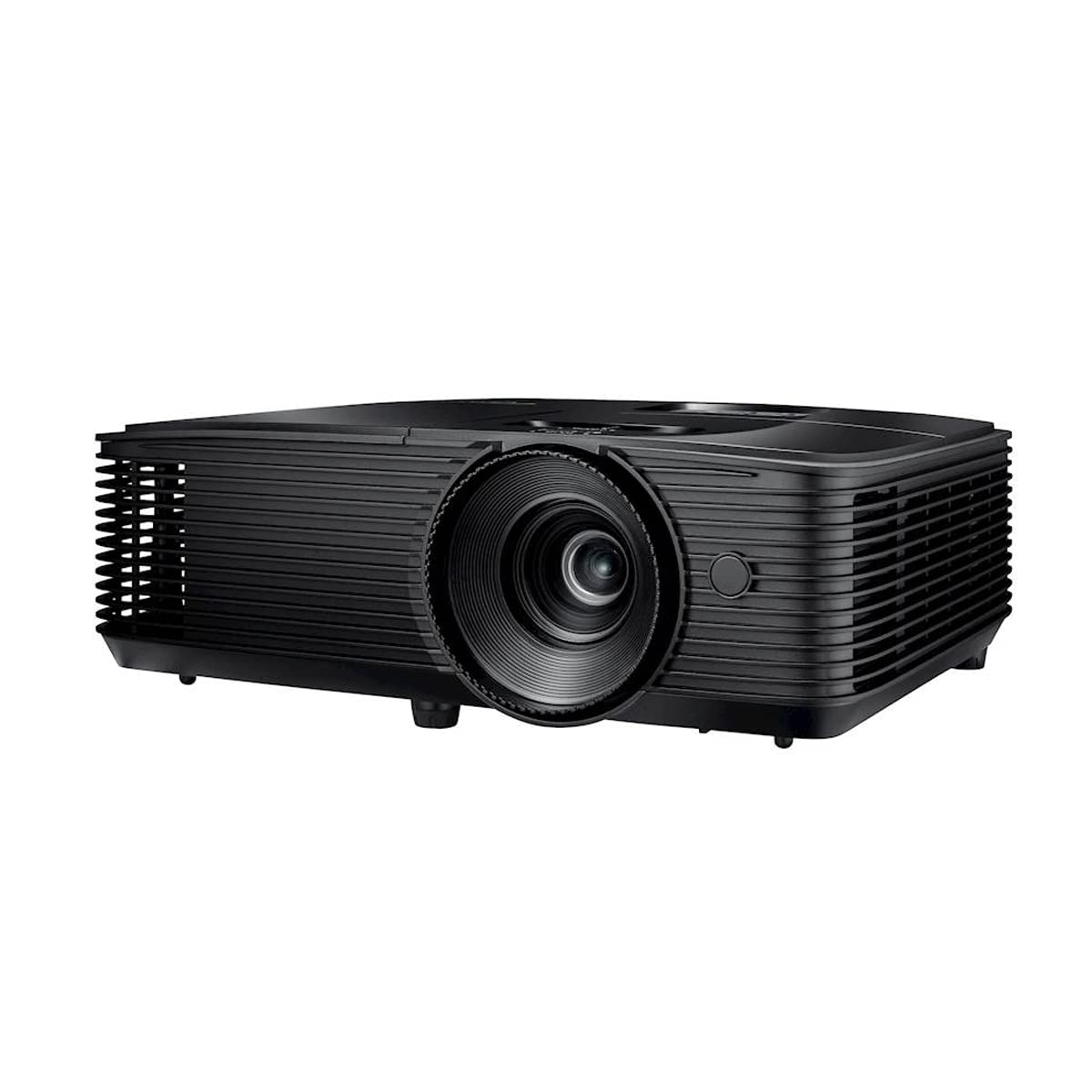


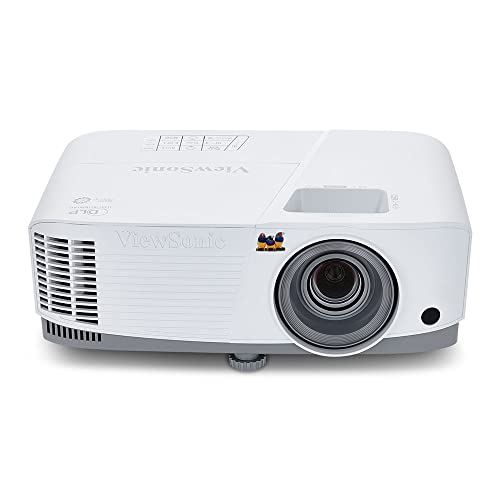
Who Should Buy Which Business Projectors?
Your routine decides what matters most. A traveler values weight and fast setup, while a team with a fixed room values brightness and a larger image.
Traveling Presenters Who Move Between Client Sites
You present in rooms you do not control, with unknown light and limited setup time. Choose a compact model of about 3 to 6 pounds with a carry case, quick power on and automatic vertical keystone correction. Brightness still matters, because you cannot always dim a client office.
Meeting Room Teams in Shared Office Spaces
You need a projector that many people can use without help. Choose a brighter installed model with a clear remote, labeled inputs and a lens that fills your screen from the table or mount you already have. Text sharpness matters for shared documents and budgets, so favor native 1080p or higher for this room.
Trainers and Hybrid Workers Who Present Often
You show slides for long sessions and often share video calls with people in the room. Choose steady brightness, a quiet fan and sound that fills a small room without strain. A laser light source suits heavy weekly use because it starts fast and holds brightness well over time. Keep a printed input guide near the screen, because handoffs between presenters cause most delays.
Choosing Business Projectors for Your Situation
Budget tiers change what you can expect in brightness, resolution and light source life. The lower tiers below suit very small rooms or backup use, while the main budget in this guide buys far more usable light and sharper text.
Best Business Projectors under 100
Models sold as best business projectors under 100 suit only very limited use, such as a dark room, a small image and a short practice session. Expect low brightness, soft text at larger sizes and basic connections. Fine print in spreadsheets will be hard to read from the back of even a small room. Treat this tier as a backup option, not as the main projector for client facing work.
Best Business Projectors under 200: What to Prioritize
Models described as best business projectors under 200 improve a little on brightness and may add a second input or better sound. Prioritize usable lumens and 1080p resolution over extra smart apps or inflated contrast claims. Use a modest screen of about 60 to 80 inches and control the light where you can. This tier can serve a home office, but a busy meeting room will outgrow it quickly.
Key Features to Compare
When you shortlist the best business projectors under 1000 for your room, compare these factors in order. Brightness and throw decide whether the image works at all, while the rest decide how well it works day after day.
Brightness in Lumens for Lit Rooms
Brightness is measured in lumens, and for business use you should compare ANSI lumens where the maker lists them. A small dark room may work with about 2500 to 3000 lumens, while a typical lit office often needs about 3000 to 4000 lumens to keep slides clear. Windows and pale walls wash out an image, so choose the higher end if you cannot close blinds. More brightness also lets you use a larger screen without the picture looking flat.
Resolution and Sharp Text for Spreadsheets and Slides
Resolution decides how crisp small text and thin chart lines look from the back row. For regular business use, 1080p is a sensible minimum because it keeps spreadsheet numbers and slide notes readable at common screen sizes. WUXGA adds a little extra height, which helps with tall documents. Always judge native resolution, not only the highest input signal the projector can accept and scale down.
Throw Distance and Image Size in Your Room
Throw ratio tells you how far the projector must sit from the screen for a given image width. A standard throw model may need about 8 to 12 feet for a 100 inch image, while a short throw model can fill the same image from a few feet away. Measure your room before you buy and check the maker throw chart for your screen size. Leave space for cables and airflow, and keep the beam clear of walkways.
Connections for Laptops, Casting and Video Calls
Most presenters need at least one HDMI input, and many benefit from USB C with video support for a single cable link to a modern laptop. Wireless casting helps guests share a screen without passing a cable, but test office network rules before relying on it. If you equip the room around one main computer, see our guide to the best business laptops under 1000 to match ports and adapters. Keep a short adapter kit in the room for older laptops.
Light Source Life and Running Costs
A lamp model costs less at first but dims with use and will need a new lamp, often after a few thousand hours depending on mode. A laser model costs more at first, starts quickly, needs no lamp changes and often claims about 20000 hours or more of light source life. For daily use, laser lowers upkeep and downtime. For light weekly use, a lamp model can still make sense if replacement lamps are easy to buy.
How to Set Up a Business Projector and Check the Image
Start with the screen. A smooth matte screen or a flat pale wall gives the most even image, and a width of about 84 to 120 inches suits most meeting rooms. Place the projector level with the screen center where you can, then use zoom and focus before keystone correction. Heavy keystone use softens one side of the image, so a better position beats a digital fix.
Run a real test before the first meeting. Show a spreadsheet, a slide with small footnotes and a photo, then sit in the farthest seat and read each one. If your main need is film or sport at home rather than office work, see our guide to the best video projectors under 1000 and our guide to the best tv projectors under 1000 for models tuned for that use.
Common Mistakes to Avoid
These errors cost money or cause meetings to start late, and most are easy to prevent before you order.
- Buying on contrast claims alone leaves you with a dim image that fades in a lit office.
- Choosing a screen size your throw distance cannot fill forces heavy keystone use and soft corners.
- Ignoring native resolution leaves spreadsheet text blurry even when the input signal is high quality.
- Forgetting adapter needs for guest laptops delays meetings while people search for cables.
- Mounting a projector with blocked vents shortens light source life and can cause shutdowns.
- Spending most of the budget on smart apps leaves too little for brightness and a proper screen.
Care and Maintenance for Your Business Projector
Keep the lens clean and covered when the projector travels. Wipe it gently with a clean lens cloth and never with paper towels, which can scratch the coating. Clear dust from vents with a soft brush, and clean or replace the air filter on the schedule the maker gives. Blocked airflow raises heat inside the case and dims the image over time.
FAQ
Is 1080p resolution enough for a business projector used for spreadsheets?
Yes, 1080p resolution is enough for most spreadsheets at screen sizes up to about 120 inches. Use a larger font for shared budgets and seat viewers no farther than roughly four times the image height for detailed figures. If your team reads dense drawings, a higher resolution model earns its cost.
How many lumens does a business projector need for a lit office?
A business projector for a lit office usually needs about 3000 to 4000 ANSI lumens. Rooms with large windows or a screen larger than 120 inches sit at the top of that range or above it. Closing blinds on the screen wall alone can help as much as a small brightness step.
Should a business projector use a lamp or a laser light source?
A laser light source suits most busy offices because it starts fast, stays bright and avoids lamp changes. A lamp model still suits a tight budget or a room used only a few hours each week. Consider who will handle upkeep, because a lamp nobody replaces on time becomes a dim projector.
How far should a business projector sit from the screen?
The right distance depends on the throw ratio and your screen width, so check the maker chart for your model before mounting. As a rough guide, many standard throw models need about 1.5 times the image width. Tape the screen outline on the wall first and test from that spot on a temporary table.
Can a business projector connect to a laptop without cables?
Yes, many business projectors can connect without cables through built in casting or a wireless adapter. Test casting with the laptops your team actually uses, because support varies by operating system. For a general shortlist at this price, see our guide to the best projectors under 1000 dollars before you decide.
Wrapping Up
Put brightness for your room light first, then check throw against your screen and native resolution against the smallest text you show. Add the connections your presenters use each week and pick a light source that matches your hours of use, then compare in the product table above.
Chosen that way, the best business projectors under 1000 stop being a gamble on claims and become a clear match for your room and routine. Buy for the meeting you run most often, test the image from the farthest seat, and your presentations will start on time and read clearly.


