Best Business Inkjet Printers Made Simple: A Clear Buying Guide for 2026
Disclosure: We may earn a commission when you buy through links on this page, at no extra cost to you. As an Amazon Associate I earn from qualifying purchases. Learn more

Shopping for the best business inkjet printers for the first time? Learn the terms, compare options, and avoid rookie mistakes with this easy guide.
Buying your first office inkjet does not need to be confusing, even though model names and ink systems can look similar at first glance. This guide explains the best business inkjet printers in plain language, starting with what these machines do well and where they struggle. You will learn the terms that matter, the costs that hide behind a low purchase price, and a simple way to size a printer for your team.
Business inkjets suit offices that print color documents, proposals, and marketing pages alongside everyday reports. They cost less upfront than many laser models and handle color gracefully. Their weakness is idle time, inkjets like regular use. Keep that trade off in mind as you use the comparison table below and the guidance that follows.
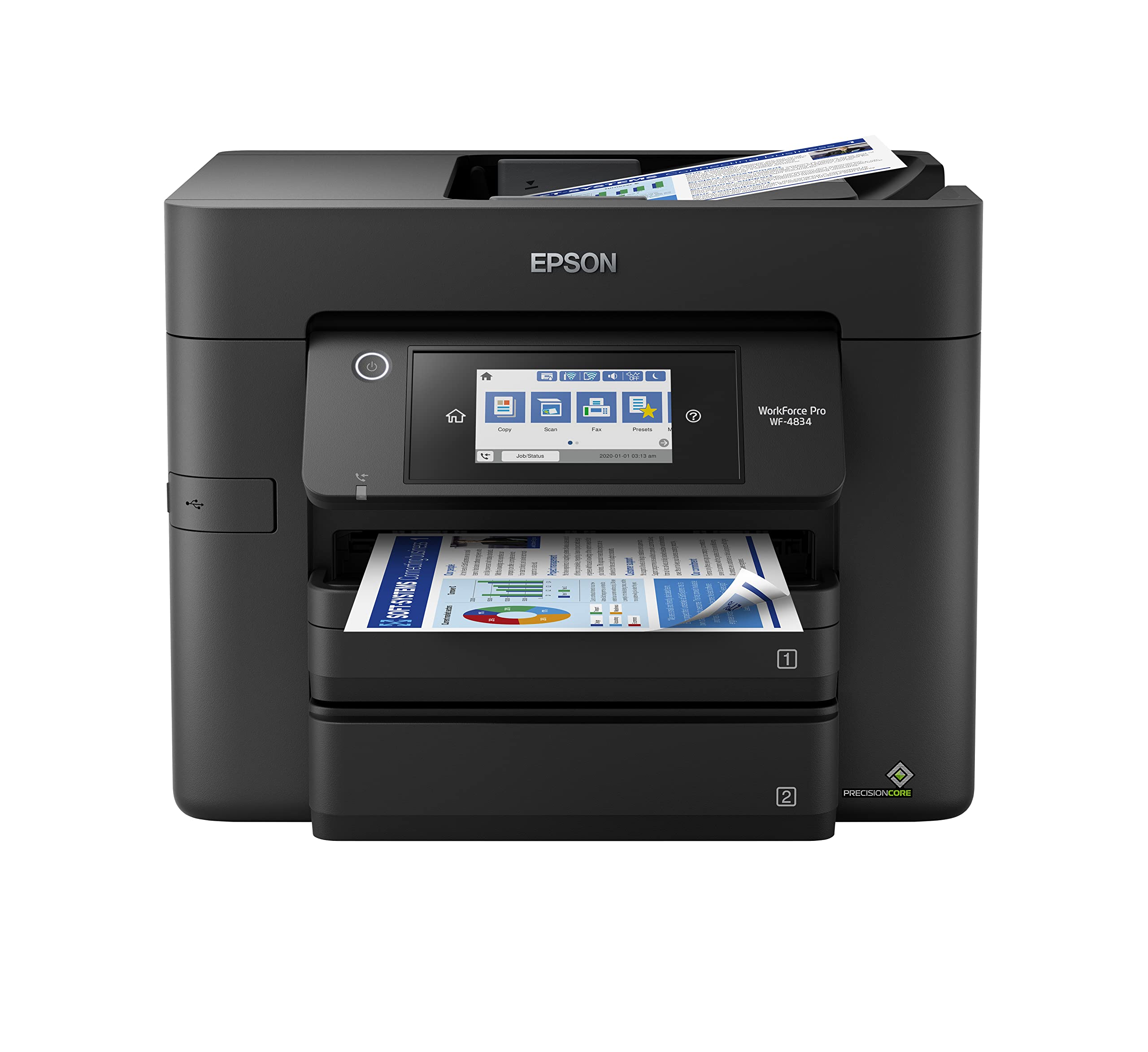
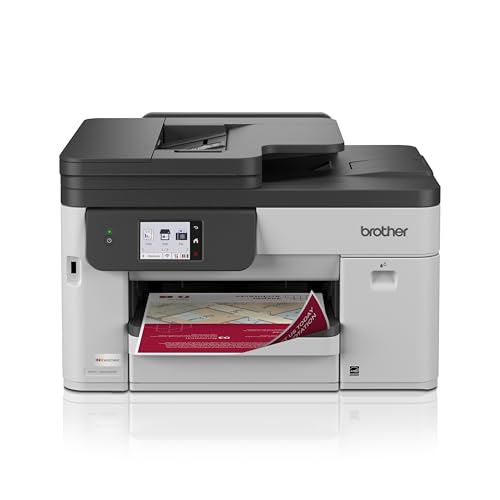
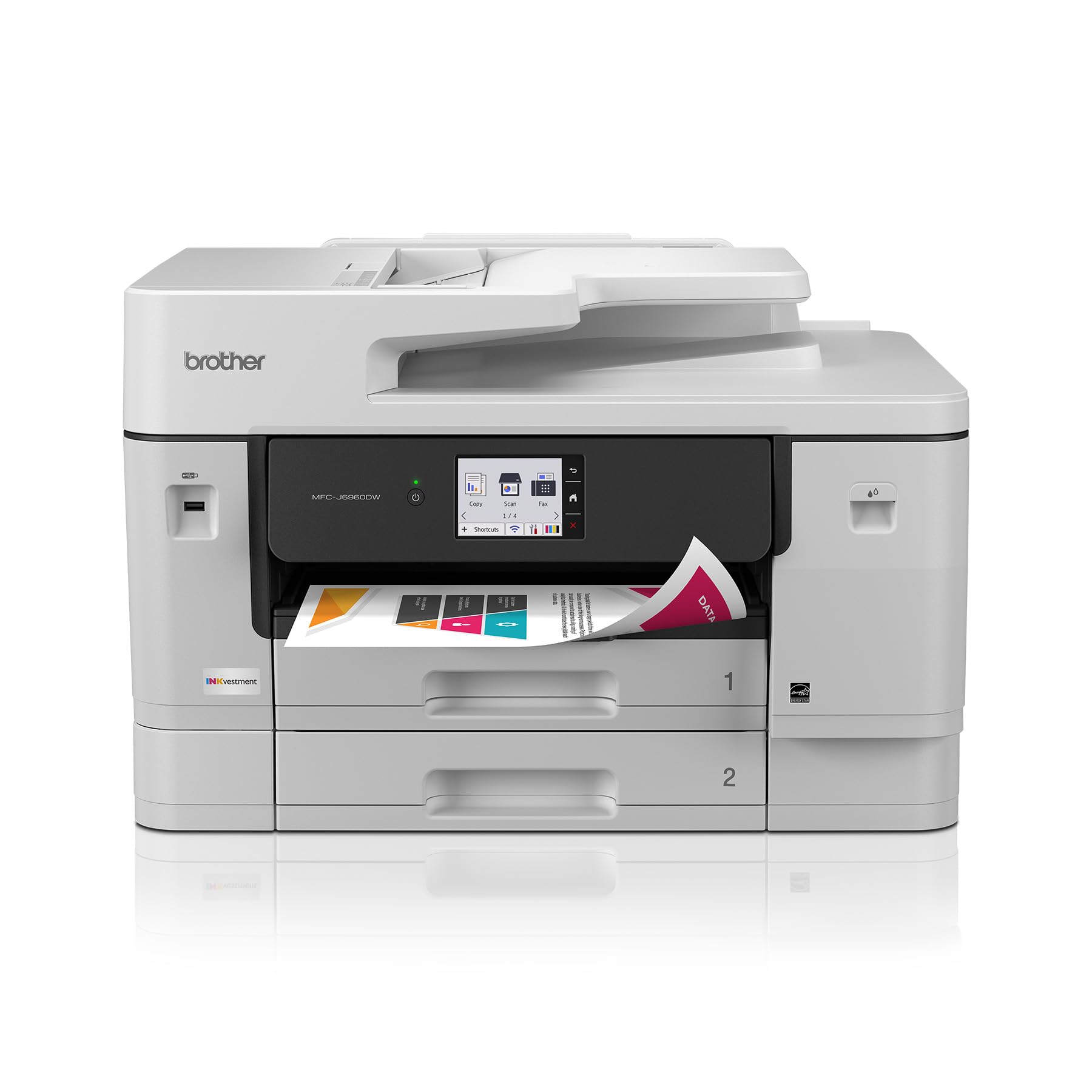
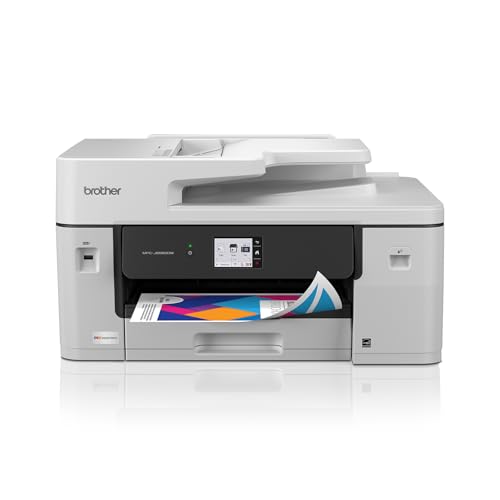


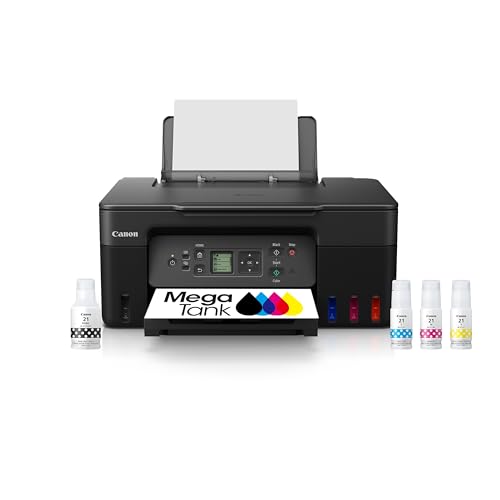

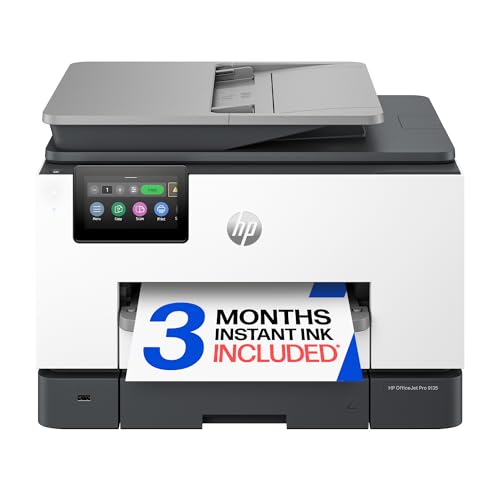
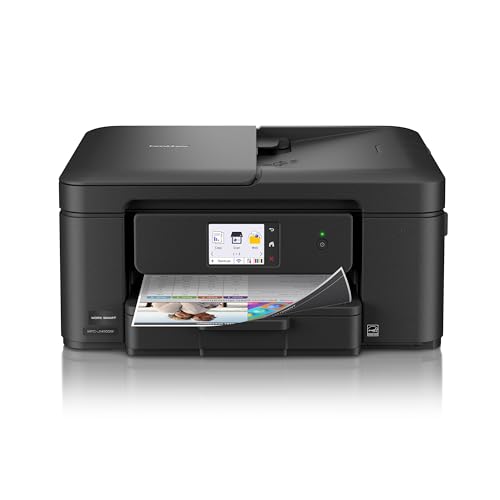
Business Inkjet Printers 101: The Basics
An inkjet printer sprays tiny droplets of liquid ink onto paper to form text and images. Business models add larger paper trays, faster engines, network connections, and ink systems built for higher volume than home units. Many use refillable tanks or high yield cartridges, which lower the cost of frequent color printing. Print quality is described in DPI, dots per inch, where higher numbers can support sharper detail on the right paper.
Two other basics shape ownership. Cost per page is what each printed page costs in ink and paper, and it matters more than purchase price over a year of use. Duty cycle is the monthly volume the machine is built to handle comfortably. Stay well under the maximum figure for daily reliability. If you understand ink system, cost per page, and duty cycle, you already know more than most first time buyers comparing listings.
Key Specs Explained in Plain English
Printer Type: Inkjet, Laser, Tank, and More
Standard cartridge inkjets suit light to moderate color printing and have the lowest starting prices. Tank inkjets refill from bottles, cost more upfront, and reward frequent printing with very low ink costs. Laser printers use toner powder, print text very fast, and tolerate idle weeks without clog risk, but color models cost more. Choose inkjet when color quality and lower upfront cost matter, and consider laser if your office prints mostly text in large batches after long quiet periods.
Ease of Setup and Daily Use
Good setup means clear instructions, automatic network detection, and a driver that installs without hunting through support pages. Look for a readable screen, front access for ink and paper, and guided first print steps. Daily ease matters just as much, saved presets for common paper types and a simple scan or copy flow save staff time. If a model requires frequent manual alignment for basic documents, it will frustrate a busy office. Simplicity is a real feature, not a luxury.
Reliability and Support
Reliability comes from stable drivers, sensible firmware updates, and a maker that keeps supplies available for years. Check warranty length and whether support offers live help or only automated replies. A large user community helps with uncommon paper or software questions. For business use, also confirm that current operating systems are supported, because an unusable driver ends a printer useful life early. Favor established model lines with a track record in offices similar to yours. Our guide to the best business printers gives wider context on support across printer types.
Print Speed
Speed is rated in pages per minute on plain paper at standard quality. Color pages, high quality settings, and double sided jobs print more slowly, so treat the rating as a comparison guide rather than a guarantee. For a small team printing reports and proposals through the day, a midrange rating is usually plenty. Speed matters most when several people share one printer and jobs queue at busy moments. Also check first page time, because a fast first page makes short jobs feel responsive.
Paper Handling and Duplex
Paper handling decides what your office can actually produce. Look for a main tray sized for your weekly volume, a second feed for envelopes or thicker media, and automatic duplex for double sided printing that saves paper. An automatic document feeder speeds scanning and copying of multi page documents. Check maximum paper weight if you print covers or handouts on heavier stock. Teams that print many forms should prioritize tray capacity and easy reloading over small savings elsewhere. For small team comparisons, see our guide to the best printers for small business.
Footprint and Noise
Measure your space with trays extended and the scanner lid open, because closed dimensions understate what daily use needs. Tank models can be wider, while compact cartridge models fit tight counters but hold less paper. Noise is modest for most inkjets, though paper feeding and carriage movement are audible in quiet rooms. Place the printer on a firm surface within easy reach of the people who load and collect output most often.
Best Business Inkjet Printers for Specific Needs
Best Home Business Inkjet Printers: Tips for First Time Buyers
When you shop for best home business inkjet printers, prioritize compact size, quiet operation, and low running costs for irregular volume. A home office benefits from tank ink if you print weekly, or a simple cartridge model if space is tight and volume is light. Check WiFi stability, because home networks vary, and choose a model with a small footprint that still offers duplex. Avoid oversized office machines that dominate a spare room and cost more to supply than your workload justifies.
Best Mid Size Business Inkjet Printers: Tips for First Time Buyers
Shoppers seeking best mid size business inkjet printers usually support a team of about 10 to 30 people. Prioritize larger trays, faster output, a document feeder, and high yield ink systems that keep cost per page low at steady volume. Network management and security controls matter more at this scale, as does a duty cycle with real headroom. Plan where the printer will sit for shared access, and confirm supply delivery times so a busy week never waits on ink. Compare these needs with our guide to the best inkjet printers for small business if your team sits between home and mid size.
Rookie Mistakes to Avoid
- Judging cost by purchase price only. Ink costs over one year often exceed the price difference between models.
- Letting an inkjet sit idle for weeks. Infrequent use invites clogged nozzles and wasted cleaning cycles.
- Ignoring paper limits. Heavy covers or labels beyond the rated range cause jams and poor quality.
- Buying below your volume. A light duty model run hard will wear early and queue jobs when the team is busiest.
- Skipping network security. Update firmware and change default settings so the printer does not become a weak point.
Getting Started: Setup and First Use
Unpack the printer, remove all transit material, and fill tanks or install cartridges exactly as the guide directs, because early setup errors cause many first week problems. Connect to your network, install the current driver, and print a test page on plain paper before trying specialty stock. Print at least one color page each week to keep ink flowing and prevent clogs. Use genuine ink or reputable alternatives to protect print quality and warranty standing. Save presets for your most common jobs, label trays with the paper they hold, and keep one spare set of supplies on hand if deadlines matter.
FAQs
Inkjet or laser: which is cheaper long term?
Inkjet is often cheaper long term for offices printing regular color at moderate volume, especially with tank systems that keep ink costs low. Laser can be cheaper for high volume text printing, because toner yields are large and there is no clog related waste. The deciding factors are your color share and monthly pages. Estimate a full year of ink or toner for your real workload before assuming either category wins.
What does cost per page mean?
Cost per page is the cost of ink and paper needed to produce one printed page. Estimate ink cost by dividing a cartridge or bottle price by its rated yield, then add your paper cost. Rated yields assume standard office coverage, so image heavy pages cost more in practice. Use the figure to compare models fairly, because a slightly pricier printer with much cheaper ink often costs less within the first year.
Which printer features help beginners most?
Guided setup, clear screens, and automatic network connection help beginners most. Presets for common paper types prevent the quality problems that come from wrong settings. Front loading ink systems with visible levels also reduce guesswork about when to refill. Avoid models that need manual calibration for routine documents. If output quality is your top concern, our guide to the best quality inkjet printers explains what drives sharp results.
Are ink tank printers worth it?
Ink tank printers are worth it when your office prints every week and will steadily use the large ink supply. Bottles cost far less per page than cartridges and refills are quick and clean on current designs. If you print only occasionally, the higher upfront price may not pay back and idle time still risks clogs. Honest volume estimates make this an easy call, frequent use favors tanks and rare use favors simpler models.
Final Thoughts
For a first business inkjet, focus on ink system, cost per page, and paper handling matched to your team size. Those three choices shape your monthly costs and daily frustration level more than any headline feature. Look back at the product table above with your monthly volume in mind, and select the best business inkjet printers option that fits that workload with room to grow. Print regularly, keep supplies ready, and the machine should serve your office well.