
Best Business Backpack for Laptops: Guide for 2026
Disclosure: We may earn a commission when you buy through links on this page, at no extra cost to you. As an Amazon Associate I earn from qualifying purchases. Learn more

The best business backpack for laptops fits your sleeve, spreads weight and looks smart: compare comfort and protection.
A business backpack has to do three jobs at once: protect a laptop, look tidy in an office and stay comfortable on a commute. The best business backpack for laptops is slim enough for a meeting room, padded enough for a daily train ride and organized enough that your charger, notebook and water bottle each have a place. This guide shows what to check on the sleeve, straps, fabric and zips so you can pick a bag that lasts through years of work trips.
Compare the bags in the product table, then use the sections below to match size, style and price to your routine.

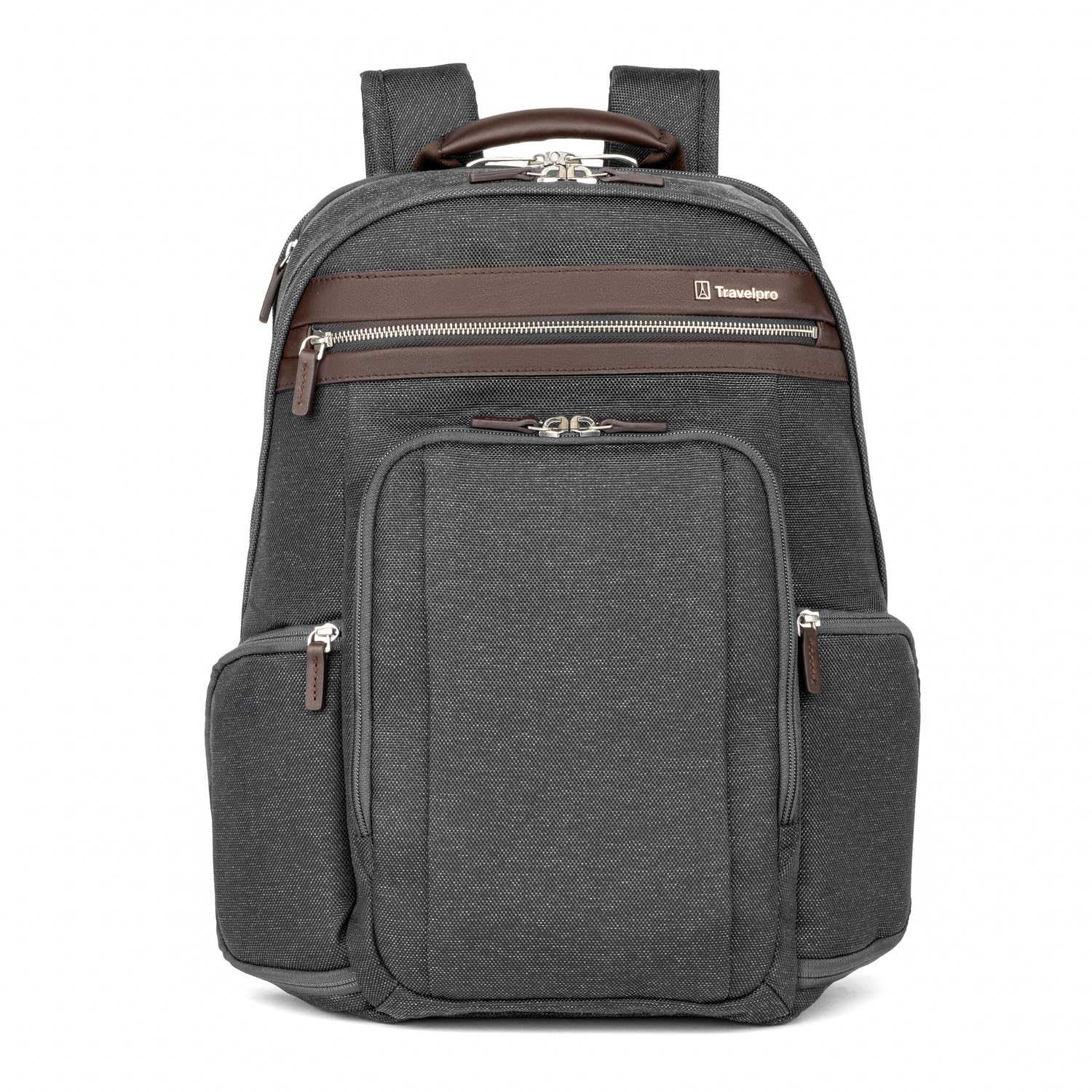


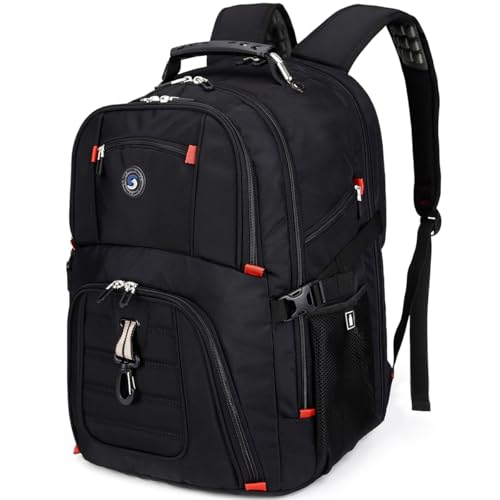


Who Should Buy a Business Laptop Backpack
Daily commuters, hybrid workers, consultants who travel between client sites and students entering the workforce all benefit. A backpack spreads weight across both shoulders, which is easier on the back than a briefcase or a single strap bag when you carry a laptop, charger and papers every day. If you attend very formal meetings, a briefcase may look sharper, but a clean dark backpack suits most modern offices.
Types of Business Backpacks
Slim Office Backpacks
Slim bags carry a laptop, a tablet and a few documents. They look smart, fit under a desk and suit short commutes and light loads.
Commuter Backpacks
Commuter bags add comfort padding, a chest strap and more pockets, plus water resistant fabric. They suit longer walks and train journeys, and they handle a lunch, a jacket and a gym kit.
Travel and Convertible Backpacks
Travel models often have a trolley sleeve, TSA friendly laptop access and extra volume. Convertible bags switch between backpack straps and a briefcase handle for formal meetings.
Anti Theft Backpacks
These hide zips against your back and use cut resistant fabric, which suits crowded transit. They often include USB pass through ports, though you still need your own power bank.
Key Features to Compare
Laptop Compartment and Protection
A padded, suspended sleeve keeps the laptop off the bottom of the bag, which protects it when you set the bag down hard. Measure your laptop and compare it to the internal dimensions, not the listed screen size. A sleeve that is too loose lets the laptop shift, and one that is too tight strains the zips.
Professional Look
Clean lines, muted colors such as black, grey or navy, and minimal outside straps suit offices and client meetings better than bright outdoor styling. Leather and structured fabric bags look the most formal.
Comfort for Commuting
Padded, contoured shoulder straps, a breathable back panel and a chest strap reduce strain on long walks. Balanced weight matters: keep heavy items close to your back.
Organization
Separate pockets for charger, documents, phone, keys and a bottle keep daily items easy to find. A quick access pocket on top saves unzipping the main compartment at a security check.
Weather Resistance and Zips
Water resistant fabric and covered zips protect electronics in rain, and a rain cover helps in heavy downpours. Check that the zips feel smooth and sturdy, since a failed zip often ends a bag's working life.
Choosing the Right Size
Match the sleeve to your laptop, then add room for a charger and documents. Backpacks are usually sold for 14, 15.6 or 17 inch laptops, but a thick laptop can need a bigger sleeve than its screen size suggests. A capacity of 15 to 25 liters suits most office days, while 25 to 35 liters suits travel. Bigger bags tempt you to overload, so choose the smallest size that fits your daily kit.
Price Ranges
Bags around $25 to $50 can be sound for light daily use. Mid range bags at $50 to $120 usually bring better fabric, zips and padding. Premium bags at $120 and above use durable materials, stronger stitching and longer warranties. If you carry a laptop every day, paying for zips, straps and padding that last is usually good value.
Fit, Setup and Everyday Care
Fit to Your Laptop
Slide the laptop in and check that it sits snugly without pressing against the zips. Pack the heaviest items against your back and keep total weight reasonable to protect your shoulders.
Load and Posture
Adjust the shoulder straps so the bag sits high on your back, with the bottom near your waist. Use the chest strap on long walks, and avoid carrying the bag on one shoulder.
Care
Clean spills promptly, wipe the fabric with a damp cloth, and check zips and stitching from time to time. Empty the bag regularly so crumbs and papers do not build up, and dry it fully after a wet day to avoid odor and mold.
For more options across styles, see our guides to the best laptop backpack and the best backpacks for carrying laptops.
Common Mistakes to Avoid
- Buying by screen size alone without checking the internal sleeve dimensions.
- Choosing a hiking style pack that looks out of place in the office.
- Ignoring shoulder strap padding on a bag you will wear for an hour each way.
- Overloading the bag, which strains zips and your back.
- Skipping a rain plan for electronics.
Packing a Business Backpack Well
How you pack matters as much as the bag. Put the laptop in the padded sleeve closest to your back, place heavy items such as a charger brick or a water bottle near the center, and keep light items and papers at the front. Use small pouches for cables, a power bank and pens so they do not sink to the bottom. A tidy bag is quicker at security checks and easier on your shoulders, because balanced weight sits closer to your spine.
Review the contents once a week and take out anything you did not use. Many people carry a few extra pounds of old paperwork and spare gadgets without noticing. The best business backpack for laptops works with you when it carries only what the day needs, and a lighter load adds years to the straps and zips.
Frequently Asked Questions
What size backpack do I need for a laptop?
Match the sleeve to your laptop and check internal dimensions rather than guessing. A 15 inch sleeve does not always fit a thick 15 inch laptop, and you also need room for a charger and documents.
Is a backpack professional enough for work?
A clean, muted backpack suits most modern offices, though very formal workplaces may prefer a briefcase. Choose dark colors and minimal logos for client facing roles.
How do I protect a laptop in the rain?
Choose water resistant fabric and covered zips, carry a rain cover for heavy rain, and keep the laptop in its sleeve. Dry the bag fully after wet days.
Should I choose a backpack or a messenger bag?
Backpacks distribute weight better for heavy loads and long walks, while messenger bags offer faster access for light loads. Choose a backpack if you carry a laptop, charger and documents daily.
How long should a business backpack last?
A well made backpack often lasts several years of daily use. Replace it when straps fray, zips fail or the laptop padding flattens, and check whether the maker covers zips and straps.
Final Thoughts
Choose a bag that fits your laptop, spreads the weight comfortably and looks right for your workplace. Compare the bags in the product table, and the best business backpack for laptops will be the one that protects your device, stays organized and still looks smart after a year of commuting.


