Best Camera Printers: A Complete Buying Guide for 2026
Disclosure: We may earn a commission when you buy through links on this page, at no extra cost to you. As an Amazon Associate I earn from qualifying purchases. Learn more

Compare the best camera printers by print size, color quality, connections and cost per print before you order.
A camera printer turns the photos on your camera or phone into real prints in seconds, without a computer and without a trip to the store. The best camera printers match the size of print you want, the way you connect and the running cost of paper, ink or film. Use the comparison table below, then read the sections that explain what each choice means for your photos.
Most buyers fall into one of three groups: people who want small instant prints at parties and trips, people who want standard photo sizes for albums and frames, and people who want a printer that handles both photos and everyday documents.

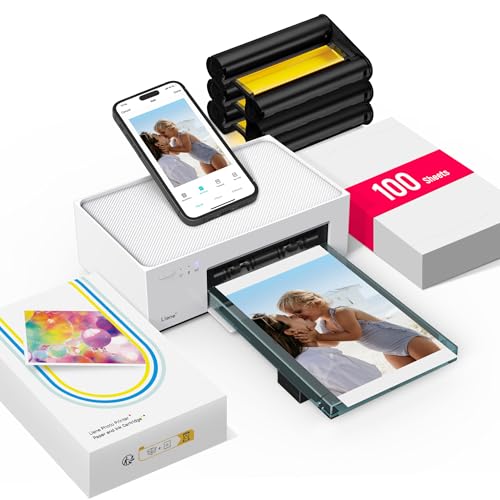
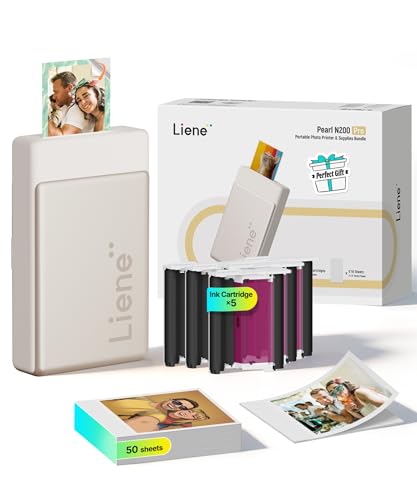
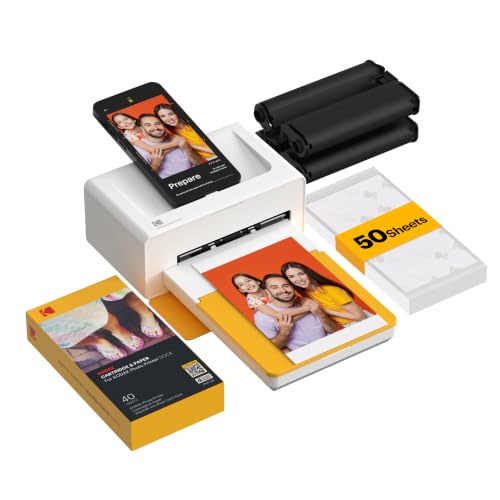
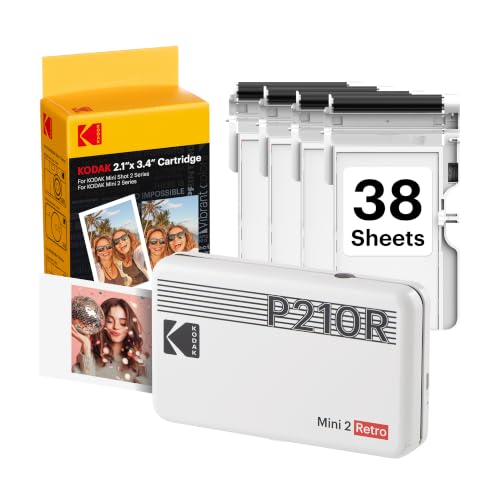
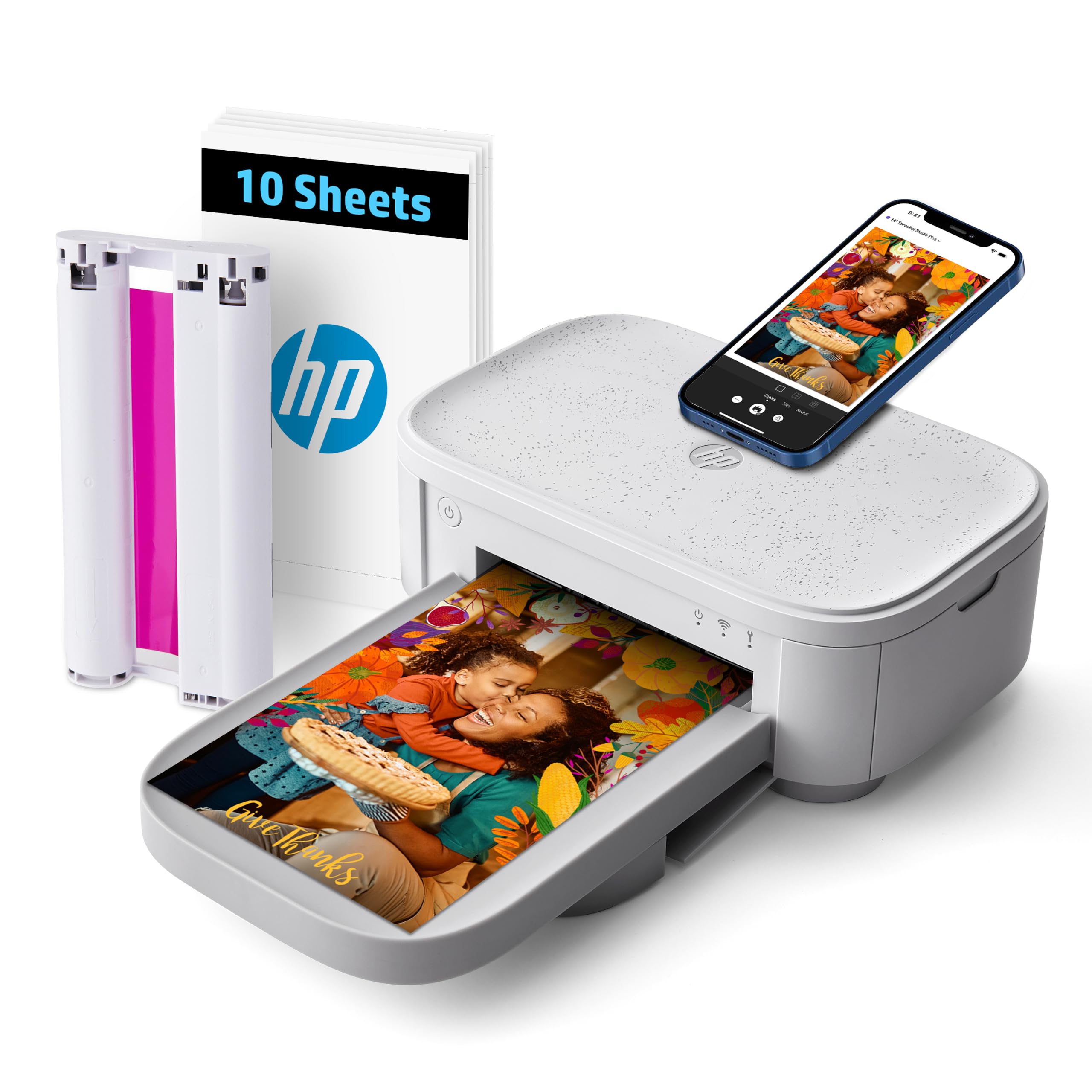
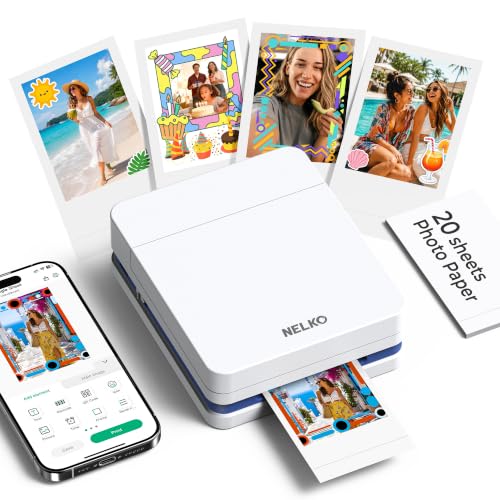
How Camera Printers Work
Camera printers receive photos over Bluetooth, WiFi, a USB cable or a memory card, then print them on special photo paper. Compact models use dye sublimation or zero ink paper that develops color with heat. Larger models spray ink onto photo paper. The method decides print quality, durability and cost per print.
Zero Ink and Sticky Back Printers
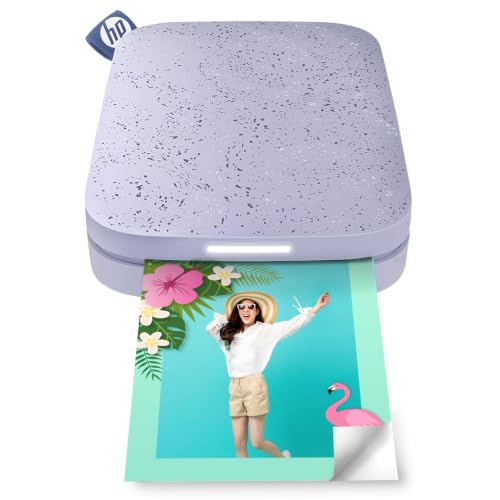
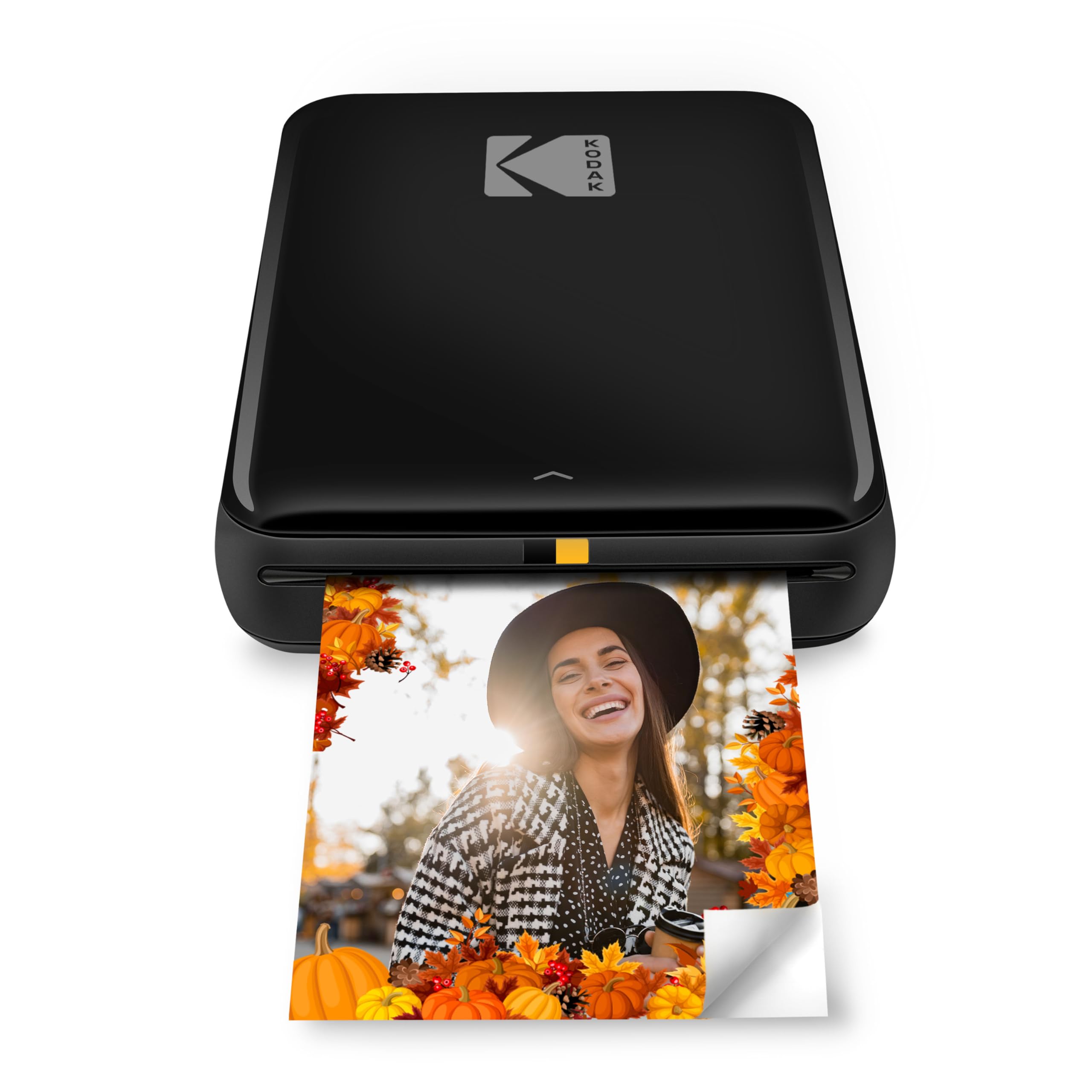
These pocket size printers need no ink cartridges. The paper contains the color layers and develops with heat, so you only buy paper packs. Prints are small, often about 2 by 3 inches, and many have a peel off sticky back that suits journals, laptops and gifts.
Dye Sublimation Photo Printers
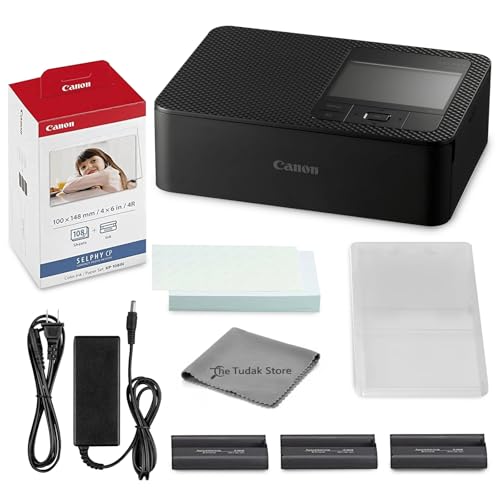
Dye sublimation printers lay color onto glossy paper in thin layers and add a protective coat. Prints look smooth and vivid, resist fingerprints and often dry instantly. They print standard sizes such as 4 by 6 inches and usually accept a memory card, a phone or a direct camera cable.
Inkjet Photo Printers
Inkjet photo printers spray fine droplets onto paper and handle larger sizes and plain paper too. They give excellent detail but cost more to run, and ink can dry out if the printer sits unused for weeks. They suit people who also print documents.
Key Features to Compare
Features matter only when they change daily use, so work through the list below in order.
Print Size and Format
Small prints of about 2 by 3 inches suit albums, gifts and parties. Standard 4 by 6 inch prints suit frames and photo books. Larger prints suit display but cost more per sheet. Choose the size you will actually print, since you cannot stretch a small printer into a large format one.
Color Quality and Detail
Dye sublimation prints often look smooth and natural, while inkjet prints can show finer detail on the right paper. Screens glow and paper reflects light, so prints can look slightly darker than the display. Brighten photos a little and use the printer's matching app to get closer results.
Connections and Apps
Check how your camera and phone connect. Bluetooth and WiFi suit phones, while a memory card slot or a direct cable suits cameras without wireless features. A simple app that crops, adds borders and sends photos without fuss makes the printer much more pleasant to use.
Running Cost per Print
Divide the price of a paper pack, with ink or film if needed, by the number of prints to get the cost per print. Small zero ink packs often cost more per print than larger photo paper, so print only your favorite photos if you choose that route.
Portability and Battery
A battery powered printer suits events, travel and weekend trips. Desk printers are heavier and need an outlet, but they often print faster and offer larger sizes. Check how many prints one charge delivers and whether the printer charges over USB.
Which of the Best Camera Printers Suits You?
For Parties and Trips
Choose a pocket size zero ink printer. It prints in under a minute, fits in a bag and lets everyone take home a keepsake. Keep spare paper packs handy, because a single pack runs out quickly at events.
For Albums and Frames
Choose a dye sublimation printer in a standard size. You get vivid, durable prints at a predictable cost, and a card slot lets you print straight from a camera. This is the most popular choice for families who print holiday photos.
For Photos and Documents
Choose an inkjet photo printer if you also need to print school forms and everyday paperwork. It costs more to run, but one machine covers every task. See our guide to the best printers for digital cameras for more on this route.
Choosing Paper, Film and Supplies
Paper is the part you will buy again and again, so look at it before you pick a printer. Zero ink printers use proprietary paper packs, usually 10 to 50 sheets, and most models only accept their own brand. Dye sublimation printers use a ribbon and paper kit sized for a set number of prints, which makes the cost per print easy to predict. Inkjet printers need separate cartridges and photo paper, and the cost depends on how much ink each photo uses. Buy a starter pack first, check how many prints you actually make in a month and then stock up on the size you use most.
Common Mistakes to Avoid
- Choosing by price alone, without checking the cost of paper, film or ink.
- Buying a printer that cannot connect to your camera, which forces extra steps for every print.
- Expecting a pocket printer to match a desk printer for size and detail.
- Storing prints in sunlight or damp rooms, which fades and curls them.
- Leaving paper packs open, which lets dust and damp spoil the next print.
Setup and Care Tips
Charge the printer fully, update its app and load the paper exactly as the instructions show. Print one test photo before a big batch and adjust brightness if needed. Store paper sealed and dry, keep prints out of direct sunlight and clean the rollers only as the manual describes. Frame important prints behind glass to protect them for years. Our guide to the best quality printers covers print quality in more depth.
Frequently Asked Questions
Do I need a computer to use a camera printer?
No. Many camera printers work straight from a phone app, a memory card or a camera cable. Check the connection options for your camera before buying, since some printers require an app or a particular cable.
What print size should I choose?
Choose by use. Small prints suit albums and gifts, standard sizes suit most home display and large prints suit framing. Larger prints cost more per sheet and need more storage.
How much does each print cost?
Divide the cost of a paper pack, with ink or film if needed, by the number of prints. Instant style paper usually costs more per print than ink photo paper, so compare pack prices before you buy.
Why do prints look different from my screen?
Screens glow while prints reflect light, so prints often look darker or less vivid. Brighten the photo a little, use proper photo paper and print one sheet before a big batch.
How long do photo prints last?
Print life depends on the paper, ink and display conditions. Keep prints out of direct sunlight and damp, and frame important ones behind glass for longer life.
The Bottom Line
Pick the print size and connection you need first, then compare running costs and portability. A pocket printer suits parties, a dye sublimation printer suits albums and an inkjet suits mixed use. Check the product table above, and the best camera printers for your routine will be easy to spot and a pleasure to use every week.