Best Calendar Printers: Every Type Explained Side by Side for 2026
Disclosure: We may earn a commission when you buy through links on this page, at no extra cost to you. As an Amazon Associate I earn from qualifying purchases. Learn more

Choose among the best calendar printers by type, paper size, photo quality, and ink cost for wall, desk, and photo calendar projects.
A calendar looks simple on paper, yet printing one well asks a lot from a machine. You need clean text for dates, smooth color for photos, and pages that line up month after month. Shoppers comparing the best calendar printers are usually trying to make a wall calendar, a desk calendar, or a family photo calendar at home, and the right printer depends on paper size, photo quality, and how much ink the project will use.
This guide explains the three printer types that suit calendar projects, what each costs to run, and which specs matter. The product table above lists current printers you can compare against these checks.
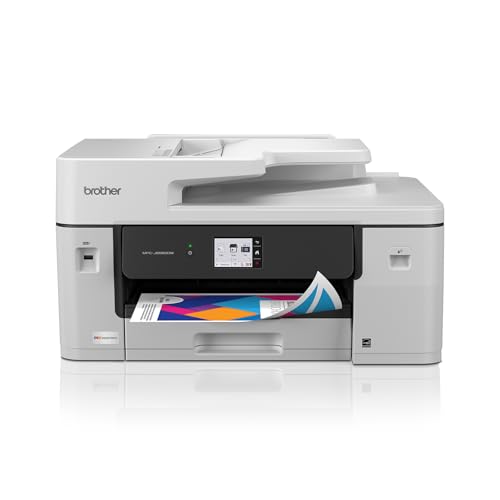
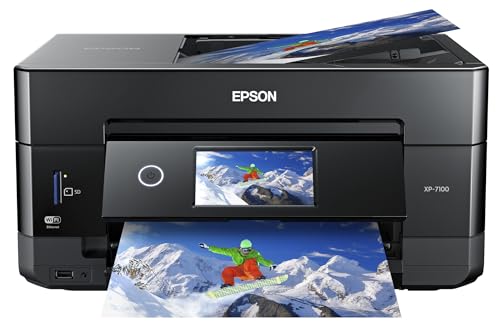


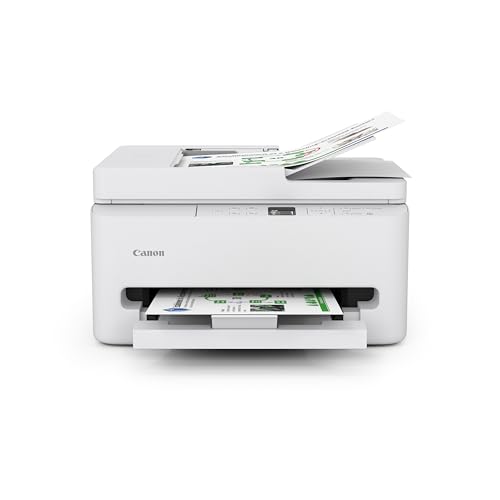
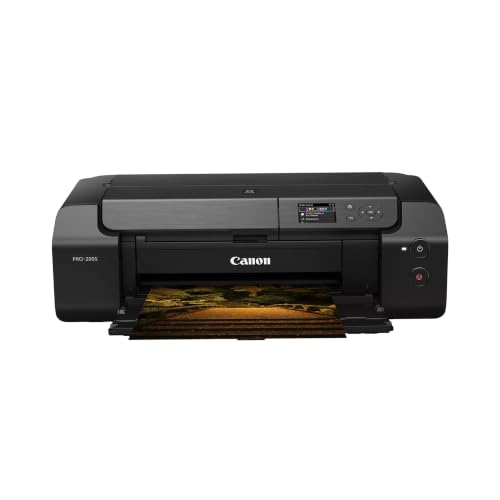
Types of Printers for Calendar Projects
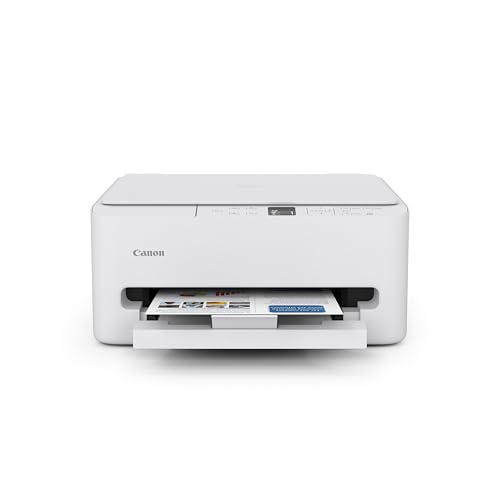
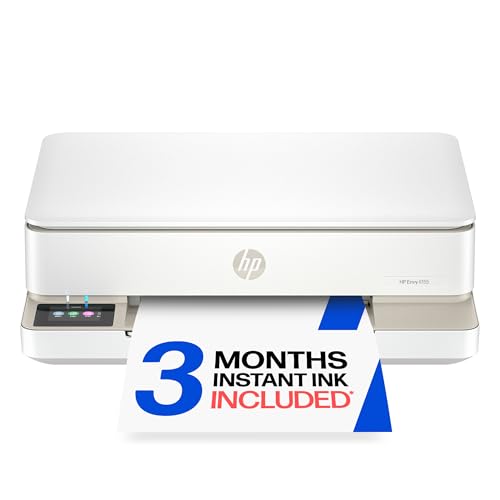
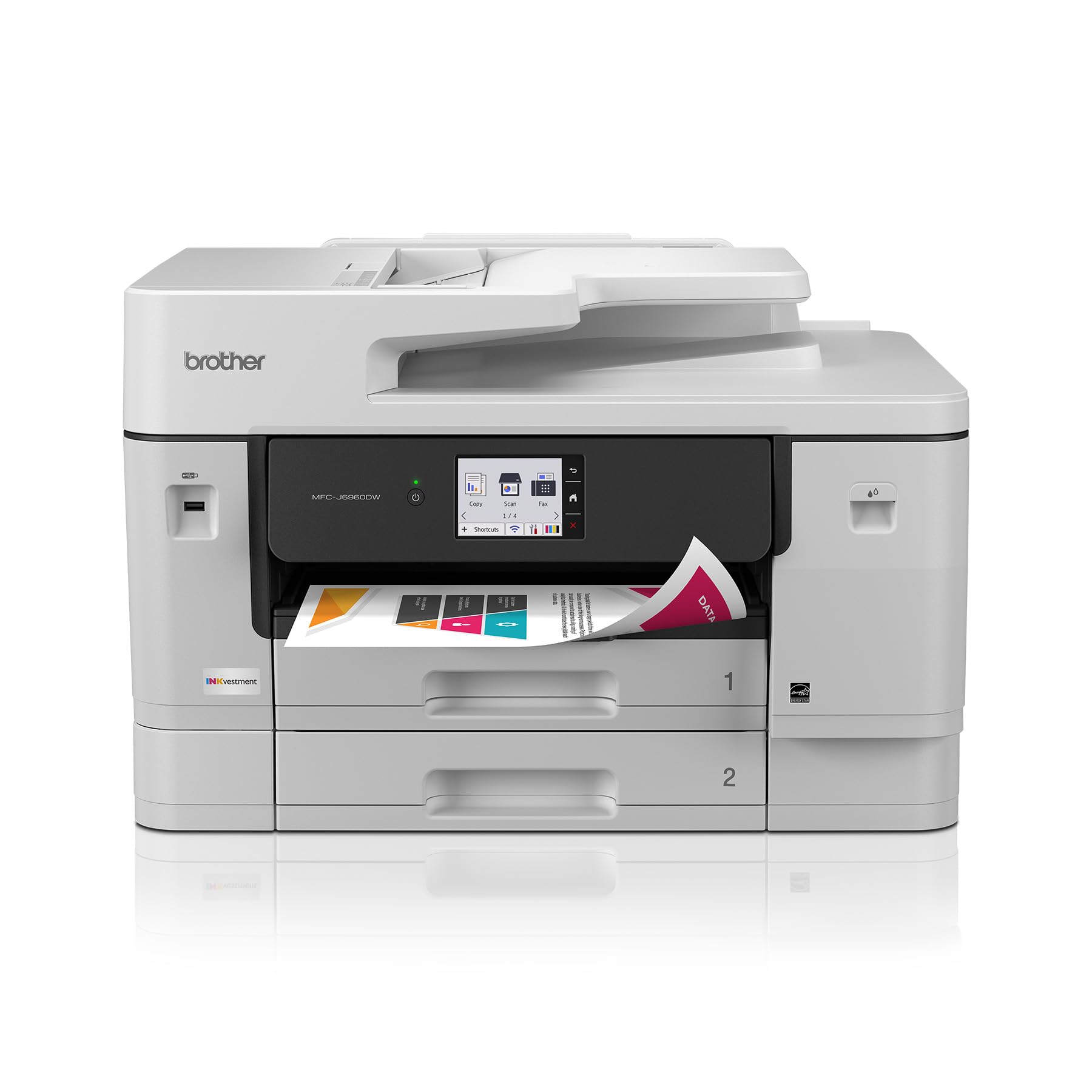
Start with the finished object you picture. A letter size desk calendar has different needs from an 11 by 17 inch wall calendar full of photographs. Price also splits by type: basic home inkjets start under $100, ink tank models cost about $200 to $300 and save money on ink, and wide format machines that handle 11 by 17 inch paper run from about $300 to well over $1,000.
All in One Inkjet Printers
An all in one inkjet prints, scans, and copies from one machine. For calendars, that mix helps when you want to scan old photos, copy a school schedule, and then print the finished pages without moving files between devices. Inkjet technology lays down fine droplets that blend well for photos and soft color gradients, and modern models print on both sides of the page automatically.
The strengths are convenience and versatility. One device handles the calendar plus everyday documents. The limits are speed and ink cost on cartridge models. If you print twelve photo heavy pages plus test sheets, small cartridges can empty fast, so check cartridge prices before you buy.
Ink Tank (Supertank) Printers
An ink tank model stores ink in refillable reservoirs instead of small cartridges. You pour ink from bottles into tanks, and each fill prints far more pages. For calendars, that matters because photo pages use much more ink than a page of text, and test prints are part of getting color right.
The strengths are low running cost and freedom to proof your work. You can print a draft month, check how faces and skies look on your chosen paper, and reprint without worrying about a cartridge warning. The limits are a higher purchase price and slower printing on many models. Ink can also settle if the machine sits unused for months. Choose this type if you print calendars for family, a club, or a small team each year.
Wide Format and Photo Printers
Wide format printers accept paper up to 11 by 17 inches or larger, which suits wall calendars where each month fills a full page. Photo printers add extra ink colors for smooth skin tones and deep blacks, and some print up to 13 by 19 inches. They cost more and take up more desk space, but they produce the closest result to a professionally printed calendar. Choose this type if photos are the star of the project and you want gallery quality pages.
Ink Tank or Cartridge: Which Should You Choose?
These two designs solve the same job with different economics. Cartridge printers cost less up front and suit occasional printing, such as one calendar a year plus a few documents. Ink tank printers cost more up front but cut the cost per page sharply, so they win if you print weekly or if calendars use heavy color coverage. If you print only a few text pages a month, a basic cartridge model can cost less overall.
Ink left sitting can dry out on cartridge printers, so run a color page at least once a week on an inkjet you use only seasonally. Subscription ink plans can smooth the cost if you print every month.
How to Choose a Printer for Calendars
Paper Size and Handling
Check the maximum paper size first, since many wall calendars need legal size or 11 by 17 inch paper that basic home models cannot accept. Thick photo paper and card stock also need a rear feed slot or a straight paper path on many machines. Duplex printing helps for desk calendars and planners that use both sides of a sheet.
Color and Photo Quality
Photo calendars depend on color accuracy. Printers with five or six ink colors blend skin tones and skies more smoothly than four color models. Proof one page on the exact paper you plan to bind, since glossy and matte sheets render the same photo differently. Genuine ink or a reputable refill brand keeps colors consistent.
Cost per Page
Cost per page is the price of ink divided across the pages it can print. For a photo calendar, coverage is high, so real cost per page is far above the low figures quoted for text pages. Count proof pages as well as final pages when you estimate the project cost.
Connectivity and Software
Look for wireless printing, a phone app, and support for AirPrint so family members can send pages from phones and laptops. Calendar templates in common word processors or free design tools will cover most projects, and your printer driver should let you pick paper type and quality.
Reliability and Support
Choose a maker with recent driver updates and easy to find ink. A model that local stores no longer stock ink for can turn a simple project into a hunt. Read buyer feedback for notes on jams, clogged nozzles, and customer service.
Tips to Get the Most From Your Calendar Printer
Set the paper type in the print dialog to match the sheet you load, and use the highest quality setting for photo pages. Let printed pages dry for several minutes before stacking them. Store spare ink and paper before you start, since calendar runs often happen against a gift or new year deadline. Use a paper cutter or a binding comb to finish the pages cleanly.
Frequently Asked Questions
Which printer type is best for photo calendars?
Ink tank and photo inkjet printers give the best mix of quality and running cost for photo heavy pages.
Do I need a wide format printer for a wall calendar?
Only if your design uses 11 by 17 inch pages. Many wall calendars print on letter size pages that are bound together.
Is laser or inkjet better for calendars?
Inkjet is better for photos. Laser works well for text and line art calendars on an office wall.
What does cost per page mean?
It is the price of ink or toner divided by how many pages that supply can print, excluding paper.
What paper should I use?
Matte photo paper suits wall calendars you will write on, while glossy paper makes photos pop but shows fingerprints.
Our Verdict
Match the printer to the paper size and the amount of color in your design. Ink tank models give most calendar makers the best mix of photo quality and low running cost, all in one models add scanning and copying convenience, and wide format printers handle large pages. Judge by cost per page, paper size, and support, then compare your shortlist against the product table above. The best calendar printers for your home will be the ones that fit your pages, your paper, and your budget without wasted extras.