Best Camera Laptop Backpacks by Budget for 2026
Disclosure: We may earn a commission when you buy through links on this page, at no extra cost to you. As an Amazon Associate I earn from qualifying purchases. Learn more

Compare the best camera laptop backpacks by budget, covering padding, laptop fit, access styles, weather protection and carry comfort for daily use.
Prices for bags that carry both a camera and a computer run from under $50 to well past $300, and the gap is not about looks. A best camera laptop backpacks purchase is really two purchases sharing one shell, because this bag class carries two device classes at once. The camera gear and the laptop split the padding, the zippers and the access points between them, and one class always trades against the other: deeper camera padding means a slimmer laptop space, and a roomier computer sleeve means fewer dividers for lenses.
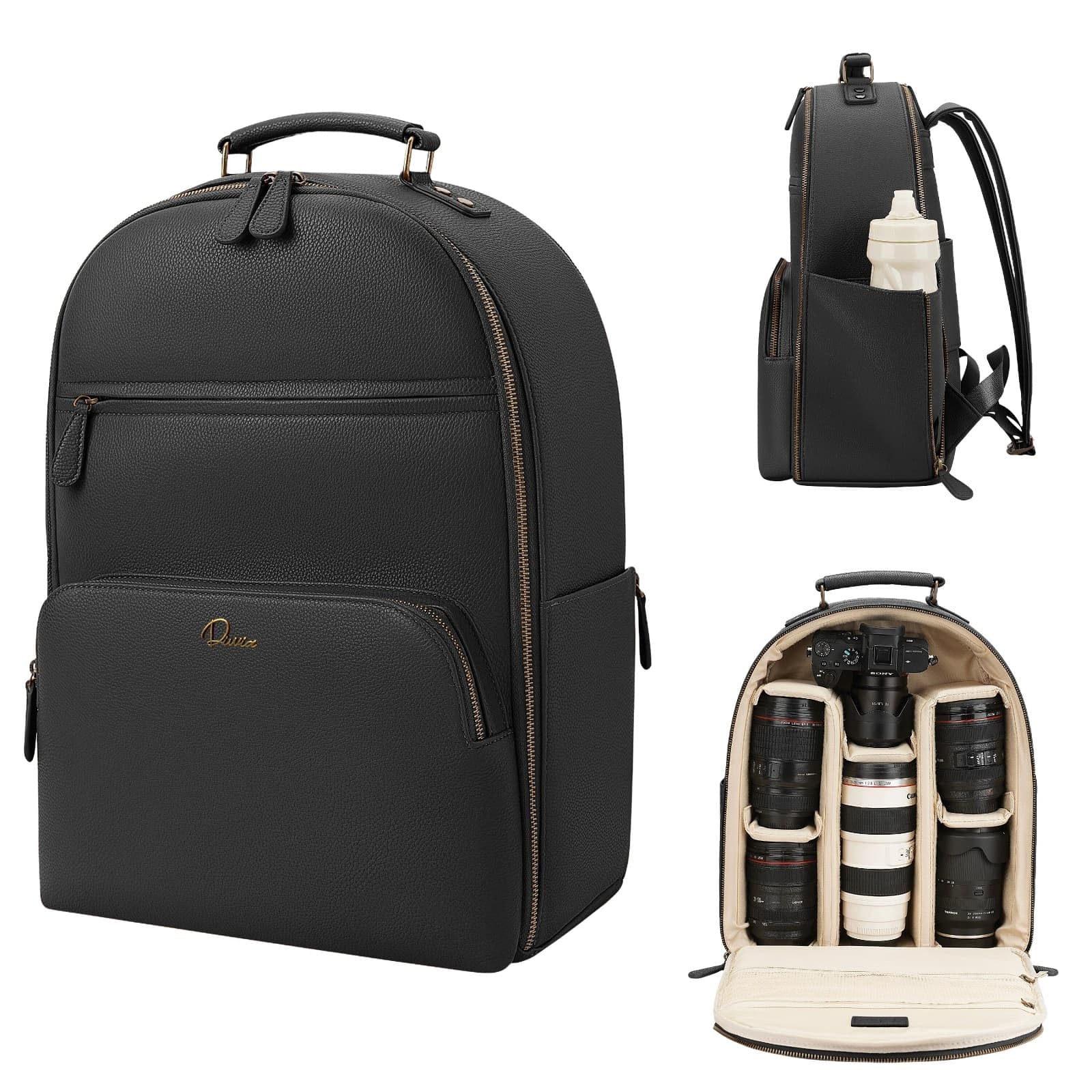
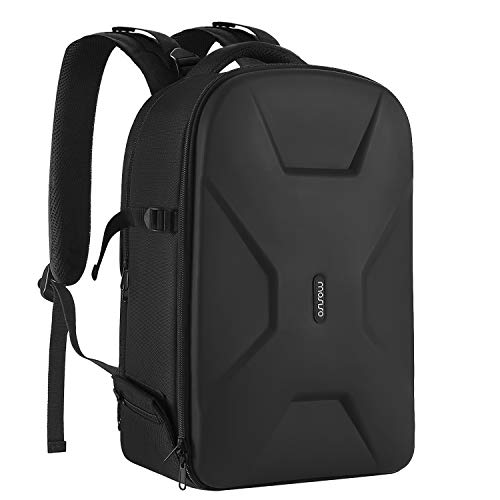
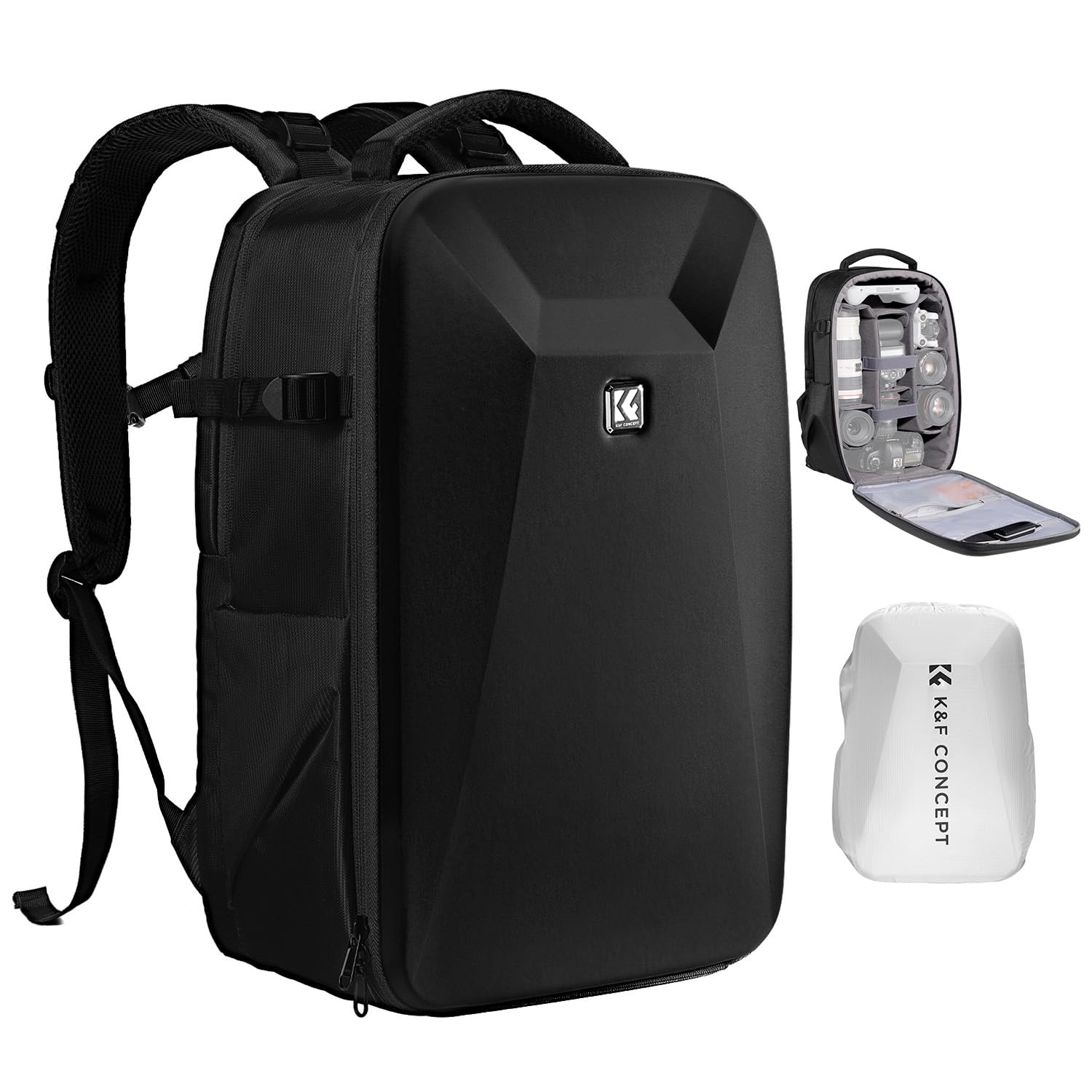
This guide is organized by budget, so you can see what each price tier actually adds and where extra money stops helping. The comparison table below lays out the main options side by side for a first look.




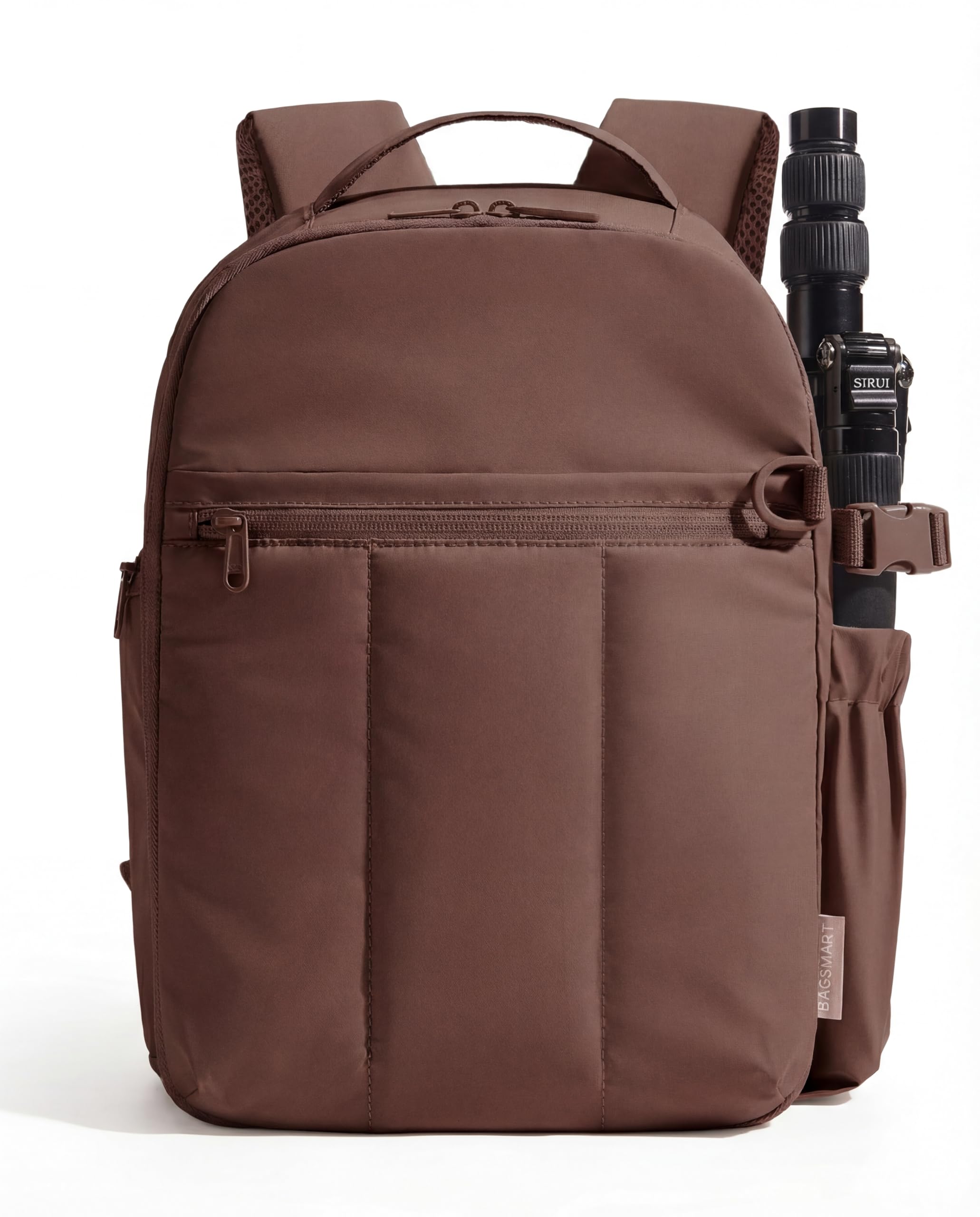
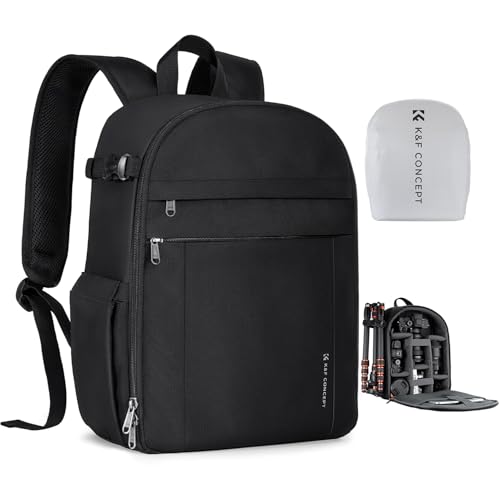
What Each Budget Tier Buys You
Budget Tier: One Camera, One Laptop, Short Days
Bags around $40 to $80 usually hold one camera body with a lens attached, one spare lens and a laptop up to about 15 inches. Padding is thinner foam, dividers are simple hook and loop panels, and the laptop sleeve is often a padded pocket rather than a suspended compartment. This tier suits students and hobbyists who carry a small kit across town rather than across an airport. The honest limit is protection: a hard knock is less absorbed here, and zippers are the first part to wear out.
Midrange Tier: The Working Everyday Carry
Bags around $80 to $160 add the features most photographers actually feel every day: thicker divider foam, a laptop compartment that hangs the computer above the floor of the bag, lockable zipper pulls and a proper rain cover in its own pocket. Camera sections grow to fit a body with a grip, two or three lenses and a flash. For commuters, event shooters and weekend travelers this is the tier where the two device classes stop fighting each other, because the layout finally gives each one dedicated space.
Premium Tier: Travel Loads and Long Days
Bags around $160 to $300 buy structure: a stiffer frame sheet, weather sealed zippers and fabrics that shrug off abrasion. Laptop compartments open flat for airport security lines, and camera access is usually offered from the side and the back panel at once. This tier earns its price when the bag is your office for a full day of shooting and travel. If your kit is small and your trips are short, the same money is usually better kept for lenses.
Features Worth Paying For (and Ones to Skip)
Laptop Fit Comes First
Read the laptop size class before you look at the camera section at all, because a bag that misses your laptop size fits nothing else in your routine. Sleeve dimensions are given in inches of screen size, but the real check is the internal measurements against your actual machine, including chunky gaming laptops that run thick for their screen class. Readers who carry only a computer, with no camera at all, are better served by a plain best laptop backpack than by paying for dividers they will never use.
Shoppers comparing general best backpacks for laptop computers will notice those bags give the whole main compartment to the computer, while this category reserves most of it for camera gear. Choosing the computer itself is a separate decision, and guides to the best notebook laptops cover the machines rather than the bags that carry them.
Padding and Divider Layout
The divider system decides how the two device classes share space day to day. Fully movable dividers let you rebuild the camera section when your kit changes, while sewn in layouts are cheaper but fixed. Look for a separate padded wall between the camera zone and the laptop zone, because a lens pressing through thin fabric against a laptop lid is a common source of cracked screens. A suspended laptop sleeve, held an inch or two above the bottom of the bag, is worth real money if you set your bag down hard.
Access Style: Top, Side or Full Opening
Top access suits one camera and one lens carried ready to shoot. Side access lets you swing the bag on one shoulder and pull the camera out without setting it down, which matters on wet or dirty ground. Full back panel opening is the layout to choose if you repack often, because everything is visible at once like a suitcase. Each style costs something: side doors shrink the usable camera space, and back panel openings are safer in crowds but slower to use.
Weather Protection and Rain Covers
Most bags in this class are water resistant, not waterproof, and the difference matters. Coated fabrics and sealed zippers handle drizzle on a commute, while a real downpour calls for the included rain cover, so check that one is actually in the box before you rely on it. A cover stored in a dedicated pocket is far more likely to be with you when the weather turns than one left at home.
Straps, Back Panel and Loaded Weight
Judge comfort by loaded weight, never by the empty bag on a store shelf, because the loaded weight is the carry you will feel at the end of the day. A camera, two lenses and a laptop add up to about 12 to 18 pounds, and at that load a padded hip belt and a firm back panel stop being luxuries. When comparing best backpacks for carrying laptops, note that camera bags carry their weight lower and further from the back, since lenses are dense, so strap padding matters more here.
Features You Can Skip
Skip decorative expansion zippers you will never open, elaborate organizer panels full of tiny pen slots, and tripod straps on small bags that cannot balance a tripod anyway. Built in USB pass through ports and headphone holes add cost and failure points while doing nothing for your camera or your computer.
Choosing Camera Laptop Backpacks for Your Situation
Your carrying pattern should pick the layout before your budget picks the tier. Daily commuters do best with slim profiles and back panel access, while travelers should favor bags that meet common carry on size limits and open flat at security.
Best Womens Camera Laptop Backpacks
The separate search for best womens camera laptop backpacks exists because fit differs in specific ways. Shorter torso lengths, narrower shoulder spacing and contoured straps change how a loaded bag sits, and a bag cut only in one long unisex size can ride painfully on a smaller frame. Look for sizes offered in two torso lengths, straps that curve rather than cut straight across, and slimmer profiles that balance a camera kit without looking oversized. The camera and laptop logic is identical to every other bag in this guide; only the harness geometry changes.
Long Term Costs to Factor In
The bag itself is not the whole bill. Divider sets wear and compress after a few years of daily use, rain covers get lost, and a replacement set of quality dividers runs about $20 to $40. A bag with a warranty of five years or more usually costs more up front but removes the zipper failure risk that ends most budget bags.
One related purchase often confuses new buyers: a laptop with a good built in camera is a computer feature, and guides to the best laptops with camera deal with the machines themselves, not with carrying them. Budget for a simple padded laptop sleeve as well if you ever pull the computer out and carry it on its own.
Questions Answered: Camera Laptop Backpacks FAQ
How long should a camera laptop backpack last?
A midrange camera laptop backpack used daily should last about four to six years before padding and zippers tire. The first failure is almost always a zipper or a strap anchor, not the fabric, so bags with metal hardware and reinforced strap stitching age best. Not overstuffing the camera section and storing the bag out of sunlight stretch that lifespan noticeably.
Can a camera laptop backpack fit under an airplane seat?
Many midsize models fit under an airplane seat, but the limit is set by each airline and varies by several inches. Bags around 18 inches tall or less usually qualify as a personal item, while taller travel sizes must go in the overhead bin. Measure your bag when it is packed, not empty, because a loaded camera section bulges past its listed depth.
How do I clean a camera laptop backpack?
Hand washing in cool water with mild soap is the safe method for almost every camera laptop backpack. Remove the dividers and wash them separately, keep zippers closed so they hold their shape, and air dry the bag away from direct heat, which can warp the foam. Spot clean small marks first, since full washes age the water resistant coating faster than dirt does.
Will a camera laptop backpack keep gear dry in heavy rain?
Not on coating alone, because heavy rain forces water through zipper teeth and seams even on premium fabrics. The rain cover is the real defense, and it only works if it is packed in the bag before the storm starts. For regular wet commutes, treat the cover as part of the bag and store a small dry cloth inside for the camera itself.
What size backpack do I need for a 16 inch laptop and a mirrorless kit?
Measure the laptop itself rather than trusting the screen size printed on its box, because two 16 inch machines can differ by an inch in width. You need a sleeve at least half an inch larger than the machine in both directions, plus a camera section of roughly 10 liters for a body and two lenses. Compare the sleeve and camera section measurements separately, since total volume figures can mislead.
Final Thoughts
Start with the laptop fit, then judge how the padding and access style divide the space between your two device classes, and only then compare prices inside the tier that matches your load. The product table above pulls the leading options into one view once you know which tier you are shopping. Chosen that way, the best camera laptop backpacks for your routine are simply the ones whose trade offs you never notice in daily use.