Best Built Gaming PC: A Buying Guide for 2026
Disclosure: We may earn a commission when you buy through links on this page, at no extra cost to you. As an Amazon Associate I earn from qualifying purchases. Learn more

Compare the best built gaming pc choices by processor, graphics card, cooling, and power supply, with price bands and checks that help you buy with confidence.
A factory built gaming machine promises plug and play fun, yet spec sheets hide wide gaps in quality. Two towers at the same price can pair a strong graphics card with a weak power supply, or a fast processor with slow storage. Choosing the best built gaming pc for your desk means reading the parts list as one system, not as a row of headline numbers.
This guide walks through the tiers your money buys, the parts that decide real performance, and the checks that separate a balanced build from a bottlenecked one. The comparison table below gives you a quick side by side view before the detail starts.

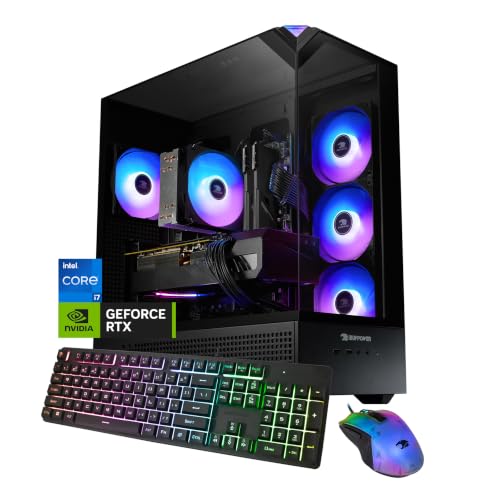
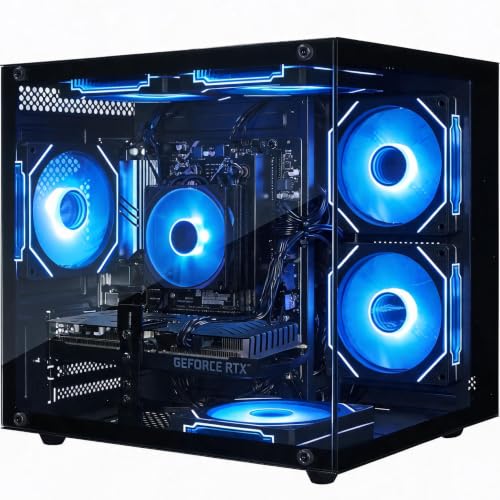
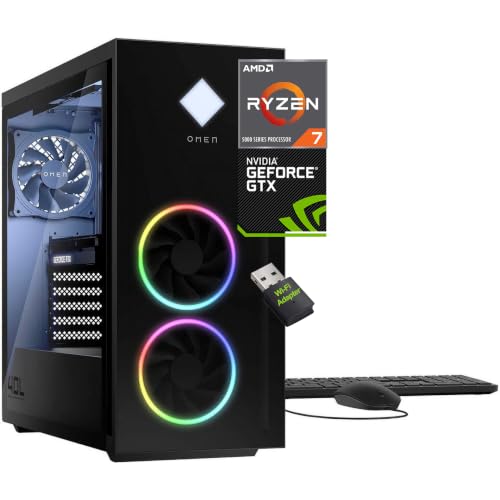
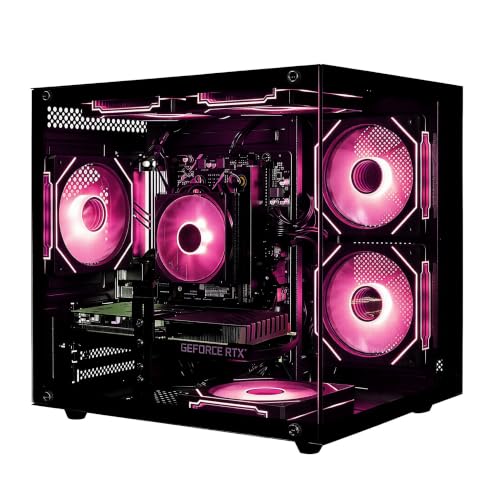
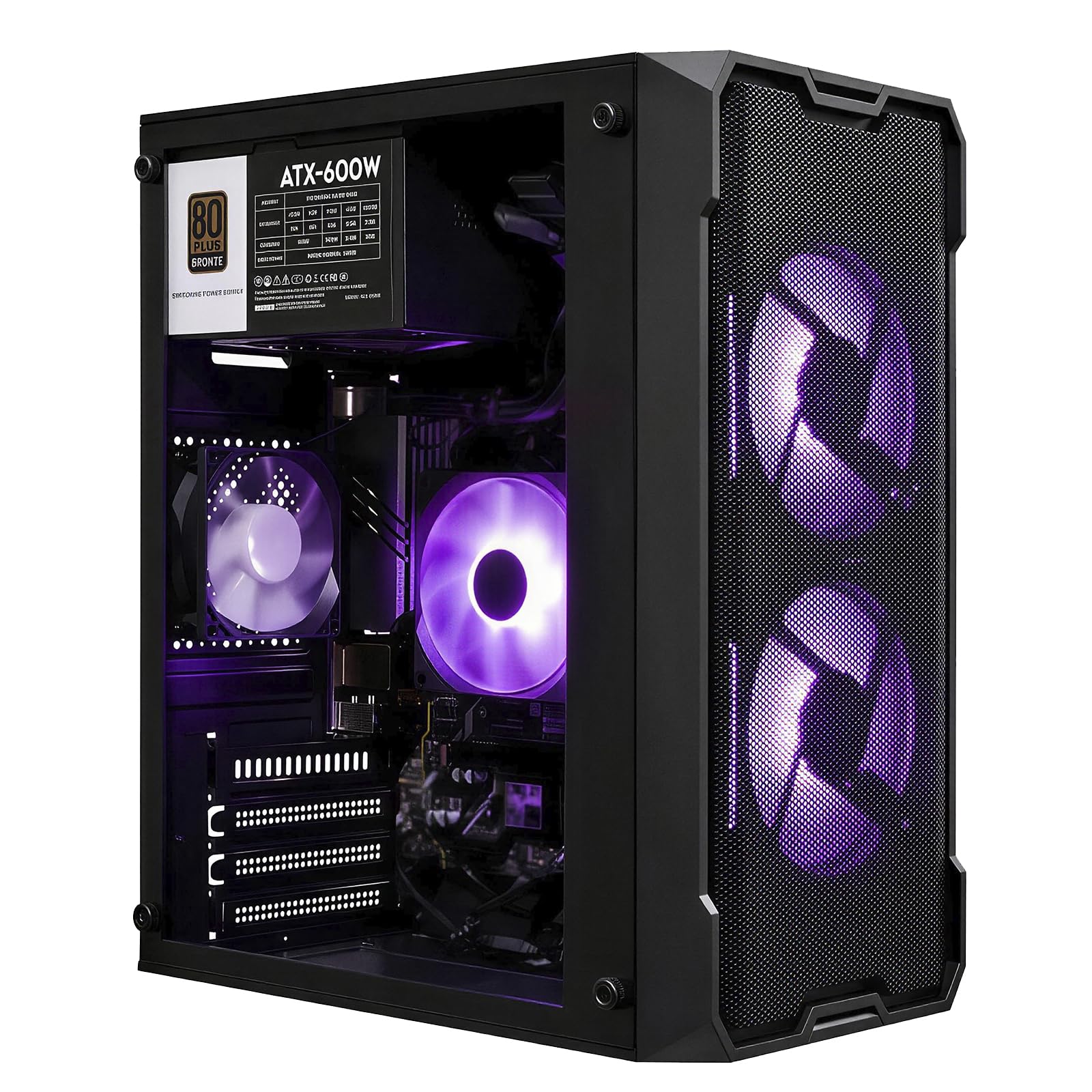
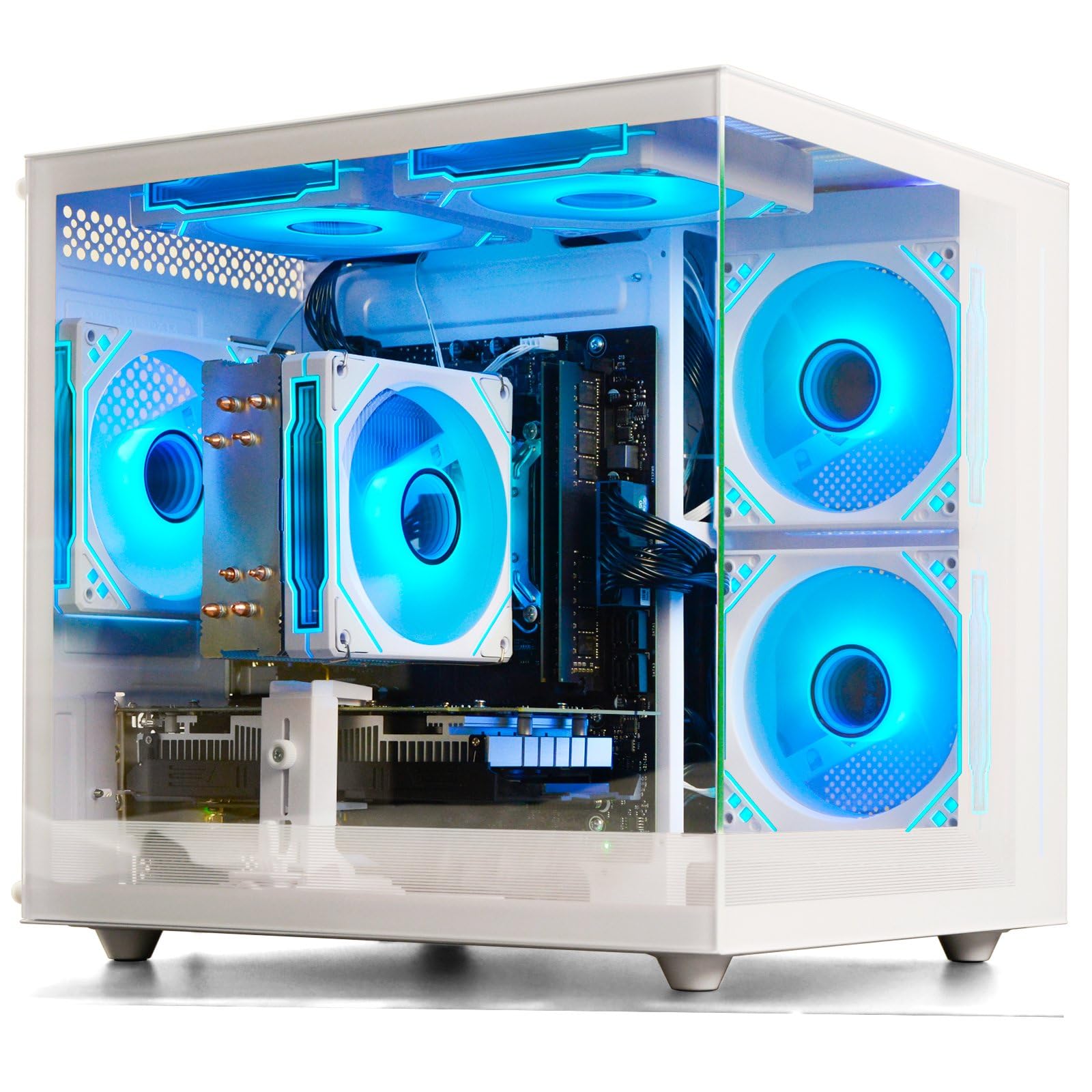
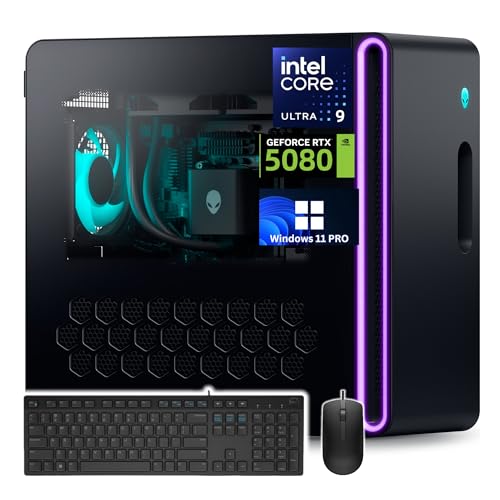

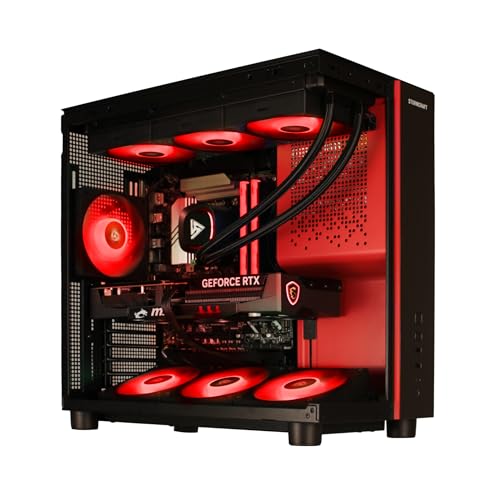
What Your Budget Buys: Three Build Tiers
Price bands in this class are wide, and the honest differences sit in the graphics card, the power supply, and the case. Use the bands below as a map, then check any single machine against the buying guide that follows.
Entry Builds at About $700 to $1,100
Entry builds target smooth 1080p play at medium to high settings in popular titles. Expect a midrange graphics card, 16 GB of memory, and about 1 TB of fast storage. Corners are usually cut in the power supply and case airflow, so check both before you buy. This tier suits players who want a working machine now and a first upgrade later.
Middle Builds at About $1,100 to $1,800
The middle band is where 1440p play becomes comfortable and frame rates climb in demanding games. You gain a stronger graphics card, a better cooled case, and a power supply with real headroom for a future card swap. Memory and storage stay sensible rather than lavish. For most buyers, this tier holds the best balance of price, speed, and upgrade room.
High End Builds at About $1,800 and Up
High end builds chase 4K play, high refresh rates, and quiet cooling under long loads. The money goes into the top graphics card classes, larger liquid cooling, and cases built for airflow first. Diminishing returns are real at this level, since each frame costs more than the last. Buy here when your screen and your games can actually use the power.
How to Choose a Built Gaming PC: The Buying Guide
Start with the split that decides real performance. The processor chip and the graphics card together govern the frame rate you actually see on screen, while the power supply and the cooling govern how much room the machine keeps for later upgrades. The seven checks below break that split down for anyone shopping for the best built gaming pc for their own games and screen.
Processor and Graphics Card Pairing
The graphics card does most of the gaming work, and the processor feeds it. For 1080p, a midrange card paired with a current six core processor is plenty. For 1440p, step the card up a class before you step the processor up. For 4K, the card matters most of all, so a modest processor beside a top card beats the reverse pairing every time.
Standard Parts and Room to Upgrade
Ask whether the board, power supply, and case follow standard sizes and fittings. Standard parts govern repair and upgrade life, because a failed supply or a new card can come from any maker and drop straight in. Some large builders use custom boards and supplies that only they sell. Those machines can run well, yet every later fix runs through one seller at their price.
Case Size, Airflow, and Looks
Full towers swallow long cards and big coolers but eat desk and floor space. Mid towers fit most rooms and most parts, while small cases trade cooling room for a compact footprint. Mesh front panels move far more air than sealed glass fronts, whatever the lighting looks like in photos. Pick the size your space allows, then favor airflow over decoration.
Memory and Storage
Sixteen gigabytes of memory covers most games today, while 32 GB suits players who stream, record, or keep many programs open. Buy memory in matched pairs so the board runs it at full speed. For storage, an NVMe solid state drive of about 1 TB is the sensible floor, since modern game installs are large. A second drive bay or slot makes later expansion painless.
Cooling and Temperatures
Air cooling is simple, durable, and enough for most processors in a mesh case. Liquid cooling suits hotter chips and buyers who prize quiet running, at the cost of a pump that can age. What matters most is the whole path: intake fans, exhaust fans, and room for hot air to leave. A strong cooler in a sealed case still runs hot.
Power Supply Quality
The power supply is the part builders most often cheapen, and the one that protects everything else. Look for an 80 Plus Gold rating or better and wattage with headroom above the listed draw, around 100 to 200 watts of spare room. Headroom keeps the supply quiet, cool, and ready for a stronger card later. An unnamed supply at the exact minimum wattage is a warning sign.
Warranty, Support, and Build Quality
A warranty class governs the first year of ownership more than any benchmark does. One year of cover is the floor, two or three years is better, and clear terms on who pays shipping matter when a tower must travel. Inside the case, tidy cable routing and secured drives signal care. Support that answers with real troubleshooting, not scripts, is worth paying for.
Types of Built Gaming PCs
Every type below belongs to the wider family covered in our guide to best gaming pc shopping, and each splits the money differently. Buyers who want a machine for office work first and games second can also compare the wider class in our guide to best built pc options.
Custom Built PCs
Small shops and independent builders assemble these from parts you help choose. You gain control over every component and usually standard parts throughout, which keeps repairs simple. The trade off is a single point of support and longer waits at busy times. Shoppers weighing this route against a factory machine can read our guide to best gaming pc prebuilt choices for the other side of the comparison.
Prebuilt Gaming Desktops
Factory desktops arrive assembled, tested, and covered by one warranty for the whole system. They suit buyers who want to play this week, not after a parts hunt. The risk is hidden cost cutting in the supply, board, or cooling, which the checks above help you spot. Our guide to best pre built gaming pc models walks through the main builder classes and their habits.
High End 4K Builds
These builds start from the screen: a 4K panel or a very fast 1440p panel that needs feeding. Budgets center on the strongest card classes, liquid cooling, and power supplies near the top of the range. They make sense for players who keep machines for many years. Everyone else pays for frames their screen cannot show.
Care and Maintenance Tips
- Clean dust filters and fan blades about every three months, since clogged filters raise temperatures and noise.
- Update graphics drivers as new game releases land, and update the board firmware only when a fix or new part requires it.
- Watch processor and card temperatures with a free monitoring tool during a long session each season.
- Plug the tower into a surge protector, and give the rear exhaust clear space away from walls.
- Leave the side panel on while playing, because open panels break the planned airflow path.
Frequently Asked Questions
Air or liquid cooling: which is better for a built gaming pc?
Air cooling is better for most buyers because it is cheaper, quieter at idle, and has no pump to wear out. Liquid cooling earns its place with hot high end processors and small cases where a tall air cooler cannot fit. One point buyers miss: liquid radiators still need case airflow, so a liquid cooled build in a sealed case can run warmer than an air cooled build in a mesh case.
How much memory does a built gaming pc need?
Most gaming PCs need 16 GB today, and 32 GB only when streaming, editing, or heavy multitasking joins the gaming. Before paying for 32 GB, check how many memory slots the board carries and whether they are already full. A board with two free slots lets you double memory later for less than the builder upgrade charge, while a full board forces a full replacement kit.
Is it cheaper to build your own PC or buy a built gaming pc?
Building your own is often cheaper on parts alone, but the gap narrows or vanishes during builder sales and card shortages. A factory machine also bundles one warranty for the whole system, while a self build leaves you holding separate warranties for each part. Count your time as a cost too: a first build with troubleshooting can take a full weekend.
What graphics card class suits 1440p gaming?
A strong midrange card class suits 1440p at high settings in most current games. Match the card to your screen as well as your games: a 144 Hz 1440p monitor needs far more card power than a 60 Hz one to fill its refresh rate. If you plan to keep the monitor for years, buying one card class higher now is cheaper than replacing a weak card early.
How long will a built gaming pc stay current?
A balanced built gaming pc stays current for about four to six years, with the graphics card aging first. Processors, memory, and storage usually outlast two card generations, which is why upgrade room matters at purchase. Settings expectations matter too: a machine that plays at high settings today will still play at medium settings years later, and medium often looks closer to high than the labels suggest.
The Bottom Line
Judge every candidate by the same three checks: a balanced processor and card pairing, standard parts with a quality power supply, and cooling that fits the case. The product table above pulls the current options together so you can apply those checks side by side. Choose the tier your screen can use, and the best built gaming pc for your desk will be the one that still has room to grow.