
Best Budget Thermostat Buying Guide Explained 2026
Disclosure: We may earn a commission when you buy through links on this page, at no extra cost to you. As an Amazon Associate I earn from qualifying purchases. Learn more
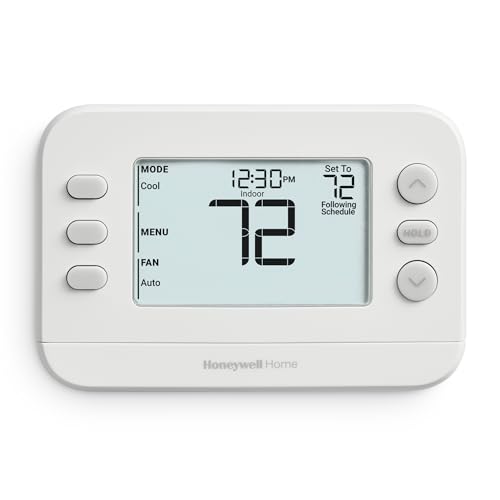
Programmable or wifi? Check your system and wiring, compare features and choose the best budget thermostat for your home.
A thermostat is one of the cheapest upgrades that can lower heating and cooling waste, and a good one costs far less than most people expect. The best budget thermostat for your home depends on your heating and cooling system, your wiring and how much control you want, not on the longest feature list. This guide explains the main types, the compatibility checks that matter most and what to expect at each price level.
Use the product table as a shortlist, then work through the sections below to confirm that a model fits your system before you order.



Types of Budget Thermostats
Non Programmable Thermostats
These are the simplest and cheapest, often around $20 to $40. You set a temperature by hand and the unit holds it. They suit second homes, rentals and anyone who wants nothing to program. The downside is that savings depend entirely on you remembering to turn the setting down when you leave or sleep.
Programmable Thermostats
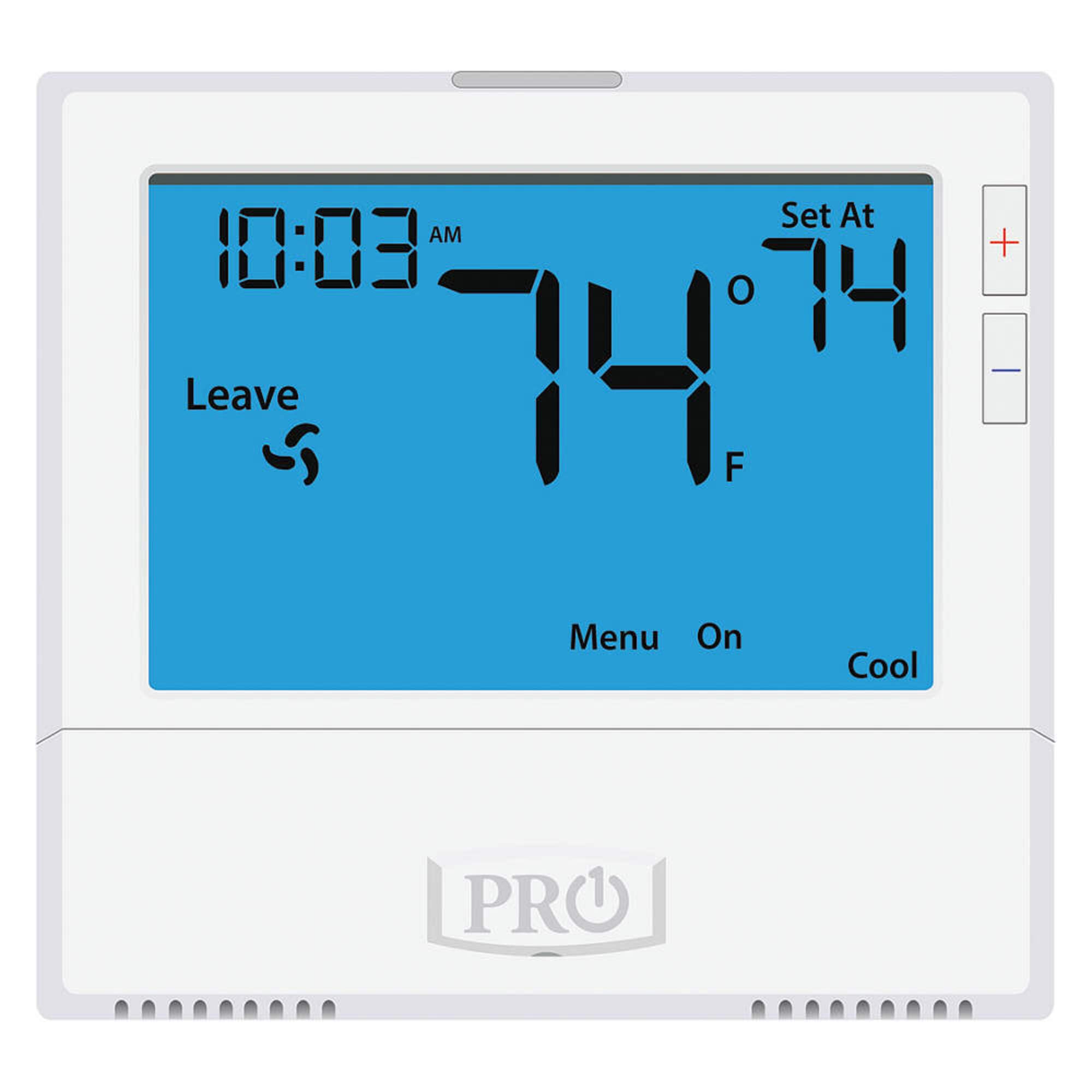
Programmable models follow a schedule you set once, typically with separate weekday and weekend programs or seven separate days. They usually cost about $30 to $100 and are the best value for households with a regular routine. A schedule that matches your real week is what creates the savings, so choose the simplest programming layout you will actually use.
For more detail on schedule styles, see our guide to the best budget programmable thermostat.
Wifi and Smart Thermostats
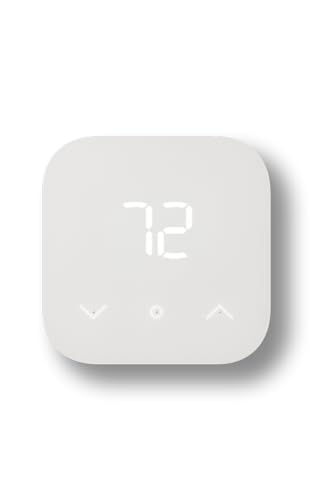
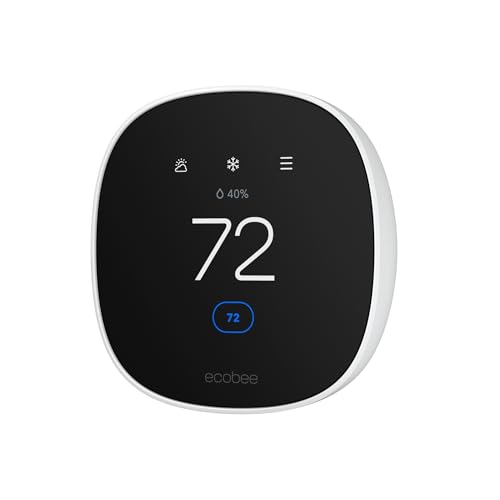
Wifi models add phone control, remote schedule changes, alerts and energy reports, usually for about $60 to $200. Some learn your routine or work with room sensors and voice assistants. They are worth the extra money when your schedule changes often or when you want to adjust the temperature from outside the house. Our guide to the best budget wifi thermostat covers router needs, apps and privacy basics in more depth, and the best intelligent thermostat guide looks at learning models.
Check Compatibility First
Compatibility is the most common reason a thermostat is returned, so check it before you compare features.
System Type
Standard low voltage thermostats work with most forced air furnaces, central air conditioners and many boilers. Heat pumps need a model that supports them, because auxiliary heat staging must be handled correctly. Electric baseboard heaters and other line voltage systems need a different class of thermostat built for high voltage, and a low voltage model must never be wired to them. If your system is unusual, check the maker compatibility guide or ask a qualified installer.
Wiring and the C Wire
Look at the wires behind your old thermostat. Many wifi and smart models need a common wire, known as a C wire, for continuous power. Simple programmable and non programmable models often run on batteries and avoid the issue. If you lack a C wire, options include an adapter kit, an unused spare wire in the cable or a model rated to work without one.
Safety
Switch off power at the breaker before touching any wires. Label each wire as you disconnect it and photograph the old setup. If wires look damaged, if you see thick wires or a line voltage warning, or if you feel unsure at any step, stop and call a qualified installer.
Features Worth Paying For
Clear Display and Simple Controls
Large digits and clearly labeled buttons matter more than extras when several people in the home adjust the temperature. A backlit screen helps in dim hallways, and simple menus reduce programming mistakes.
Scheduling Options
A basic weekday and weekend schedule is enough for many households. Seven day programming helps shift workers and families with varied routines. Choose the simplest option that fits your week, since complex programming that you never use saves nothing.
Temperature Accuracy and Short Cycle Protection
A thermostat that swings widely or switches your system on and off too often wastes energy and wears equipment. Look for a stated temperature accuracy and a built in delay that prevents rapid cycling.
Extras You Can Skip
Color touchscreens, voice control and humidity displays are pleasant but rarely change your bills. Spend first on compatibility and a schedule you will use. Add smart features only if you will use the app regularly.
What to Spend
Under about $40 you get non programmable and basic programmable models with simple displays. Between about $40 and $100 you find better displays, seven day programming and entry level wifi models. Between about $100 and $200 you pay for learning behavior, room sensors and wider platform support. Savings come mostly from moderate setbacks while you sleep or are away, so a well programmed budget model often matches a premium one in energy savings.
Who Should Buy Which Type
Choose a non programmable model for a rarely used space or a rental where simplicity matters. Choose a programmable model for a household with a regular routine. Choose a wifi or smart model if your schedule changes, if you travel often or if you want alerts when the house gets too hot or cold. Renters should confirm approval in writing and keep the old unit and photos of the wire labels so the setup can be restored when they move out.
Common Mistakes to Avoid
- Buying before checking the system type and wiring, which leads to power trouble or a return.
- Wiring a low voltage model to electric baseboard heat, which is a safety risk and can damage the unit.
- Skipping photos of the old wire labels, which turns a simple swap into guesswork.
- Leaving the factory schedule in place, which wastes the main source of savings.
- Setting extreme setbacks that make the house uncomfortable on return, so you end up overriding the schedule all the time.
Care and Setup Tips
After installation, run heating and cooling modes once to confirm the system starts and stops correctly. Set gentle setbacks of a few degrees at first and adjust over a week. Replace batteries once a year on battery powered models, and check the schedule when the seasons change so old settings do not waste energy. Keep the unit away from direct sun, vents and drafts, which can skew its readings.
FAQs
What is the best budget thermostat for most homes?
For most homes with forced air heating and cooling, a simple programmable or entry level wifi model covers the job. Wiring and system compatibility matter more than screen style, so confirm both before you order.
Do I need a C wire?
Many wifi and smart models need one for steady power, while battery powered programmable models often do not. Check your existing wiring before buying, and ask an installer to add a C wire if needed.
Can I install a thermostat myself?
Often yes, if you switch off power at the breaker, label the wires and follow the manual exactly. Unfamiliar or line voltage systems call for a qualified installer.
How much can a thermostat save?
Savings depend on climate, insulation, system efficiency and how well the schedule matches your routine. Moderate setbacks during sleep and away hours usually give the most reliable results.
How long does a budget thermostat last?
Many last ten years or more. Software support is the main limit on connected models, so check how long the maker supports updates before you buy.
Final Thoughts
Match the thermostat to your system and wiring first, then pick the simplest type that fits your routine. Compare the shortlist in the product table, confirm compatibility, and set a realistic schedule at setup. Chosen that way, the best budget thermostat quietly pays for itself season after season.


