
Best Bluetooth Speakers With Aux Input: Wired Backup for TVs, PCs and Older Devices for 2026
Disclosure: We may earn a commission when you buy through links on this page, at no extra cost to you. As an Amazon Associate I earn from qualifying purchases. Learn more

Best bluetooth speakers with aux input: why a wired input matters and what to check before you buy.
A 3.5 mm aux input is a small feature that solves a lot of everyday problems. It lets a speaker play from an older phone, a TV headphone jack, a laptop, a turntable preamp or a game console when Bluetooth is not an option. The best bluetooth speakers with aux input give you both wireless freedom and a wired backup, so the music never depends on one connection.
The product table above lists current options. This guide explains what to check so the wired side works as well as the wireless side. The sections below help you choose the best bluetooth speakers with aux input that suit your space and habits.




Why Choose Bluetooth Speakers with Aux Input
Wired audio has no pairing steps, no dropouts and very little delay, which helps with video, games and calls. It also works with devices that lack Bluetooth, such as older MP3 players, some TVs and classroom computers. An aux jack is a useful rescue when your phone battery is low or a Bluetooth link will not connect.
Many buyers use the jack for a TV or desktop setup and Bluetooth for phones, so one speaker covers both.
Types of Speakers with Aux Input
Portable Speakers
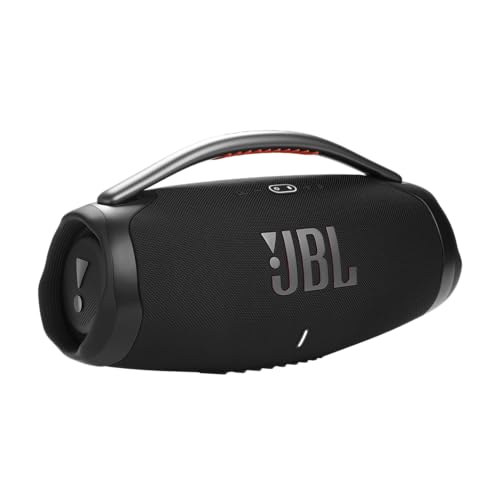
Larger portables from Bose, JBL, Soundcore and Marshall often include a 3.5 mm jack for wired sources. They suit travel, patios and shared spaces, and they run on a battery. Check that the jack is protected by a cover if the speaker is waterproof.
Home and Bookshelf Speakers
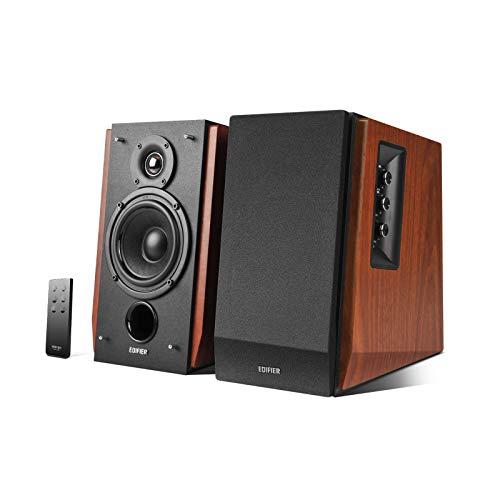
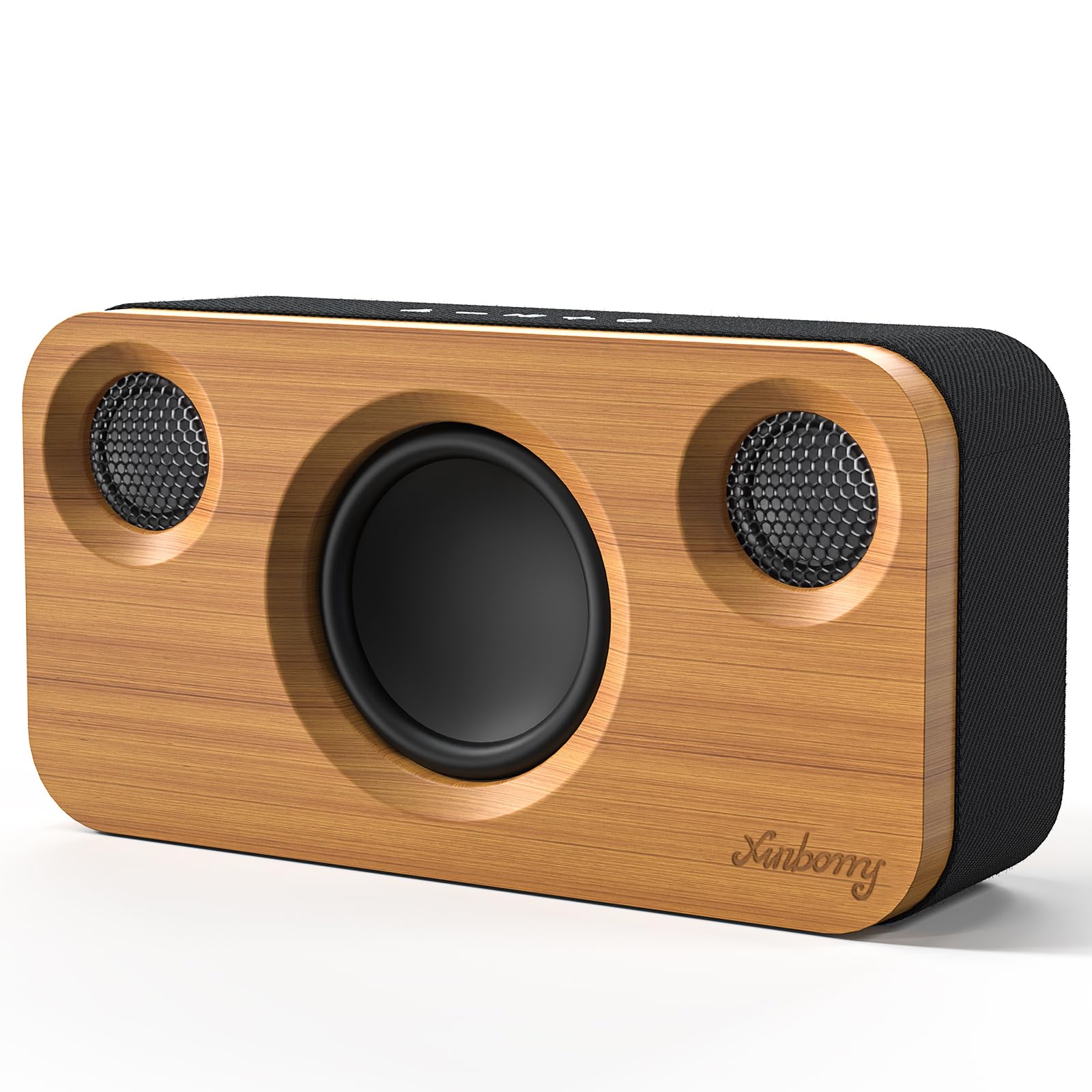
Powered bookshelf speakers usually offer aux and RCA inputs along with Bluetooth. They sound the most natural at a desk or shelf and work well with a TV, record player or computer. They need an outlet, so they stay in one place.
Computer and Desk Speakers
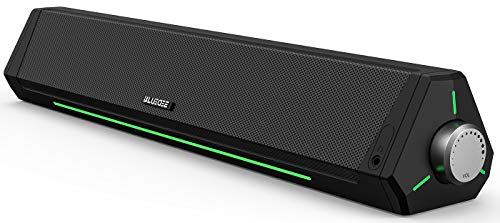
Compact desktop speakers and sound bars add Bluetooth to a wired PC setup. They are affordable and tidy, and they switch between a computer cable and a phone with one button.
What to Check Before You Buy
Input Type and Cables
Most aux inputs use a 3.5 mm round jack, and a standard cable is usually enough. Check whether a cable is included and how long it is. A longer cable gives you placement freedom, while a short one keeps a desk tidy.
Source Switching
Some speakers switch automatically when you plug in a cable, while others need a button press. Choose the behavior that matches how you listen. Check that the speaker remembers the last source after power off.
Delay and Dialogue
Wired connections reduce delay, which keeps speech in sync with video. If you watch TV through the speaker, check lip sync and dialogue clarity at night volume. Bluetooth can add a small delay on some devices.
Sound Quality
A clean wired path preserves tone, but the speaker tuning decides the final sound. Look for clear vocals and controlled bass, and use an equalizer if the app offers one. Avoid chasing wattage numbers, which vary between brands.
Budget Guide
Around $20 to $60 you can find desk and compact speakers with Bluetooth and a wired input. From $100 to $250 the choice includes strong portables and powered home speakers. Premium models above $300 add refined tuning and more inputs.
Care and Tips
A wired input is only as reliable as the cable and jack, so a little care goes a long way. Keep a spare cable in your bag and check that it seats fully each time you plug in.
Insert the cable straight and avoid pulling at an angle, since the jack is a common wear point. Keep spare cables coiled loosely and replace worn ones. If wired sound is silent, check the source volume, cable seating and input selection before assuming a fault.
Common Mistakes with Wired Inputs
- Assuming the jack is for output. Some jacks are outputs for chaining speakers, so confirm the port is an input.
- Buying a cable that is too short. Measure the distance to your TV, computer or turntable first.
- Forgetting the preamp. A turntable without a built-in preamp needs one before it can feed a speaker.
- Ignoring the port cover. On waterproof speakers, a loose cover weakens the rating.
- Leaving volume too high when switching. Lower the source volume before plugging in to avoid a sudden burst.
Which Setup Fits Your Devices
TV and desktop users get the best result from a powered desk or bookshelf speaker with a short cable and clean tone. Anyone with an older phone, MP3 player or classroom laptop can use a portable speaker as a simple wired amplifier. Record collectors should choose a model with a line-level input and add a preamp if the turntable needs one.
Plan the cable route before you buy. A tidy run protects the jack and keeps the speaker where it sounds best.
How to Compare Your Shortlist
List the sources you will plug in, such as a TV, a computer or a turntable, and note the distance to each. Then check whether the speaker lets you switch sources from the unit itself, since a hidden menu gets annoying fast. Look at how the speaker behaves at low volume, because late-night TV rewards clear dialogue and a quiet background.
Compare the extras that matter to wired use: a long enough cable in the box, a headphone output, bass and treble controls, and a remote if the speaker sits across the room. If the speaker is also your travel speaker, add battery life and water protection to the list. The best match is the one that suits both your desk and your backpack.
Quick Buyer Checklist
- Does the listing name a 3.5 mm input, not only a charging or output port?
- Is a cable included, and is it long enough for your layout?
- Can you switch between wired and Bluetooth without opening an app?
- Does the speaker keep working while it charges?
- Is the warranty at least one year?
Frequently Asked Questions
Do I still need aux if I have Bluetooth?
Aux is useful as a backup when Bluetooth drops, for older devices, and for TVs or turntables where a cable is simpler. It adds little cost and can rescue a listening session.
Will a wired connection sound better?
It can be more stable and have lower delay, but the speaker tuning and room matter more than the connection. A good Bluetooth link can sound excellent for music.
What cable do I need?
Most speakers use a standard 3.5 mm cable, often included or easy to buy. Choose a length that reaches your source without strain.
Why is there a delay with wireless sound?
Bluetooth needs time to encode, send and decode audio, which can cause lip-sync drift on video. A wired connection usually removes most of that delay.
Can I use the aux jack while the speaker is charging?
On most models, yes, which makes the speaker work like a desk speaker. Check the manual if you plan to leave it plugged in for long periods.
The Bottom Line
Measure the distance from your sources to the speaker, choose the cable length, and decide which source you will use most. Compare the options in the product table above with that plan in mind. The best bluetooth speakers with aux input give you a clean wired path today and wireless freedom whenever you want it.


