
Best Bluetooth Speakers for TV 2026: Connections, Sync and Dialogue
Disclosure: We may earn a commission when you buy through links on this page, at no extra cost to you. As an Amazon Associate I earn from qualifying purchases. Learn more

How to pick the best bluetooth speakers for tv: connections, lip sync, dialogue clarity and placement.
TV speakers are built to be thin, not to sound good. Voices get lost behind music and effects, and bass is nearly absent. The best bluetooth speakers for tv fix that with clearer dialogue, more impact and a connection that works with your remote, whichever TV you own.
This guide covers how to connect a speaker or soundbar to a TV, which features help the most and how to place the speaker. Use the product table to compare options once you know your connection.

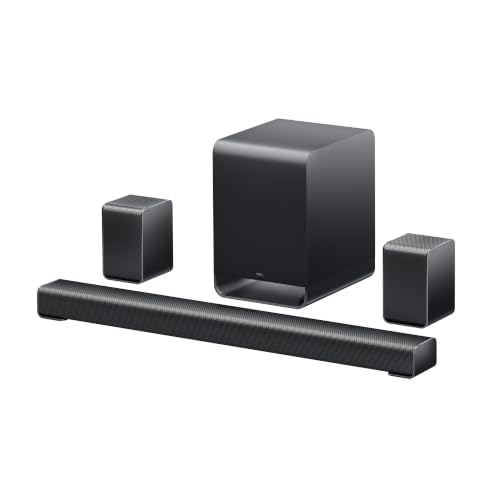
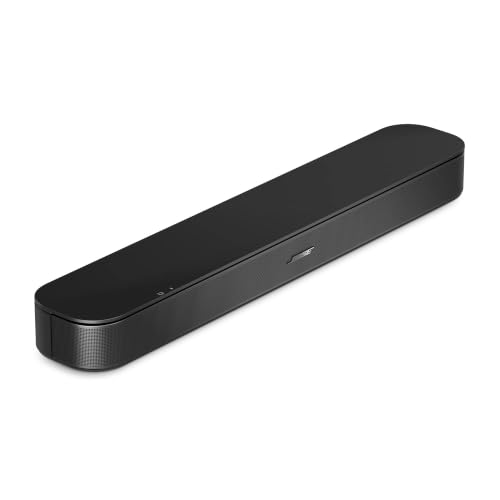


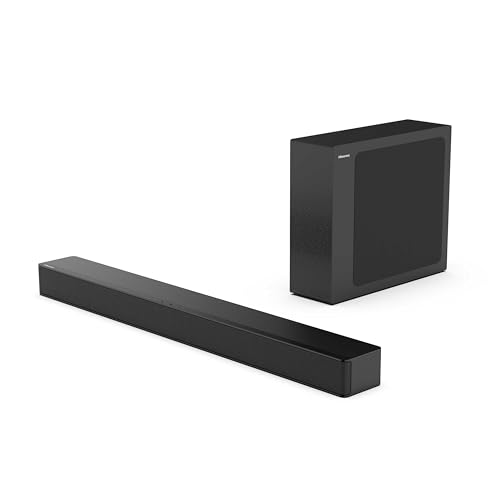
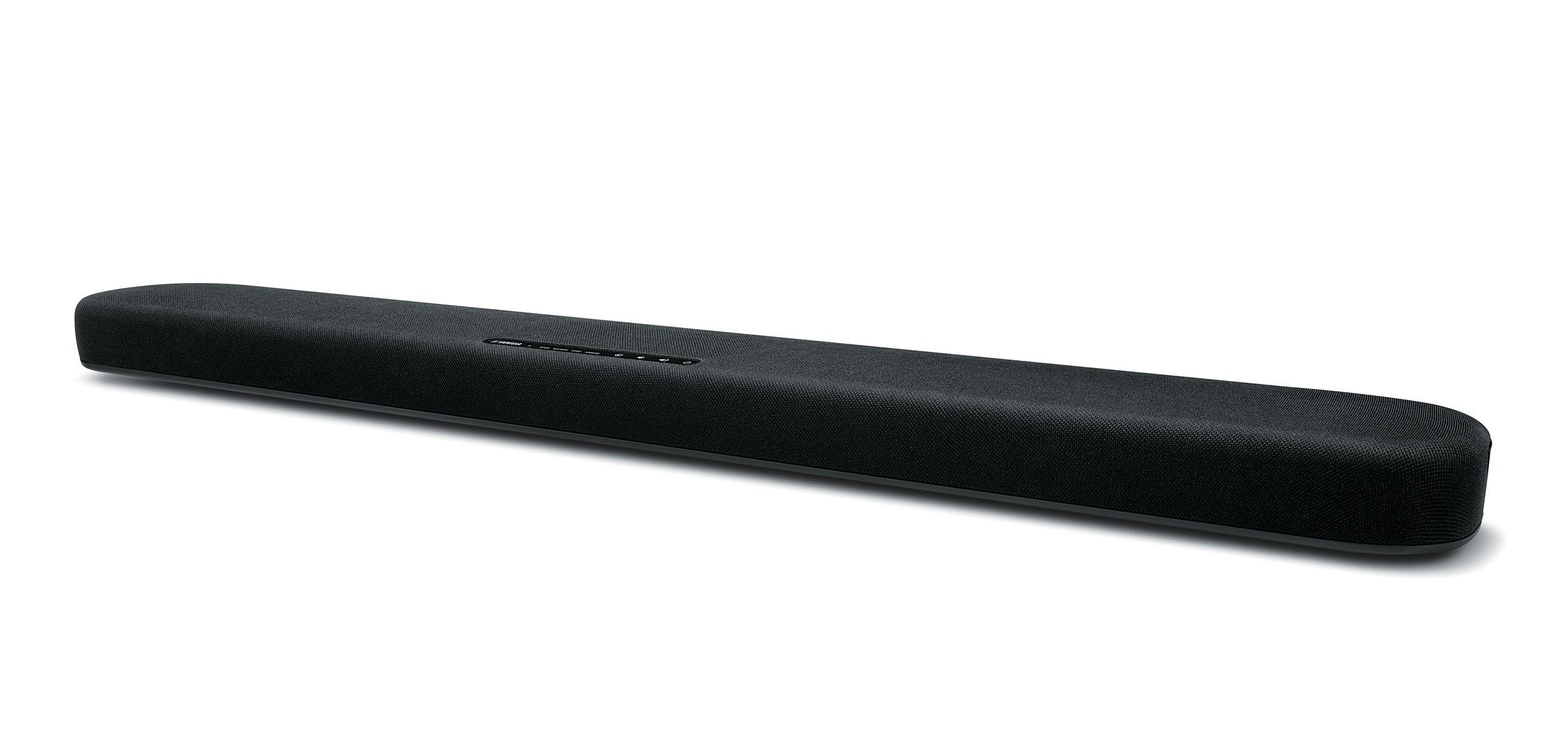

Connection Options
Bluetooth is the simplest but not always the best. HDMI ARC or eARC lets the TV remote control the volume and gives better sound. Optical is simple and reliable. Aux is a last resort.
Check the ports on your TV before you buy. A speaker with the wrong inputs is awkward to connect, and a cable you need might not be in the box.
Soundbar, Speaker or Pair
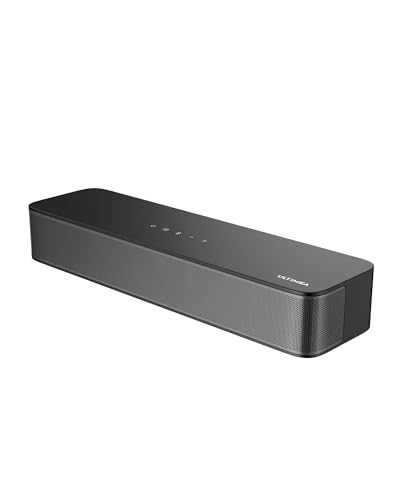
A soundbar sits under the TV and widens the sound. A single Bluetooth speaker is cheaper and portable. A stereo pair gives the widest image. Choose by space and use.
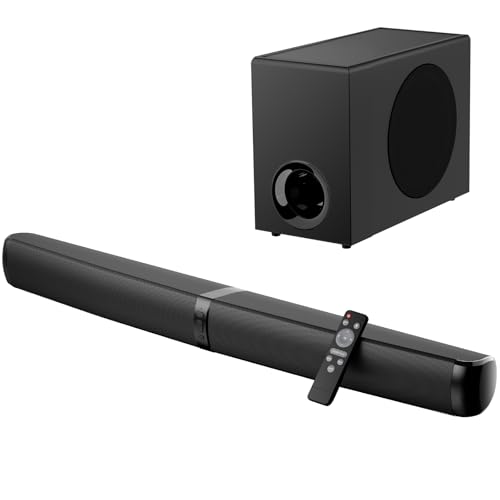
In a small room, a compact soundbar is neat. In a larger room, a bar with a subwoofer gives more impact.
Dialogue and Night Modes
Dialogue clarity is the biggest improvement. Look for a voice mode and a night mode that tames loud effects. These make late night viewing comfortable.
Avoid heavy bass boost. It makes dialogue muddy and annoys neighbours.
Lip Sync
Bluetooth adds delay. Most TVs compensate, but if lips and sound are out of step, use the TV delay setting or switch to a wired connection.
Check lip sync with a talking scene before you finalise your setup.
Placement
Place the speaker in front of or below the TV, centred. Keep the front clear. If you use a pair, place them at ear height on either side.
Related guides cover neighbouring needs, including the best bluetooth speakers for smart tv and the best bluetooth speakers for tv and music.
Soundbars, Bluetooth Speakers and Pairs in Detail
A soundbar is built for TV. It usually includes HDMI ARC, optical and Bluetooth inputs, a dialogue mode and a wireless subwoofer. It sits under the screen, widens the sound and keeps the room tidy. It is the best choice for people who want a simple setup that works with the TV remote.
A Bluetooth speaker is more flexible. You can use it with the TV in the evening and carry it to the kitchen or the garden the next day. It usually lacks HDMI ARC, so lip sync depends on Bluetooth. A pair of speakers gives the widest sound for film and music but needs more space and a little more setup.
If your room is large, consider a bar with a subwoofer. If your room is small, a compact bar or a single speaker is plenty. If you live in a flat, a bass control and a night mode keep the volume reasonable for neighbours.
Setting Up Your TV and Speaker
Choose the connection first. If your TV has HDMI ARC, use it. If not, try optical. Use Bluetooth only if the TV has no other output or if you want a quick temporary setup. Update the TV software, then follow the speaker's pairing steps.
Set the TV volume to a fixed level and control loudness from the speaker or the TV remote, not both. Turn off any TV sound effects that double up with the speaker's processing, since stacking effects makes dialogue harsh.
Place the speaker centred below the screen if it is a bar, or at the sides if you use a pair. Keep the front clear and avoid enclosing it in a cabinet. Walk through the room while a talking scene plays to find any dead spots.
Everyday Use and Care
Remote control makes a big difference. A speaker that follows the TV remote for volume and power avoids the juggling of two remotes. If yours does not, a universal remote or a phone app can help.
Dust the speaker regularly, keep liquids away and check cables for strain. Update firmware when available, since updates often improve connection stability. If sound becomes distorted, check the TV output setting and lower the TV volume before adjusting the speaker.
Choosing for Your Room and Habits
In a small room, a compact bar or a single speaker is enough. In a medium room, a bar with a wireless subwoofer gives the weight that small speakers cannot. In a large room, add rear speakers or a pair of larger speakers for wider coverage.
Think about when you watch. If most viewing is late at night, a night mode and a bass control are essential. If you watch sport and films with friends, a larger system pays off. If you mostly watch news and talk shows, dialogue clarity matters most.
Finally, consider the future. A system with HDMI ARC and Bluetooth will work with a new TV, while one with only a fixed input may not.
Comparing the Best Bluetooth Speakers for Tv in the Product Table
Start with connection, then size, bass and dialogue features. Check return terms and what comes in the box.
A simple setup that you use daily beats a complicated one.
Frequently Asked Questions
Do I need a special speaker for a TV?
Not necessarily, but a speaker with the right inputs and a dialogue mode helps.
Can I use a portable Bluetooth speaker with my TV?
Yes, if the TV supports Bluetooth audio. Check lip sync.
Is a soundbar better than a speaker?
A soundbar is made for TV. A Bluetooth speaker is more flexible.
Why does my TV lose the Bluetooth connection?
Distance, interference or a TV update can break the link. Re pair and keep the speaker close.
Can I connect two speakers?
Some TVs only support one Bluetooth output. A soundbar with a wired input avoids the limit.
Final Thoughts
Choosing the best bluetooth speakers for tv means picking the right connection and a speaker with clear dialogue. A wired link is the most reliable for lip sync. Use the product table to compare options and keep return terms in mind.


