
Best Bluetooth Speakers for Smart TV 2026: Connections and Dialogue
Disclosure: We may earn a commission when you buy through links on this page, at no extra cost to you. As an Amazon Associate I earn from qualifying purchases. Learn more

How to pick the best bluetooth speakers for smart tv: connections, lip sync and dialogue clarity for streaming.
A smart TV gives you every streaming app in one place, but its speakers are an afterthought. The best bluetooth speakers for smart tv fix that with clearer dialogue, more bass and a connection that works with your remote and your streaming apps. The right speaker also solves the lip sync problems that appear when streaming apps send sound over Bluetooth.
This guide explains how smart TVs connect to external speakers, which features matter and how to set up your system. Use the product table to compare options once you know your connection.


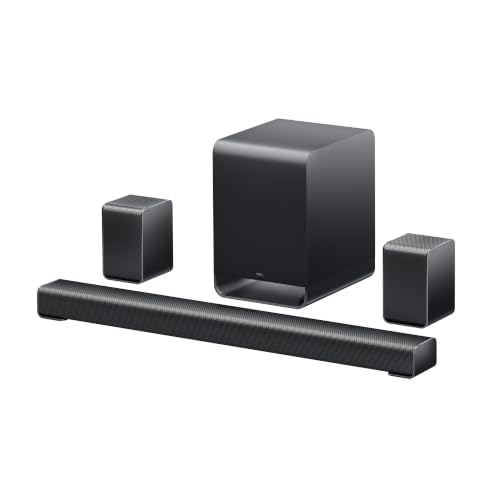
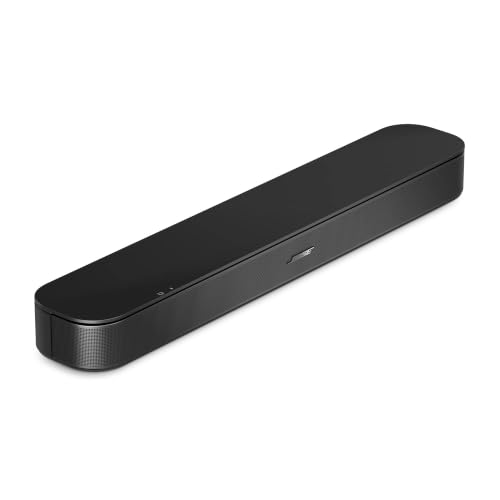

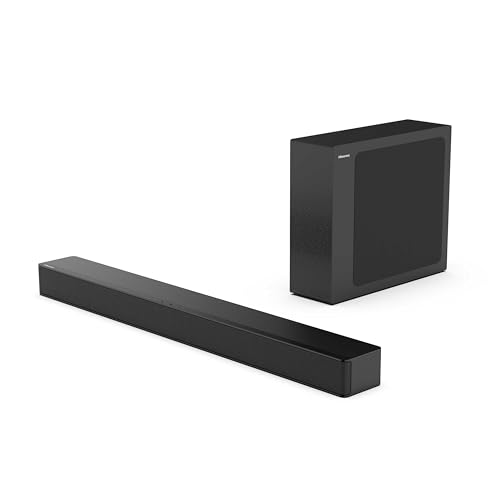
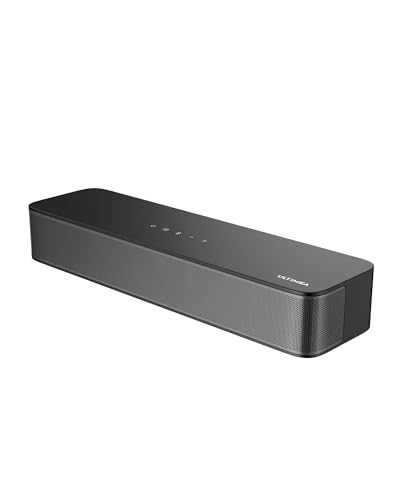
How Smart TVs Send Sound
Smart TVs offer several audio outputs. Bluetooth is the simplest, HDMI ARC and eARC give the best sound and remote control, and optical is reliable and common. Some TVs also support Wi-Fi speaker systems from the same maker.
Check the sound settings menu. You may need to switch the sound output from TV speakers to the external speaker, and some TVs revert after a power cut.
Streaming Apps and Audio Formats
Streaming apps may send surround formats, stereo or multichannel audio depending on the app and your speaker. A simple Bluetooth speaker receives stereo only. A soundbar can decode more formats and may support surround effects.
If the app offers an audio setting, choose stereo for a Bluetooth speaker. Surround settings sent to a stereo speaker can reduce dialogue volume.
Lip Sync and Delay
Bluetooth adds delay. Smart TVs often compensate, but different apps behave differently. If one app shows lips out of sync, check the app audio settings and the TV delay setting.
A wired connection removes the problem. If your TV has HDMI ARC, use it.
Dialogue Modes and Night Modes
Dialogue clarity is the biggest improvement an external speaker offers. Look for a voice mode and a night mode. A bass control helps in flats and late evenings.
Avoid stacking sound effects. Turn off TV sound processing if the speaker has its own.
Placement and Room Layout
Place the speaker below or beside the screen, centred, with a clear front. In bigger rooms, a pair or a bar with a subwoofer gives wider coverage.
Related guides cover neighbouring needs, including the best bluetooth speakers for tv and the best bluetooth speakers for samsung tv.
Making Streaming Apps and a Speaker Work Together
Streaming apps behave differently when connected to external speakers. Some apps let you choose between stereo, surround and Dolby formats, while others pick automatically. If dialogue sounds quiet, the app may be sending a surround mix that a stereo speaker folds down badly. Switching the app audio to stereo usually fixes this.
Voice assistants on the TV can also disturb the speaker connection. Some TVs switch audio output back to the internal speakers after using voice search. If this happens, check the sound output setting and select the speaker again.
Keep both the TV software and the speaker firmware updated. Many sync and reconnect problems disappear after an update, and manufacturers occasionally add new audio features to older TVs.
Picking the Right Size and Type for Your Room
In a small bedroom or a dorm, a compact bar or a single Bluetooth speaker below the screen is plenty. In a mid size living room, a bar with a wireless subwoofer adds the bass that small speakers cannot. In a large room, consider adding rear speakers or a pair of larger speakers for a wider image.
Think about how you listen. If you often watch late at night, a night mode and a bass control are valuable. If you watch sport, a speaker with a wide soundstage makes the crowd feel more real. If you watch a lot of news and talk shows, prioritise dialogue clarity.
Finally, remember that the best speaker is the one you actually use. A simple setup with one cable or one pairing step will serve you better than a complex system you avoid.
Comparing the Best Bluetooth Speakers for Smart Tv in the Product Table
Start with your TV's ports, then compare dialogue features, size and price. Check return terms and what comes in the box, including the cables you need.
A system that you can control with one remote is easier to live with.
Frequently Asked Questions
Can I use any Bluetooth speaker with a smart TV?
Most smart TVs support Bluetooth audio, but check your model.
Why does my TV sound out of sync?
Bluetooth adds delay. Use the delay setting or a cable.
Do I need HDMI ARC?
It is the best option, but not required.
Will my TV remote control the speaker?
With HDMI ARC often yes. With Bluetooth usually no.
Is a soundbar better than a speaker?
For TV, a soundbar is usually easier to integrate.
Final Thoughts
Choosing the best bluetooth speakers for smart tv means checking your TV's outputs, picking a speaker with clear dialogue and avoiding sync issues. A wired link is the most reliable. Use the product table to compare options and read return terms.


