
Best Bluetooth Speakers for TV and Music 2026: One Speaker, Two Jobs
Disclosure: We may earn a commission when you buy through links on this page, at no extra cost to you. As an Amazon Associate I earn from qualifying purchases. Learn more

How to pick the best bluetooth speakers for tv and music: inputs, sound modes and placement for TV and music.
A speaker that does both TV and music has to switch roles gracefully. In the evening it should make dialogue clear and add weight to film effects; at weekends it should play playlists with warm bass and clean vocals. The best bluetooth speakers for tv and music manage both jobs, connect to your TV and phone and fit the room.
This guide explains what to look for in a dual purpose speaker, from inputs and sound modes to placement and pairing. Use the product table to compare options once you know how you will use it.





Why Dual Use Is Different
TV needs clear dialogue and low latency. Music needs balance, stereo width and strong bass. A speaker tuned for one can disappoint at the other. Look for models with sound modes, an equaliser and enough inputs.
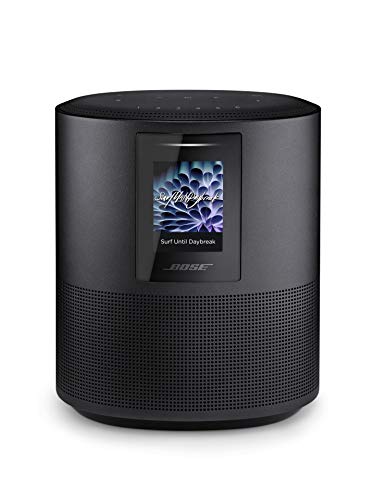
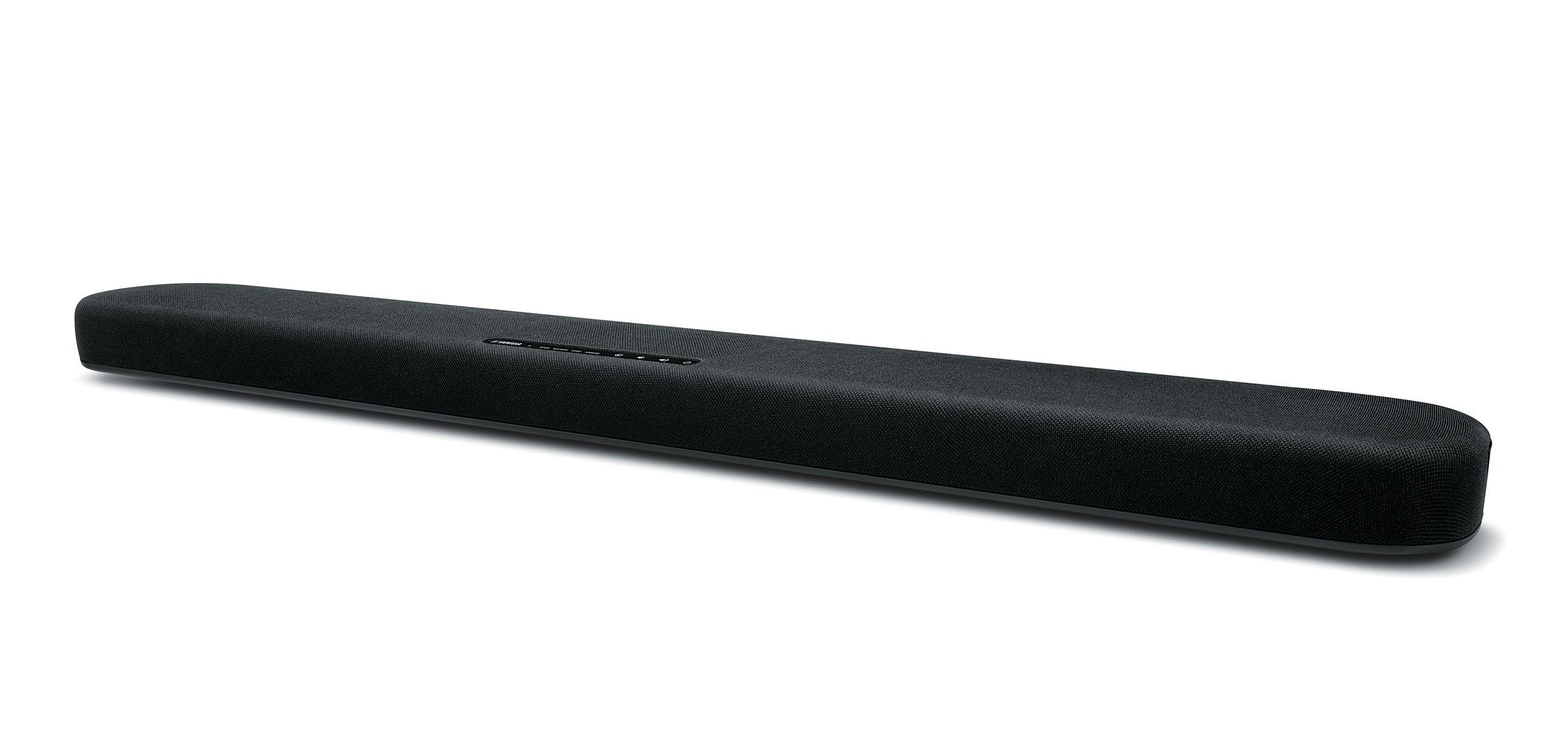
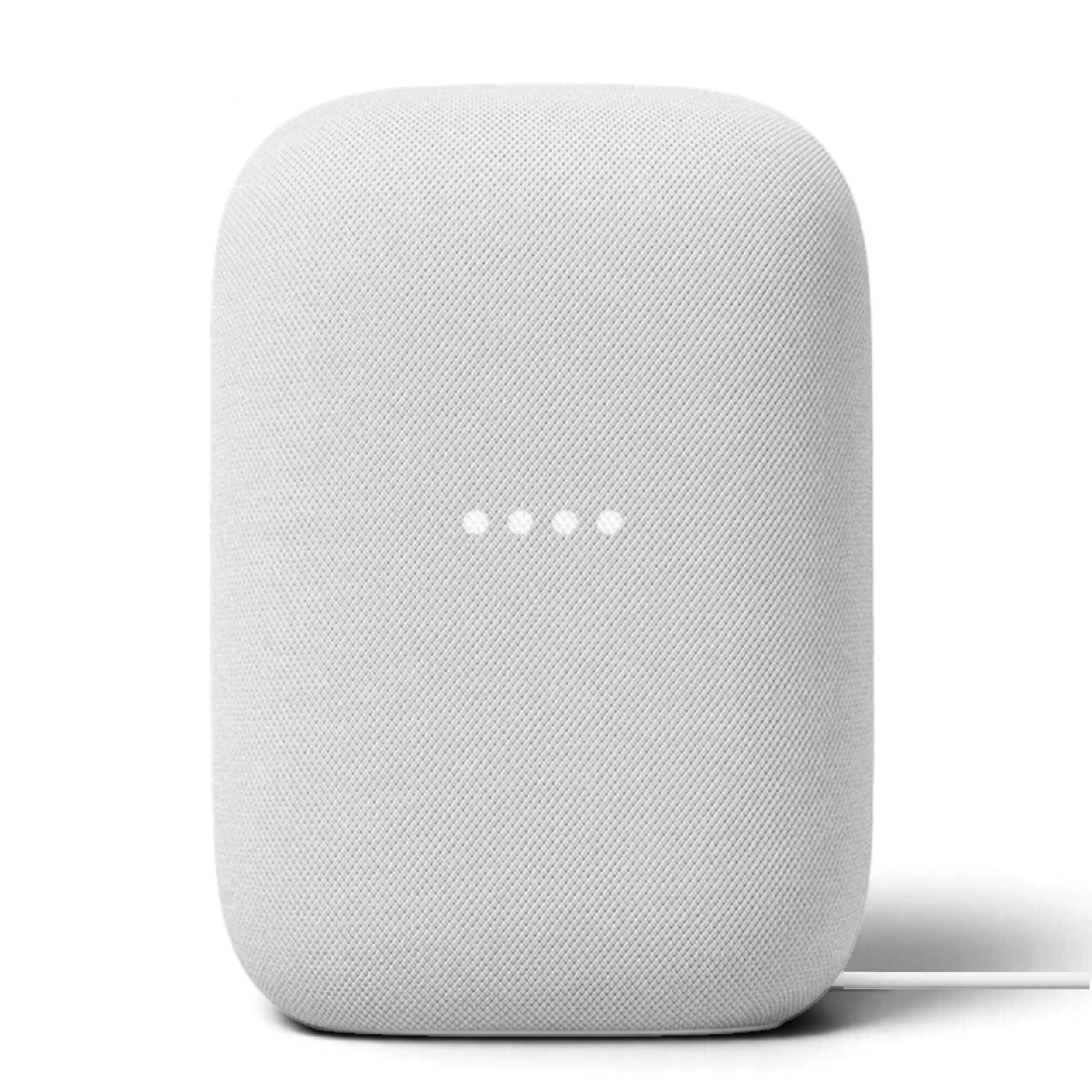
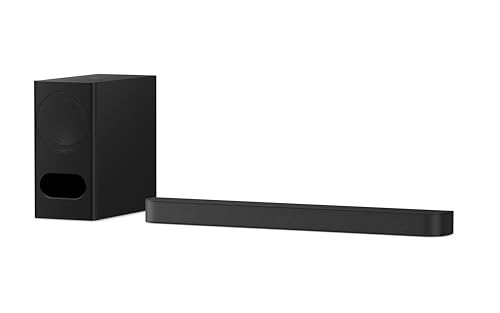
Soundbars are great for TV and decent for music. Bookshelf or smart speakers are great for music and decent for TV.
Inputs and Connections
Look for HDMI ARC or optical for TV and Bluetooth or Wi-Fi for music. Aux is a useful backup. A speaker that supports multipoint can stay linked to your TV and phone.
Check that the TV remote can control the volume.
Sound Modes and Equaliser
Movie, music and voice modes tune the sound for the content. An app equaliser lets you fine tune it. Do not stack TV and speaker processing.
Choose one mode for each use and leave it alone.
Stereo Pairs and Soundbars
A pair of speakers gives the best stereo image for music. A soundbar widens TV sound. A smart speaker with Wi-Fi gives multi room music.
In a small room, a single speaker is enough.
Placement
Place the speaker below or beside the TV, with a clear front. Keep it at ear height when possible.
Related guides cover neighbouring needs, including the best bluetooth speakers for tv and the best bluetooth speakers for music.
Lip Sync and Latency
Use a wired connection for TV when possible. Bluetooth is fine for music. If you must use Bluetooth for TV, check delay.
Many TVs have an audio delay setting.
Choosing Between a Soundbar, a Smart Speaker and a Pair
A soundbar is the best fit when the TV is the main job. It has the right inputs, a dialogue mode and often a subwoofer, and it works with the TV remote. Music through a soundbar is good, though stereo width is limited compared with two separate speakers.
A smart speaker with Wi-Fi is the best fit when music is the main job. It streams directly from the internet, joins multi room groups and responds to voice commands. For TV it usually relies on a Bluetooth or aux link, so check latency before you rely on it.
A pair of speakers is the best fit for a room where both matter equally, and where you have space for them. They give a wide stereo image for music and a convincing front stage for films. They cost more and need more setup, but they are the most versatile solution.
Daily Habits That Keep a Dual Use Setup Working
Pick a default input for TV and leave it set. Let your phone connect only when you want music. If the speaker supports multipoint, remember that two sources playing at once will fight, and pause one before you start the other.
Choose a default volume for each use and note it. Many people set TV a little lower than music, because dialogue is at the centre of the sound, while music uses the full range. A speaker that remembers the volume per input saves a lot of fiddling.
Keep an eye on firmware updates. Dual use speakers often add features, such as better ARC support or new voice assistants, through updates. Check the maker app every few months.
Comparing the Best Bluetooth Speakers for Tv and Music in the Product Table
Start with inputs, then sound and size. Read return terms.
A speaker that handles both roles reduces clutter.
Frequently Asked Questions
Can one speaker do TV and music well?
Yes, with the right inputs and sound modes.
Do I need a soundbar?
Not necessarily. A good speaker can work.
Can I connect TV and phone at once?
With multipoint, yes.
What is the best connection for TV?
HDMI ARC or optical.
Is Wi-Fi important?
For multi room music, yes.
Final Thoughts
Choosing the best bluetooth speakers for tv and music means looking at inputs, sound modes and placement. A flexible speaker saves space and money. Use the product table to compare options and read return terms.


