
Best Black TVs: Types Compared and How to Choose for 2026
Disclosure: We may earn a commission when you buy through links on this page, at no extra cost to you. As an Amazon Associate I earn from qualifying purchases. Learn more

Compare the best black tvs by panel type, size, ports, and price with this buying guide, so you can choose the right screen for your room and budget.
TV listings blur together fast. Every screen claims sharp pictures, smart features, and cinema sound, yet the panels, sizes, and prices underneath those claims differ a lot. Sorting the best black tvs starts with understanding which type of TV you are actually buying.
This guide compares the main types side by side, explains the specs that change daily viewing, and ends with a simple way to match a type to your room. Start with the comparison table below, then read the type that fits your budget and space.


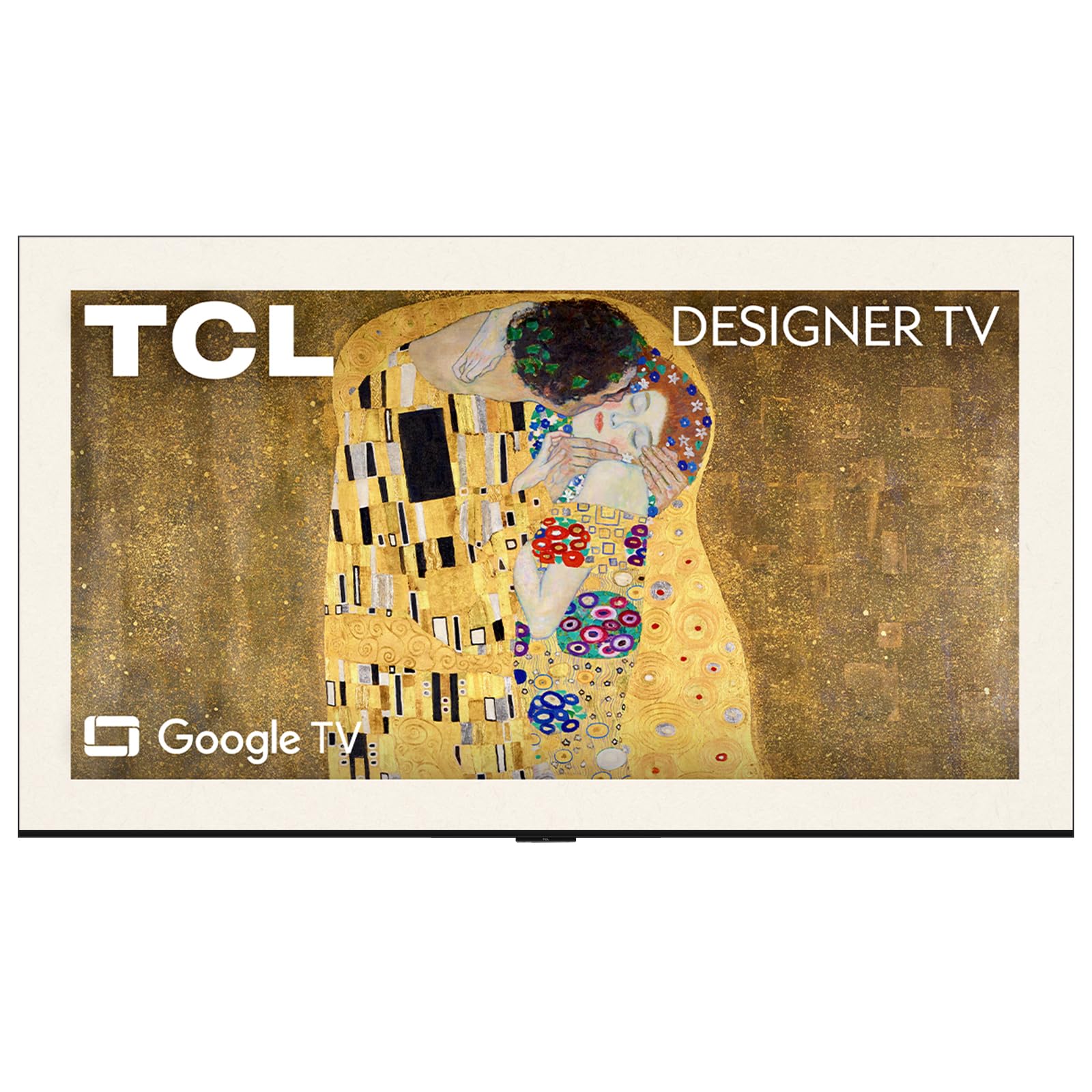
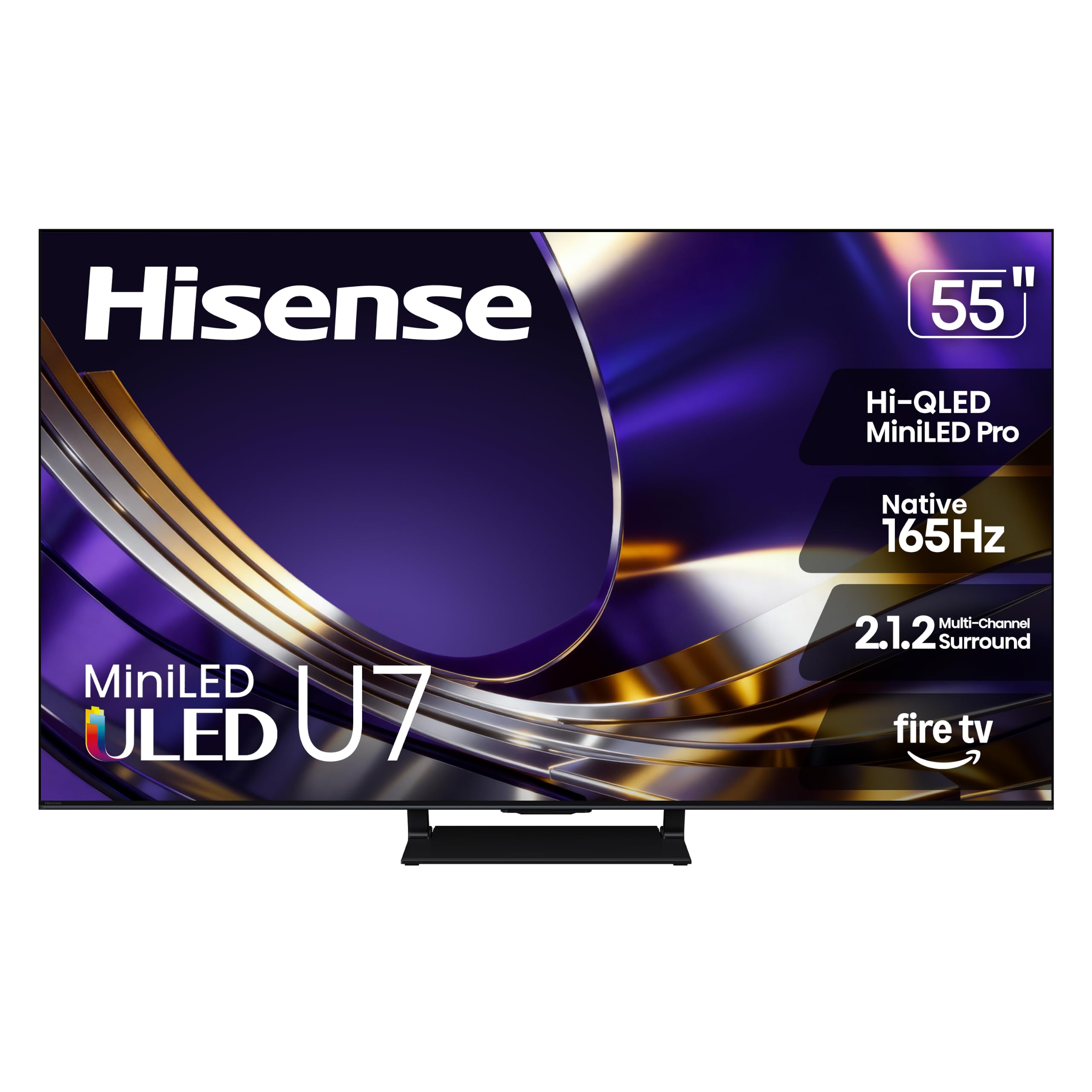


Types of Black TVs Compared
Black is the standard finish for modern TVs, so the real choice is panel technology and size, not color. The four types below cover nearly every listing you will see. As you read, note the typical price band for each type, because price usually tells you which panel you are getting before the specifications do.
Budget Displays
Budget TVs, often around $200 to $450 in common sizes, use LED backlit LCD panels with basic processing. Picture quality is fine for news, sports in a bright room, and casual streaming, and most include a simple smart platform with the major apps. The trade offs are modest contrast, weaker black levels in dark scenes, and speakers that sound thin. Choose this type for a bedroom, a kitchen, a dorm, or a first apartment where value matters more than movie night drama.
OLED Displays
OLED TVs light each pixel on its own, so black pixels switch fully off and contrast looks striking in a dim room. Movies, prestige dramas, and games with dark scenes benefit most, and viewing angles stay strong when friends sit off to the side. Prices often start around $800 and climb with size. The limits are lower peak brightness than top LED models and a small risk of image retention with static logos, which the care tips below help you manage.
Large Screen Options
Large screens, meaning about 75 inches and up, turn a living room into the main event space for sports and films. At this size, 4K resolution stops being optional, because a bigger picture shows softness that a smaller screen hides. Budget for a sturdy stand or a wall mount rated for the weight, plus seating far enough back to take in the whole frame. Prices range widely, from around $700 for basic models to several thousand for premium panels, so panel type still decides quality.
Productivity and Ultrawide Style Displays
Some buyers use a TV as a giant work and media screen in a studio or office room. For that role, look for low input lag, a PC friendly mode that keeps text crisp, and enough HDMI ports for a laptop, a console, and a streamer at once. A matte or low glare screen finish helps under office lighting. True ultrawide panels are rare in TVs, so most people meet this need with a large 16 by 9 screen and sensible window layouts instead.
Budget Displays vs OLED Displays: Which Should You Choose?
Compare these two on five points. For contrast, OLED wins clearly in dark rooms, while budget LED panels wash out near black. For brightness, budget models are often fine in daylight, and premium LED beats OLED, but basic models rarely feel dim in normal rooms. For price per inch, budget wins by a wide margin. For gaming, OLED response time is superb, though budget sets with a game mode can still feel fine for casual play. For lifespan worries, LED has no burn in concern, while OLED asks for a little care with static images. Bright room and tight budget point to budget LED; dark room movie nights point to OLED.
Timing can shift this math, since seasonal sales often drop OLED prices hard. If you shop during sale season, our guide to best black friday tvs covers how those deals are usually structured.
How to Choose the Right Black TV
Connectivity and Ports
Count your sources before you buy: streamer, console, soundbar, cable box, and laptop all compete for ports. Look for at least three HDMI inputs, with HDMI 2.1 on at least one port if you game on current consoles, since it supports 4K at 120 Hz and variable refresh features like adaptive sync. An eARC port lets the TV send full quality sound to a soundbar over one cable. USB ports help for media drives, and an optical output remains a handy backup for older audio gear.
Stand, Mounting, and Ergonomics
Measure your furniture before falling for a screen size. Wide feet on many modern stands need a surface nearly as wide as the TV itself, while a center pedestal fits narrower consoles. For wall mounting, confirm the VESA pattern on the back panel matches your mount and that the wall can carry the weight. Leave space behind the screen for cables and airflow, and plan the viewing height so the center of the screen sits near eye level from your main seat.
Panel Technology
IPS panels keep colors steady at wide angles but show weaker contrast, so blacks look gray in the dark. VA panels deliver deeper contrast and suit movie viewing head on, with some color shift at sharp angles. Mini LED backlights add many small dimming zones to VA or IPS panels, lifting brightness and shadow detail for a price between basic LED and OLED. OLED remains the contrast leader. Whichever panel you pick, a good HDR format with proper tone mapping matters more than a long list of logos.
Smart Platform and Sound
Google TV, Roku, and webOS all carry the major streaming apps, so choose based on menus you find easy and a remote you like holding. Check that the platform still receives updates, because app support fades on abandoned systems. Built in sound is the weak point on most slim TVs, so plan a soundbar if dialogue clarity matters to you. A simple know how tip: run the TV sound through the eARC port and set audio output to passthrough so the soundbar does the decoding work.
Sale hunters comparing panel tiers can also see our guide to best oled tvs black friday for how OLED pricing usually moves during big events. Gamers should check our guide to best gaming tvs black friday before assuming any discounted set has the right ports.
Tips to Get the Most From Your Black TV
Small setup habits pay off for years. Try these on day one.
- Switch the picture mode away from vivid, which pushes color and brightness past accurate levels, and start with a movie or standard mode instead.
- On OLED sets, keep the built in pixel refresh feature enabled and let it run when the TV prompts, since it evens out pixel wear.
- Clean the screen with a dry microfiber cloth only, with the TV off and cool, and skip household glass cleaners that can damage coatings.
- Turn off motion smoothing for films if faces look unnaturally glossy, an effect many viewers notice right away.
- Update the firmware once during setup so streaming apps and security fixes start current.
For context on how modern sets stack up against classic favorites, our guide to the best tvs of all time shows which features actually lasted. If 4K is your priority during a sale, see our guide to best black friday 4k tvs as well.
FAQs
Does refresh rate matter for non gamers?
A little, but less than panel quality does. A native 120 Hz panel smooths sports and camera pans, yet most streaming shows run at low frame rates where the panel type matters more. One point buyers miss: many budget sets advertise inflated motion numbers that are not the native rate, so check the specifications for the real figure before paying extra.
How long do TVs last?
Most modern TVs serve about seven to ten years of typical daily use before brightness or parts become an issue. LED backlights fade slowly and evenly, while OLED wear depends on how much static content you show. Wall mounting away from heat sources and keeping vents clear are simple habits that support a long service life.
What size should I get for my room or desk?
Base it on viewing distance. For living rooms, a rough guide is a 55 inch screen at about seven feet and a 65 inch screen at about eight to nine feet for 4K content. For a desk, smaller is kinder to your neck, and a TV used as a monitor works best when you can sit at least three feet back from a 43 inch screen.
Is 4K worth it?
Yes for most buyers now, because 4K sets dominate the market and streaming services supply plenty of 4K HDR content. The gain is clearest at 55 inches and above or at closer seating distances. At small sizes viewed from across a room, a good 1080p picture can still look fine, but price gaps have shrunk so much that 4K is usually the sensible default.
IPS vs OLED: which is better?
OLED is better for contrast, dark room movies, and wide seating. IPS is better when you want lower cost, strong brightness for the money, and no concern about static image wear. Room lighting decides a lot here: a bright family room narrows the OLED advantage, while a light controlled media room makes it obvious within minutes.
Our Verdict
Decide by room first, panel second, and size third. Match the type to how you watch, confirm the ports and mount fit your setup, and then compare options in the product table above within that type. Do that, and choosing among the best black tvs becomes a short, calm decision instead of a spec sheet headache.


