
Best Bluetooth Receiver for Speakers 2026: Guide
Disclosure: We may earn a commission when you buy through links on this page, at no extra cost to you. As an Amazon Associate I earn from qualifying purchases. Learn more

Learn how to add Bluetooth to existing speakers with a receiver, covering inputs, codecs, range, multi room use, and simple setup steps for better sound.
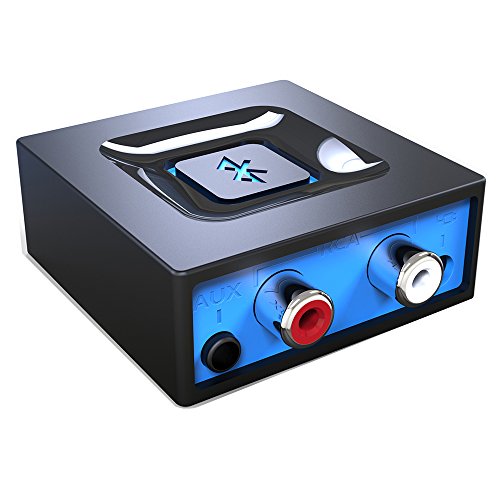
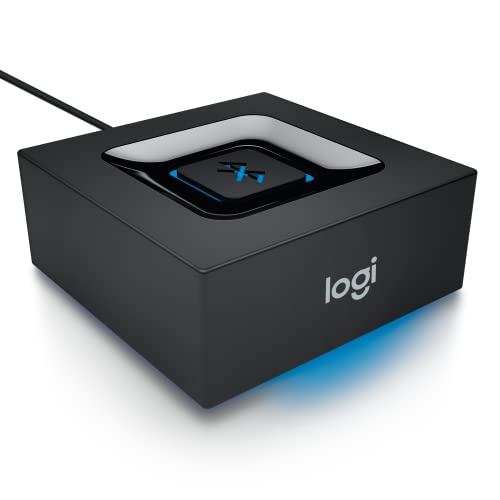
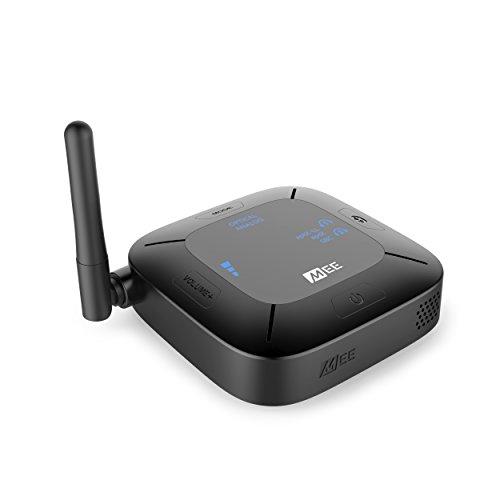
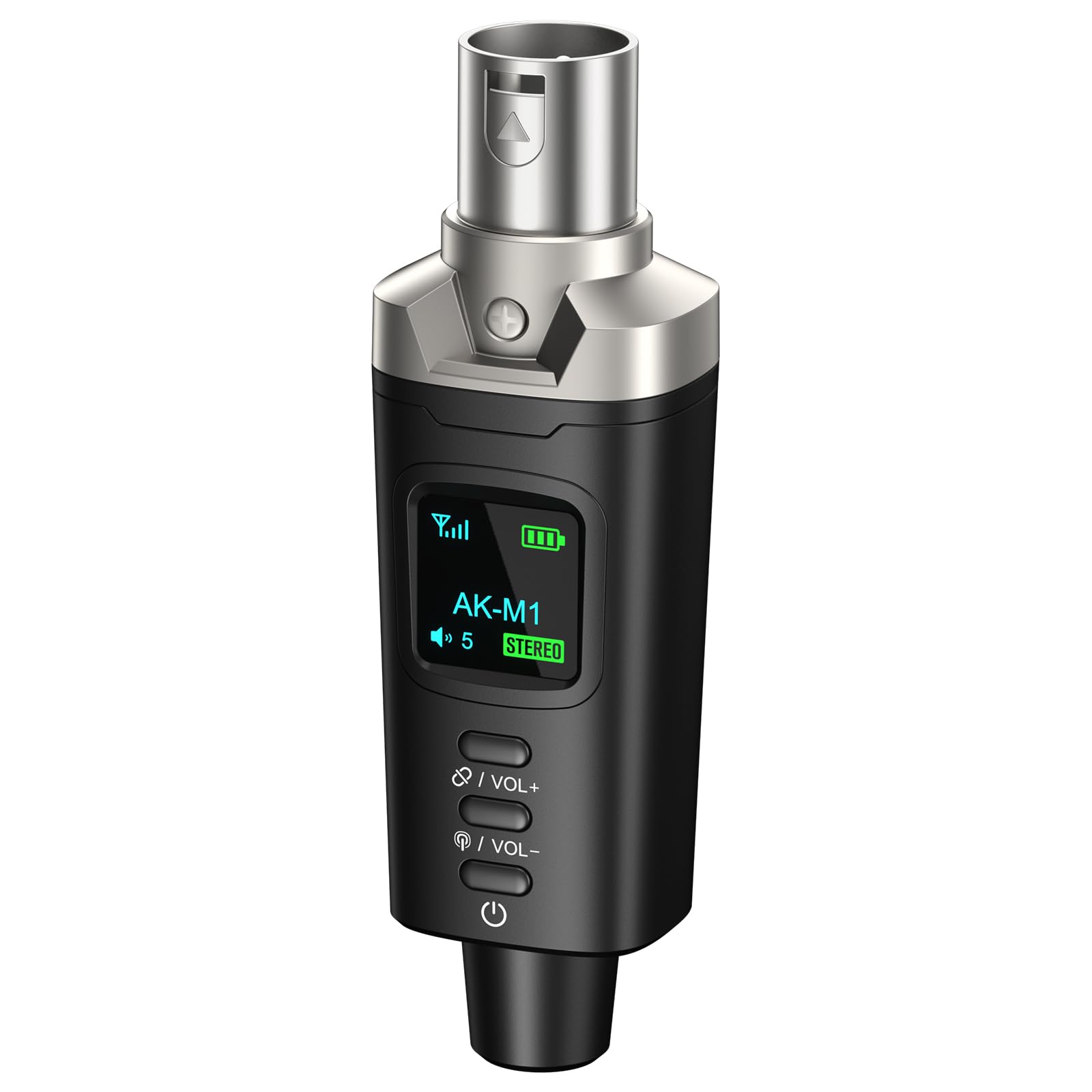
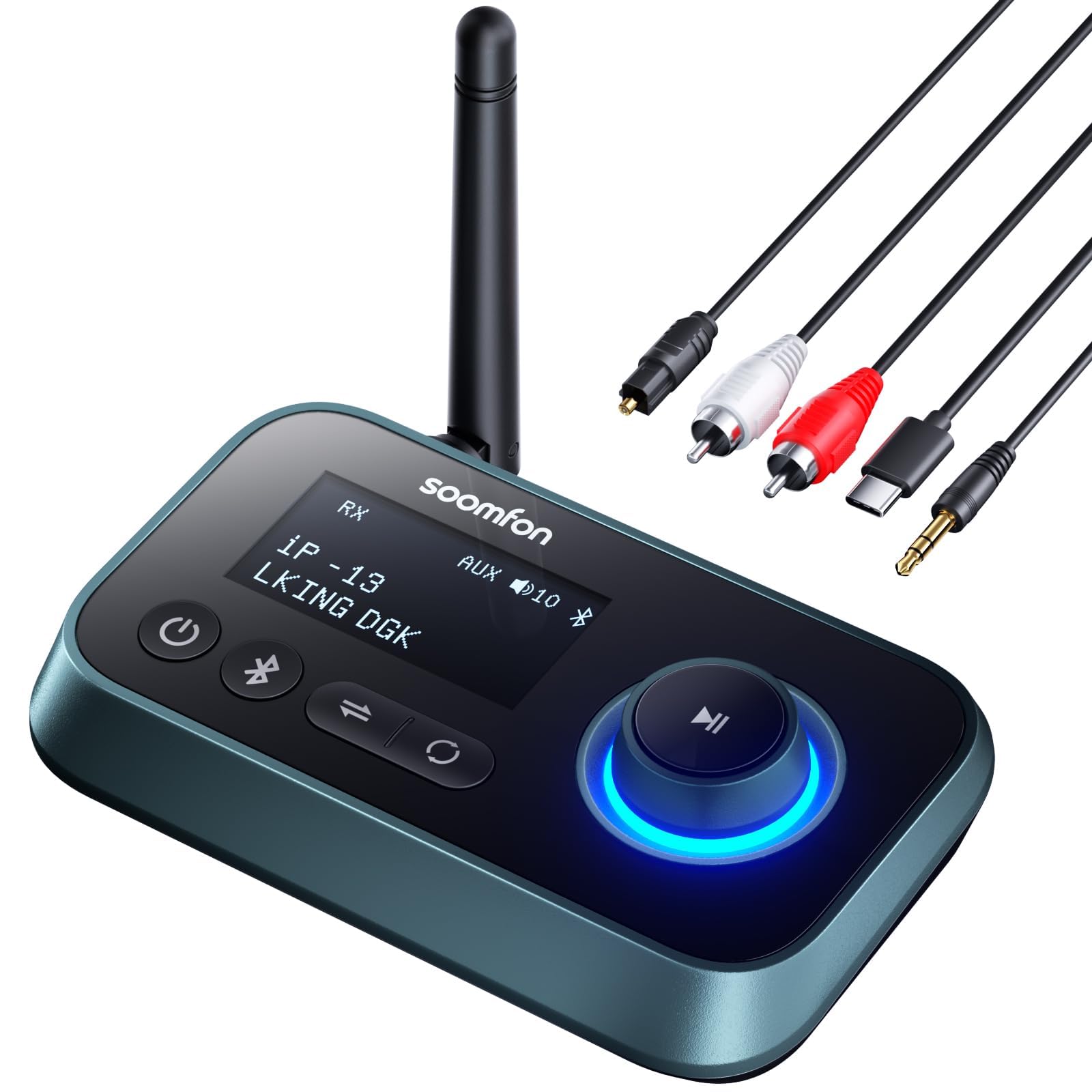
A Bluetooth receiver gives older or wired speakers a wireless second life, letting you stream from a phone without replacing speakers you already like. The comparison table below compares the main receiver types, so start with your speakers inputs. Best bluetooth receiver for speakers choices are small and affordable, but input matching, codec support, and range still decide whether the result sounds good.
Receivers connect between your source device and your speakers or amplifier, usually through auxiliary, optical, or RCA connections. Identify the free input on your amplifier or powered speakers before shopping, since that single detail narrows the options quickly. A receiver that matches your system needs no extra converters or adapters.





Why Add a Receiver Instead of New Speakers
Good speakers often outlast wireless trends, and a receiver preserves an investment in sound you already enjoy. Replacing a well loved pair just for Bluetooth wastes money and risks worse sound from a cheaper wireless replacement. A receiver adds modern streaming to proven speakers for a fraction of replacement cost.
Receivers also suit mixed systems, such as a hi fi amplifier driving passive speakers or powered studio monitors on a desk. One small box can serve a whole existing setup, and you can move it between systems if your needs change. That flexibility makes receivers a smart first upgrade before considering new speakers.
Inputs, Outputs, and Compatibility
Check your amplifier or powered speakers for auxiliary, RCA, or optical inputs, then choose a receiver with a matching output. Auxiliary and RCA are the most common and work with almost any system, while optical suits digital amplifiers and keeps the signal clean. Some receivers offer several outputs, which helps if you switch between systems.
Also check power: most receivers charge or run through USB, so a spare USB port or phone charger nearby is enough. If your system sits far from an outlet, plan cable routing early. Avoid receivers that need proprietary power supplies, since a lost adapter can sideline an otherwise simple device.
Codecs, Sound Quality, and Range
Codecs decide how much detail survives the wireless hop, and both phone and receiver must support the same advanced codec to benefit. Basic Bluetooth still sounds fine for casual listening, but advanced codecs preserve more detail on good speakers. Check your phone codec support before paying extra for a high end receiver.
Range in a real home falls short of headline figures because walls and interference reduce it. Place the receiver where it has a clear path to your usual seat, and avoid hiding it behind metal equipment racks. If dropouts persist, moving the receiver a short distance or reducing competing wireless traffic often solves the problem.
Multi Room and Multi Device Use
Some receivers support multi room playback or pairing with several speakers, which suits whole home listening. Others focus on a single system and switch between two source devices. Decide which pattern matches your home: whole home audio needs different features from a single room upgrade.
Multi device pairing helps households where several people stream music. Check whether switching sources needs manual steps or happens automatically, since clumsy switching annoys everyone. A receiver that remembers recent devices and reconnects quickly feels much more convenient in shared use.
Setup Steps and Troubleshooting
Setup usually takes minutes: connect the receiver output to your amplifier input, power the receiver, pair your phone, and select the right input on the amplifier. Set amplifier volume to a moderate level first, then control volume from the phone to avoid sudden loud bursts. Test from your usual seat before tidying cables away.
If sound is quiet, distorted, or absent, check input selection, cable seating, and receiver volume in that order. Try a different cable if problems persist, since worn auxiliary cables cause many faults. If pairing fails, forget the receiver on the phone, restart both devices, and pair again from close range.
Getting the Most From Your Bluetooth Receiver
Place the receiver where it stays accessible for pairing and troubleshooting, rather than buried behind heavy equipment. A visible receiver with clear indicator lights makes connection problems obvious, while a hidden one turns simple fixes into furniture moving exercises. Keep the power cable tidy but reachable, so resets and cable swaps stay easy.
Label inputs on your amplifier after adding the receiver, so household members can select Bluetooth without guessing. A small label near the input selector prevents the common frustration of sound playing through the wrong source. Teach the household the simple sequence: power on, select input, connect phone, and adjust volume gradually.
Update receiver firmware when the maker offers it, since updates often improve codec support, pairing stability, and multi device behavior. Check for updates quarterly rather than waiting for problems, and retest pairing after major updates. Firmware care keeps a small inexpensive device performing well for years.
A Final Check Before You Order
Before ordering, photograph the back of your amplifier or powered speakers and confirm a free matching input exists. Check cable lengths needed for tidy routing, and confirm a nearby USB power source for the receiver. These two checks prevent the most common receiver purchase mistakes and extra adapter orders.
Finally, confirm codec support against your phone and return terms for range testing in your home. Test from your usual seats, through walls if relevant, before tidying cables permanently. A receiver that works reliably in your rooms is worth more than one with impressive specifications that drops out.
For related options, see best bluetooth receiver for outdoor speakers, best quality bluetooth speakers, best receiver for speakers, best exterior bluetooth speakers, and best bluetooth speakers for outside. They cover outdoor receivers and complete speaker alternatives.
Frequently Asked Questions
Can a Bluetooth receiver improve old speakers?
A Bluetooth receiver adds wireless streaming to old speakers, but it cannot improve the speakers own sound quality beyond their design. Good old speakers will sound as good wirelessly as they do wired, minus small codec losses. If your speakers already sound weak or distorted, a receiver will not fix those problems and new speakers may be the better upgrade.
What input do I need for a receiver?
You need a free auxiliary, RCA, or optical input on your amplifier or powered speakers, matching the receiver output. Auxiliary and RCA suit almost every system, while optical suits digital amplifiers. Check the back of your equipment before buying, and choose a receiver whose output matches an input you already have free.
Does Bluetooth reduce sound quality?
Bluetooth can reduce sound quality slightly compared with a wired connection, especially with basic codecs on revealing speakers. Advanced codecs narrow that gap a lot for everyday listening. Most listeners enjoy Bluetooth receivers happily for casual music, and switch to wired playback only for critical listening sessions. If you notice a clear quality drop, try a wired connection for comparison before blaming the receiver itself.
How far can I stream to a receiver?
Typical indoor range is about ten meters with a clear path, less through walls and furniture. Keep your phone in the same room as the receiver for stable playback, and avoid placing the receiver behind metal racks. If you need whole home coverage, a multi room system suits better than stretching a single Bluetooth link.
Can several phones connect to one receiver?
Many receivers remember several paired phones but play from only one at a time. Switching usually needs a manual step on the new phone or a button press on the receiver. Check switching behavior before buying for a shared household, since smooth handover matters more than the number of remembered devices.
Final Thoughts
A Bluetooth receiver is one of the simplest upgrades in home audio, provided it matches your inputs and your phone codecs. Spend a few minutes checking connections and range before buying, and the result should feel effortless. The product table above narrows the choice to receivers that fit common systems.
Keep your good speakers, add wireless convenience, and enjoy streaming without a full system replacement. That practical value is the point of a best bluetooth receiver for speakers purchase, and it usually pays off within the first week of use.


