
Best Black and White Printers for Mac at Every Price: What Your Money Really Gets You for 2026
Disclosure: We may earn a commission when you buy through links on this page, at no extra cost to you. As an Amazon Associate I earn from qualifying purchases. Learn more

Mono printers for Mac users: AirPrint, macOS driver support and cost per page, with a clear look at what each price tier delivers.
Prices for monochrome printers stretch from under $100 to well past $500, and the spec sheets all sound similar. The difference only becomes clear when you print from a Mac every day: AirPrint reliability, driver support after each macOS update, and cost per page decide whether a printer feels like a bargain or a mistake. The best black and white printers for mac users are the ones matched to a realiztic budget and page volume.
This guide breaks down what each price tier actually delivers, which features deserve your money, and which ones you can safely skip. Start with the comparison table below, then read the tiers against your own printing habits.


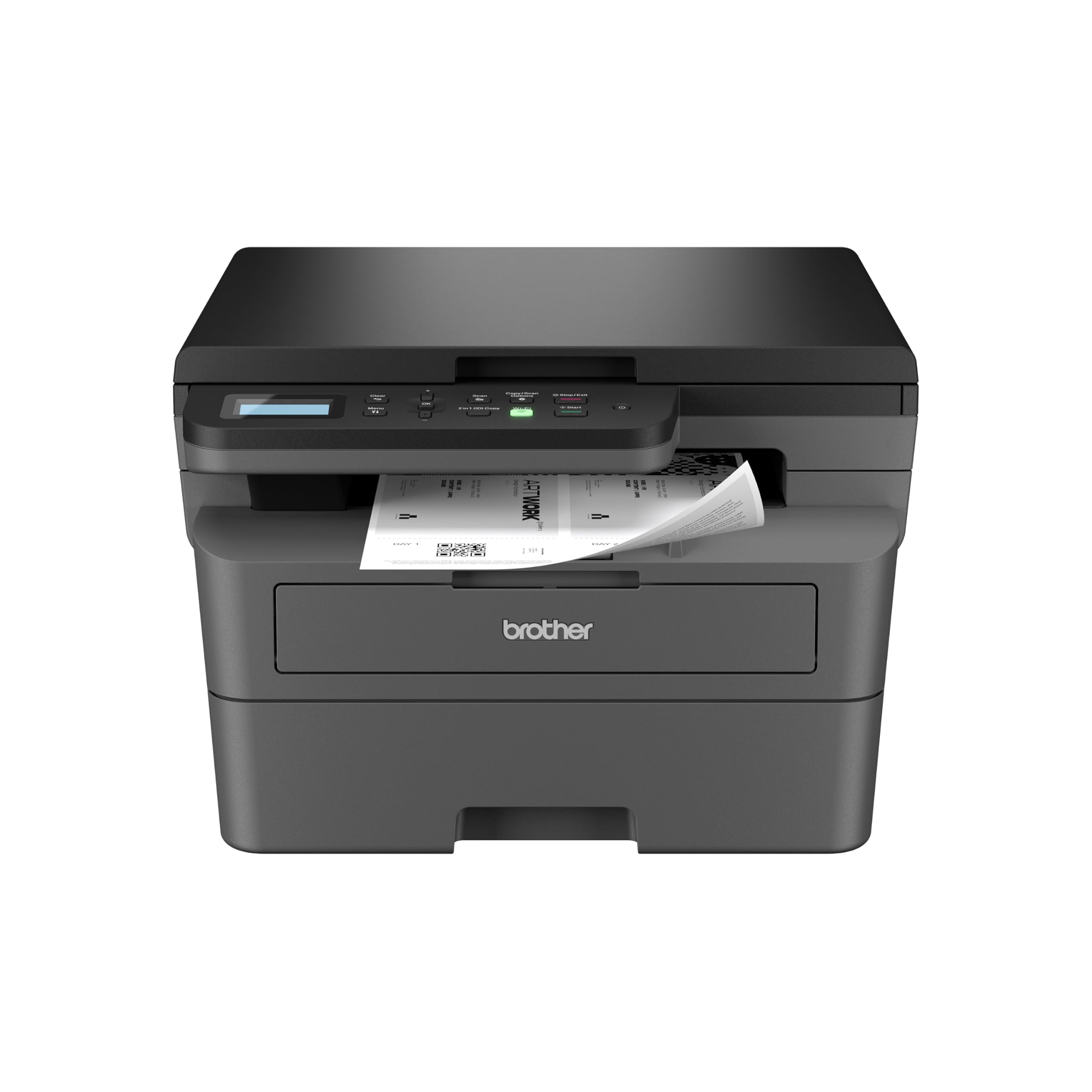
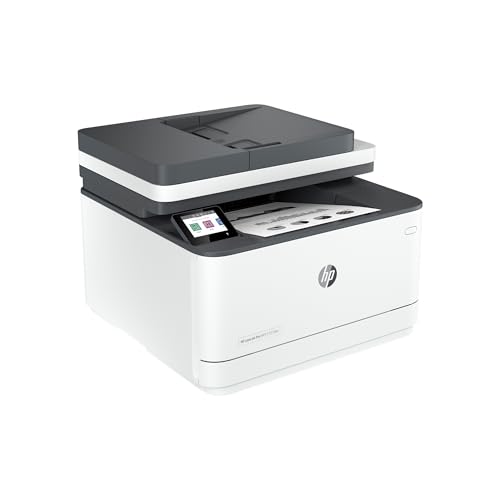
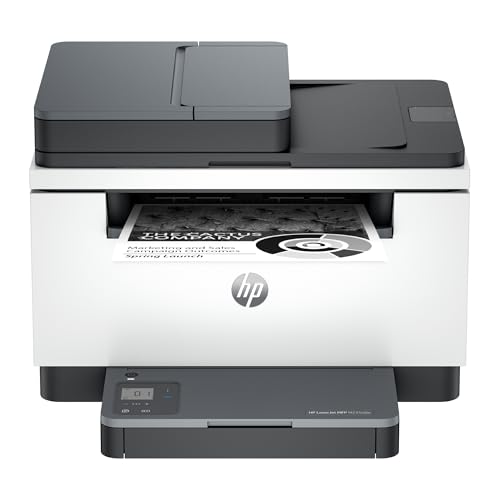

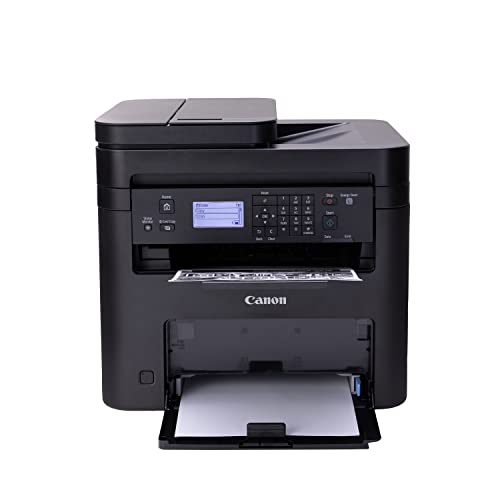

What Each Price Tier Really Delivers
Think of the tiers below as packages of convenience and running cost rather than print quality steps. A budget laser already prints sharp text. Spending more buys speed, bigger trays, automatic duplex printing, scanning hardware, and cheaper toner per page. The right tier is the lowest one that covers your monthly volume without constant paper refills or supply swaps.
Budget Tier: Around $80 to $150
Budget models suit Mac users who print occasionally: forms, tickets, school pages, and the odd contract. Expect a compact print only laser or a simple inkjet, WiFi with AirPrint, and a small tray holding about 100 to 150 sheets. Print speeds are modest, and duplex printing may be manual, meaning you flip the stack yourself for two sided pages.
The hidden cost is supplies. Starter toner yields are low and standard cartridges cost more per page, so households that grow into heavier printing outgrow this tier quickly. As a first printer for light use, though, it keeps money in your pocket.
Midrange Tier: Around $150 to $300
This is the sweet spot for most Mac households and home offices. You typically get automatic duplex printing, a 250 sheet tray, faster output, and support for high yield toner that pulls cost per page down sharply. Many models add a scanner with an automatic document feeder, which pairs beautifully with a Mac for digitizing paperwork into Preview or Files.
AirPrint support is standard in this band, and these models tend to come from long running product lines with prompt macOS driver updates. If you print every week and scan every month, start your shortlist here.
Premium Tier: Around $300 to $500
Premium models serve home offices that print daily or share the printer among several people. Gains include faster first page output, expandable paper capacity, stronger monthly duty cycles, Ethernet networking, and better security controls for sensitive documents. Larger displays and sturdier build quality also make daily use calmer.
The trade off is footprint and price. These machines dominate a desk and cost more than light users can justify. Buy premium when downtime or slow output genuinely costs you work time, not for text quality you will not notice.
Features Worth Paying For, and Ones to Skip
Cost per Page and Supply Costs
Cost per page is the single feature worth the most money over a printer life. Divide a cartridge price by its page yield: a high yield toner at about $90 for 3,000 pages costs near three cents per page, while small cartridges can exceed ten cents. A slightly pricier printer that accepts high yield toner usually beats a cheap printer within a year of steady use.
Tank inkjets push costs lower still for very heavy users, but they demand regular printing to keep ink flowing. Match the supply system to how often you actually print, not how often you hope to.
Reliability and Support on macOS
Mac printing pain usually comes from software, not hardware. Makers that publish updated drivers quickly after each macOS release save you from sudden connection failures. Check the support page for your macOS version before buying, and favor models where AirPrint does the heavy lifting, because AirPrint needs no driver at all for basic printing.
Community size helps too. Popular models have years of forum answers for every error message, while obscure models leave you guessing. Warranty coverage of one to two years is normal in the midrange band.
Printer Type: Laser, Inkjet, or Tank
Laser printers are the natural fit for Mac document work. Toner never dries out, text stays crisp, and output speed suits long PDFs and manuscripts. Inkjet models make sense if your black and white work includes grayscale charts or images that benefit from smoother shading, provided you print weekly to prevent clogged nozzles.
Tank printers trade a higher purchase price for bottle refills and very low running costs. Decide by volume: under about 50 pages a month favors laser, far above that a tank can win. Shoppers comparing the wider category can also browse the best black and white printers guide for general background.
Features That Matter Specifically for Mac
AirPrint is the headline requirement. It lets your Mac, iPhone, and iPad print with no setup beyond joining the same WiFi network, and it survives macOS updates better than many vendor drivers. Bonjour discovery, the Apple technology that finds printers automatically, should also be listed in the specs.
Beyond AirPrint, look for solid scanning support. A scanner is only useful on a Mac if the maker provides a current scan app or supports scanning into Image Capture. For laser specific comparisons, see the best black and white laser printers guide after this one.
Long Term Costs to Factor In
The printer price is only the opening payment. Budget for toner or ink across the years you plan to keep the machine, replacement drum units on some laser models, paper, and the electricity used during long print runs. Extended warranties make sense for premium home office models that your income depends on, and less sense for a budget printer you could replace outright.
A simple ownership estimate keeps you honest: multiply your expected lifetime pages by cost per page, then add the purchase price. The model with the lowest total, not the lowest shelf price, is the real bargain. Keep a spare toner cartridge on hand once you pass the halfway point of the current one, so a deadline never waits on shipping.
Practical know how: turn on automatic duplex as the default in your Mac print dialog and save it as a preset. That one setting can cut paper use close to half on long documents, and it costs nothing. While you are in the dialog, save a second preset for single sided printing at high quality, so forms and final drafts come out exactly right without repeated adjustments each time you print.
Frequently Asked Questions
What features matter most in a monochrome printer for Mac?
AirPrint support matters most, because it gives driver free printing from every Apple device you own. After that, prioritize automatic duplex printing, a tray that holds at least 250 sheets, and access to high yield toner. Confirm the maker lists support for your current macOS version, and check that scanning works through Image Capture or a current vendor app before you commit to an all in one model.
Inkjet or laser: which is cheaper long term?
Laser is cheaper long term for most Mac users who print documents. Toner yields thousands of pages per cartridge and never dries during idle weeks, while inkjets spend ink on cleaning cycles. A tank inkjet used heavily every week can compete on cost, but for the print, pause, print pattern of home life, laser running costs stay lower and more predictable.
Do I need special drivers for a printer to work with my Mac?
Often you need no driver at all. Any printer with AirPrint prints from macOS as soon as both devices share a WiFi network. Vendor drivers or apps still add value for scanning, supply level checks, and advanced settings such as toner saving modes. The practical step is checking the support page for your macOS version before buying, which takes two minutes and prevents most setup frustration.
Are ink tank printers worth it for Mac users?
They are worth it when you print several hundred pages a month and use the printer every week. Bottle refills cut cost per page to a fraction of cartridge prices, and AirPrint equipped tank models work smoothly with Apple devices. If your printing comes in rare bursts, a laser avoids clog worries and usually costs less over the same period.
What does cost per page mean?
Cost per page is the ink or toner expense behind each printed page. Take the price of a cartridge or refill and divide it by the manufacturer page yield. Three cents versus ten cents per page sounds minor until you print 4,000 pages, where the gap reaches hundreds of dollars. Always compare models using the largest supply each one accepts, as covered in our guide to best printers for black and white printing.
Our Verdict
For most Mac households, a midrange laser with AirPrint, automatic duplex, and high yield toner offers the best balance of price, speed, and running cost. Light users can step down to the budget tier, and daily home office printing justifies premium capacity. Check the product table above against your monthly page count, and the best black and white printers for mac choice for your desk will be clear.


