
Best BenQ Projectors (2026): Models for Every Room and Budget
Disclosure: We may earn a commission when you buy through links on this page, at no extra cost to you. As an Amazon Associate I earn from qualifying purchases. Learn more

Choosing the best benq projector? Match throw distance, brightness and resolution to your room and budget.
A family movie night can fall flat when the picture looks washed out, the fan drowns out dialogue, or the image is too small for everyone on the couch. Finding the best benq projector for your home means matching throw distance, brightness, and resolution to your room and what you watch most. This guide sorts the lineup by space, seating, and budget.
Start with the room, then look at the product table below. If your brand choice is still open, our guide to the best projector covers the wider field. Here, the focus stays on how Benq models fit living rooms, bedrooms, and home offices.


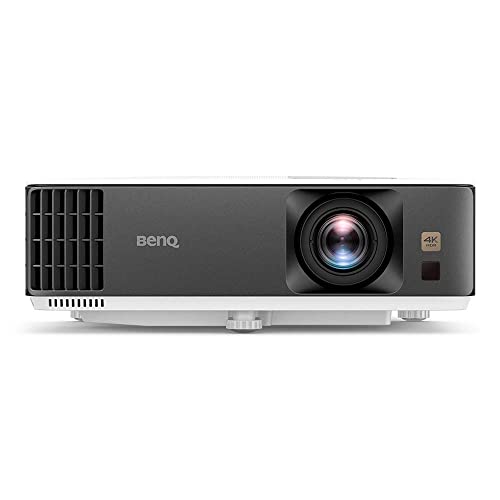

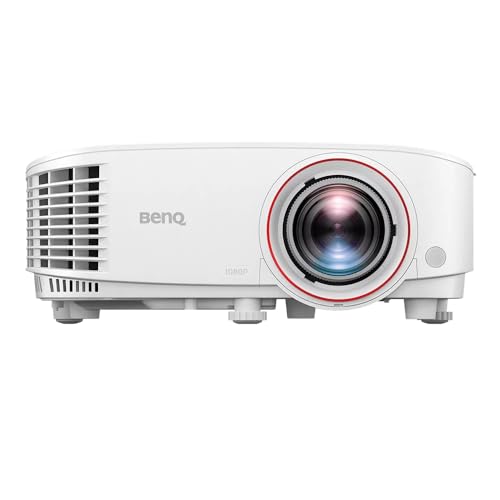


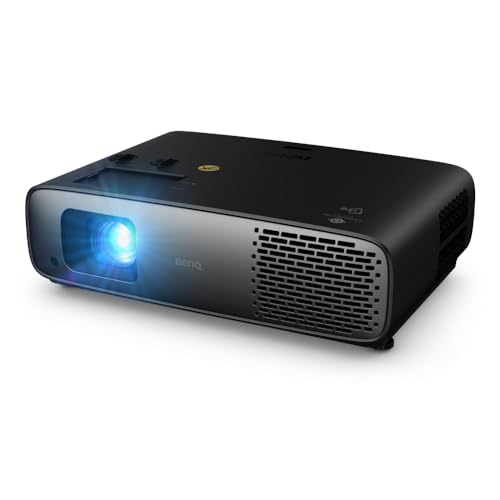
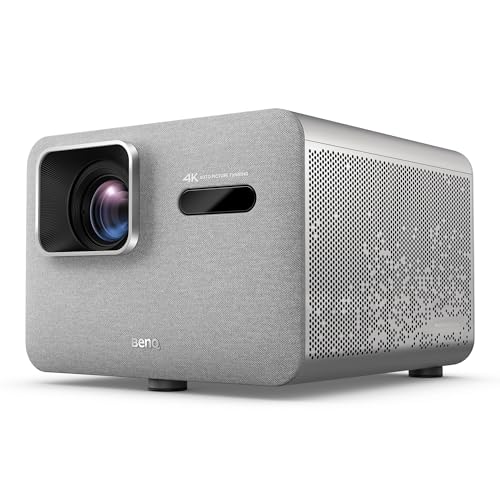
Quick Answer: Three Lineup Paths in 30 Seconds
Most households land on one of three paths. A standard throw lamp or LED model suits a living room where the whole family watches together. A compact portable suits bedrooms and shared spaces that change use during the day. A laser model suits a dedicated room where you want a long service life and steady brightness.
- For most homes: a standard throw 1080p or 4K model with enough brightness for some ambient light.
- For tight budgets and small rooms: a compact portable that is easy to move and store.
- For a long term setup: a laser model placed once and left in position.
Before You Buy: A Quick Checklist for Choosing a Projector
Size: Match It to Your Space
Measure the distance from the projector to the wall or screen, then check the throw ratio for any model you consider. A standard throw model needs the most distance. A short throw model creates a large image from a few feet away, which helps in bedrooms. An ultra short throw model sits inches from the wall. A mini model trades size and brightness for portability, and our guide to the best mini projector explains that class in depth.
Which Type Fits Your Routine
Think about how the room is used each week. A 4K model rewards films and sports when you sit close enough to see the detail. A 1080p model often makes more sense for casual streaming at a lower cost. Portable models move between rooms and patios, while yard models belong in our guide to the best outdoor projector. Smart models with streaming built in reduce the need for a separate stick.
Features Worth It, and Ones to Skip
WiFi and Bluetooth are worth it for wireless audio or casting, and built in speakers help in a bedroom where a soundbar would crowd the space. Google TV with Netflix support is worth it if your household streams daily and wants one remote. A battery matters only away from an outlet. Low input lag matters for gaming, but if nobody plays fast paced games, paying extra adds little. A bundled screen is rarely worth it, since a smooth pale wall often looks better.
Screen Size for Your Room and Seating Distance
Pick image size from seating distance, not from the largest number a listing advertises. Viewers who sit about 8 to 10 feet away often enjoy an image around 90 to 110 inches across, measured diagonally. Sit much closer and a large image can feel tiring. Sit farther back and a small image makes subtitles hard to read. Keep the bottom edge above furniture so heads do not block the view.
Projection Technology and Picture Terms
Projectors do not use TV panel types, so terms such as OLED, QLED, and Mini LED do not describe how a Benq model makes its picture. Most Benq home models use DLP technology, where a chip with tiny mirrors creates the image. What matters is contrast, color accuracy, and how the light source holds brightness over time. Our explainer on dlp vs lcd projector designs covers the main alternative.
Brightness for Bright Versus Dark Rooms
Brightness is listed in lumens, and the right figure depends on light control. A bedroom with blackout curtains can look rich with modest output. A living room with windows and lamps on needs substantially more, or the picture will look pale. Closing curtains is the cheapest upgrade you can make. The brightest mode often shifts color, so a model balanced in cinema mode is a better buy than one that only impresses at full brightness.
Smart Platform, Sound, and Ports
Count the sources you will connect before you buy. Most homes need at least two HDMI ports, one for a streaming device and one for a console or laptop. An HDMI port with eARC sends sound to a soundbar with one cable. Built in speakers vary widely, so check whether owners describe dialogue as clear. For phone viewing, our guide on how to connect phone to projector covers wired and wireless options.
Realistic Budget Ranges
Under about $200, expect portables with modest brightness for dark bedrooms. Around $200 to $500, you find brighter 1080p models for family streaming. Around $500 to $1000, contrast and smart features improve visibly. Around $1000 to $2000, 4K detail and stronger HDR handling enter the picture. Above about $2000, you pay for laser light sources and dedicated room performance. Spend first on brightness and resolution.
Three Types Compared: Which Path Fits Your Home
Best for Most Homes: Standard Throw Home Models
This type sits on a shelf, table, or ceiling mount behind your seating and throws a large, even image. It offers the best balance of brightness, contrast, and price for family film nights and sports. You get room for several sources, though a soundbar still helps. The trade off is placement. You need a clear beam path, an outlet within reach, and a cable plan so nobody trips during the film.
Best Value: Compact Portable Models
Compact portables suit homes where no single room belongs to the projector full time. Set one on a dresser one night, carry it to the living room the next, then store it in a drawer. Setup is quick, and built in speaker and streaming cover basic needs. The trade off is brightness and detail. These models need a dark room, and a very large image will look soft. For renters, that compromise is often right.
Best Long Term Investment: Laser Models for a Fixed Room
A laser model costs more at purchase, but the light source is rated for far longer than a traditional lamp, so brightness stays steady and you avoid repeat lamp purchases. That suits a fixed room used most days. Our comparison of laser vs lamp projector ownership explains how costs play out. The trade off is the higher price and, in some designs, a larger body. If your household watches daily, the long service life can justify the step up.
Our Selection Process for the Best Benq Projectors
We compare models on picture quality, brightness and HDR handling, the smart platform and its apps, sound, and ports, then weigh all of that against price. Information comes from manufacturer specifications and patterns in verified buyer feedback, such as repeated comments about fan noise or focus.
The Benq Projector Lineup Explained
Benq organizes its home lineup by use, not by a single ladder of good to better. Entertainment models focus on streaming, built in sound, and simple setup. Home cinema models focus on contrast, color accuracy, and quieter fans for a dedicated dark room, and readers building that space should see our guide to the best projector for home theater. Portable models focus on size. Gaming focused models add low input lag and high refresh support, which matter only if fast games are a regular part of your routine.
When you compare a best benq projector candidate against that map, ask which job the model was built to do, then check whether that job matches your room. A cinema model in a bright open plan room will disappoint, and a portable in a dedicated dark room leaves quality on the table. Matching job to room predicts owner satisfaction more than any one spec. Prices and availability can change, so check the product page before ordering.
Common Buying Mistakes to Avoid
- Buying for the largest advertised image size. An oversized image looks soft and makes subtitles tiring to follow.
- Ignoring throw distance. A model that cannot fill your wall from your only shelf forces a return.
- Forgetting ongoing costs. Lamp replacement, mounts, and cables add to the first purchase.
- Paying for features nobody will use. Extra gaming modes or battery power add cost without value for a film only household.
- Placing the projector in a closed cabinet. Poor airflow raises fan noise and shortens light source life.
Cost of Ownership and Care
Running costs stay modest. Electricity use is similar to a bright TV, and the main variable cost is the light source. Lamp models need a replacement lamp after a few thousand hours, while laser and LED models spread that cost into the purchase price. Keep the filter and vents free of dust, and never block the exhaust while the unit runs. Store a portable in a padded case and let the fan finish its cool down cycle before you unplug it.
For the bigger room question, our article on projector vs tv weighs image size against daylight viewing. Also budget once for a mount or stable shelf, an HDMI cable, and blackout curtains if your room has strong daylight. Those items cost far less than upgrading to a brighter model later.
Your Questions, Answered
How do you mount a projector on a ceiling?
Confirm the mount rating exceeds the weight of your model and attach it to a joist or solid blocking, not to drywall alone. Use throw distance for your image size to mark the position, then level the mount before tightening it fully. Route cables before final alignment. Leave a little slack in the cables, because a tight cable can pull the mount out of alignment over time and soften focus at the edges.
How many lumens do you need for a living room projector?
Begin with how much light you cannot control. A room used mainly after dark, with curtains drawn, needs far fewer lumens than the same room used for afternoon sports with windows open. Consider screen gain too, since a matte wall reflects less light than a purpose made screen and can make the same projector look dimmer. If two models are close on price, choose better contrast over a higher lumen figure alone, because contrast shapes how rich dark scenes look.
How do you set up a projector for the first time?
Place the projector square to the wall before you touch picture settings, because an angled unit forces keystone correction that reduces sharpness. Fill the frame using zoom and focus, then set the picture mode you will use for films. Play a familiar scene with faces and dark clothing, since skin tones and shadow detail reveal color problems faster than a bright cartoon. Save those settings as your default.
Is Benq a good projector brand for home use?
Benq focuses heavily on home projection, and that shows in color tuned picture modes, published input lag figures for gaming models, and a wide range of throw options. Check the warranty for the light source and the main unit separately, since they can differ. Also look at how easily replacement lamps and filters are sold for the model you want. A brand is only as good as the parts you can still get years later.
What is the best benq projector for a small bedroom?
For a small bedroom, short throw placement and modest brightness usually beat maximum resolution, because you sit closer and the room is easy to darken. A compact model with built in streaming removes the need for a separate box on a small dresser. Consider fan noise more than in a living room, since the projector may sit a few feet from your pillow. A model owners describe as quiet in eco or cinema mode makes late night viewing far more pleasant.
Final Thoughts
Match the throw to your room, buy enough brightness for the light you cannot control, and choose the type that fits how your household watches. On that basis, the best benq projector for most homes is a standard throw model with balanced picture quality, while a portable serves small shared spaces and a laser model rewards a fixed room. Use the product table above to compare finalists, then confirm price and stock.


