Best Battery Operated Fan: Types and Buying Tips (2026)
Disclosure: We may earn a commission when you buy through links on this page, at no extra cost to you. As an Amazon Associate I earn from qualifying purchases. Learn more

Runtime, airflow, noise and mounting decide the fit. Compare four fan types to find the best battery operated fan for travel, camping or sleep.
A fan that needs an outlet stops helping the moment you move away from a wall, lose power, or set up somewhere outdoors. The best battery operated fan for you solves that problem by running on a rechargeable battery, so it can follow you from a desk to a tent to a stroller without a cord. The catch is that battery models vary a lot in runtime, airflow, and size, and the smallest ones feel very different from the largest ones.
This guide compares the main types side by side, explains the specs that actually decide how a fan performs, and helps you match a model to your space and habits. Use the comparison table below to scan the key differences, then read on for the detail behind each type.




Who Should Buy a Battery Operated Fan?
Campers and Outdoor Users
If you sleep in a tent, an RV, or a cabin without reliable power, a battery fan keeps air moving through the night and makes warm weather camping far more comfortable. Look for long runtime on a low setting, a hook or flat base for hanging or standing inside a tent, and a body that tolerates dust and bumps. Our guide to the best fan for outdoor use covers more options for patios and yards.
Bedroom and Nursery Sleepers
A battery fan suits bedrooms where outlets sit in awkward spots, and it keeps running during a power outage so a hot night does not ruin your sleep. Quiet operation matters most here, along with a timer that shuts the fan off after you fall asleep. If your room has good outlet access and you want stronger all night airflow, compare with the best fan for bedroom models that plug in.
Travelers, Commuters, and Desk Workers
Small personal fans earn their place in a bag, on a train tray, or beside a laptop in a shared office where you cannot control the thermostat. Portability rules this group, so weight, folded size, and USB charging matter more than raw power. A fan you can recharge from a laptop or power bank means one less cable to pack, and a sturdy clip or stand keeps it aimed at your face instead of sliding around.
Fan Types Compared
Personal and desk fans are the smallest type, usually 4 to 8 inches across, and they cool one person at close range. They cost the least and recharge fastest, but they cannot move air across a room.
Clip on fans grip a stroller handle, a shelf edge, a headboard, or a tent pole, which makes them the most flexible for aimed airflow in tight spots. Check that the clamp opens wide enough for what you plan to grip, since clamp strength varies.
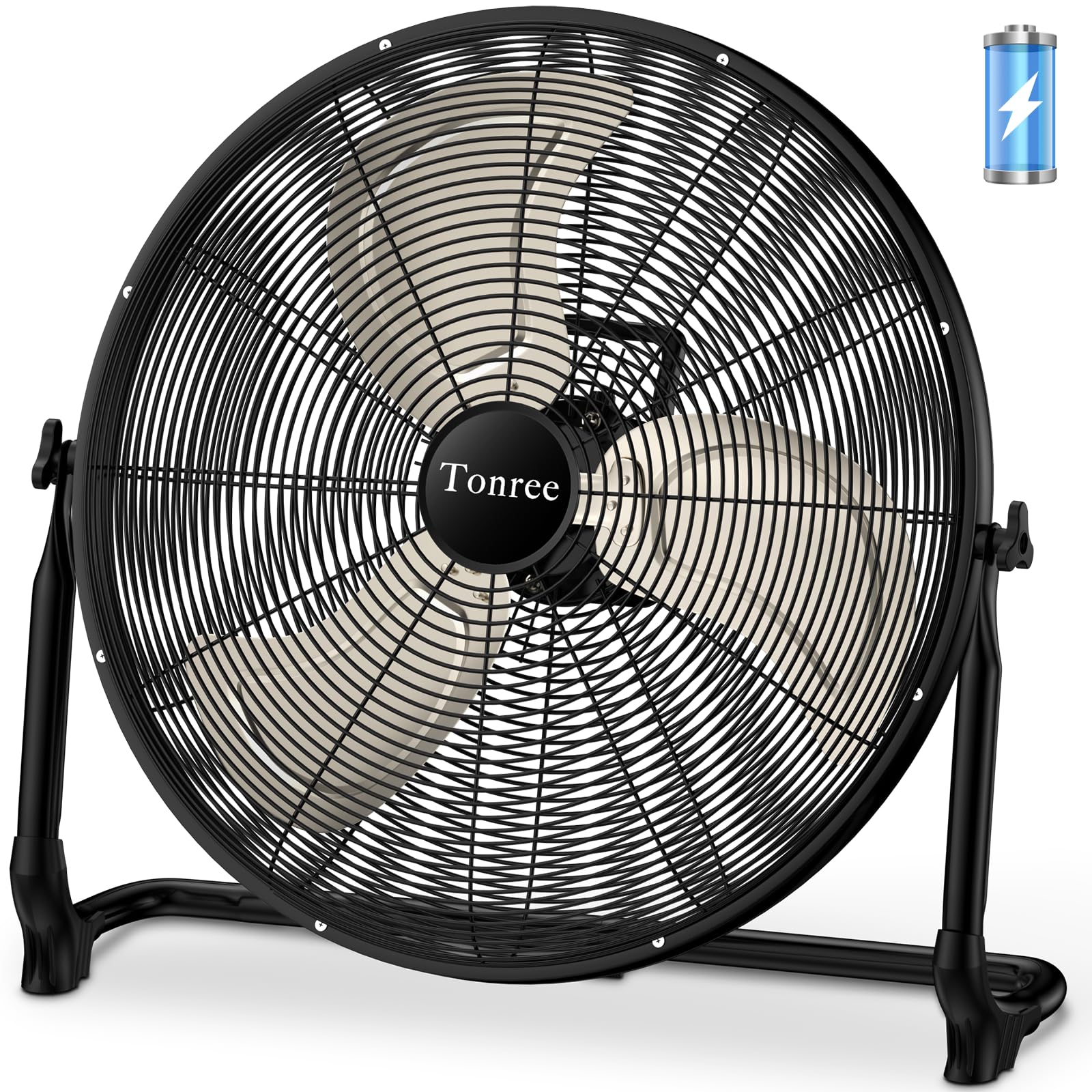
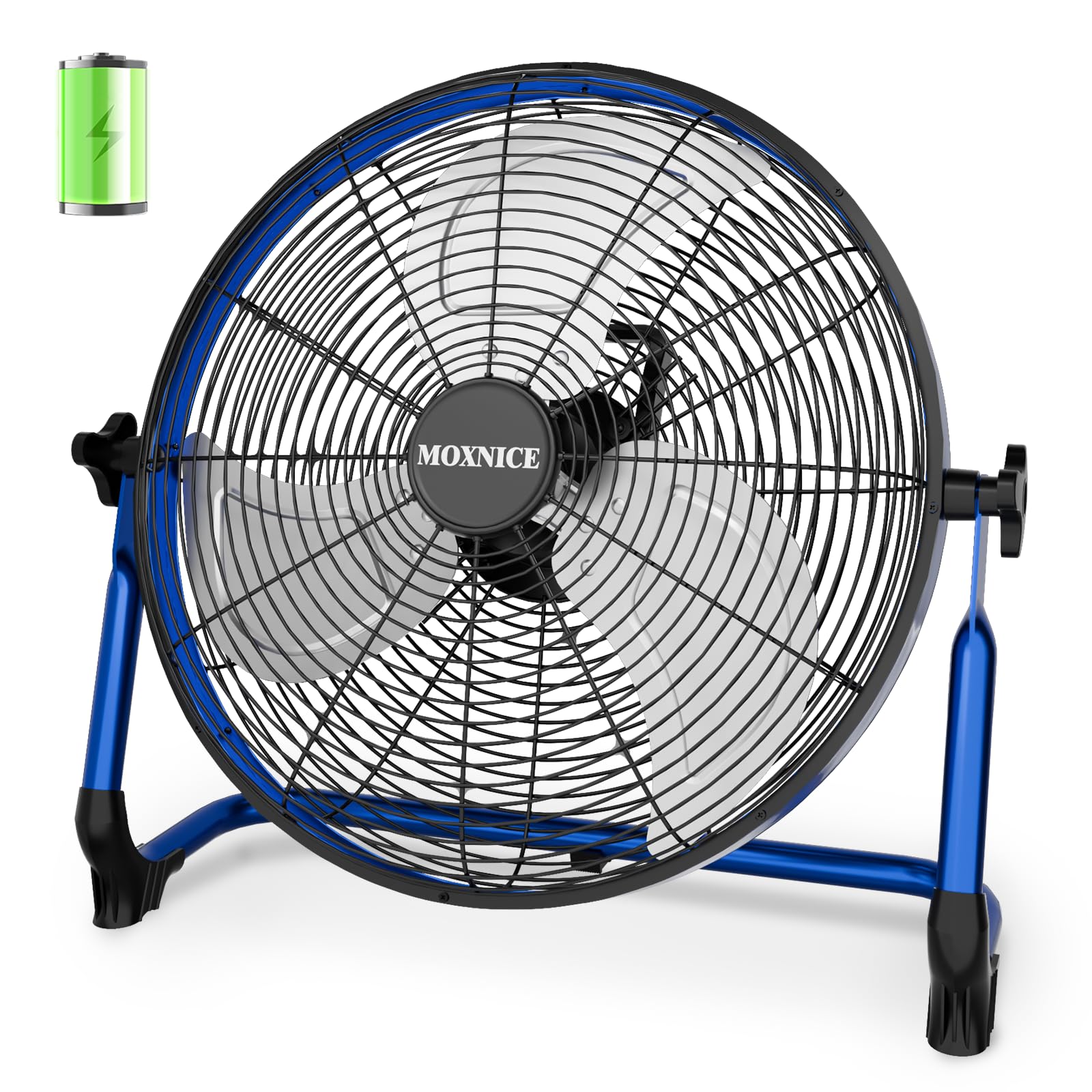
Floor and camping fans run 10 inches or larger, hold the biggest batteries, and often add a lantern light or a power bank output for charging a phone. They suit group spaces and longer trips, but they take real room in a car or closet.
Neck fans rest around your shoulders and blow upward at your face and neck, leaving your hands free for walking, gardening, or working events outdoors. They cool a small area, so treat them as personal comfort gear rather than room fans.
Key Features to Compare
Battery Capacity and Runtime
Capacity is listed in milliamp hours, and larger numbers generally mean longer runtime between charges. Small personal fans often hold about 2,000 to 4,000 mAh, while big camping fans can hold 10,000 mAh or more. Runtime claims assume the lowest speed, so expect far fewer hours on the highest setting. A model that runs 8 to 24 hours on low may last only 3 to 6 hours on high. Match the battery to your longest stretch away from power, whether that is a work shift, a flight, or a full night in a tent.
Charging Options
Most battery fans charge through a USB cable, which lets you refill them from a wall adapter, a laptop, a car port, or a power bank. Charging speed differs, and a large battery can take 4 to 6 hours to fill, so plan ahead before a trip. Some larger fans use removable battery packs that swap in seconds, which suits long outages or job sites. A clear battery level indicator helps too, since a fan that dies without warning in the middle of the night is a common complaint.
Airflow and Speed Settings
Airflow is sometimes listed in cubic feet per minute, but many small fans skip that rating, so judge by blade size, motor type, and the number of speeds. More speeds give you finer control, and a wide gap between the lowest and highest settings makes one fan work for both sleep and strong midday heat. Brushless motors tend to run quieter and use less power than basic motors. Oscillation, where offered, spreads air across a wider area instead of one fixed spot.
Noise Level
Noise is rated in decibels, and for sleep or office use you generally want the low setting to stay around 30 to 40 decibels, close to a quiet room. Small fans with tiny blades often spin fast and produce a higher pitched hum, while larger blades move the same air more slowly and sound softer. If you are a light sleeper, favor models that advertise a sleep or natural wind mode, since a steady monotone bothers some people less than a surging pattern, and the reverse is true for others.
Size, Weight, and Mounting
Decide where the fan will live before you buy, because mounting options decide where it can actually go. Clip fans need a surface of the right thickness, hanging fans need a hook point above you, and flat base models need stable ground or a table. Weight matters if you carry the fan daily, and a folding handle or a head that tilts flat makes storage in a drawer or bag much easier. Measure your space first if the fan must fit a shelf, a stroller canopy, or a tent corner.
Battery Operated Fans vs Plug In Fans
The core trade is freedom against endurance. A battery fan runs anywhere and keeps working during an outage, but it stops when the charge runs out and usually moves less air than a similar sized plug in model. A plug in fan runs as long as you need and often costs less for the same airflow, yet it ties you to an outlet and a cord. Many households end up with both, using the plug in fan as the daily workhorse and the battery fan for travel, outages, and outdoor time. Remember that any fan cools people rather than lowering room temperature, which is the key point in the fan vs air conditioner comparison.
How Much Should You Spend?
Small personal and clip fans usually cost around $15 to $30, and at that level you get a few speeds and modest runtime. Mid range desk and stroller fans at about $30 to $60 add bigger batteries, quieter motors, and better clamps or stands. Large camping and floor fans at about $60 to $120 bring the longest runtimes, stronger airflow, and extras such as lights and power bank output. Spending more mainly buys runtime and build quality, not magic cooling power. Charging costs stay tiny either way, and our guide to how much electricity does a fan use shows how little fans draw compared with cooling appliances.
Common Mistakes to Avoid
- Buying by battery size alone, since a big battery in a weak fan still gives weak airflow.
- Trusting the headline runtime without checking which speed it assumes, which leads to a fan that dies hours earlier than expected.
- Choosing a clip fan without measuring the surface it must grip, so the clamp never fits.
- Leaving the fan uncharged for months, which shortens battery life and leaves you without airflow during an outage.
- Expecting a personal fan to cool a whole room, which it cannot do no matter the price.
- Ignoring the noise rating when the fan is meant for sleep, then finding the hum keeps you awake.
Care and Charging Habits That Extend Battery Life
Dust on the blades and grille makes any fan work harder and sound louder, so wipe the blades with a damp cloth and vacuum the grille every few weeks during heavy use. Our step by step guide on how to clean a fan walks through deeper cleaning for models that open up. Keep the fan out of prolonged direct sun and away from rain unless the maker rates it for outdoor weather, since heat and moisture both age batteries and motors.
For the battery itself, recharge before it sits empty for long stretches, and avoid leaving the fan plugged in for weeks at a time once it is full. If a fan will sit unused over winter, the care steps in the FAQ below cover the storage charge level that keeps the cells healthy. Replace the fan when runtime drops to a fraction of what it was or the motor starts grinding, since worn bearings and tired cells rarely recover.
FAQ
Are battery operated fans worth it?
Yes, when your use involves movement, travel, outdoor time, or unreliable power, because those are exactly the situations a plug in fan cannot cover. The value drops if the fan will sit in one spot beside an outlet all year, where a cheaper plug in model gives stronger airflow. Think of the battery as paying for placement freedom. If you use that freedom weekly, the purchase pays off quickly in comfort alone.
Can a battery operated fan run while it is charging?
Many models can, but not all of them, and the product page or manual states this clearly when it is supported. Fans that allow it often run at reduced top speed while plugged in, since the incoming power splits between the motor and the battery. If overnight use during an outage is your plan, confirm this feature before buying, because a fan that cannot run while charging leaves a gap whenever you top it up.
Can you bring a battery operated fan on a plane?
Small personal fans usually travel fine in a carry on bag, and airlines treat them like other small electronics with built in lithium batteries. Larger fans with big removable packs can face limits, since spare lithium batteries have capacity caps for air travel. Rules differ by airline and country, so check your carrier policy before you fly. Packing the fan with the power switch protected keeps it from turning on inside your bag and arriving empty.
Can a battery operated fan cool a whole room?
No fan lowers the temperature of a room, because fans cool people by moving air across skin, which speeds up sweat evaporation. A large battery fan can make everyone in a small room feel cooler while it runs, yet the air itself stays the same temperature. For a hot room with no one in it, running any fan only wastes battery. Open windows on the shaded side in the evening often help a battery fan do noticeably more.
How should you store a battery operated fan over winter?
Charge the battery to roughly half before storing, since sitting full or fully empty for months stresses lithium cells and shortens their life. Clean the blades and grille first so dust does not harden in place, then store the fan in a dry indoor spot away from heat sources. Check the charge every couple of months and top it back to about half if it has drifted down. This small routine keeps the fan ready for the first warm week of spring.
Final Thoughts
The right choice comes down to where the fan will run and how long it must last between charges. Personal and clip models suit travel and desks, mid sized fans cover bedrooms and strollers, and large camping fans handle groups, outages, and long nights outdoors. Compare the types in the product table above against your runtime and noise needs, and the best battery operated fan for your routine should stand out. If you later want a plug in model for everyday room cooling, our roundup of the best fan options for home use is the natural next read.