Best Basic Laptops in 2026: A Buying Guide
Disclosure: We may earn a commission when you buy through links on this page, at no extra cost to you. As an Amazon Associate I earn from qualifying purchases. Learn more

Compare the best basic laptops by RAM, storage, screen and battery life to find a reliable machine for browsing, study and everyday work.
A basic laptop should handle browsing, email, documents, video calls, and streaming without fuss, and that is exactly what the best basic laptops do well. They skip gaming graphics and workstation power in favor of a comfortable keyboard, a readable screen, and battery life that gets you through the day. This guide explains which specs matter, which ones to ignore, and how to match a machine to your routine.
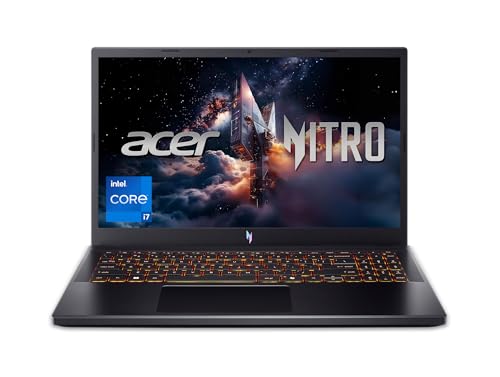
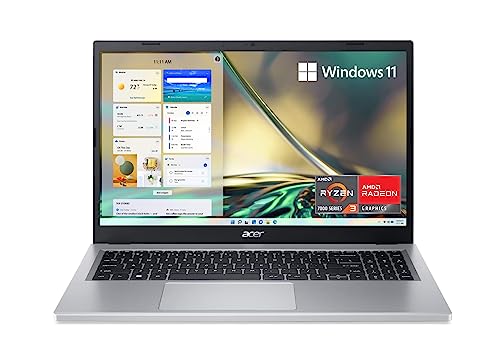
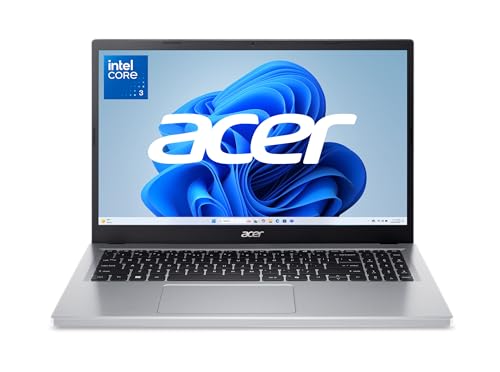
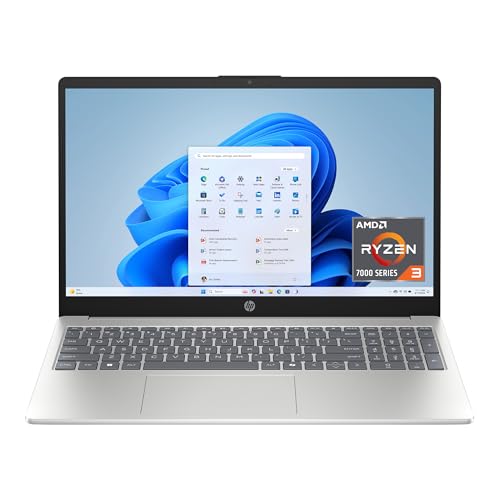
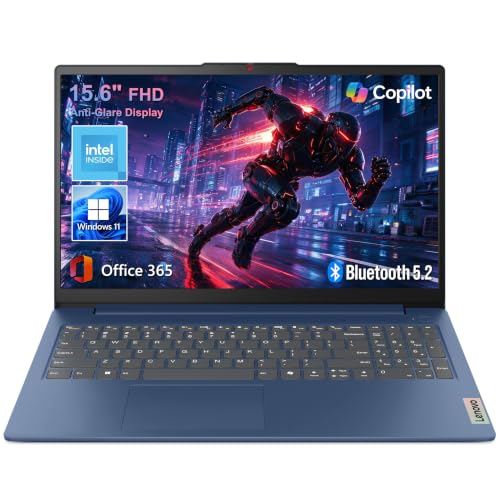
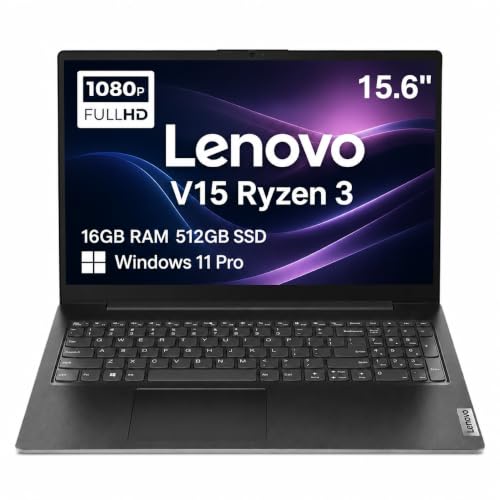
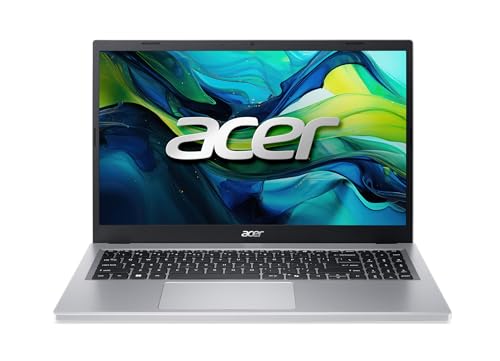
The product table above lists current options at everyday prices, and the sections below show how to read them. Learn the five specs that decide daily comfort, and a listing full of jargon turns into a short, easy comparison.




What Makes a Laptop "Basic"
A basic laptop is a general purpose computer for everyday tasks. It uses integrated graphics, a midrange or entry processor, and a modest amount of fast storage. Most cost roughly $300 to $700, depending on screen quality and memory. They run Windows or ChromeOS, and a few step up to larger screens and sturdier bodies without leaving basic territory.
The trade off is simple. You give up demanding games, heavy video editing, and 3D work, and you gain a lighter machine that runs cooler, stays quieter, and costs far less. For most households, that is a good bargain, because the tasks people do every day need steady performance, not peak speed.
Who Should Buy the Best Basic Laptops
Students and Learners
Students need a light body, a keyboard that handles long essays, and a battery that outlasts a full school day. A 14 inch screen balances room to work with easy carrying, and a sturdy hinge helps a laptop survive a backpack.
Remote and Hybrid Workers
People who work from a kitchen table or a spare room care about video call quality, port selection, and comfortable typing. Check for a clear webcam, USB C, and HDMI so a monitor and dock connect without adapters. Our guide to best basic laptops for work covers those needs in more depth.
Families and Casual Users
A shared family laptop does best with a larger 15.6 inch screen, a numeric keypad, and storage for photos and school files. Easy sign in with a PIN or fingerprint makes sharing simpler. Older family members can compare notes in our guide to the best basic laptops for seniors.
Key Specs to Compare
Memory (RAM)
RAM keeps your open apps responsive. Eight gigabytes is the minimum for a new Windows laptop, and 16 GB leaves room to grow as software gets heavier. If two machines cost about the same, pick the one with more RAM over the one with a slightly faster processor.
Storage
Choose a solid state drive, not a spinning hard drive. A 256 GB drive covers documents and a modest photo library, while 512 GB gives more breathing room. Cloud storage or an external drive handles the rest and doubles as a backup.
Screen and Keyboard
You look at the screen and touch the keyboard every minute you use the laptop, so give them real attention. Full HD resolution is the sensible minimum, and brightness near 300 nits keeps text readable near a window. A matte finish cuts glare, and keys with decent travel make long typing sessions easier.
Battery Life
Maker claims assume dim screens and light tasks, so expect real use to land noticeably lower. Seven to nine hours of mixed browsing, email, and streaming is a good target. Fast charging over USB C is a handy extra when you forget to plug in.
Ports and Wireless
Look for at least one USB C port, one or two standard USB ports, and HDMI. WiFi 6 or newer gives steadier video calls, and Bluetooth connects a mouse or headset without cables.
Types of Basic Laptops
Compact Everyday Laptops
These 13 to 14 inch models weigh around 3 lb and run longer on a charge. They suit commuters and students, though the smaller screen can feel tight for spreadsheets.
Standard Home Laptops
The 15.6 inch class is the most common, with a roomier screen and often a number pad. It is heavier, usually 3.5 to 4.5 lb, but it works well on a desk or sofa.
Chromebooks
ChromeOS laptops start fast, update themselves, and cost less, which suits browser based work and school. Check that every program you must run has a web or Android version, because Windows and Mac only programs will not install.
Budget Work Laptops
Sturdier builds, better webcams, and business friendly ports mark this group. They cost a little more, and the better keyboards and support often repay the difference over several years.
How to Compare Options Side by Side
Pick two or three machines from the product table and compare them on the same points: RAM, storage type, screen brightness, weight, and warranty length. This keeps one attractive feature from hiding a practical drawback. Set a budget before you shop and raise it only when the extra money buys something you will notice daily, such as a brighter display or double the memory.
Common Mistakes to Avoid
- Buying the cheapest model without checking RAM and storage type, which leads to a slow machine within a year.
- Ignoring keyboard comfort, even though you will type on it for hours.
- Assuming a bigger screen is always better, when it also adds weight and shortens battery life.
- Paying for a dedicated graphics card that email and browsing never use.
- Skipping the return policy, which is your safety net if the keyboard or screen feels wrong.
Setup and Care
Plug in, connect to WiFi, and let the first round of updates finish before you install anything. Set up a PIN or fingerprint, turn on automatic backup, and install only the programs you need in the first week. Wipe the screen with a soft dry cloth, keep vents clear of dust, and avoid leaving the laptop on a bed or blanket where it can overheat. Many models include a battery care setting that limits charge when the laptop stays at a desk, which slows wear.
Related reading: our guide to the best notebook laptops covers slim, light models, and the best laptops for basic needs guide looks at simple configurations for light use.
Basic Laptops: Your Questions Answered
How much memory does a basic laptop need?
Eight gigabytes is the minimum for a new Windows laptop, and 16 GB is the comfortable choice if the budget allows. Memory affects how new the machine feels after a few years more than a slightly faster processor does.
Is a small screen enough for daily work?
A 13 or 14 inch screen suits travel and short sessions, while a 15.6 inch screen suits long documents and side by side windows. If you pick a compact model, an external monitor at home gives you the extra room.
Should I choose solid state storage?
Yes. Solid state storage is faster and more durable than a traditional hard drive, and it makes a basic laptop feel much quicker. Even a modest solid state drive beats a large slow drive for everyday use.
How long will a basic laptop last?
With care and software updates, a basic laptop typically serves four to six years of everyday tasks. The battery usually fades first, and many models allow a replacement that restores unplugged time.
What should I check before buying?
Check keyboard feel, screen brightness, port selection, warranty length, and weight, because these affect daily comfort more than small processor differences. If you can, try the keyboard in person before you decide.
Final Thoughts
Choosing among the best basic laptops comes down to RAM, a solid state drive, a screen you can read comfortably, and a keyboard you enjoy. Compare a short list in the product table above, match the size to how much you travel, and pick the machine that fits your routine rather than the one with the longest spec list.