Best Basic Laptops for Seniors by Budget: Smart Picks for 2026
Disclosure: We may earn a commission when you buy through links on this page, at no extra cost to you. As an Amazon Associate I earn from qualifying purchases. Learn more

Learn how to choose the best basic laptops for seniors by budget, with clear guidance on screens, keyboards, weight, battery life, and value.
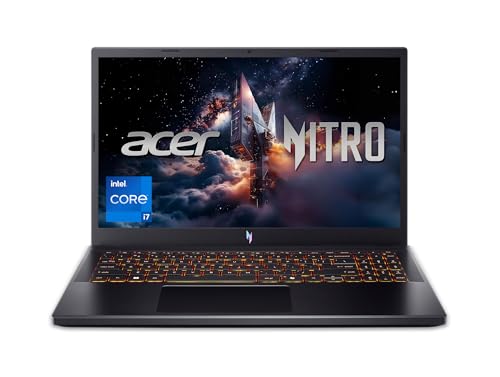
Basic laptops span a wide price range, from under $300 to well over $1,000, and the extra money does not always buy what an older adult actually needs. This guide sorts best basic laptops for seniors by budget so you can see where spending helps and where it does not. The product table above gives you a quick view of current options, and the sections that follow explain each tier in plain language.
Most senior buyers want the same core things: a screen that is easy to read, a keyboard that feels comfortable, enough speed for email, browsing, photos, and video calls, and a machine that does not need constant fixing. Keep those four goals in mind as you read, because they matter more than headline specs.

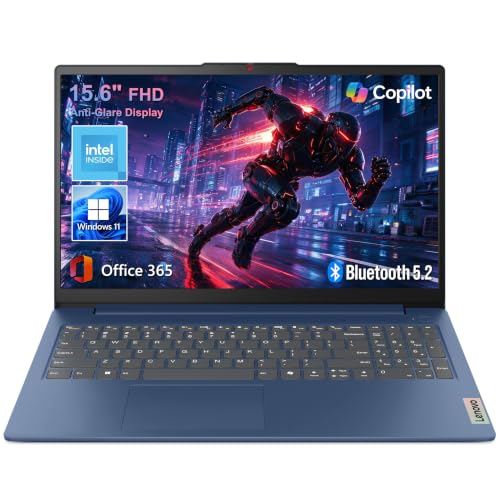


Choosing by Budget Tier Instead of a Product List
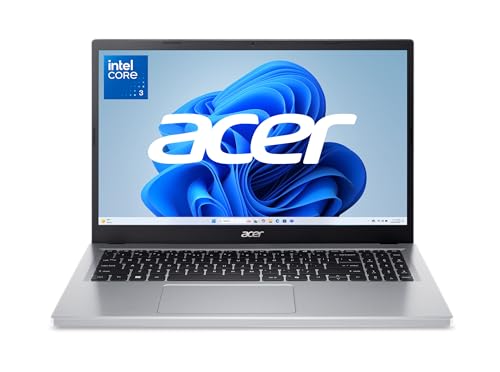
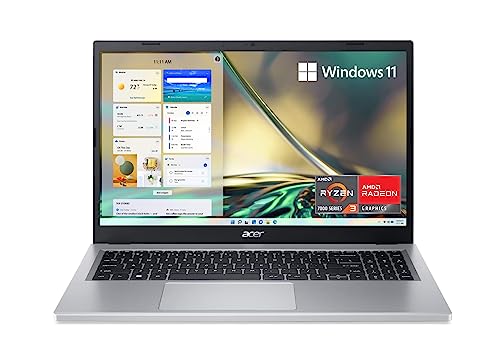
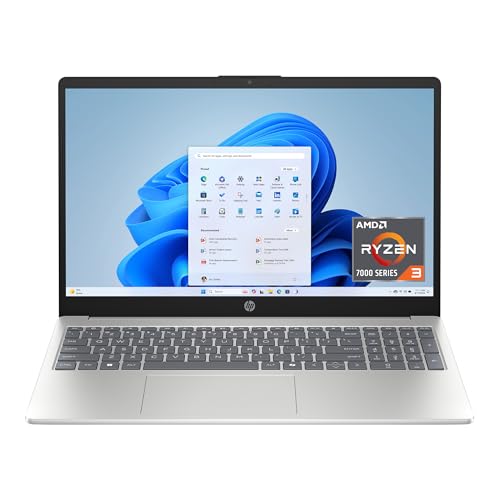
Rather than naming specific models, this section describes what each budget tier usually delivers, who it suits, and what you give up. Model lineups change every few months, but tier expectations stay fairly stable, so this approach helps you judge any machine in the product table above on its merits.
Budget Tier Profile
A budget tier laptop, usually around $250 to $400, suits you if your days are mostly email, news, online banking, and video calls with family. Expect a 14 or 15.6 inch display, 8 GB of RAM, and 128 GB to 256 GB of storage, which is enough for documents and a modest photo library. The trade offs are a dimmer screen, a heavier plastic body, and a battery that may last five to seven hours. Check that text still looks sharp at arm length before you commit.
Midrange Tier Profile
A midrange tier laptop, usually around $400 to $700, is the profile most senior buyers should target first. You typically get 16 GB of RAM, a brighter and sharper display, a metal or part metal body, and a backlit keyboard that helps in dim rooms. Storage usually rises to 512 GB, which holds years of photos without worry. Battery life often reaches eight to ten hours in light use. The main limit is gaming and heavy video editing, which most buyers in this group do not need anyway.
Premium Tier Profile
A premium tier laptop, usually around $700 to $1,100, pays off if you travel often, keep a computer for many years, or want the lightest possible machine. Expect a weight near or under 3 lb, a vivid high resolution display, fast USB C charging, and strong speakers for calls and streaming. Build quality and warranty support also tend to improve at this level. The downside is simple: you pay for thinness and polish that a desk bound user may never notice, so weigh that against your routine.
What Your Money Gets You at Each Price Tier
Budget Tier: What to Expect
At the budget level, makers save money on the screen, the body, and the battery first. Colors look flatter, viewing angles narrow, and the chassis flexes more when you pick it up by a corner. Performance for everyday tasks is still fine as long as RAM reaches 8 GB and storage is a solid state drive rather than a slow spinning disk. If a listing hides the display brightness or uses vague storage language, treat that as a reason to look at the next tier up.
Midrange Tier: The Sweet Spot for Most Buyers
Midrange is where comfort features arrive together instead of one at a time. You get a backlit keyboard, a larger trackpad, better speakers, and a screen you can read near a window. Processors in this tier handle a dozen browser tabs, a video call, and a photo app at once without stalling. For most households this tier also lasts longer, because 16 GB of RAM and 512 GB of storage leave room to grow as software gets heavier over the years.
Premium Tier: When Spending More Pays Off
Spending more pays off in three situations. First, if you carry the laptop between rooms or on trips, a lighter body and longer battery life reduce daily friction. Second, if your eyesight needs a larger, brighter, high contrast display, premium panels are noticeably easier to read. Third, if you want one purchase to last six or seven years, stronger hinges, better cooling, and longer support windows help. If none of those apply, the midrange tier usually serves you just as well for less money.
Features Worth Paying For (and Ones to Skip)
Ports and Connectivity
Look for at least one USB C port, one or two standard USB ports, and an HDMI port for a TV or monitor. USB C charging is worth paying for because one small charger can often power the laptop and a phone. WiFi 6 or newer gives steadier video calls on home networks. Skip paying extra for a full set of adapters in the box; a single inexpensive hub solves most gaps later if you actually need one.
Weight and Portability
Weight matters even at home, because a laptop moves between the kitchen, the couch, and a desk more than people expect. Under 3 lb feels easy to carry one handed, 3 to 4 lb is fine for most adults, and above 4.5 lb starts to feel like a chore. If arthritis or shoulder pain is a concern, choose the lighter machine and a padded sleeve rather than a heavy bag. A smaller 14 inch model often balances screen size and easy carrying best.
Battery Life in Real World Use
Maker claims assume dim screens and light tasks, so expect real use to land about 20 to 30 percent below the box number. For mixed browsing, email, and streaming, seven to nine real hours is a good target. Fast charging over USB C helps when you forget to plug in, restoring a useful charge during lunch. You can skip the largest battery upgrades if the laptop mostly stays near an outlet, but avoid models known for loud fans, which often signal weak cooling.
What Seniors Should Look For
Prioritize a matte display that cuts glare, large and well spaced keys, and text that stays readable when you raise system scaling to 125 or 150 percent. A fingerprint reader makes signing in easier than typing passwords. Built in accessibility tools, such as a magnifier, high contrast mode, and voice typing, come free with modern systems, so spend an afternoon turning them on. If you notice new eye strain, headaches, numbness in your hands, or worsening neck pain while using a computer, talk with your clinician or an eye care professional about your setup and personal needs rather than pushing through discomfort.
Processor and Performance Tier
For everyday tasks, a recent midrange processor from any major family is more than enough. What matters more is pairing it with 16 GB of RAM and solid state storage, which keep the machine responsive as you switch between apps. Integrated graphics handle streaming, casual games, and photo touch ups well. Skip paying for a dedicated graphics card, extra gaming features, or the very fastest chip tier; those raise price, heat, and fan noise without improving email, browsing, or video calls at all.
Long Term Costs to Factor In
The sticker price is only part of ownership. Budget for a comfortable mouse if the trackpad bothers your hands, a sleeve or bag for travel, and possibly an extended warranty if the standard cover is only one year. Cloud backup or an external drive protects photos and documents, and either costs far less than data recovery. Software is mostly free or included for basic needs, but a paid security suite renewal can add up yearly. A well chosen midrange laptop that lasts six years usually costs less per year than a cheap one replaced after three.
When you compare options, you may also want to see our guide to the best basic laptops for a broader view of entry level machines across all ages. Readers focused only on older adults can compare notes in our guide to the best laptops for seniors, which looks at ease of use in more depth.
Basic Laptops: Your Questions Answered
What makes basic laptops for seniors different?
The difference is emphasis, not a separate product category. Senior focused shopping weights readable screens, comfortable keyboards, light weight, simple sign in, and clear speakers more heavily than raw speed. A general laptop with those traits qualifies. One extra point: choose a retailer or brand with phone support you can actually reach, because patient help matters more than a small price gap when something confuses you later.
Is a dedicated GPU worth it?
No, not for basic use. A dedicated graphics card helps with modern gaming, 3D work, and heavy video editing, none of which are part of email, browsing, streaming, or video calls. Integrated graphics in current processors handle all of those smoothly. Skipping the graphics card also keeps the laptop cooler, quieter, and lighter, and it often adds an hour or more of battery life in everyday mixed use.
How long should a basic laptop last?
A basic laptop should last five to seven years with normal care. Battery wear is usually the first limit, often showing after three to four years as shorter unplugged time, though many models allow a battery replacement. Keeping storage under about 85 percent full, installing updates, and blowing dust from vents once or twice a year all help. If repairs approach half the cost of a midrange replacement, a new machine is usually the smarter spend.
Should I buy a laptop or a tablet?
Buy a laptop if you type often, manage files or finances, or print regularly. Tablets shine for reading, video, and simple browsing on the couch, and adding a keyboard case narrows the gap but rarely matches a real keyboard for long messages. Many households end up with both over time, starting with the laptop. If you lean toward a tablet style device, our guide to the best notebook laptops covers slim options that bridge the two shapes.
Is a Chromebook enough for everyday use?
For someone whose email, photos, and video calls all live in a browser, a Chromebook can be enough and is often simpler to maintain. It handles documents, email, and video calls well. The limits are offline apps, some specialized software, and local storage. Check any program you must run first, because a required Windows or Mac application settles the question quickly. Automatic updates are a real plus for users who dislike maintenance.
How much RAM do I need?
Choose 16 GB if your budget allows, and treat 8 GB as the minimum for a new purchase. RAM keeps multiple tabs and apps open without slowing down, and it is the spec that most affects how new a laptop feels after a few years. More than 16 GB rarely helps basic use. If two models are close in price, pick the one with more RAM over the one with a slightly faster processor, because you will notice the RAM every day. Readers with very light needs can also review our guide to the best laptops for basic needs for simpler configurations.
Final Thoughts
Start with the midrange tier, insist on 16 GB of RAM and a bright matte screen, and keep weight under 4 lb if you move the laptop often. Those three choices cover most of what makes a computer pleasant for years. Compare your shortlist against the product table above, and remember that the right best basic laptops for seniors choice is the one that fits your eyes, your hands, and your daily routine, not the one with the longest spec list.