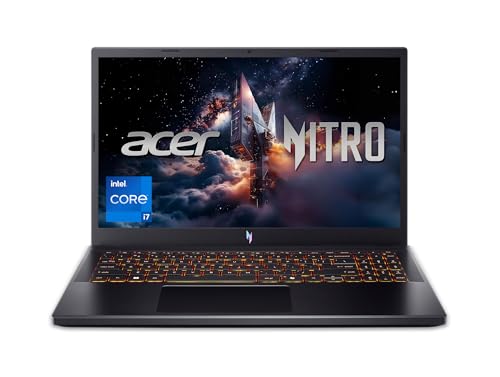
Best Beginner Coding Laptops: A Buyer Checklist for 2026
Disclosure: We may earn a commission when you buy through links on this page, at no extra cost to you. As an Amazon Associate I earn from qualifying purchases. Learn more

Use this checklist to choose the best beginner coding laptops with the right processor, memory, keyboard, and display for learning to program.
Learning to code asks a lot of a laptop and very little at the same time. Your editor, browser, and first projects are light, but a slow machine with a cramped keyboard will frustrate you every single day. The best beginner coding laptops pass a simple set of checks for speed, comfort, and lasting value.
This article gives you that checklist first, with clear pass and fail thresholds for each part, so you can judge any model in the comparison table below on evidence rather than marketing. Work through the checks in order and you will know exactly where your money should go.
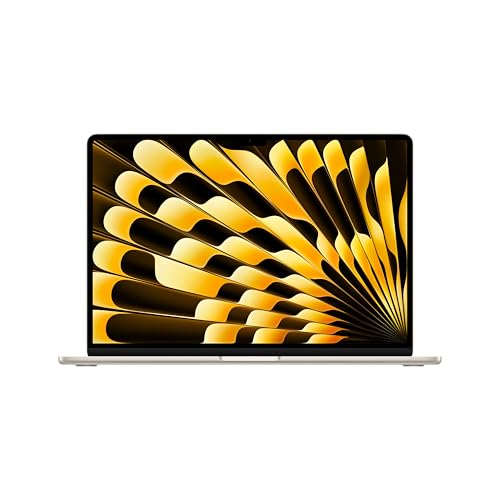

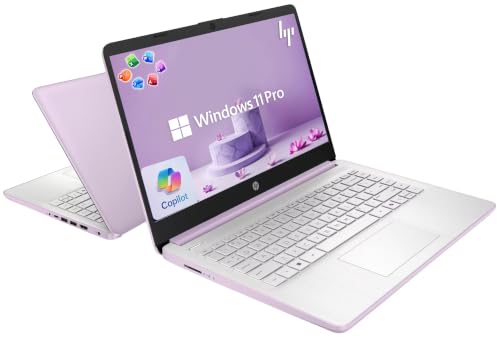


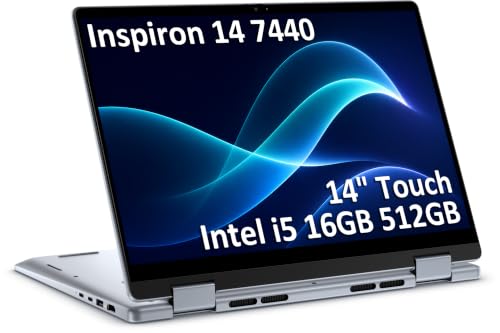
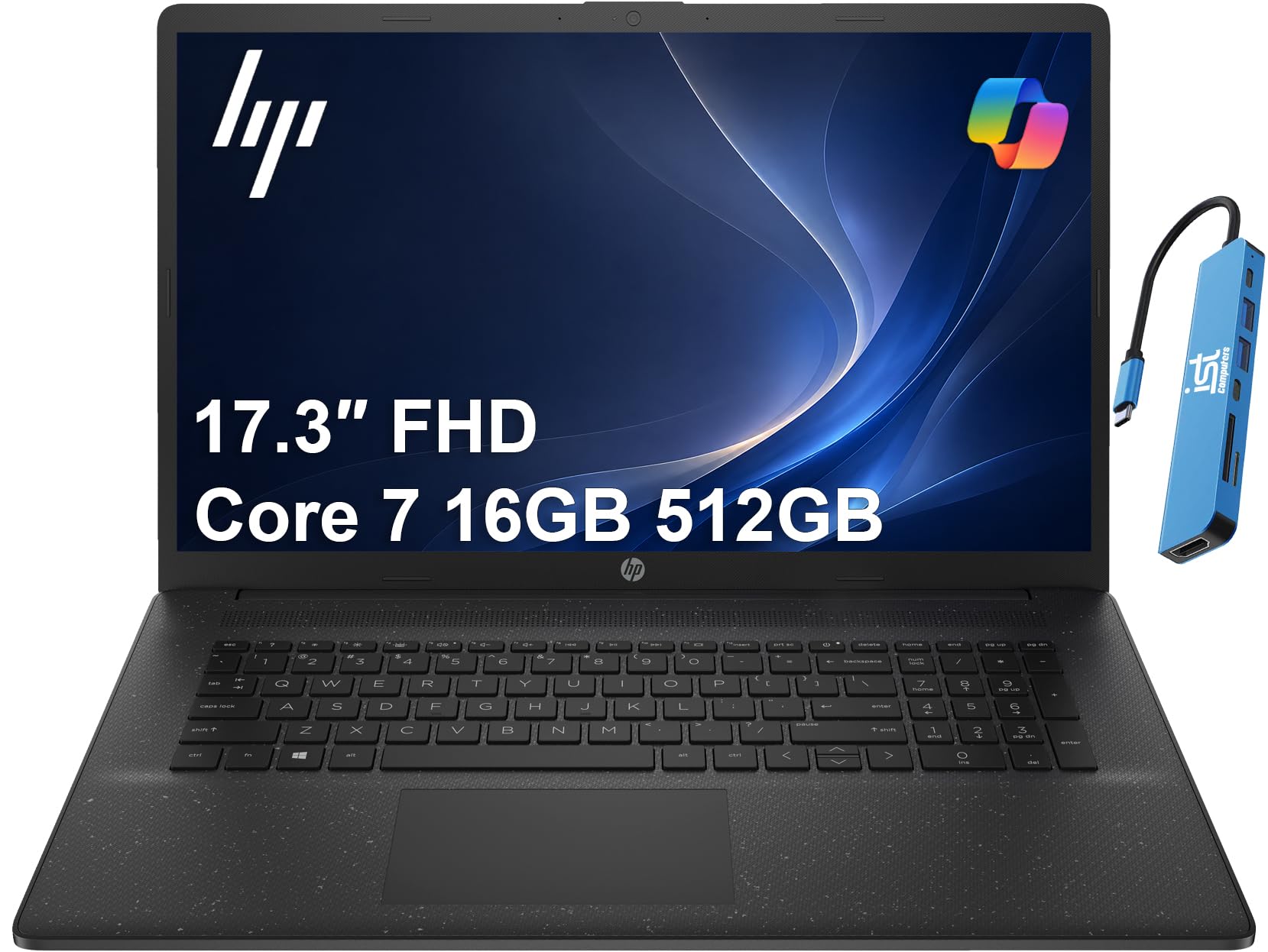


How to Evaluate the Best Beginner Coding Laptops
Treat each heading below as one line on a scorecard. A laptop does not need to win every line, but it should not fail the first three, because those decide your daily experience for years.
Beginner Friendly Features That Matter
A beginner friendly laptop starts fast, wakes from sleep without fuss, and has a setup process you can finish in an afternoon. Look for a backlit keyboard for evening study, a webcam and microphone that work for classes and calls, and enough ports that you are not buying adapters in week one. Clear manufacturer support pages, a simple recovery process, and a warranty of at least one year all count as passes here. Machines that need constant driver hunting or fan tweaks fail this check, however strong their raw specs look.
Processor and Performance Tier
The processor decides how the machine feels when your editor, browser tabs, and a local server run at once. For Windows laptops, a current mid range chip from the Intel Core or AMD Ryzen families is the sweet spot. Recent Apple silicon machines handle beginner workloads with ease and run cool and quiet. Entry chips can still pass if your work is web development and scripting, but they show their age sooner. Fail signals include very old processor generations sold as new and chips paired with tiny memory that the processor can never use well.
Keyboard, Trackpad, and Build
You will type for hours, so the keyboard is a pass or fail item, not a detail. Keys should have clear travel, a firm landing, and a standard layout with no shrunken arrow keys or odd symbol placement. The trackpad should track smoothly and click evenly across its surface. For build, an aluminum lid and deck feel sturdier and flex less than thin plastic, and a hinge that opens smoothly without wobbling protects the screen. If you can, type a paragraph of real code in the store and watch for missed keys and deck flex.
Display Size, Resolution, and Brightness
A 14 inch screen at full HD resolution or better is the practical starting point, because code needs vertical room and readable text. Screens from 13 to 16 inches all work, and the right size depends on whether you carry the laptop daily. Brightness around 300 nits or more keeps text clear near windows and in bright classrooms. A matte or low glare finish reduces eye strain during long sessions. Higher refresh rates feel smooth when scrolling, and OLED panels give superb contrast, but neither should come at the cost of memory or storage.
Operating System
Pick the system that matches your courses and tools. Windows runs the widest range of software and is the common choice for school and office paths. macOS is popular for web and app development and gives you a Unix style terminal that many tutorials assume. ChromeOS is light and simple, and it can work for browser based learning, but local development tools are limited. Linux can be installed on many machines later, so you do not need to commit on day one. Readers who want a broader shortlist can also browse our guide to the best laptops for beginners for general use machines.
RAM and Storage
Memory and storage are the two specs beginners most often buy too small. Treat 8 GB of RAM as the floor and 16 GB as the recommendation, because browsers, editors, chat apps, and containers add up quickly. Storage should be a solid state drive of at least 256 GB, with 512 GB preferred if you keep many projects, photos, or a game or two. A fast SSD makes boot times, project loads, and updates feel instant. Avoid machines with slow spinning drives or tiny drives that fill up within the first semester.
What Each Price Tier Delivers
With the checklist set, use price tiers to decide how much polish you are paying for. The tiers below describe what each band generally delivers, so you can match models in the product table above to your budget without chasing names.
Entry Tier, Around $400 to $600
Entry tier laptops that pass the checklist give you a capable processor, 8 to 16 GB of RAM, and a 256 GB SSD in a mostly plastic body. Screens are full HD and bright enough for indoor work. This tier suits web development, Python, and school coursework. The limits show up in battery life, speaker quality, and long sessions with heavier tools such as virtual machines or large compiled projects.
Mid Tier, Around $600 to $900
Mid tier machines are the sweet spot for most new programmers. Expect 16 GB of RAM, a 512 GB SSD, a brighter and sharper display, and a metal build with a better keyboard and trackpad. Battery life often stretches to a full study day. If you plan to keep the laptop through a degree or a career change into tech, this tier gives you headroom for Android emulators, Docker containers, and bigger data projects later.
Upper Tier, Around $900 to $1,300
Upper tier laptops add premium displays, faster processors, lighter bodies, and longer warranties. They make sense if you carry your machine everywhere, edit video alongside code, or want one laptop to last five years or more. The coding experience itself is not dramatically better than mid tier, so buy this band for comfort, screen quality, and longevity rather than raw learning speed. Shoppers comparing dedicated programming machines can also read our guide to the best laptops for coding and programming.
Quick Buyer Checklist
- Does it have at least 8 GB of RAM, with 16 GB preferred?
- Is the storage an SSD of 256 GB or larger?
- Is the screen at least full HD and bright enough for your room?
- Can you type on the keyboard for ten minutes without errors or strain?
- Does it include USB C plus at least one standard USB port and an HDMI port or an easy adapter path?
- Will the battery last through your longest class or study block?
- Does the weight fit your daily carry, ideally under about 4 lb?
- Is the warranty at least one year, with a return window long enough to test real coursework?
Red Flags to Watch For
- Vague spec sheets. Listings that hide the exact processor model or memory type are hiding weak parts.
- 4 GB of RAM or a spinning hard drive. Either one makes a new laptop feel old within months.
- Dim low resolution screens. A 1366 by 768 display makes code blurry and wastes your vertical space.
- Very short warranties. A 90 day warranty on a new machine signals low confidence from the seller.
- Suspicious review patterns. Clusters of generic praise with no detail, posted at the same time, should lower your trust.
One more practical check: search the exact model name plus the words driver support before you buy. A maker page with current drivers and manuals is a quiet sign of a machine that will age well. If portability matters most to you, our guide to the best notebook laptops covers lighter everyday machines.
Setup and Care Tips
- Keep the OS and firmware updated. Updates fix security flaws and battery bugs, so turn on automatic updates during setup.
- Avoid running at 100 percent charge all the time. If the laptop lives on a desk, use the battery limiter setting many makers include to slow wear.
- Use a padded sleeve when commuting. Most screen damage happens in bags, and a sleeve costs little compared with a repair.
- Set up backups in week one. Push code to a remote repository and turn on file history or an equivalent tool.
- Install your editor and tools slowly. Add one tool at a time so you can spot which install causes a problem.
Frequently Asked Questions
What makes coding laptops for beginners different?
They balance comfort and headroom rather than chasing peak power. A good keyboard, a clear screen, 16 GB of RAM, and a fast SSD matter more than a gaming graphics card. They also favor battery life and reliability, because your machine is a learning tool first. In short, the difference is sensible priorities, not special coding hardware.
Is a Chromebook enough for school?
A Chromebook is enough if your school teaches in the browser with web editors and cloud classrooms. It struggles when a course needs local software, offline tools, or a specific desktop app. Check your syllabus before you commit. Many students pair a Chromebook with school lab machines, but if you can only own one computer, a Windows or macOS laptop is the safer single choice.
How long should a coding laptop last?
A well chosen beginner laptop should last four to six years of learning and early career work. Longevity depends mostly on RAM, storage size, and battery wear rather than the processor. Choosing 16 GB of RAM and a 512 GB SSD today is the cheapest way to avoid a forced upgrade in year three.
Should I buy a laptop or a tablet?
Buy a laptop for coding. Tablets are fine for reading and notes, but real keyboards, full file systems, and desktop class browsers make programming far easier. Some 2 in 1 convertibles bridge the gap and work well if you also draw or annotate by hand. A tablet can be a second screen later, not your main development machine.
How much RAM do I need for beginner coding?
Sixteen gigabytes is the amount to aim for. It lets your editor, browser, terminal, and a local server run together without slowdowns, and it keeps the machine useful as your projects grow. Eight gigabytes still works for light web and scripting study on a tight budget, provided the storage is a fast SSD and you keep background apps modest.
The Verdict
Judge every candidate against the same short list: 16 GB of RAM if you can, a fast SSD, a keyboard you enjoy, and a bright full HD screen. Those four checks matter more than brand or styling. Set your tier, compare the best beginner coding laptops in the product table above against each line, and choose the machine that passes the most checks within your budget.