
Best Beginner Gaming Laptops: Buying Guide for 2026
Disclosure: We may earn a commission when you buy through links on this page, at no extra cost to you. As an Amazon Associate I earn from qualifying purchases. Learn more
Learn how to choose the best beginner gaming laptops with clear guidance on processors, graphics, displays, memory, storage, cooling, and budget.
Your first gaming laptop should run the games you love smoothly without draining your savings or sounding like a leaf blower by week two. This guide explains the parts that decide frame rates and daily comfort so you can judge best beginner gaming laptops with confidence, even if you have never owned a gaming computer.
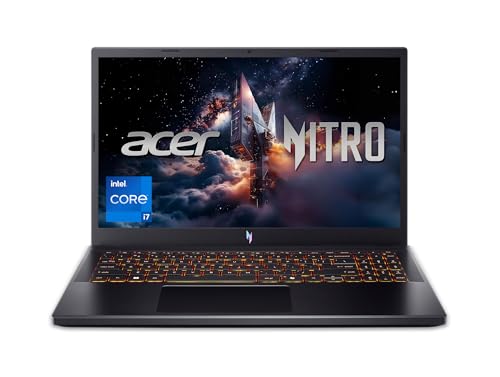
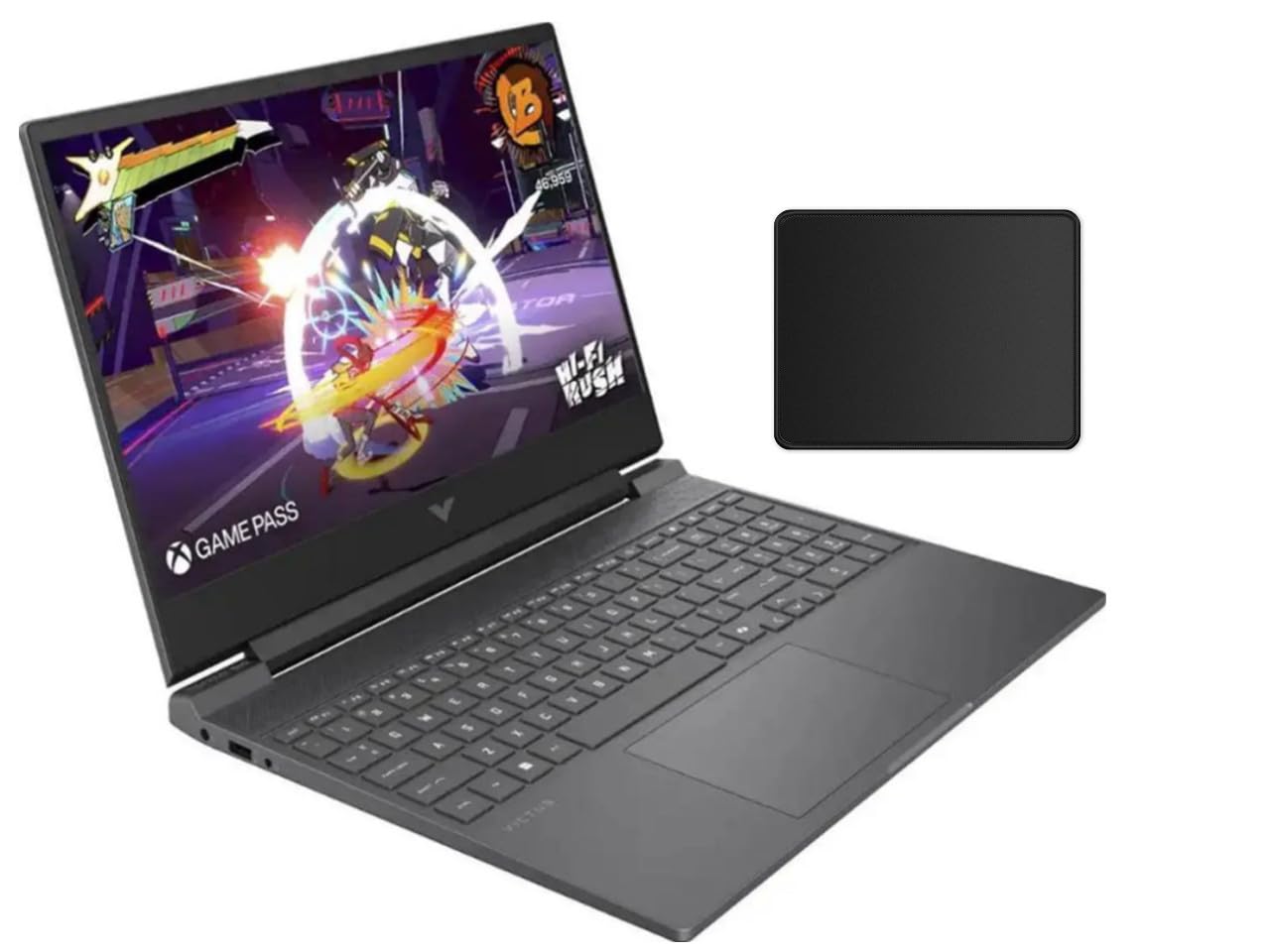
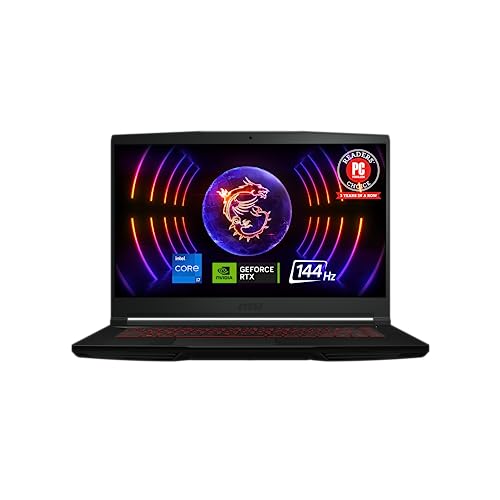
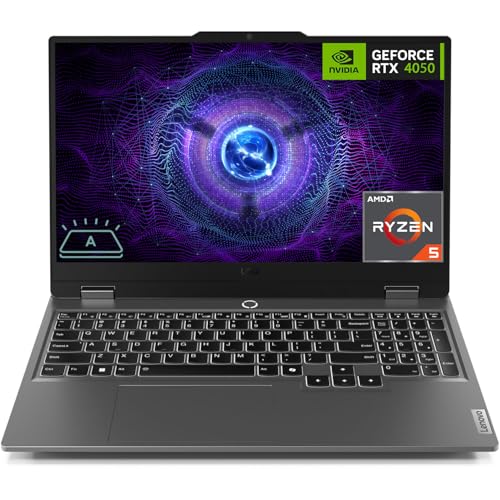
Start with the comparison table below to see how models split by price and graphics tier, then use the buying guide sections to set your own minimums. A balanced machine beats a lopsided one every time.




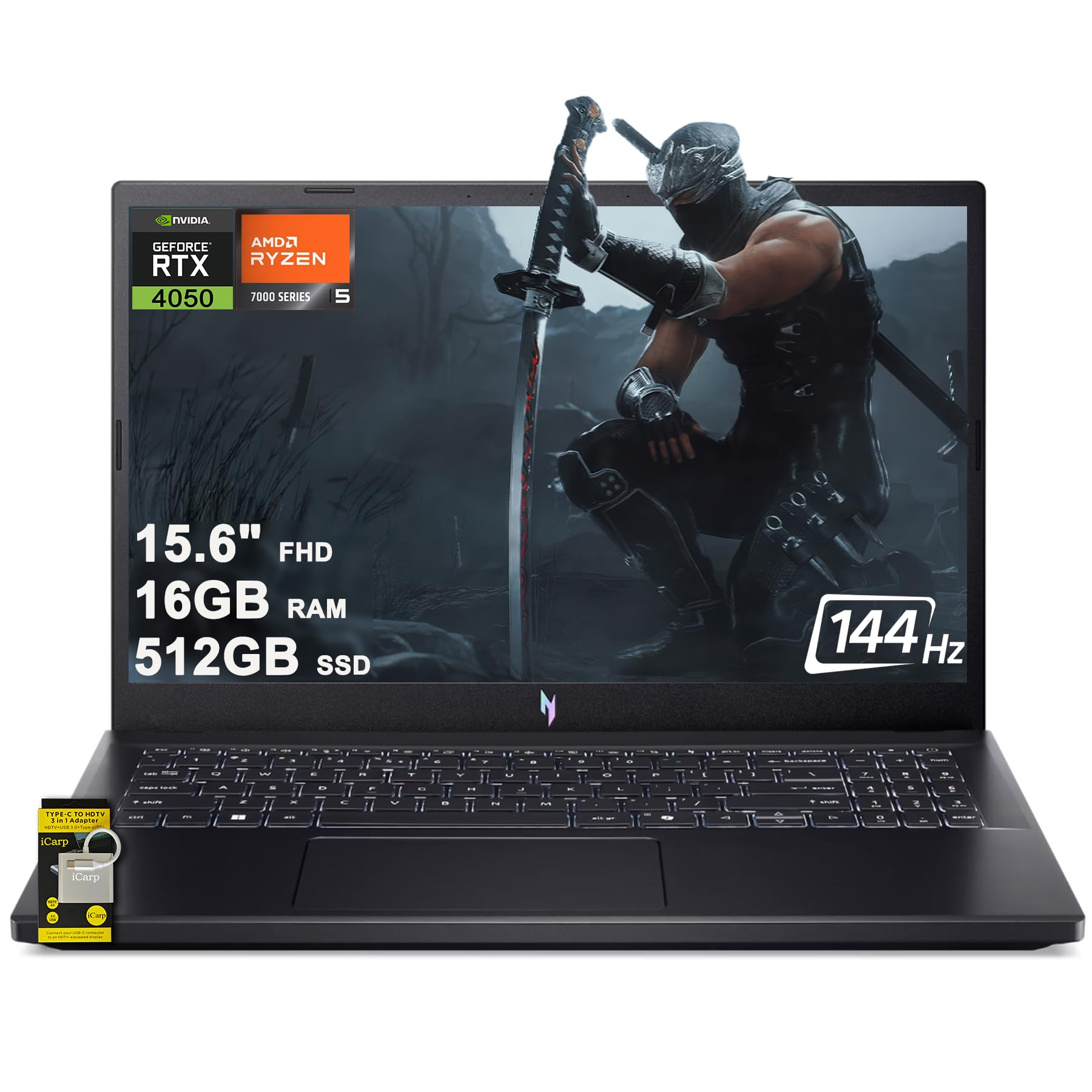
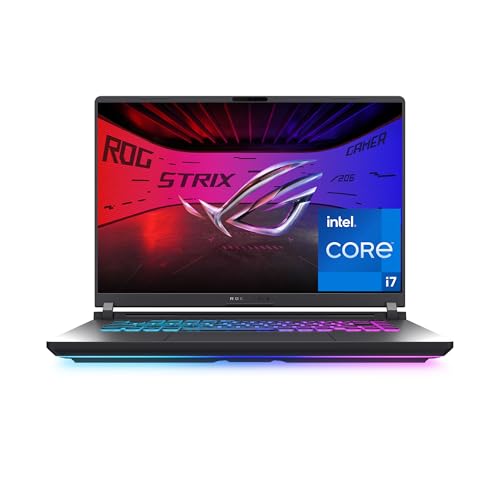
What Each Price Tier Delivers
Rather than naming specific models, this section describes what each tier in the product table above should give you. Use it to spot a listing that charges premium money for entry level parts. Prices shift with sales, so judge the parts list first and the discount second.
The Mid Priced Tier
The overall sweet spot for most new gamers sits around $900 to $1,300. At this level, expect a current mid range dedicated graphics card, a six core or better processor, 16 GB of RAM, and a 512 GB SSD, plus a display at 144 Hz or higher. Cooling should handle long sessions without loud surging fans. This tier runs modern games well at 1080p with high settings and leaves headroom for the next few years of releases.
The Value Tier
Value models around $650 to $900 make smart trade offs. You may get an older but still capable graphics card, 16 GB of RAM if you shop carefully, and a 512 GB drive. Screens may be a little dimmer and cases mostly plastic. For esports titles, strategy games, and slightly older releases, this tier is plenty. Avoid any value model with only 8 GB of RAM or a small 256 GB drive, because both limits show up fast once you install a few large games.
The Premium Tier
Premium models around $1,400 to $2,000 add stronger graphics for higher resolutions, brighter and more accurate displays, metal cases, and better speakers and keyboards. They make sense if you plan to play demanding new releases for years, connect an external monitor, or create video and stream. They are not required for a good first experience. If your game list is light, the mid priced tier plus a good mouse and headset will serve you better than a premium badge.
How to Choose the Best Gaming Laptops: Buying Guide
Beginner Friendly Features That Matter
A first gaming laptop should be easy to live with. Look for a simple control app that switches performance modes in one click, clear charging and battery indicators, and a keyboard backlight you can adjust without learning shortcuts. Preinstalled bloat slows new machines, so favor brands that keep extra software light. A good webcam and microphone matter for friends, school, and work calls, and they are easy to overlook when a listing leads with graphics numbers.
Processor and Performance Tier
The processor feeds the graphics card and handles game logic, streaming, and everyday tasks. Current Intel Core and AMD Ryzen lines in the mid range and above are all capable for gaming, so do not pay a large premium for the top processor paired with a weak graphics card. For beginners, graphics power decides frame rates far more than a small processor step up. Six or more performance cores is a comfortable baseline, and it also keeps school, office, and creative apps responsive.
Keyboard, Trackpad, and Build
You will type on this keyboard daily, so key travel, spacing, and a solid deck that does not flex matter. A full size layout with a number pad helps some users, while others prefer a compact deck and more desk space. Trackpads on gaming laptops are often small, since most players use a mouse, but it should still track smoothly for travel days. Aluminum lids and decks feel sturdier than thin plastic, though good plastic with strong hinges can hold up well.
Operating System (Windows, macOS, ChromeOS, Android, iPadOS)
Windows is the default choice for gaming laptops because nearly every PC game, store, and accessory supports it first. macOS appears on creative focused laptops that lack the dedicated graphics most modern games want. ChromeOS runs cloud gaming services but not local Windows game installs. If your school or workplace lives in one ecosystem, confirm the apps you need run on Windows before you buy, because a gaming laptop often becomes your only computer.
Ports and Connectivity
Check for at least two USB A ports for a mouse and headset, one USB C port, an HDMI port for a TV or monitor, and a headphone jack. WiFi 6 or newer keeps online play stable, and Bluetooth makes controller and headset pairing simple. An Ethernet port is a bonus for ranked online play, since a wired connection cuts lag spikes. If you plan to use one cable docking at a desk, look for USB C charging and display support in the specifications.
Display Size, Resolution, and Brightness
For most beginners, a 15 or 16 inch screen at 1080p or 1440p with a refresh rate of 144 Hz or higher is the sweet spot. Higher refresh makes motion look clearer and aiming feel more responsive. Brightness around 300 nits or more keeps the screen readable near windows. Color accuracy matters most if you edit photos or video. A larger 17 inch screen is immersive at a desk but heavy in a backpack, so weigh portability honestly if you carry the laptop daily. Readers comparing slimmer everyday machines can see our guide to the best notebook laptops for contrast.
RAM and Storage
Treat 16 GB of RAM as the real minimum for a new gaming laptop. It lets a game, voice chat, and a browser run together without stutter, and many new releases now list it as their baseline. Storage fills faster than people expect, since modern games often take 50 to 100 GB each, so 512 GB is the sensible floor and 1 TB is more comfortable. An SSD is standard in this class and keeps load times short. If a model allows RAM or storage upgrades later, that flexibility adds real value.
Graphics memory deserves one clear note. A dedicated graphics card with at least 6 GB of video memory handles 1080p gaming well today, while 8 GB gives more room for texture settings and future releases. Cooling ties it all together, because a powerful card in a thin case with weak fans will throttle and lose the speed you paid for. If you want a broader starting point before gaming specifics, our guide to the best laptops for beginners covers everyday setup basics.
Gaming Laptops vs Other Options
2 in 1 Convertibles
A 2 in 1 convertible folds into tablet mode and often supports a pen, which suits note taking and drawing. Most lack dedicated graphics and strong cooling, so demanding games run poorly or only through cloud streaming. Choose one if pen work and light games matter more than frame rates. Skip it if local gaming performance is the main reason you are buying.
Tablets
Tablets are light, quiet, and great for media, reading, and touch based games. They cannot install the full Windows game library, and their small screens and separate keyboards limit long play sessions. A tablet pairs well with a gaming laptop as a second device, but it rarely replaces one for a player who wants mainstream PC titles at home.
Budget Laptops
A budget everyday laptop costs less and runs school and office work fine, but integrated graphics limit it to light and older games at low settings. If your game list is mainly casual titles, a budget laptop plus a game subscription for cloud play can work. For regular local gaming, saving toward the value tier above is usually the better spend, as our guide to the best inexpensive gaming laptops explains in price terms.
Chromebooks
Chromebooks are simple, secure, and affordable for web based schoolwork, with long battery life. They do not run Windows games locally, though some support Android games and cloud gaming services that need a strong connection. A Chromebook is a fine school only device. It is the wrong main machine if your goal is a personal game library you can play offline.
For a look at how gaming machines sit within the wider laptop market, the best gaming computers laptops guide gives useful context, and readers who plan to step up later can compare with the best quality gaming laptops criteria for build and display standards.
Care and Maintenance Tips
- Keep the operating system, graphics drivers, and firmware updated, since driver updates often add game performance and stability fixes.
- Avoid running at 100 percent charge all the time if the maker offers a battery limit setting, because a partial charge cap slows battery wear at a desk.
- Use a padded sleeve when commuting, and never carry the laptop by one corner of the screen.
- Clean vents with short bursts of compressed air every few months, and keep rear and side vents clear of walls and bedding during play.
- Play on a hard flat surface or a simple stand so the fans can move air, and close background apps before demanding games to free memory.
FAQs
What makes gaming laptops for beginners different?
They aim for balanced parts and simple setup rather than extreme performance. A beginner focused model pairs a capable mid range graphics card with 16 GB of RAM, a fast screen, and cooling that stays stable without manual tuning. You give up the highest resolutions and settings, but you gain a lower price, quieter fans in daily use, and a machine that is ready to play within minutes of unboxing.
How much RAM do I need in a gaming laptop?
Sixteen gigabytes is the right target for a new gaming laptop. It covers modern game requirements and leaves room for voice chat, a browser, and recording tools at the same time. Eight gigabytes can run older and lighter titles, but it stutters in newer releases and ages quickly. If a value model offers an open slot, adding a second matching stick later is a low cost upgrade that also enables faster dual channel memory.
Is a dedicated GPU worth it?
Yes, a dedicated graphics card is worth it if you play modern 3D games locally. It delivers several times the frame rates of integrated graphics and unlocks higher settings and refresh rates. Integrated graphics are fine for casual, 2D, and older games, plus cloud gaming. Judge the card by its tier and video memory, not by the laptop price alone, because makers sometimes pair a strong brand badge with a weak card.
Should I buy a laptop or a tablet for gaming?
Buy the laptop if you want the full PC game library, a real keyboard, and upgrade options. Buy a tablet only if touch games, media, and extreme portability are your main uses. Many households end up with both over time, using the tablet for travel and reading. For a first and only device that must handle school, work, and games, the laptop is the clear and more flexible choice.
Is a Chromebook enough for school and gaming?
A Chromebook can be enough for web based schoolwork, documents, and video classes. It is not enough for local PC gaming, since it cannot install Windows games. Cloud gaming can fill part of the gap when your internet is fast and stable, but it adds a subscription and fails offline. If gaming matters alongside school, choose a Windows laptop and treat the Chromebook as a budget school only alternative.
Final Thoughts on Beginner Gaming Laptops
Set your floor at 16 GB of RAM, a 512 GB SSD, a dedicated graphics card with at least 6 GB of video memory, and a screen at 144 Hz or higher. Balance beats extremes at every beginner budget. Compare your shortlist against the product table above, keep cooling and warranty in view, and the best beginner gaming laptops choice for your games and your desk will be easy to spot. Apply these checks to any best beginner gaming laptops you compare.


