
Best Bang for Buck Security Cameras: Every Type Explained Side by Side for 2026
Disclosure: We may earn a commission when you buy through links on this page, at no extra cost to you. As an Amazon Associate I earn from qualifying purchases. Learn more

Compare the best bang for buck security cameras by type, with pros and cons, ideal users, price ranges, and clear tips for choosing the right style.
Security cameras come in so many types that the hardest part is often not picking a model, but picking the right kind of camera for each spot in your home. An indoor camera, a battery camera for the porch, and a camera used as a baby monitor solve different problems and cost different amounts to own. This guide compares each type side by side so you can find the best bang for buck security cameras for your layout and your habits.
You will see what each type does well, where it falls short, and what it usually costs. The product table gives a quick overview, and the sections that follow help you match type, features, and storage to your home.

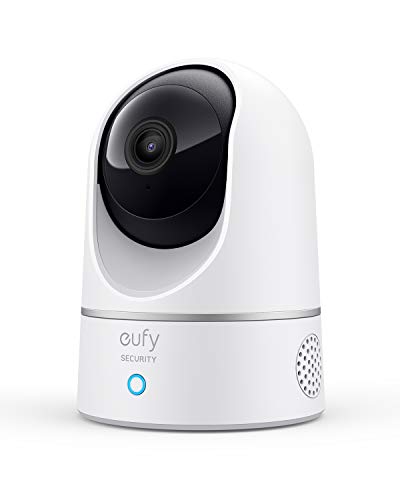
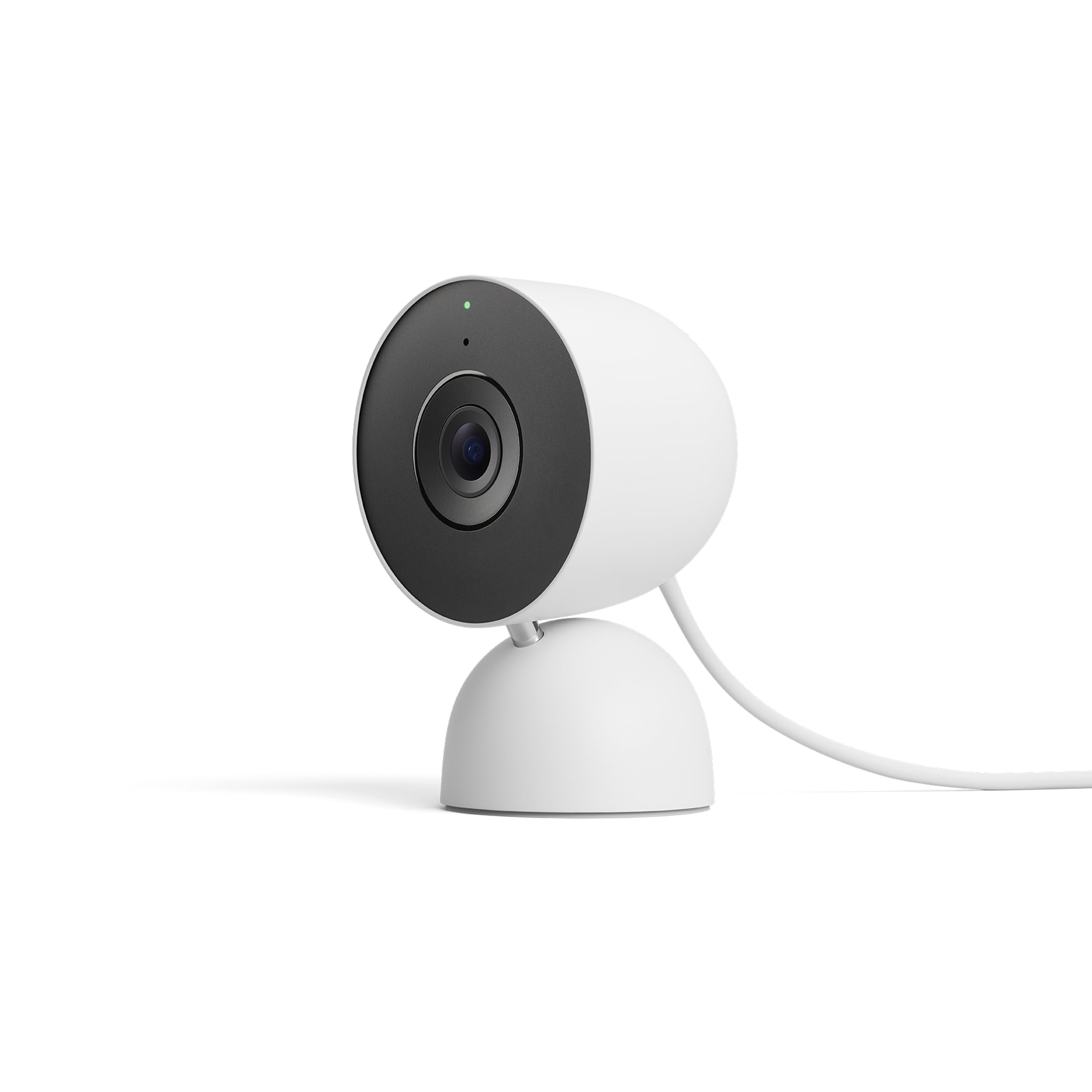

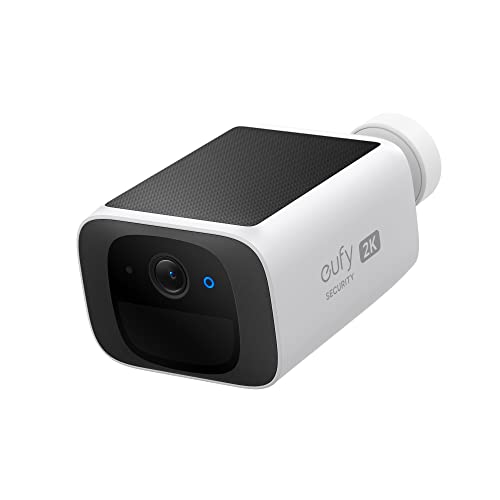
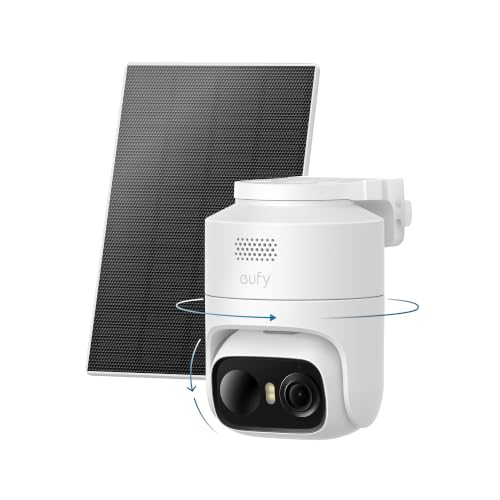
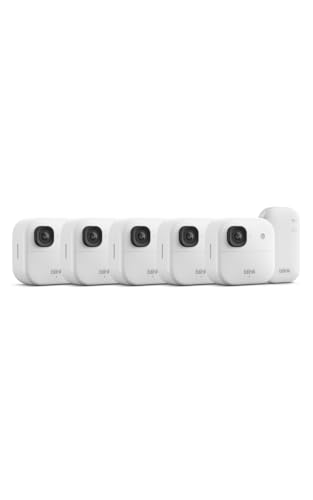
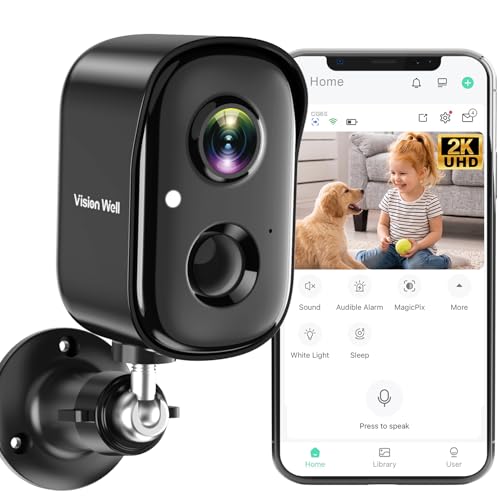


Types of Security Cameras Compared
Start with placement and power. Where a camera lives decides whether it needs weatherproofing, how it gets power, and how much video detail you need. The three types below cover most homes, and many households end up mixing two types rather than forcing one type to do every job.
Indoor Cameras
Indoor cameras are small plug in cameras for living rooms, entry halls, and pet areas. They are usually the lowest cost type, often around $25 to $80 per camera, and they offer clear video, two way audio, and motion alerts through an app. Because they stay indoors, they do not need weather seals or batteries, so setup is fast and upkeep is low. The downside is coverage: they cannot watch a driveway or porch, and a visible indoor camera can feel intrusive in private rooms. Choose this type for watching a front door from inside, checking pets, or monitoring a main living space while you travel. For whole house planning, see the best security cameras for house layouts.
Baby Monitors
Camera based baby monitors are indoor cameras tuned for nursery use, with features like room temperature readings, lullaby playback, and alerts for crying or movement. Some use a dedicated parent screen instead of only a phone app, which many parents prefer at night. Prices often run around $60 to $200 depending on screen size and range. The trade off is focus: nursery features add cost you do not need for general home security, and many models lack outdoor use or advanced person detection. If the camera will later move to general duty after nursery years, pick a model that also works as a standard indoor camera in the same app.
Safety note for nursery use: place cameras and cords out of reach of children, at least three feet from the crib, and follow maker guidance on mounting. A camera is a helpful extra set of eyes, but it does not replace safe sleep practices or adult supervision. If you have health or safety concerns about your child, talk with your pediatrician.
Battery Powered Wireless Cameras
Battery powered wireless cameras suit porches, gates, garages, and yards where running a cable is hard. They mount with a few screws, connect by WiFi, and run for weeks to months per charge depending on traffic and settings. Prices often run around $60 to $180 per camera, and outdoor models should carry at least an IP65 weather rating. The trade offs are upkeep and limits: you must recharge or swap batteries, and constant recording is usually not offered because it drains power fast. Choose this type for flexible outdoor coverage where motion based clips are enough. For more outdoor placement ideas, see the best security cameras outside.
Indoor Cameras vs Baby Monitors: Which Should You Choose?
These two types overlap, so compare them on five points. First, alerts: baby monitors flag crying and room conditions, while indoor cameras flag motion and sound in general terms. Second, viewing: baby monitors may include a dedicated screen, while indoor cameras rely on your phone. Third, privacy: a dedicated screen keeps nursery video off the internet, which some families prefer. Fourth, lifespan of use: an indoor camera moves easily to pet or entry duty later, while nursery specific features lose value as your child grows. Fifth, cost: a basic indoor camera usually costs less.
Choose a baby monitor if you want a dedicated screen and nursery specific alerts now. Choose a general indoor camera if the main job is home awareness and you want the camera to stay useful for years in other rooms. If you need both home and nursery coverage, one shared app system can reduce hassle, and the best bang for your buck home security cameras explains whole home value in more detail.
How to Choose the Right Camera
After type, four feature groups decide whether a camera feels like good value or a daily annoyance. Work through them in order and you will avoid most returns.
Features That Matter in Value Security Cameras
Value means clear video, smart alerts, and storage you can afford over years, not just a low box price. Aim for at least 2K resolution, a field of view around 130 degrees or wider for outdoor spots, and person detection to cut false alerts from trees and passing cars. Local storage on a microSD card or a home hub can save subscription cost, so check card size support before you buy. Also confirm night vision range matches your yard depth, because a camera that sees only ten feet at night will miss the gate you bought it to watch.
Privacy and Security
A camera is only as safe as its account and software. Look for two factor authentication, encrypted video in transit and at rest, and a maker with a clear data policy and regular firmware updates. End to end encryption, where offered, gives the strongest protection because even the service cannot view your clips. Use a unique password, turn on login alerts, and avoid sharing accounts; use guest access features instead. Place indoor cameras in shared spaces rather than bedrooms or bathrooms, and tell household members and guests where cameras are.
Video Resolution and Field of View
Resolution helps you identify faces, plates, and package details. 2K video is the value sweet spot for most homes, offering a clear step above 1080p without the storage and WiFi load of 4K. Field of view around 130 to 160 degrees covers a wide porch or room corner, but very wide views can shrink detail at the edges. Think in pairs: a wide view for awareness plus a well placed camera closer to the door for detail often beats one expensive camera trying to do both. Test placement with temporary mounting before you drill holes.
Smart Detection and Alerts
Person detection is the alert feature worth paying for, with package and vehicle detection useful for driveways and porches. Activity zones let you ignore a busy sidewalk and focus on your steps or gate, which reduces alert fatigue. A practical setup tip: for the first week, review clips each evening and tune sensitivity and zones until you get only alerts you would act on. Endless false alerts teach you to ignore the app, which defeats the purpose of the camera. Two way audio also helps here, letting you speak to a delivery driver or warn off a stranger without opening the door.
If your main need is wide area watching rather than doorstep detail, the best security surveillance cameras covers longer range setups, and for weather exposed walls, see the best exterior security cameras guide.
How to Make Your Camera Last Longer
- Mount at the right height. Mount cameras 8 to 10 feet high outdoors so they see faces and packages but stay out of easy reach.
- Protect your account. Enable two factor authentication, use a unique password, and install firmware updates promptly.
- Avoid glare and heat. Position cameras away from direct sun glare and under eaves where possible, because heat and glare shorten life and ruin video.
- Care for batteries. Recharge battery cameras before they run fully flat, and keep a spare battery or a small solar panel option in mind for busy spots.
- Check seals and mounts yearly. Tighten mounts, clean lenses with a soft cloth, and confirm weather seals still sit flat.
FAQs
What features matter most in value security cameras?
Person detection, 2K video, and flexible storage matter most. Those three decide whether alerts are useful and whether you can review clear clips without high ongoing cost. One extra point: check app quality and update history before you buy, because a camera with a neglected app becomes frustrating even if the hardware is sound.
Are home cameras easy to hack?
Most breaches come from reused passwords and missing updates, not from cameras being broken into directly. Use a unique password, turn on two factor authentication, and keep firmware current, and risk drops a great deal. Buying from makers that publish security policies and offer encryption adds another layer. If an account shows an unknown login, change the password at once and review shared users.
Wired or wireless: which is more reliable?
Wired power is more reliable because it never runs flat and can support constant recording. Wireless battery cameras are easier to place and work well for motion clips, but they depend on WiFi strength and charge level. For a front door with heavy traffic, wired or plug in power is usually the safer value. For a back gate with light traffic, battery power is often reliable enough.
Do I need a subscription?
No, a subscription is optional on many value cameras if they offer local storage. A plan usually adds cloud clips, longer history, and advanced detection types. Compare three year cost, not just the box price: a low cost camera with a required plan can cost more over time than a higher priced camera with free local storage. Choose based on how long you need to keep clips.
How much storage do I need?
For motion based clips, a 128 GB card often holds days to weeks of clips for one camera, depending on traffic and resolution. Constant recording uses far more, often filling the same card in a few days. Think about your review habits: if you check alerts daily, modest storage is fine. If you travel for weeks, cloud backup or a larger card gives more safety for important clips.
Can cameras work without WiFi?
Some cameras can record to local storage without WiFi, but you lose live view, phone alerts, and cloud backup until connection returns. Models with a home hub can keep recording locally during a short outage. If remote alerts are the main reason you bought the camera, a stable WiFi signal at the mounting spot matters more than a small step in resolution. Test signal strength at the exact spot before you mount.
Final Thoughts
Pick the type by placement first, then insist on person detection, clear 2K video, and storage costs you can live with for years. Use the product table above to compare current options by type and price, and place indoor, nursery, and battery models where each does its best work. Chosen that way, your best bang for buck security cameras will give useful alerts and clear clips without draining your budget on fees.


